"Reinstall the app first" — busted
Top reply under every payment-fail thread, and it's the weakest possible opening move against a billing decline. Reinstalling touches nothing that matters here: not your Apple ID payment method, not your card's verification state, not your store region. The failure lives in those three, and the app binary isn't one of them.
There's exactly one narrow case where it earns its slot. If the payment cleared and the coins just never showed, an offload-and-reinstall flushes the stuck app state. Per BitTopup, that clears roughly 80% of minor iOS crediting delays. Exact route: Settings > General > iPhone Storage > SUGO > Offload App, then pull it back from the App Store. Your data survives. Only the binary rebuilds.
Notice the line between the two failure types, though. Reinstalling fixes delivery, never decline. A hard "payment failed" at checkout means the app was never the chokepoint to begin with. So as a first move? Busted. Useful only when money left and coins didn't arrive.
"Just retry until it goes through" — busted, and it bills you
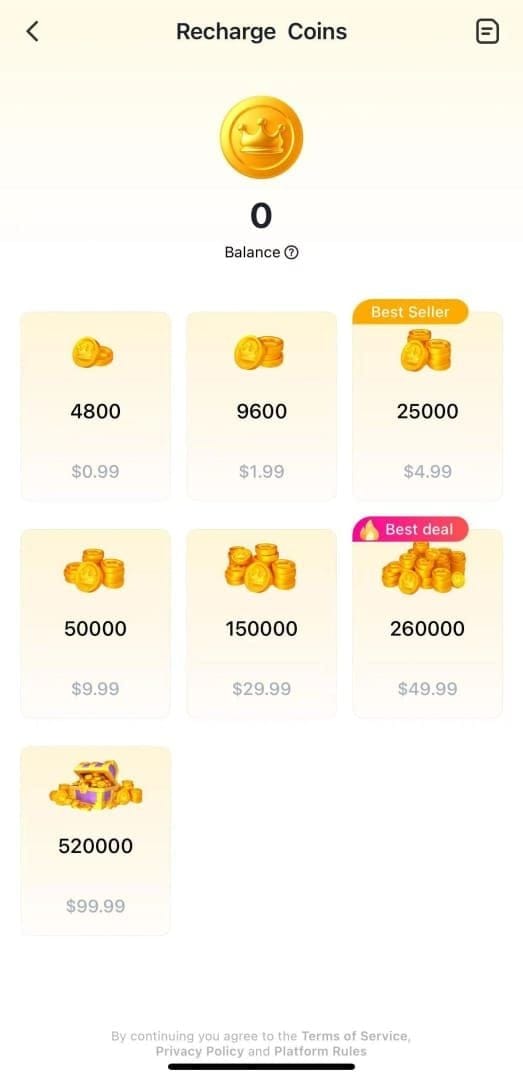
Spam the buy button and one failed purchase becomes three pending holds on your statement. Every attempt can drop a temporary authorization, and the iOS billing guidance circulating across YouTube and Reddit tutorials (2026) lands on the same point: retrying instantly stacks holds before the first one clears.
Here's the mechanic the guides skip. A failed Apple purchase usually leaves a pending hold (money that looks gone but was never actually charged) and it auto-reverses on its own. Apple Cash pending transactions clear within four business days, per Apple Support. A card hold from a declined attempt behaves the same way: it falls off within a few days, no refund request needed. Panic-retry five times and you've now seeded five of those holds, and your available balance reads gutted for a week.
So the right response after a decline runs against instinct: stop. Don't retry for 24–48 hours if you can stand it, and absolutely fix the root cause before the next attempt. The one retry I'll sign off on is the retry after you've changed something, a fresh payment method or a corrected region. Retry with the identical broken setup and all you've minted is another hold.
Busted. Instant retries fix nothing and risk freezing your balance in duplicate authorizations.
When Sugo support actually helps (and when it wastes your week)
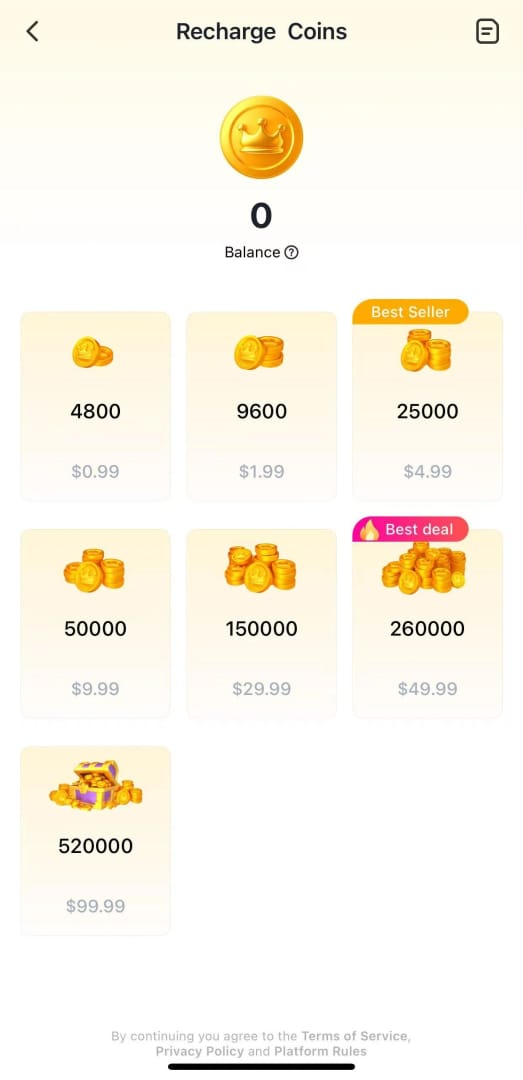
For a clean decline, where checkout failed and nothing got charged, emailing Sugo first burns days. Apple is the processor, Apple owns the billing, and Sugo can't refund a transaction Apple never completed. Your Apple ID settings are where the fix lives. Go there.
The order only inverts in one situation: money left your account, the App Store flashed "success," and no coins landed. That's a delivery fault on Sugo's end, and support becomes the right call. No public Sugo help center exists, so the route is email: contact@sugochat.com, transaction receipt attached. That address shows up consistently across App Store reviews and user reports on the App Store listings. Before you fire it off, spend five minutes on the in-app fix: wait, force-close, clear the cache. The same BitTopup recovery guide puts cache-clearing at resolving around 95% of connection-related missing-coin cases, so most "I paid and got nothing" scares sort themselves out before a support agent ever opens your message.
The decision flow is tight:
- Hard decline, no charge → Apple settings, not Sugo.
- Charged, "success," no coins → wait 5 min, clear cache, then email contact@sugochat.com with the receipt.
- Charged, no "success," money pending → almost certainly a reversing hold; wait it out before touching anything.
Qualified. Right for missing-coins delivery, dead wrong for billing declines.
"An expired card is the only reason it declines" — busted
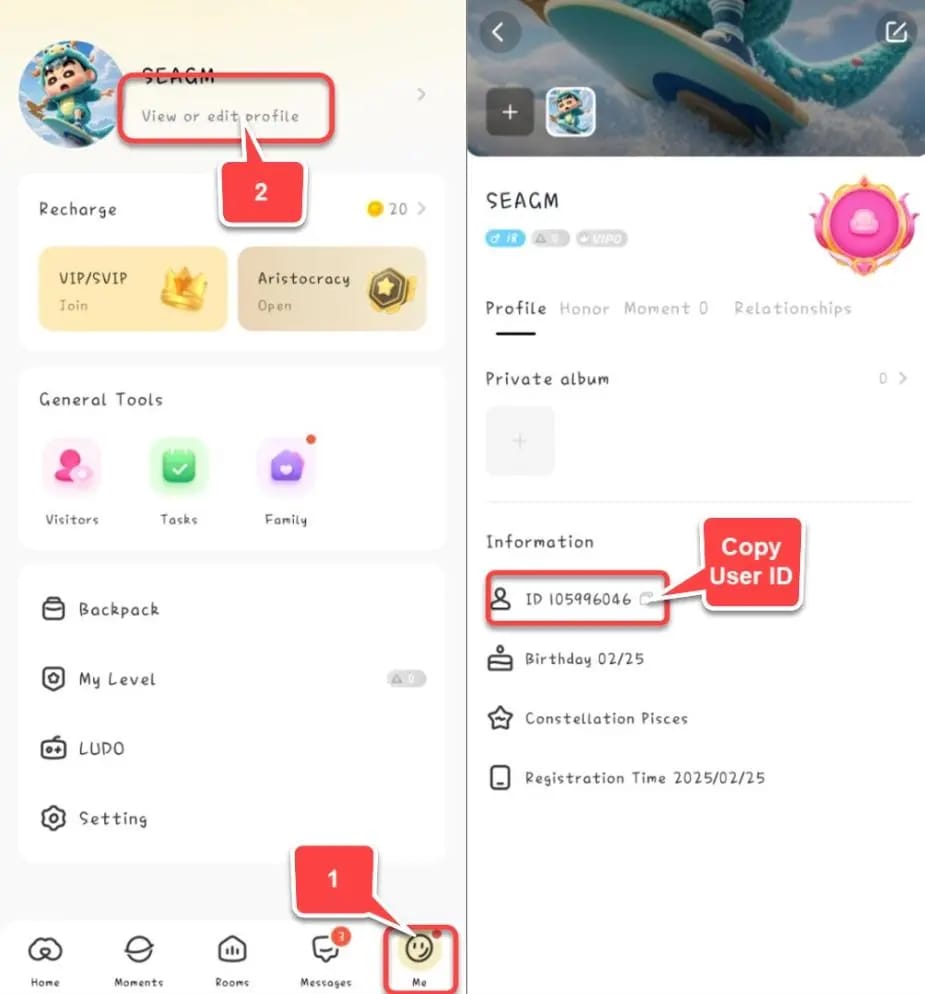
Card status is one input among several. Fixing the payment method is genuinely the highest-yield first move, but it isn't the full picture. Apple's own guidance is to add a different method, then strip the old one, to force the purchase through. As Apple Support puts it flat out: "If your payment method is declined... add a different payment method, then remove the old one." Path: Settings > [your name] > Payment & Shipping > add new method > remove old > retry. Re-adding a card also re-fires verification, which clears a stack of silent authentication failures.
One billing trap nobody flags: an unpaid balance from an earlier purchase blocks everything new. An outstanding balance freezes further purchases until you settle it. So if Sugo keeps declining, check whether you owe Apple for something prior, a subscription, a past app, because that single unpaid line gates the entire account.
Then the cause almost no guide names: Apple ID region mismatch. If your Apple ID country doesn't match the country your card was issued in, the store can bounce you with a vague error. And before you go flipping your region to fix it, know the hidden cost. Switching Apple ID country can void any existing store credit. Spend it down or note the balance before the move, because that credit doesn't survive the switch.
Busted as the sole cause. Payment method ranks first, but unpaid balances and region mismatches decline you just as hard.
"If iOS blocks the buy, the app is broken" — busted
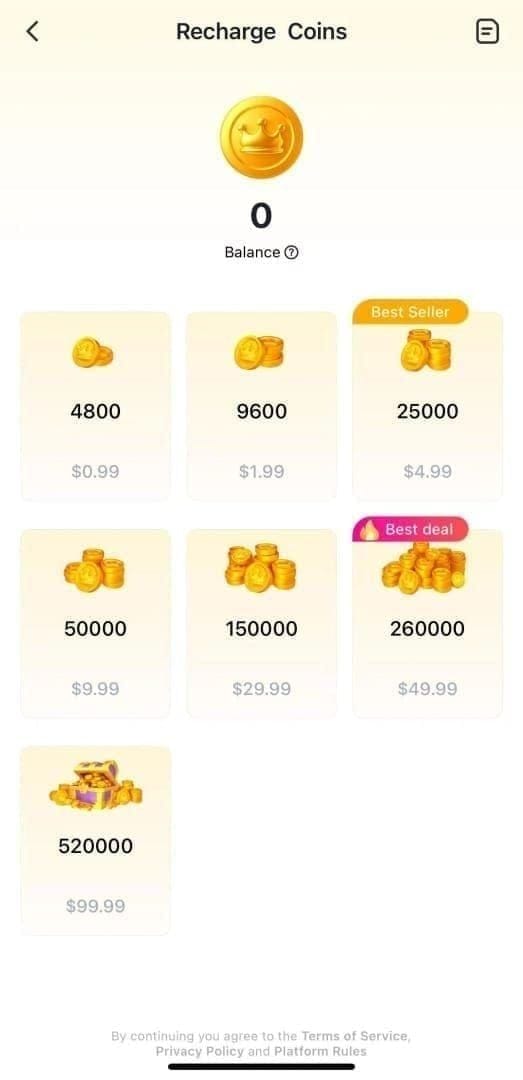
When the purchase dies with no useful error at all, suspect the iPhone's parental and content controls before you blame Sugo. Two settings quietly kill in-app purchases:
Screen Time content restrictions. If in-app purchases are restricted under Screen Time, the buy fails or never even presents. Settings > Screen Time > Content & Privacy Restrictions > iTunes & App Store Purchases, then confirm in-app purchases are allowed.
Ask to Buy. The nastiest of the lot because it fails silently. On a Family Sharing account with Ask to Buy on, your purchase waits for an approver to tap "approve" on their own device. No response, and the purchase just sits there dead with no clear error on your side. You'll swear the app's broken when a family organizer is simply ignoring a notification.
Network and VPN round out the invisible blockers. A VPN or proxy can flat-out block Sugo transactions, per BitTopup's recharge troubleshooting, so kill it before you pay. The full device-side reset before a clean retry: wait five minutes, force-close Sugo, clear the cache, toggle airplane mode on and off, drop any VPN. That sequence wipes the connection-layer failures masquerading as payment failures.
Busted. Half the "broken app" reports are Screen Time, Ask to Buy, or a VPN. Not Sugo.
"Web top-up is sketchy, stick to the App Store" — qualified

When iOS billing is genuinely broken and you just want the coins, a legit web top-up is the reliable fallback, and on price it frequently wins outright. The catch sits in which site and how carefully you key in your ID, so the caution holds even where the blanket fear doesn't.
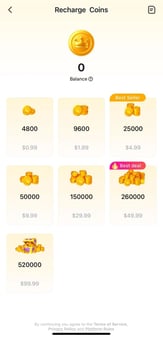
The price gap is real. Web channels run up to 20% cheaper per coin than the in-app buy, according to BitTopup, with packages spanning 1,200 coins to 130,000 coins priced from $0.75 up to $95.99 after discounts. The discount on the big bundles is what made me stop defaulting to the App Store. The per-coin figure just favors web on the large packs. Delivery's fast too: trusted platforms credit within seconds to under five minutes, per EnjoyGM. And because payment runs through PayPal or a card directly rather than Apple's rails, it sidesteps the exact decline that sent you hunting in the first place.
|
App Store |
Web top-up |
| Price per coin |
Standard |
Up to 20% cheaper on large packs |
| Crediting time |
Usually instant |
Seconds to under 5 min |
| Billing-failure risk |
The whole problem |
Bypasses Apple's rails |
| Payment options |
Apple ID method only |
PayPal, cards, local methods |
Source: BitTopup News (2026), EnjoyGM Blog (2025).
Two pitfalls earn the "qualified." First, the User ID. Key it wrong and your coins drop into a stranger's account with zero recovery. Copy it exactly from Me > Profile inside the app, per EnjoyGM. Never type it from memory. Second, the link. Unverified third-party links risk a scam instead of a real top-up, so stick to established platforms with local payment support, available globally via reputable channels including Codashop. For transparency, this article is published by VGTopup, itself a web top-up option. If you take that route, confirm your Sugo ID before paying, same as anywhere. You can SUGO Coins Top Up recharge with your ID as a backup when the App Store won't cooperate.
Qualified. Web top-up is safe and cheaper if you copy your ID exactly and use an established platform. Careless ID entry is the only genuine danger.
What to actually do, in order
Skip the reinstall reflex, skip the retry reflex. Work the causes in the order that returns value fastest:
- Diagnose the failure type. Hard decline (nothing charged) vs. charged-but-no-coins vs. money-pending. Everything branches from here.
- For a decline: add a different payment method and remove the old one, clear any unpaid Apple balance, confirm your Apple ID region matches your card.
- Rule out the phone: Screen Time purchase restrictions, Ask to Buy approval, active VPN.
- For charged-but-no-coins: wait 5 minutes, clear the cache, then email contact@sugochat.com with your receipt.
- For a pending hold: wait 1–7 days for the auto-reverse. Don't retry into it.
- If the App Store keeps failing: use a web top-up with your exact Sugo ID as a reliable fallback.
Fix Apple first, because Apple owns the billing. But keep a non–App Store route in your back pocket. For any voice-chat coin app on iOS, that backup is cheap insurance against a billing system you don't control.
Frequently Asked Questions
Why does Sugo say payment failed but the money was taken?
Almost always a pending authorization hold, not a finished charge. Apple dropped a temporary hold while the purchase failed, and it auto-reverses on its own. Apple Cash pending transactions clear within four business days per Apple Support, and card holds behave similarly within roughly 1–7 days. Don't retry into it. You'll only stack more holds.
How long does a real refund take to actually show up?
Depends entirely on the original payment method. Store credit refunds land within 48 hours, credit and debit card refunds can take up to 30 days to surface on your statement, and mobile phone billing refunds run up to 60 days, all per Apple Support's refund status page (2026). Apple itself says a card statement may need the full 30 days to reflect it, so a slow refund isn't a lost one.
Is it cheaper to top up Sugo coins on the web than on iOS?
On the larger packages, yes. Web channels run up to 20% cheaper per coin than in-app, per BitTopup (2026), with packs ranging $0.75 to $95.99 after discounts. The saving is sharpest on big bundles. On the smallest 1,200-coin pack the gap thins out enough that convenience can win instead.
Why does my iPhone block the purchase with no error at all?
Two silent culprits: Screen Time content restrictions blocking in-app purchases, and Ask to Buy on Family Sharing waiting on an approver who hasn't tapped "approve." Ask to Buy in particular fails with no visible error on your end. A VPN can also block the transaction outright, so disable it, per BitTopup, before retrying.
What's the one mistake that loses my coins permanently on web top-up?
Entering the wrong Sugo User ID. Coins sent to a mistyped ID go to someone else's account with no recovery path, per EnjoyGM (2025). Always copy your ID straight from Me > Profile inside the app rather than typing it by hand, and double-check it against the field before you confirm payment.









Comments