


GIGB Top Up Charged But Chronal Nexus Not Received: Fix Guide
Charged, no Nexus, and you've spent exactly zero dollars beyond this one top-up. Good news: the money's almost never gone. It's one of three things, every time. A bank authorization that's still pending (an earmark, not a settled charge), a reward parked unclaimed in your in-game mailbox, or a failed transaction that quietly reverses on its own. Restart the game, crack open the mailbox, and pull up your purchase history before you do anything else. Only file a claim with your transaction ID if the Nexus is still missing past 24 hours. HoYoverse's support flow names that 24-hour window as the line in the sand, so don't lose it at minute five.
I top up Chronal Nexus rarely, which makes the gut-punch worse: bank app pings, in-game balance doesn't budge, brain screams "fifteen bucks, gone." It usually isn't. Here's the order I actually move in when a top-up looks like it ghosted me.
The 9:42 PM scramble — your first three checks
A Tuesday-night $15 top-up (the x980 + 100 bonus pack on official and partnered stores, per BuffBuff Blog pricing as of October 2026) once sat invisible on me for a good ten minutes. The cure was painfully dull: restart.
Run these three, in order, before anything dramatic:
- Restart the game. Step one in HoYoverse's own guidance for missing purchased currency. Closing and relaunching makes the client re-sync your balance against the server. Per HoYoverse Support, a stale display is one of the most common reasons currency "won't show."
- Open the in-game mailbox. Bonus and event-tied amounts often land as a claimable mail attachment instead of dropping straight into your balance. Blow past the mail icon and your Nexus might already be sitting there, one tap away.
- Check your purchase / transaction history. Both inside the game and on the payment side. App Store, Google Play, whatever processor handled it. The official flow tells you to confirm the payment actually cleared on the platform, because a failed payment can still throw a temporary bank hold that looks like a real charge.
Nine times in ten, one of those three closes the case. Nexus is in the mailbox, the restart drags it into your balance, or the "charge" turns out to be a hold that never settled.
Pending, failed, or genuinely delivered — read your charge right
The biggest misread out there is treating a pending authorization like a completed debit. It isn't. When a processor approves a top-up, it first slaps a hold on the funds. The money's earmarked, not taken. If the in-game delivery handshake flops, that hold never gets captured, and it silently drops off your statement days later with no separate "refund received" ping. You watch the balance, see the pending line vanish, and figure nothing happened. Because functionally, nothing did.
How I sort the three states fast:
| What you see | What it actually means | What to do |
|---|---|---|
| "Pending" / authorization hold on bank app, no Nexus | Funds earmarked, not captured. Delivery handshake may have failed. | Wait. Holds typically reverse on their own within a few business days. Don't dispute yet. |
| Payment shows "failed" or "declined" on the platform | Transaction did not complete. Any hold auto-refunds. | Confirm on the payment platform, then re-attempt the top-up. |
| Platform shows "successful / completed," still no Nexus | Real charge captured. Genuine delivery gap. | Restart + mailbox + history. Still missing after 24h → file a claim. |
Source: HoYoverse Support Article (2025); charge-state behavior synthesized from standard payment-authorization flow.
That middle row is the one where money genuinely moves and nothing lands. Even then, the official advice is to wait up to 24 hours for the currency to credit, since delivery can crawl during high-traffic banner windows. Chronal Nexus is the premium currency feeding Miliastra Wonderland banner pulls, per TopUpLive, so demand spikes when a fresh banner drops. And spikes are exactly when delivery queues back up.
My read: most "charged but not received" posts get hammered out inside the first half-hour. Too early. The processor hasn't settled, the queue hasn't cleared, and the ticket you're itching to file will just sit behind the auto-resolve that was already on its way.
Where the Nexus lands, and the two things that hold it hostage
Delivery runs on two paths, not one. Knowing which applies tells you where to look.
Through official and partnered top-up stores, Chronal Nexus credits straight to your account balance, often in real-time or inside a couple of minutes, per the BuffBuff documentation of partnered center delivery. So if you bought through a partnered channel and the balance is bone-dry after a restart, that's a real gap worth chasing, not a mailbox thing.
But bonus tranches and certain event grants can route to the mailbox as a claimable attachment. The part almost nobody flags: mailbox rewards can expire. A Nexus attachment left sitting too long can vanish before you ever clocked it arrived. That's why I treat any unread mail icon like a fire alarm. Claim first, sort it out after.
The other silent killer is an ID mismatch. Top up on any third-party site and you punch in your Genshin UID and server by hand. The same instructions hammer on entering the correct UID and server for this exact reason. Fat-finger one digit, or grab the wrong region server, and the payment goes through while the currency drops onto an account that isn't yours.
This is the line between a recoverable mess and a lost one. A clean payment sent to the wrong server or account ID is generally non-refundable. The transaction worked precisely as you told it to. But it's often redeliverable if you can prove ownership of both the ID you meant to use and the one it actually hit. So screenshot everything: the order confirmation, the UID you typed, your account login on the intended server. Refund logic won't save you here. Ownership proof might.
The clock decides when you act
Partnered top-up delivery usually lands near-instant, real-time to a few minutes. Direct in-app and platform buys route through the storefront's processor, so a short lag is normal, and the official guidance caps the reasonable wait at 24 hours before you call it a true failure.
For failed transactions, the clock you care about is the auto-refund. There's no single GIGB-published number I'd treat as gospel, but failed gateway authorizations broadly unwind within a few business days. Community-reported and processor-typical windows sit in the rough 3–7 business days range, depending on your bank. I'd rather hand you an honest range than fake a precise figure that doesn't exist.
What this means at the table: if your charge reads "failed" or "pending," firing off a refund ticket in the first hour is the worst possible move. The reversal's already rolling. A ticket just bolts on a queue you never needed.
File a claim that resolves, and the one field that decides it
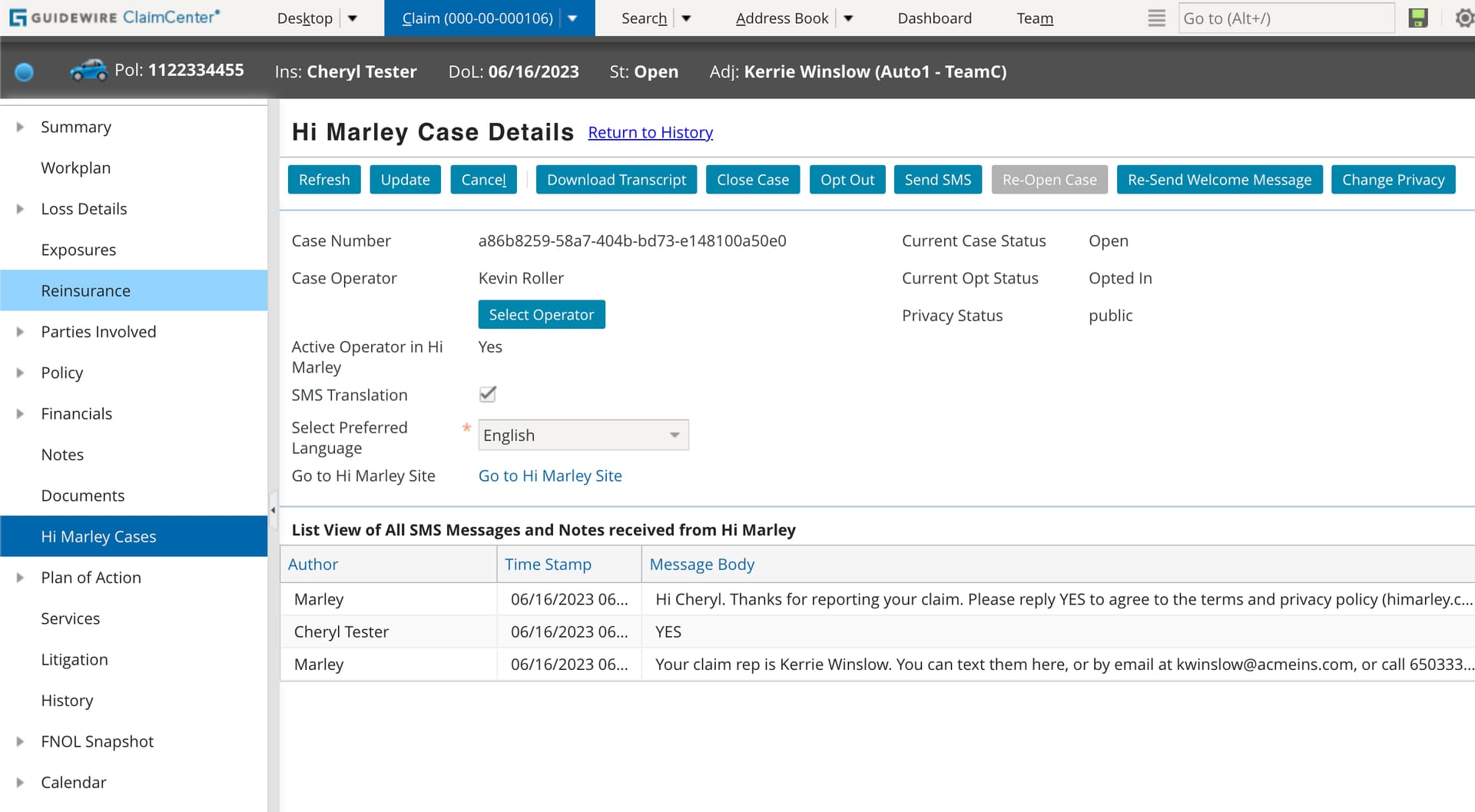
If it's genuinely been past 24 hours, the platform shows a successful charge, and the mailbox is empty, now you file. The gap between a claim that closes in days and one that rots for weeks comes down almost entirely to one piece of evidence: the transaction ID.
Tickets sent without a transaction or order number are the top reason claims stall. Support can't match a payment they can't find. Before anything else, screenshot:
- The transaction ID / order number (from the email receipt or your platform purchase history)
- The payment platform record showing the charge state (App Store / Google Play / processor confirmation)
- Your UID and server, and the product you bought (e.g. Chronal Nexus x980)
- The timestamp of the purchase
HoYoverse's official path for missing purchases routes you to genshin_payment@hoyoverse.com with your transaction details, per the official top-up center. That address is the resolver. But it's only as sharp as the transaction ID you feed it.
Redelivery vs refund — pick on purpose:
- Want the currency, charge was real, delivery flopped → ask for redelivery. You keep the Nexus, support pushes it to your account. Right call for the "successful but missing" case and the wrong-ID case (where you prove both IDs).
- Want your money back, or the charge duplicated/erred → ask for a refund. Cleaner for genuine double-debits or buys you didn't want.
On double charges: before you dispute, check whether one line is settled and the other is pending. The overwhelmingly common pattern is one real capture plus one authorization hold that falls off by itself, not two real debits. Disputing the hold early just spawns noise. Let the pending line reverse first.
And the thing I'll genuinely beg you not to rush: a chargeback is the last resort, not the opening move. Filing one against the publisher can flag or lock the very account you're trying to protect. Redelivery and the support email clean up the vast majority of real delivery gaps without your bank's dispute process ever entering the picture.
One transparency note, since this runs on VGTopup: a top-up flow that hands you a visible order ID for every Chronal Nexus purchase makes any future claim far easier. You're never stuck hunting a transaction number an opaque in-app prompt never bothered to show you. If you'd rather dodge ambiguous delivery states, that's the practical edge of a trackable channel like GIGB top up. The point holds wherever you buy: keep your order ID, and every claim gets simpler.
One more caution, since it's the trap with no fix: don't top up through unofficial channels you can't verify. A May 2025 r/GenshinImpact thread documented orders through non-official sources getting rejected and refunded by HoYoverse, meaning the currency never lands and you're stuck chasing a reversal instead of pulling.
What I'd run differently next time
Back to that 9:42 PM mess, the lesson's unglamorous: I panicked before I checked the mailbox. Re-run it and I'd screenshot the order ID the instant the confirmation popped, before I ever opened the game to look. The one time delivery does honestly fail, that screenshot is the whole difference between a 48-hour redelivery and a dead ticket. Restart, mailbox, history, then breathe. The money's almost never gone. The only thing you can actually lose is a mailbox attachment that expires while you're busy bracing for the worst.
Frequently Asked Questions
Why was I charged but didn't receive Chronal Nexus in GIGB?
Usually that "charge" is a pending bank authorization that hasn't settled, or the currency's parked unclaimed in your in-game mailbox. Restart the game first to force a balance sync, per HoYoverse Support guidance. If the platform shows a completed payment and the mailbox is empty past 24 hours, that's a genuine delivery gap worth a claim.
How long does a GIGB top up take to be credited?
Through partnered top-up centers it's typically real-time to a few minutes, per BuffBuff Blog. Direct platform buys can lag, and official guidance allows up to 24 hours during high-traffic windows. That's exactly when a new banner launches and queues clog, so a launch-night purchase is the most likely to feel slow.
Can I get a refund if my GIGB top up failed?
A truly failed or declined transaction usually unwinds on its own. Failed gateway holds broadly clear within a few business days depending on your bank, so filing a ticket in the first hour often just stacks a queue you don't need. The one exception no refund can fix: a successful payment sent to the wrong server or account ID. Non-refundable, but often redeliverable if you prove ownership of both IDs.
Why did GIGB charge me twice for one top up?
Before disputing, check whether one line is settled and the other is "pending." The common pattern is one real capture plus an authorization hold that silently falls off within days, not two actual debits. Wait for the pending line to reverse. Disputing it early can tangle the legitimate charge.
What information does GIGB support need for a missing top up?
The transaction ID or order number is the make-or-break field. Claims without it stall because support can't locate the payment. Toss in the platform charge record, your UID and server, the exact product (e.g. Chronal Nexus x980), and the timestamp, then contact genshin_payment@hoyoverse.com per the official top-up center. Screenshot the order ID the moment you pay, not after delivery fails.





Comments