Worried your coins are at risk? They're almost certainly fine
Read the error literally. "Region mismatch" is a labeling check. The redemption system looked at the region tag baked into the code, compared it against the region bound to your account, and refused to move because the two don't line up. That's the whole event. It says nothing about your balance, your past purchases, or your ability to top up.
Now the bit most panic-threads breeze right past: three completely separate "region" values sit on a Hawa account, and each governs something different. Mixing them up is exactly where the fear comes from.
| Region type |
What it controls |
Where it lives |
Can you change it? |
| Account region |
Redeem-code eligibility, event availability, sometimes server pool |
Profile / UID settings, usually locked at first login or first top-up |
Rarely, and often not after binding |
| Server / game region |
Which player pool you matchmake and play with |
Server-select screen at login |
Sometimes, but progress may not transfer |
| Payment / app-store locale |
Currency shown, which packs and prices you see, which storefront processes the charge |
Device app-store / wallet settings |
Yes, but switching mid-purchase causes errors |
Source: synthesized from standard publisher redemption-center behavior; verify against Hawa's official help center for your build.
A redeem code keys off account region. A top-up keys off payment locale. Different fields, and a mismatch in one can't corrupt the other. Stack these three side by side and the relief lands fast: the thing people assume is broken (their coins) isn't even the field that threw the error.
Your coins aren't gone. Stop, breathe, and resist the urge to fix a problem you don't actually have by tinkering with settings.
Validate the code first, no exceptions
This is the highest-leverage habit in the whole situation, and almost nobody states it flat out: redeem first, pay second. The danger was never the mismatch. It's spending money before you've confirmed the code is even usable on your account.
Why does order matter so much? A mismatch error is a one-line annoyance you clear in seconds. Money that's already moved is a support ticket, a wait, and a maybe. Pay first, then find out the promo you were chasing is locked to another region, and you've spent real currency on a reward you can't claim. The bonus you assumed would stack might evaporate too.
That last part is the trap. The first-top-up double bonus is region-tied. If your account region and payment locale disagree mid-purchase, the system can process the charge while voiding the bonus. You pay full freight and walk away with base coins only. That's the costly version of this slip, and it's completely avoidable by checking eligibility before you buy.
A clean pre-purchase pass runs about a minute:
- Confirm your account region and UID. Open your profile, note the region label and your UID. That's the value codes get matched against, and on plenty of accounts it was quietly locked at your very first login or first top-up.
- Match your payment locale to your account region. If your account is, say, SEA but your app store sits on an EU storefront, the currency and pack lineup won't agree with your bonus eligibility. Square them away before you open the store.
- Confirm the coin pack and bonus are valid for your region. Find the pack you actually want and check the first-top-up bonus banner is showing for your account, not some generic global ad.
Only when those three clear do you crack open the wallet. Disclosure: once your region checks out and you've settled on a pack, Hawa top up is one transparent option among several. Confirm your region first, then choose. The point holds no matter where you buy: validation precedes payment.
First time topping up? Never let "buy the big pack" jump ahead of "is my region right." That ordering guards your first-purchase bonus, which you only ever collect once.
You can learn whether a code works on your account before committing a single payment, and you really should. The official redemption center (the web page where you punch in your UID and the code) is your free, non-destructive test bench.
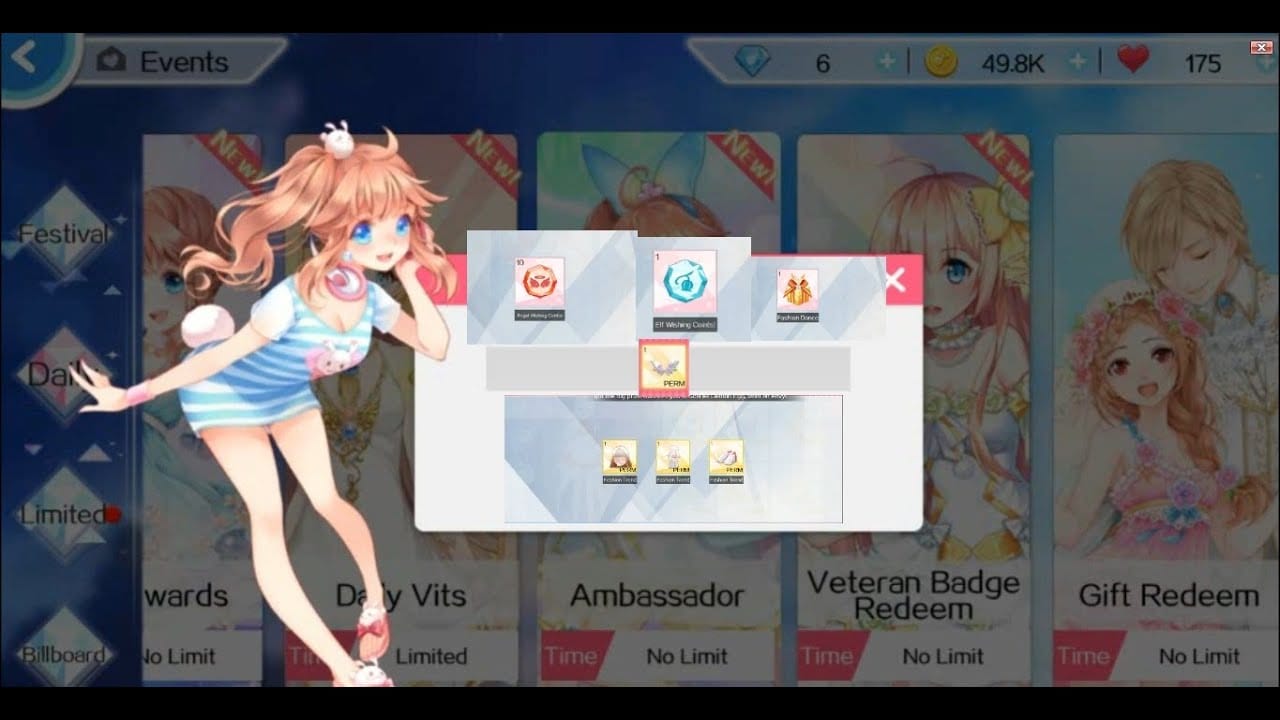
The mechanic worth knowing: in several error states, the redemption center validates a code without consuming it. A region mismatch is exactly that kind of state. The code bounces, the system tells you why, the code stays unused. Nothing burned. Here's the safe way to probe something like Molplqh8:
- Head to the official redemption center (the one linked from inside the game or the developer's site, not a search-result lookalike).
- Enter your UID and the code.
- Read the exact error string. "Region mismatch" or "not valid in your region" means an account-region lock, a labeling block. "Code already used" means it's spent. "Expired" means the window closed. Three different problems, three different answers, and the wording is what tells you which one you've got.
Skip the in-game prompts for promo codes if a web redemption center exists. The web tool generally hands you the clearer error message, and clarity is the entire reason you're testing. If the error reads as a clean "region mismatch," the code itself is fine. It just wasn't minted for your account's region.
For the code-chaser: test on the official center, read the literal error, and make zero payments until you know what's in your hand.
Region locked and won't budge? Weigh the reward against the wreckage
Sometimes the account region genuinely can't move. It bound at first login or first top-up and the game flat refuses to let you shift it. The honest call here: chasing one region-locked code is rarely worth changing your region, and changing your account or server region can orphan your progress.
What's safe versus what isn't:
- Safe: aligning your payment locale to match your existing account region. That's a storefront setting and it never touches your save.
- Safe: simply not using the code. A lone promo reward is almost never worth restructuring an account around.
- Risky: switching your account or server region to claim a code. Progress, friends, and event eligibility might not follow, and the move can be one-way.
- Avoid entirely: any third-party "region unlock" service or tool. These want account access and gamble the whole account for a reward that's usually trivial. No promo code earns that exposure.
The arithmetic is lopsided. What sits behind a region-locked code is typically a modest coin drop or a cosmetic, while the price of region-hopping runs as high as your entire account state. Most "fixes" floating around communities are placebo: clearing cache, relogging, re-entering the code in a fresh order. None of them touch the region tag on the code, so none can resolve a true mismatch. The only levers that actually move things are official validation and, where it applies, an official region-change request through support.
Coming back after a device or region switch? Check whether your account region survived the move before you top up. If your store locale shifted with the new device but your account region held its old value, that's your mismatch. Realign the locale, don't migrate the account.
Charged but no coins showed up? That's recovery, not loss
A top-up that charged and didn't deliver is almost always coins held pending, not coins gone. Don't re-buy in a panic. That's how people land double-charged. Gather proof and escalate.
What to have ready before opening a ticket:
- Order ID / transaction reference from the storefront or payment receipt.
- Your UID (the same one tied to the account region).
- A screenshot of the exact error, if one popped during purchase.
- The timestamp and the pack you bought.
Then open a support ticket through the official help center with all of it attached. A complete ticket (order ID, UID, screenshot, timestamp) resolves far quicker than a vague "my coins didn't show up," because support can tie your payment straight to your account. And if a region or currency mismatch interrupted the purchase mid-flow, this is also where you flag a voided first-top-up bonus and ask for it to be honored.
Stuck mid-purchase? Assume held pending, not lost, and lead your ticket with the order ID. It's the one field that unlocks everything else.
The decision in one table
| Your situation |
Do this |
Why |
| Worried coins are lost |
Nothing — check the error wording |
Mismatch is a label, not a balance problem |
| About to top up |
Validate code, then align locale, then buy |
Protects the one-time first-top-up bonus |
| Holding a promo code (e.g. Molplqh8) |
Test on official redemption center first |
It validates without consuming the code |
| Account region locked |
Skip the code or align payment locale only |
Region change can orphan progress |
| Tempted by a "region unlock" tool |
Don't |
Account-level risk for a trivial reward |
| Charged but no coins |
Gather order ID + UID, open a ticket |
Coins are held pending, not gone |
Source: synthesized from standard Hawa redemption-center and top-up flows; confirm specifics on the official help center.
If you take one thing away from all this, make it the order: validate, then pay. Everything else is recoverable. A mismatch label costs you nothing but a few seconds; a panic purchase or an impulsive region swap is the only way this actually goes wrong. Check the code, match the locale, then open your wallet. That sequence is the whole game.
Frequently Asked Questions
What does region mismatch mean in Hawa, exactly?
It means the redeem code carries a region tag that doesn't match the region bound to your account. Purely an eligibility check on the code, not a fault with your account or your balance. The code wasn't issued for your region, so the system declines it. Your coins, progress, and ability to top up stay untouched.
Can I still top up Hawa coins if a code shows region mismatch?
Yes. Top-ups run off your payment locale, a separate setting from the account region a code checks. The mismatch only blocks that one specific code. Just be sure your payment locale matches your account region before buying, so a one-time first-top-up bonus doesn't get voided mid-purchase by a currency clash.
How do I check my Hawa account region without messing anything up?
Open your in-game profile and look at the region label next to your UID. Viewing it changes nothing. It's read-only. The dangerous action isn't looking, it's switching your account or server region afterward, which can be irreversible and may not carry your progress. Check it, note it, don't change it on impulse.
Will the first top-up bonus still apply if my region and payment don't match?
Not reliably. The first-top-up double bonus is region-tied, and a region or currency mismatch at checkout can process the charge while dropping the bonus. You'd pay full price for base coins only. Since the first-purchase bonus is a one-shot, align your account region and payment locale before that very first top-up, not after.
Is it safe to change my region just to use one redeem code?
For most players, no. Aligning your payment locale to your existing account region is harmless, but switching the account or server region itself can orphan progress, friends, and event access, sometimes for good. A single region-locked promo rarely justifies that. Skip the code before you restructure the account around it.
How can I test code Molplqh8 before paying anything?
Enter it on the official redemption center with your UID. In a region-mismatch state the center typically validates without consuming the code, so you learn whether it's region-locked, already used, or expired at zero cost. Read the exact error text: each wording points to a different problem, and not one of them requires a payment to diagnose.











Comments