Back when the Shop was your only door
For most of this game's existence, buying gems meant exactly one rail: the in-game Shop, billed through Google Play or the App Store, hooked to your Supercell ID. Clean, dull, safe. That official pack ladder still anchors every price comparison going around today. 30 gems for $1.99, 80 for $4.99, 170 for $9.99, 360 for $19.99, and 950 for $49.99, per the Brawl Stars Wiki on Fandom (2026).
Do the division and the 170-gem pack works out to about $0.0587 per gem off those published prices, which is the line most spenders treat as "standard." Bigger packs trim a hair more per unit. The $1.99 starter is the worst per-gem value of the bunch, but starter tiers usually are. That's the whole point of them.
The one thing Supercell bolted onto its own rails gets way less credit than it deserves. The Supercell Store hands you +10% more gems than the identical in-app buy, plus 10 free gems every Brawl Pass season and recurring daily gifts (Supercell Store 2026). An official discount, no strings, and honestly the most slept-on tool for anyone who only spends a little. When I price these packs I start there. The Store quietly beats the in-app Shop on every single tier and never asks anything weird of me to do it.
For years that was the entire safe universe. Then the gap between that ~$0.0587/gem rate and what outside sellers were advertising got fat enough that people started asking the obvious thing: why is the same currency cheaper somewhere else? Turns out there are three answers, and they don't carry remotely the same risk.
Why third-party gems undercut the Shop — three real mechanisms
The cheap-gem world isn't one thing. It's three separate machines bolted under the same "discount" banner, and smushing them together is precisely what makes most safety advice worthless.
1. Regional price arbitrage. Supercell prices gems market by market, and the deltas aren't small. A 2026 TopUPlive aggregator comparison pegs 30 gems at $1.99 in the US against ₺79.99 in Turkey, ₹179 in India, and R$10.90 in Brazil, and in purchasing-power terms several of those markets land meaningfully cheaper. A seller routing through a low-cost region can legitimately undercut the US Shop on the sourcing side.
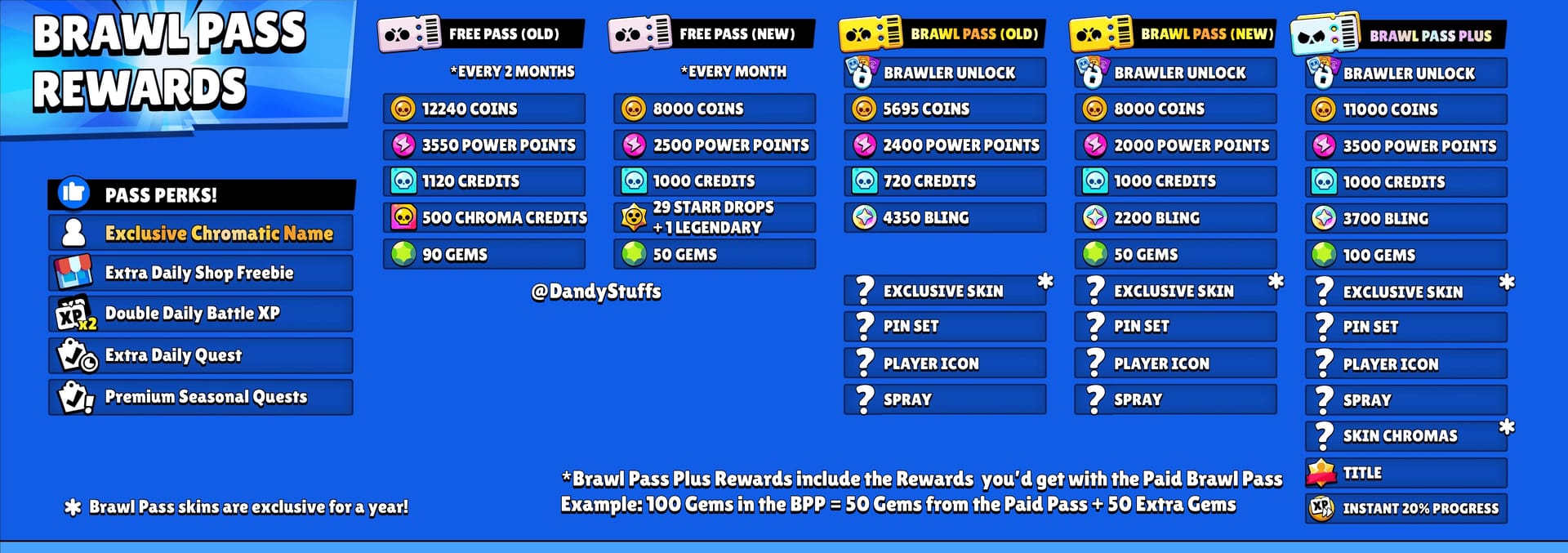
2. Bulk and gifting flows. Some services buy official Brawl Pass or gem value in volume and pass a sliver of margin down to you. Worth knowing: a fat chunk of "discount" listings are actually reselling gifted Brawl Pass Plus value rather than raw gems. Official Brawl Pass Plus runs around $9.99–$11.24, with third-party listings starting near $10.66, per multiple 2026 Eldorado.gg and GameBoost listings. That's a different product wearing a different risk profile, and you'll want to know which one's in your cart.
3. The dangerous shortcut: account-share logins. This is the bucket that earns every horror story. A site asks for your Supercell ID credentials, logs into your account on their hardware, and "delivers" gems by buying on your behalf. Hand over login details and you're walking straight into account hijacking and a permanent ban, per the Safe and Fair Play rules. Once an unknown device is holding your ID, the purchase was never the real threat. The credential was.
So here's the flag I'll plant. Mechanisms one and two can be perfectly fine. The third never is. Treating all three as identical "scams" is lazy, but pretending they share the same risk is worse. And the cheaper a listing claims to be, the likelier it's running on door three, which is exactly where the bans come from.
What actually pulls the ban trigger
Most "I got banned for buying gems" stories don't trace back to the discount. They trace to how the gems got funded, and the gears underneath almost never make it into the guides.
Start with the chargeback claw-back. Fund a third-party purchase off a stolen or disputed card and the original payment gets reversed. Supercell support spells out the consequence flat: a chargeback on third-party gems leaves you with a negative balance and a ban after you've already burned the currency. The gems can vanish after you've spent them on a Brawl Pass or a skin, which leaves your account underwater and flagged. These sites frequently run on stolen cards or regional exploits, and the reversal lands on the end buyer. That's you, not the seller, who's long gone with your money.
Then there's the plain ToS violation. Supercell's Terms of Service (4.1) leaves no wiggle room: "You are only allowed to purchase Virtual Items from us or our authorized partners through the Service, and not in any other way." Account sharing carries its own permanent-ban exposure under those same rules. So a purchase that requires logging into your account trips two clauses at once.
The third trigger is the nastiest, and the one everybody's fear keeps pointing away from: losing the account entirely. Phishing pages mimic the official Shop specifically to harvest Supercell IDs, per Supercell's warnings. A ToS ban you can sometimes appeal. An account drained and re-secured by a stranger? Often you don't get that back. My read, and it's the contrarian one, is that the dominant real-world danger here isn't the ban hammer at all. It's credential theft. Most coverage buries that to chant "you'll get banned," and gets the whole threat model backwards.
Supercell's own support puts it bluntly: cheaper third-party gems are framed as scams, often funded by stolen payments, that end in bans. Chargeback, ToS breach, and credential phishing are the three doors. Not the discount on its own.
So if some cheap gems are dangerous and some are just cheaper, how do you separate one from the other before you've paid?
Spotting legit top-up vs scam vs rule-bender
There are genuine differences between a clean top-up service, a flat-out scam, and a gray-zone seller that works but technically scrapes against the rules. The tells are consistent enough to checklist.
Green flags worth trusting:
- Never asks for your Supercell ID password or login (delivery happens without you handing over any account access)
- A clear refund or money-back policy, in writing
- Pricing that's transparent and inside a believable range of official rates, not fantasy-cheap
- No "lifetime gems" or subscription gimmick
Red flags that should kill the transaction on the spot, drawn from multiple r/Brawlstars community threads (2026):
- Requests your Supercell ID login
- Promises "lifetime" or unlimited cheap gems
- No money-back guarantee anywhere on the page
- Mimics the official Shop layout to look legit
That last one is the phishing tell. A site copying Supercell's exact Shop UI isn't reassuring you. It's trying to harvest the credential you're about to type in.
The gray zone deserves honesty instead of panic. A service that delivers without your password but still routes through unofficial sourcing is technically outside ToS 4.1, even when it never endangers your login. Third-party sites argue these self-service and gifting flows carry low ban risk. Supercell's position is that any unauthorized purchase risks revoked gems plus a ban. Both statements are on the record, and they really do conflict. What survives the evidence: official policy is what Supercell actually enforces, community reports confirm bans happen, and the safest sourcing stays official. But the password line is the brightest divider between "gray" and "catastrophic." Cross it and no discount matters.
Which drags the savings question into the light. Strip out the dangerous methods, and how much money is genuinely on the table?
What the discount is actually worth in dollars
Here's the uncomfortable figure for anyone weighing the risk. The savings are smaller in actual dollars than the fear-versus-greed wrestling match makes them feel.
| Pack |
Official USD |
Third-Party Example |
Discount % |
| 30 Gems |
$1.99 |
$1.69 |
15% |
| 170 Gems |
$9.99 |
$7.93 |
21% |
| 360 Gems |
$19.99 |
$16.44 |
18% |
Source: Brawl Stars Wiki + TopUPlive (2026)
At the steepest tier, third-party listings claim about $0.048 per gem against the official ~$0.0587, a real per-unit gap pulled from 2026 prices. Now translate it to cash. On the 170-gem pack, a 21% discount is roughly two dollars. On the 30-gem pack? Thirty cents.
That's the whole pivot of this piece. You're weighing a two-dollar saving against permanent-ban or stolen-account tail risk. For a low-spender the absolute number's so tiny that the Store's safe +10% bonus erases most of the reason to look anywhere else. First time I lined the official Store up against a reseller sticker, the headline gap genuinely caught my eye. Then I worked out the dollar difference on a single pack and the urgency just drained right out.
Regional pricing is the one place the savings get big and stay legitimate. Supercell's Global Pricing rollout, announced through the publisher's official channels in 2026, gives eligible countries up to roughly 50% cheaper gems and Brawl Pass on the Store. That's an official cut that dwarfs anything the risky routes offer. Live in an eligible region and the cheapest safe gems are already sitting on Supercell's own storefront.
| Region |
Price (Local) |
Approx USD Equivalent |
| US |
$1.99 |
$1.99 |
| Turkey |
₺79.99 |
~$2.30 (lower local cost) |
| India |
₹179 |
~$2.13 |
| Brazil |
R$10.90 |
~$1.95 |
Source: TopUPlive Regional Pricing (2026)
Once you've swallowed that the savings are modest unless you're tapping official regional pricing, the whole decision shrinks to a short pre-payment checklist.
Run this checklist before paying anyone
These all happen before money or credentials leave your hands. None are optional.
- Confirm zero login is required. If a service wants your Supercell ID password, stop dead. There's no version of this worth it. That's the one red line no discount justifies.
- Find the refund policy in writing. No money-back guarantee is itself a red flag, per community reports.
- Sanity-check the price. A 15–21% discount is plausible. "Lifetime unlimited gems" is not, and that category's the riskiest one going. It tends to evaporate after a single billing cycle.
- Verify the URL and UI aren't faking the official Shop. Phishing clones live right here.
- Protect the ID no matter what. Keep two-factor protections on. An ID logged into an unknown device is the actual theft vector, not the transaction.
For transparency: this piece is published by VGTopup, itself a top-up service, and the principle it builds delivery around is exactly point one, never asking for your Supercell password. If you'd rather skip the channel-vetting and stack a transparent option against the in-game price, you can weigh Brawl Stars Gems & Brawl Pass top up the same way you'd grade any service on this list. Login-free delivery first, price second.
My call, sorted by how much you spend
For most readers, the honest answer is no. Not because cheap gems are always a scam, but because the safe savings are small and the unsafe savings ride a tail risk that swamps them.
- F2P and the merely curious: Skip paid gems entirely. The Store drops 10 free gems per Brawl Pass season plus daily gifts, and trophy road, events, and daily logins fund steady progress with zero exposure, per community consensus on r/Brawlstars (2026). Nothing here is worth risking an account over.
- Low-spender (~$5/mo): Buy official, ideally through the Store for that +10%. Your absolute saving off a third-party route is a buck or two. Not worth a chargeback investigation or a ToS flag, per Supercell policy guidance.
- Mid-spender (~$30/mo): This is where bulk discounts tug hardest, and also where a ban costs the most. Bulk official packs or Brawl Pass Plus on the Store give the best value-to-safety ratio. The third-party savings get outweighed by ban exposure. If you do go third-party, the password rule is non-negotiable and official regional pricing should be your first stop.
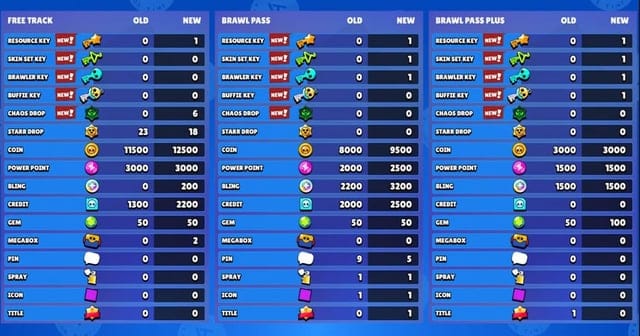
The Brawl Pass itself earns a mention as the smarter gem sink. Community Brawl Pass comparisons (2026) consistently rate its bundle of gems, skins, and resources as better long-term value than raw gems alone. Buying gems just to hoard gems is usually the weaker play before you've squeezed the Pass dry.
What comes next is mostly a regional-pricing story. Global Pricing's still expanding, and as more markets pick up that official ~50% cut, the entire reason to gamble on a sketchy third-party route keeps shrinking. Watch your own region's Store before you watch anybody else's.
Frequently Asked Questions
Can you actually get banned for buying cheap gems, or is it overblown?
Bans are real, but they usually tie to the funding method, not the discount. The common trigger is a chargeback on a fraud-funded purchase (Supercell support notes this leaves a negative balance and a ban even after you've spent the gems) or an account-share login that breaches ToS. A clean, login-free regional top-up sits in a far lower risk band than the panic suggests, though it's still technically outside ToS 4.1.
Do cheap gems get clawed back later?
They can. If the purchase was funded by a disputed or stolen card, the payment reverses and the gems get revoked, including ones you've already burned on a Brawl Pass or a skin. Per Supercell support, that's how a buyer ends up with a negative balance and a ban weeks after a transaction that looked perfectly fine.
What's the cheapest safe way to buy gems in 2026?
The Supercell Store. It gives +10% more gems than the in-app Shop, and in regions covered by Global Pricing it can run up to roughly 50% under standard, per Supercell's 2026 announcement. An official discount that beats most risky routes without any account exposure.
Can my Supercell ID really be stolen from a gem site?
Yes, and it's the threat most coverage underplays. Phishing pages copy the official Shop layout specifically to harvest your login. Once your ID's entered on an unknown device, the account itself is on the line, which is a worse and often less-recoverable outcome than a ToS ban. Never type your Supercell credentials into a top-up site.
Is using a cheaper region's pricing against the rules?
Official regional pricing on the Store is legitimate consumer behavior. The gray zone is a third-party seller routing through a low-cost region on your behalf, which brushes against ToS 4.1's "authorized partners" clause even when your login's never touched. If you're chasing regional savings, the cleanest path is checking whether your own market already qualifies for Global Pricing before you involve anyone else.











Comments