Run the three checks that clear most cases in minutes
Two very different things empty your wallet after a charge, and they don't take the same fix. Gateway sync lag means the payment succeeded and the game just hasn't pulled it in. A genuinely failed transaction means the charge is pending or got canceled and reverses on its own. First one needs a nudge. Second one needs patience plus, eventually, an auto-refund.
For the lag case, which is the overwhelming majority, the official sequence is short. Per King Care Zendesk, you wait up to one hour for processing, restart the game, check inventory, then log out and back in. That re-login carries more weight than it looks. It forces the client to re-run the purchase-verification handshake. And a quirk that's saved me before: re-logging on a different network (Wi-Fi to mobile data, or the reverse) can shove a stuck verification call through when it's choking on a flaky connection.
- Kill the app fully and relaunch. Don't just background it.
- Log out of your kingdom and back in to trigger re-verification.
- Open your in-game mail. Delayed diamonds sometimes arrive as a mail attachment instead of dropping straight into your wallet, and people miss them completely, then swear the top-up vanished.
That third point is the most under-reported reason players think they got robbed. Check the mailbox before you check your blood pressure.
This works when the charge already cleared and you're waiting on sync. It fails when the transaction is still "pending" store-side, because then there's nothing to deliver yet and you move to the proof stage.
A ticket without an order ID is a slow ticket, every time. Gather the paper trail first. That's the gap between a one-day fix and a week of back-and-forth.
On Android / Google Play. Play Store, tap your profile, Payments & subscriptions, then Budget & order history. Before you panic about a "double charge," look here for anything flagged canceled or pending. Per Google Play Help, a pending order hasn't actually charged you yet and may still complete or reverse. The order you're after shows a GPA-prefixed number; that's your transaction ID. Screenshot the whole entry: amount, date, time, ID.
On iOS / App Store. Apple emails a receipt, but reportaproblem.apple.com is the faster route, with your full purchase history itemized per in-app buy. The document number plus the timestamp is your proof.
On a web or third-party top-up. Your confirmation page and payment-method statement are the record. Screenshot the order confirmation, the amount, and the Game ID you typed in. If you went through a reputable channel (disclosure: King's Choice SEA top up via VGTopup is one option some SEA players use), hang onto that order confirmation the same way you'd keep a store receipt. These channels confirm delivery against your Game ID, so that ID is precisely what support asks for.
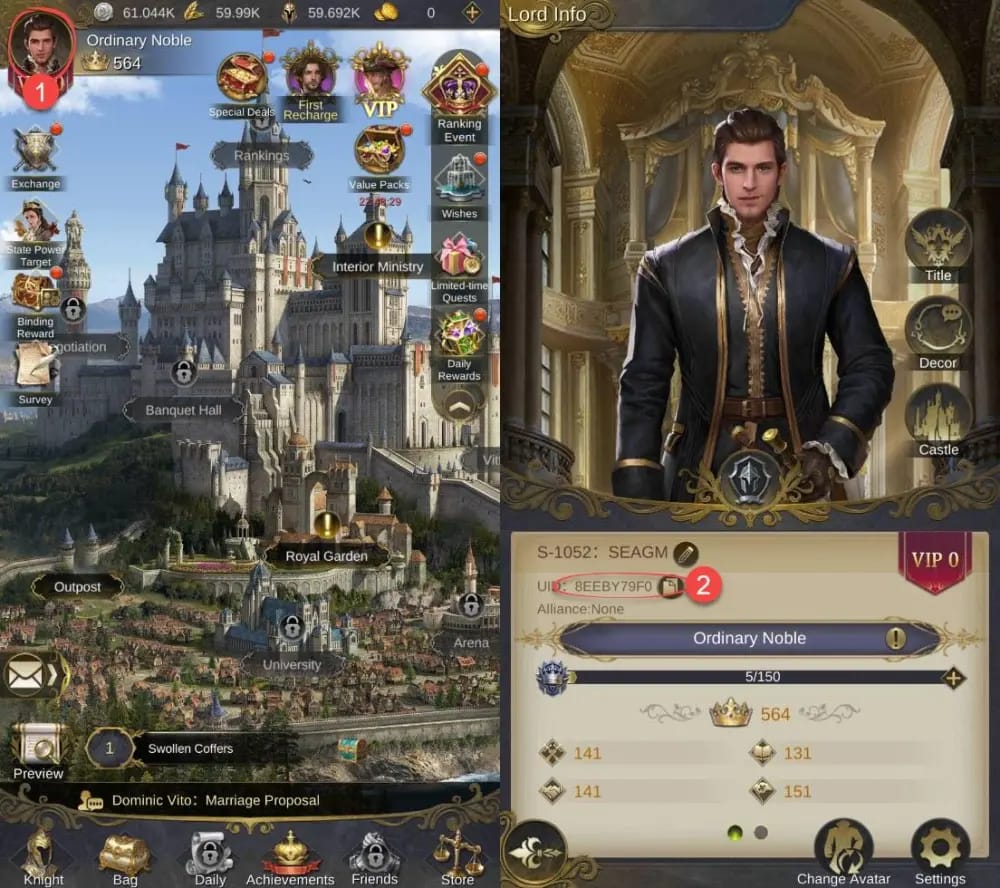
Whatever the channel, four data points make a ticket bulletproof: the transaction/order ID, the server, your role ID, and the exact timestamp of payment.

Where you paid decides the route. Here's the practical map.
| Channel |
Where the order ID lives |
First contact |
Realistic fix time |
| Google Play |
Play Store → Budget & order history (GPA number) |
In-game ticket first, then King's Choice support email |
Minutes–24h for sync; longer if escalated |
| App Store |
reportaproblem.apple.com (receipt + timestamp) |
In-game ticket first, then King's Choice support email |
Minutes–24h for sync; longer if escalated |
| Web / third-party |
Order confirmation + payment statement (Game ID) |
The channel's own support, with payment proof + Game ID |
Often 5–15 min, per the channel's stated window |
Source: King Care Zendesk (2026), Google Play Help (2026), Joytify top-up guide (2026).
For Android and iOS purchases, the best opening move is an in-game support ticket, not the store. The publisher can re-deliver diamonds directly, which keeps your purchase intact. Running to the store first to demand a refund is the wrong play, and I'll get to why below.
A third-party top-up delay runs a different, usually faster playbook. Per the Joytify top-up guide, check the channel's transaction menu, give it 5–15 minutes, then hit its support with payment proof and your Game ID. Resellers like SEAGM, UniPin and JollyMax advertise instant diamond delivery once payment clears, so any delay past that stated window is your cue to open a ticket with screenshots ready.
This works when you contact whoever actually processed the payment. It fails when you ask the publisher to fix a reseller's delay, or ask the reseller to fix a Google Play charge, because they'll just bounce you between each other.
File a support ticket support can actually act on
The slowest tickets I've watched weren't slow because support dragged. They were slow because the player left out the role ID, so the entire first reply is just a request for it. Front-load everything and the back-and-forth collapses.
Pack all of this into the first message:
- Role ID / server. Without it, support literally can't locate your account to credit it. The field people forget most.
- Transaction/order ID. The GPA number, Apple document number, or reseller order number from the proof stage.
- Exact timestamp of the charge, with timezone.
- Amount and currency paid.
- A screenshot of the store receipt or confirmation page.
- The pack you bought (which diamond tier or card).
Route it right. The in-game help menu is the primary channel, but email reaches the publisher too. For King's Choice SEA the support address listed on the official store pages is servicekcsea@onemt.com, per the Google Play App Page; the broader King's Choice address is servicekc@onemt.com, per the Apple App Store Page. Publisher is ONEMT PTE. LTD. Email's a fine backup, but the in-game ticket auto-attaches your account context, so make it the primary lane whenever the client still loads.
On timing: no official figure publishes a guaranteed response window for missing top-ups, so treat anyone quoting an exact "X-hour SLA" with a raised eyebrow. What's reasonable is a sync-lag case self-resolving inside 24 hours, and an escalated re-delivery ticket getting handled once support has every field above. Completeness speeds you up. Chasing doesn't.
A ticket that reads like a closed case the agent only has to confirm gets handled fast. One that says "I paid but got nothing, please help" with no ID waits in line, then waits again for your reply.
Refunds, double charges, and disputes belong dead last
Here's where I'll stake a position: requesting a store refund first is usually the wrong move. The internet's reflex, "just request a refund immediately," can flag or lock your purchase before re-delivery is even attempted, and a flagged account is a far worse problem than a few hours of waiting. The cleaner line is letting the publisher re-deliver the diamonds you already paid for.
So when IS a refund the right call? Only when the transaction genuinely failed, meaning the charge is stuck pending or canceled store-side. And you barely have to fight for it: Google and Apple reverse genuinely failed or unauthorized charges on their own. You can self-serve too. Per Google Play Help, you request a refund for an in-app purchase through your order history; per Apple Support, you file at reportaproblem.apple.com and pick "in-app purchase not received" as the reason. But only after re-delivery has clearly flopped, never as your opening move.
On double charges: count your diamonds before you dispute a thing. A "duplicate charge" is far more often two separate successful orders than a true billing error. Check your balance and your in-game mail. If both lots of diamonds landed, you weren't double-charged, you bought twice. If only one delivered and two charges show in your history with two distinct order IDs, that's a genuine duplicate: file a ticket citing both IDs and request a refund on the undelivered one specifically. Blanket-dispute both and you risk reversing a purchase you did receive.
| Situation |
Best action |
Who handles it |
Account risk |
| Charged, no diamonds (sync lag) |
Wait + re-login + in-game ticket |
Publisher re-delivers |
Low |
| Genuinely failed / pending charge |
Let it auto-reverse; self-serve refund if needed |
Google / Apple |
Low |
| Refund requested before re-delivery tried |
Avoid — escalate via ticket instead |
Store, then publisher |
Higher — possible flag |
| True double charge (one delivered) |
Ticket with both order IDs, refund the undelivered one |
Publisher / store |
Low if precise |
Source: Google Play Help (2026), Apple Support (May 2026), King Care Zendesk (2026).
The event-timing trap that costs more than the diamonds
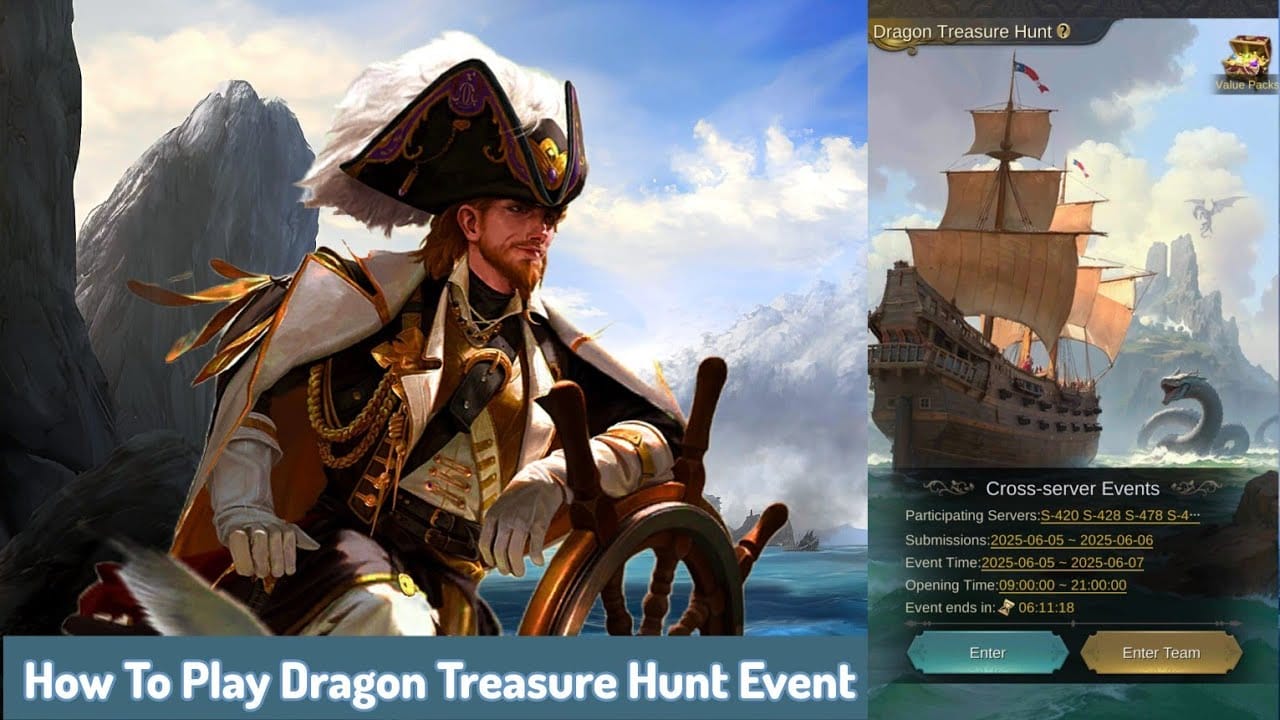
Most guides skip this one entirely, and it's the one that actually burns players. Topping up in the final minutes of a timed event is a real risk, because even when the diamonds eventually arrive, the event-shop spend is time-locked. If sync lag drags your purchase past the timer, the diamonds credit fine but the limited reward they were meant to buy is gone, and nobody refunds "I got my currency too late to use it."
The rule I follow: never make an event-critical top-up in the last hour of a window. Buy with buffer. Cut it close and miss, and your event reward (not the diamonds) becomes what you're fighting for in the ticket, which is a far weaker case to win. Discussion on r/kingschoice in 2026 centers on diamond packs and weekly cards without widespread non-delivery complaints, which tracks with the overall picture: the failure mode here is rarely lost money. It's lost timing.
Re-delivery beats a refund nine times out of ten. It keeps your purchase, your value, your event progress, and clears in hours on a complete ticket. A refund unwinds the whole thing, can drag for days, and risks an account flag for nothing. Chase the diamonds you paid for, not your money back.
Frequently Asked Questions
Why did I get charged but no diamonds showed up in King's Choice?
Almost always a payment-gateway sync delay between store and game server, not a lost payment. The charge cleared; the client just hasn't pulled it in. Restart, re-login, and check your in-game mail, since delayed diamonds sometimes arrive as a mail attachment rather than dropping into your wallet directly.
How long should I wait before opening a support ticket?
Give it up to an hour for routine processing, per King Care Zendesk's guidance, and re-login once during that stretch. There's no downside to filing early, though. An open ticket runs in parallel with the auto-sync and costs you nothing, so if your order ID is ready, file it and let both paths race.
Where do I find my transaction ID for a refund or ticket?
On Android, the GPA-prefixed order number under Play Store → Budget & order history. On iOS, the document number on your Apple receipt or in reportaproblem.apple.com. For a third-party top-up, the order number on your confirmation page. Keep the Game ID you entered at checkout right beside it.
What if I was charged twice but only got one batch of diamonds?
Check balance and mail first. Two charges with both lots of diamonds delivered means you bought twice, not a billing error. If your history shows two distinct order IDs and only one delivered, that's a real duplicate: cite both IDs in your ticket and request a refund on the undelivered one only, never both.
Will I lose my diamonds if the event ends before they arrive?
The diamonds themselves credit fine and stay in your account. What you can lose is the time-locked event-shop reward they were meant to buy. That window doesn't reopen and isn't refundable, which is exactly why topping up in the last hour of any timed event is a gamble worth dodging.
Is it safe to top up through a third party when official payments keep failing?
Reputable channels are a reasonable option. They confirm delivery against your Game ID and advertise near-instant crediting, with resellers like SEAGM, UniPin and JollyMax stating delivery right after payment clears. Keep your order confirmation as proof exactly as you would a store receipt, and stick to channels with real 24/7 support so a delay past their stated window has a clear escalation path.










Comments