Scenario 1: the in-app purchase that just sits there
You bought FC Points inside the app, the screen says pending, nothing landed. Every instinct says tap buy again. Don't.
Purchases usually arrive within a few minutes, occasionally longer, according to the Game Info Hub. "Pending" means EA is still waiting on the payment provider to confirm, per EA Help. It is not a completed, vanished payment. That one distinction is basically the whole article.
Here's the decoder I keep going back to when a status line is doing all the worrying for me:
| Status |
What it means |
Your next move |
| Pending |
Waiting for payment provider update |
Wait, then Restore Purchases — do NOT rebuy |
| Processing |
Payment being worked on; you get an email when ready |
Wait for the email |
| Completed |
Payment successful, content delivered |
Check in-game balance / relog |
| Failed |
Payment denied |
Re-check billing details, then safe to retry |
Source: EA Help Order History and Refund Status (2025-11)
The failure people pin on the game usually sits upstream of it. A pending in-app charge is held by Google or Apple, not by EA's servers. So the folks frantically firing off EA tickets inside the first ten minutes are knocking at the wrong door entirely. That credit can't budge until the store lets go of its hold.
Scenario 2: charged on the card, zero FC Points in the store tab
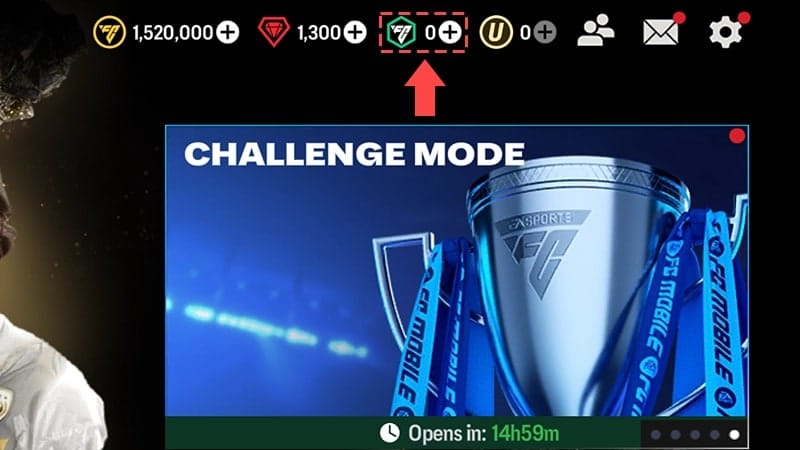
This is the one that makes your stomach drop. Bank texts you, in-game balance hasn't moved a cent. Before you call it theft, check whether the points went where points actually go.
FC Points credit to your EA account, not your device. That's the mechanic almost no troubleshooting post bothers to mention, and it explains a giant slice of "missing" purchases. Flipping from Wi-Fi to mobile data, fully relaunching, or signing out and back into your EA account forces the sync that drags them into view. EA's own restore flow is exactly that: restart the game or device, check your connection, log out and back into the EA account, then re-check store history, per the Game Info Hub.
Three places to verify, in this order:
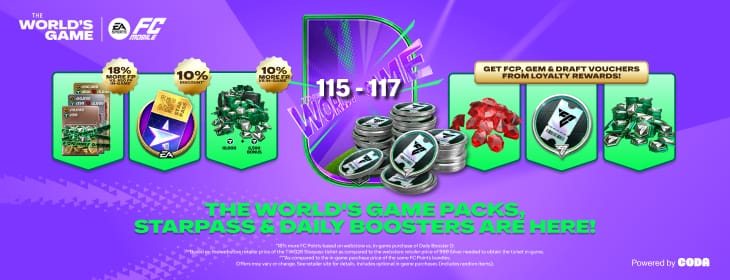
- In-game — open the Store tab, read your FC Points balance directly, confirm your EA account is synced, per EA Help's missing-content guidance.
- EA Order History — sign in at myaccount.ea.com, open Order History, read the status field (Pending / Processing / Completed / Failed).
- The store — your actual proof-of-payment lives in Google Play or App Store history (more on that in a moment).
How often are the points already there, parked on the account, invisible until a relaunch yanks them down? Constantly. And reinstalling the game before you've checked the EA account (a step EA explicitly flags as a mistake) can make things worse, because you're tearing the app down while the sync you needed was one relaunch away.
Scenario 3: tracking down the actual charge in Google Play or App Store
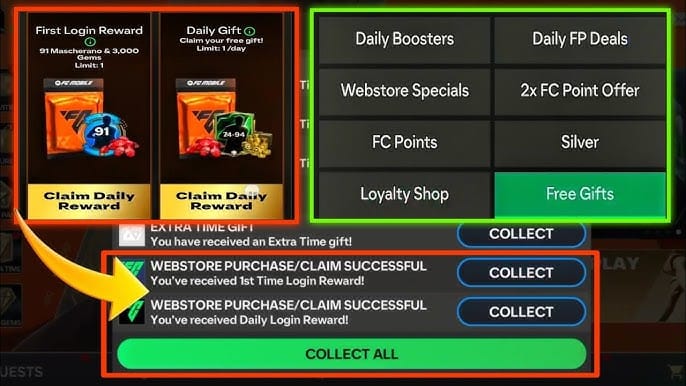
When you truly need to know whether money left your account, the game can't answer that. The billing platform can. This is where the order ID lives, and that order ID is the most powerful thing you own in any dispute.
On Google Play: open the Play Store, tap your profile, go to Payments & subscriptions, then Budget & order history. On Apple: Settings, tap your Apple ID, Media & Purchases, View Account, then Purchase History. Both routes come straight from EA's missing-purchases blog, and both reveal the same crucial thing: whether the charge is authorized (a hold) or captured (a finished payment).
That gap decides everything. A Google Play authorization hold typically releases in 3–7 business days if it's never captured, according to the Google Play Community. So a line you can see on your statement isn't proof the money's actually gone. Pending authorizations cancel themselves when the provider declines to approve them, and the funds drift back without you ever filing a refund request. I've watched players torch a full week chasing a "refund" for a hold that was always going to reverse on its own.
Store history quietly exposes one more thing: a double purchase. If you did rebuy in a weak moment and both charges later clear once the hold lifts, your purchase history shows two completed line items before you so much as open a complaint. That's your evidence, not your enemy.
Scenario 4: webstore vs in-app, the split nobody quantifies

Given the choice, the EA webstore is the quicker, cleaner channel. Not a hunch, that's how the two pipelines are wired. Purchases on the EA webstore are added immediately after full payment, per EA Store. In-app buys route through Google or Apple, which slots a store-processing layer in the middle that can stall.
Here's the credit-time picture across channels, pulled together from EA's and the stores' own published timelines:
| Channel |
Typical wait |
When it's genuinely stuck |
| EA webstore |
Immediate after full payment |
Anything beyond a relog is abnormal |
| In-app (Google / Apple) |
Minutes, occasionally longer |
Past ~24h with no credit |
| Authorization hold (any) |
Releases 3–7 business days if uncaptured |
Past 7 business days |
| Third-party top-up |
Varies; check the provider's own status menu |
Per that provider's window |
Sources: EA Store (2026); EA FC Mobile Game Info Hub (2026); Google Play Community (Jan 2026)
Reputable third-party top-up services are a legitimate route too, and plenty of them run their own transaction menus where you watch delivery status directly. Codashop, for one, exposes its own order status view, per Codashop. The non-negotiable with any off-store channel is the same rule running through every scenario here: keep the order reference. Lose it and you've lost your recourse. If you're weighing where to buy and want a channel that hands you a clear, trackable order reference right up front (useful for exactly these moments), that's the practical argument for a transparent option like EA Sports FC Mobile FC Points & Silver top up, and for stashing that reference somewhere you won't accidentally delete it.
Scenario 5: hitting the 48-hour mark, and when escalation earns its keep
Past about 24 hours with money taken and no points, you've officially left "be patient" country. But the order you escalate in still counts. EA's guidance: give it a few minutes to hours for the sync, then contact support if a charge stays pending beyond 24 hours or you've been charged but not credited, per EA Help's missing-content page. My read leans firmer. Treat 48 hours as the trigger, because it clears the in-app store-processing queue and covers the slower edge of a same-day authorization, which means you're not opening a ticket support will only close by telling you to wait.
Have these in hand before you contact anyone. Assembling them is the fastest path to a fix:
- Order ID / transaction ID — from Google Play or App Store history, or your confirmation email, per EA Help.
- The receipt email itself, as independent proof.
- Which channel you used (webstore vs in-app vs third party) and the exact charge amount.
Tossing that receipt or order ID is a documented self-own. EA Help flags it as losing your proof for disputes. Without it, you're asking support to take your word for a transaction they simply can't see from their end.
On refunds: EA's windows are 24 hours after first launch, or 14 days if the content wasn't launched, per EA Help Refunds. Once a refund's approved, it can take up to 14 working days to land back in your account, per EA's forums. Still, the contrarian point holds. For a store-billed purchase stuck as an authorization hold, you often need no refund whatsoever. The hold unwinds itself. Filing a request on money already circling back is effort poured into a problem that was fixing itself.
Wait, retry, or escalate — the call I'd make
Wait first, nearly every time. The evidence all leans one way: the vast majority of pending top-ups are reversible authorization holds or brief sync delays, not finished payments eaten by a bug. Repurchasing into that pending state is the avoidable error that manufactures most of the double-charge complaints players then hang on EA.
So the sequence I'd run, every single time:
- Don't rebuy. A pending charge is not a failed charge.
- Force a sync — relaunch, switch networks, log out and back in, tap Restore Purchases. This clears more silent-credit failures than tickets ever will.
- Read store history, not just the game. The order ID and the authorized-vs-captured split both live there.
- Wait to 48 hours for in-app buys before you escalate.
- Escalate to EA with your order ID in hand, and only once store history confirms a captured charge with no credit.
The one spot I'd break the "wait" rule: a Failed status. That's a flat-out declined payment, nothing's being held, and retrying after fixing your billing details is genuinely safe. Pending and Failed look near-identical to an anxious player while demanding opposite responses, which is exactly why reading the status field beats guessing at it.
Frequently Asked Questions
Is it ever safe to retry a pending FC Points top-up?
Only if the status reads Failed, never Pending. A failed payment got declined outright, so nothing's held, and retrying after correcting your billing details is fine. A pending charge is still live; buy again and you risk both clearing once the hold lifts, which is the classic double-charge. When you're not sure, check the status field at myaccount.ea.com before you touch the buy button again.
My bank shows the charge but FC Points never arrived — is the money gone?
Not necessarily. A charge sitting on your statement can be an authorization hold rather than a captured payment, and Google Play holds typically release in 3–7 business days if never captured, per the Google Play Community. Check your store purchase history to see whether it reads authorized or completed. That tells you whether to wait out an auto-reversal or actually chase a credit.
Why do my FC Points show on one device but not another?
Because FC Points attach to your EA account, not the handset. If they go missing after a purchase, you're most likely staring at an unsynced session. Log out and back into your EA account, relaunch, or flip between Wi-Fi and mobile data to force the sync through. This is also why reinstalling before checking the EA account, which EA explicitly warns against, so often does nothing.
For an in-app buy billed through Google or Apple, the store holds the payment, so the store frequently resolves a genuinely stuck charge faster than EA can. EA owns the in-game credit; the platform owns the money. Start with store history to pin down the problem, then bring the order ID to EA only if a captured charge produced no credit after roughly 48 hours.
How do I find my FC Mobile transaction ID?
It sits in three places: your Google Play order history (Profile → Payments & subscriptions → Budget & order history), your Apple Purchase History (Settings → Apple ID → Media & Purchases → View Account), and your confirmation email, per EA Help. Save it the second you buy. It's the one piece of proof that makes any dispute quick, and the easiest thing to lose the moment you delete a receipt.










Comments