The simple-path argument: UID in, diamonds out
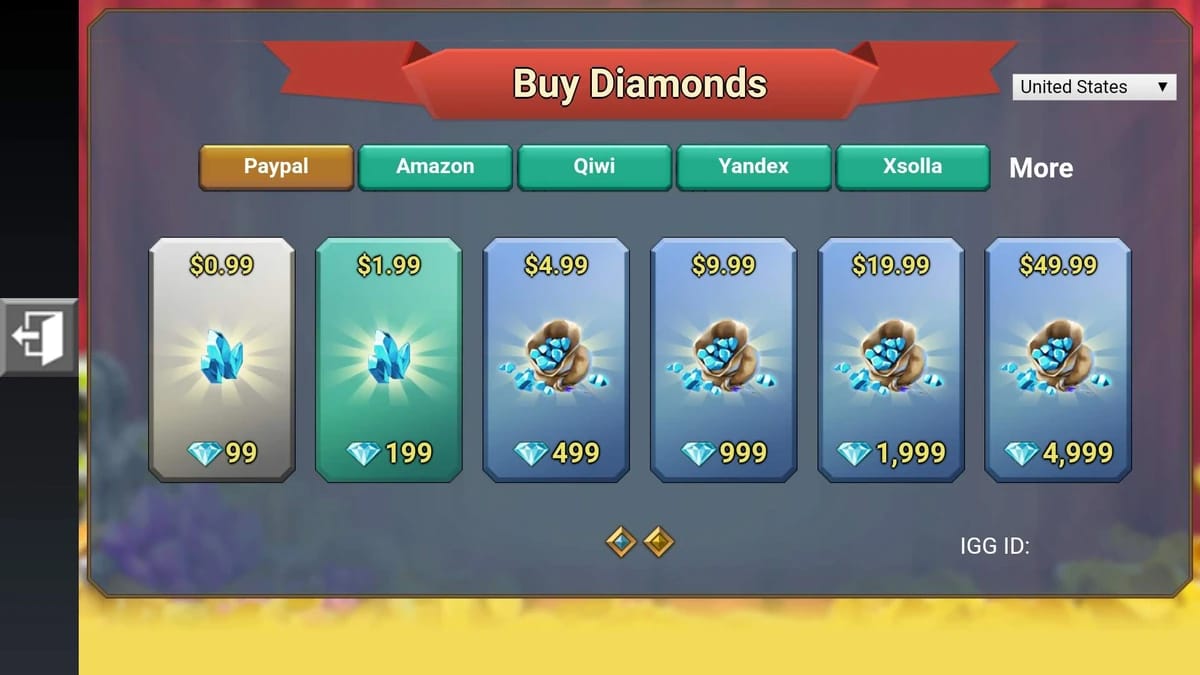
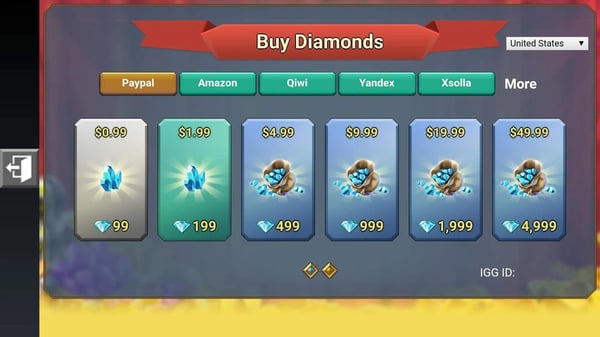
The minimalists have the mechanics dead right. The IGG ID, the account login identifier used for top-ups and support, really is all the official store needs to send a purchase to the correct place. Per the Lords Mobile Wiki FAQ, you dig it out by opening Settings (the gear, lower right), tapping Account, and reading off the string of numbers. Done. The Official Diamond Shop asks for an IGG ID login, and the second the payment clears, the diamonds drop into your Mall. No server box. No kingdom dropdown.
Third-party platforms lean on speed to back the case. Diamonds arrive instantly or inside roughly 10 minutes of a verified top-up, per RushBuy.gg (2026). When I sort out a recharge for a guildmate, that's genuinely the nice bit. You key in the ID, pay, and the balance has moved before they've finished saying thanks.
So if the UID alone does the job, why faff about? Because "arrives correctly" and "recoverable when it doesn't" aren't the same question. The simple crowd only ever answers the first.
Why the burned camp won't let go of the screenshot
Lift a UID from chat, fumble one digit, and the diamonds belong to a stranger with no refund attached. That's not a campfire tale, it's a documented stance across third-party platforms. Per LDShop, entering the wrong IGG ID sends your purchase to whoever genuinely owns those numbers, and the refund rules won't rescue you. Treat a wrong-UID payment as money gone. Prevention is the only safety net on offer.
Which is precisely why "just type the UID" is reckless without the caveat attached. The weak point isn't the platform. It's the person keying a number they've read off a Discord message, a voice call, or, heaven help us, from memory. A 9 or 10-digit string carries no error correction. There's no checksum to bounce a near-miss back at you. The number is perfectly valid. It simply isn't your friend's.
The careful camp's remedy is dull and watertight: work from a fresh screenshot. Have your friend snap their profile showing the IGG ID and kingdom number, then send you the image rather than reciting it. LDShop's top-up guidance says it plainly: confirming both the IGG ID and the kingdom number before you pay is what hands you a leg to stand on if delivery ever goes wrong.
Now for the bit most guides skate past entirely. The UID holds steady even when a player swaps their in-game name. Match purely by name, and the day your friend renames their account, which Lords Mobile players do at the drop of a hat, your "verification" suddenly points at nobody. The name is cosmetic, the UID permanent. Verify against the number, and use the name only to sanity-check that the screenshot belongs to the person you reckon it does.
UID, IGG ID, and server number: what each field actually controls
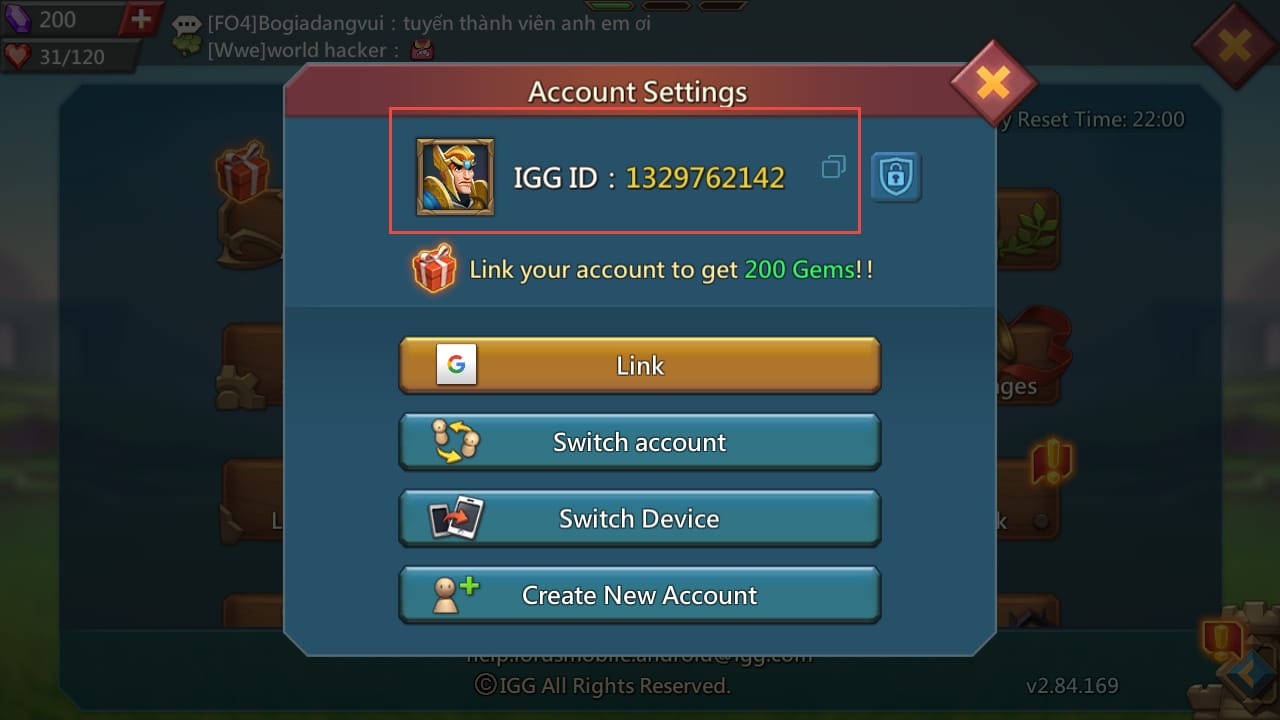
Muddling these three sinks more recharges than server faults ever do, and yet most guides barely tease them apart. They aren't interchangeable, even where a platform feeds two of them the same input.
| Field |
Where to find it |
When it's required |
What it controls |
| UID / IGG ID |
Settings → Account (per Lords Mobile Wiki FAQ 2026) |
Every top-up and support request |
Routes the diamonds to a specific account |
| Server / Kingdom number |
Tap profile avatar → shown on profile or kingdom map |
Often optional for delivery; needed for support |
Identifies the realm for ticket resolution |
| In-game name |
Above the UID on the profile |
Never the primary key |
Sanity check only — changes when renamed |
Source: Lords Mobile Wiki FAQ (2026); community top-up guides (2026)
In a recharge context, UID and IGG ID usually mean the same number, that login identifier. It's why a platform asking for "IGG ID" and one asking for "UID" generally want the same digits. The trap is assuming they're always identical across every flow. When a screen names one label specifically, give it exactly that field instead of guessing. Read the screen, match the label.
The server question is where the camps come to blows, so I'll plant a flag: the server number isn't optional, even where delivery hums along fine without it. The logic runs thus. Yes, delivery rides on the UID. But the instant a top-up fails, a "not found" error, a stall past the 10-minute mark, a purchase that simply evaporates, your support ticket has to say which account on which realm. Skipping the server check, going by community discussion, is exactly what blocks resolving a failed delivery through support. You don't need it until something breaks. And when something breaks, not having it is what tips a fixable mess into a write-off.
So the contrarian reading stands. The field everyone waves off as pointless metadata turns out to be the one that makes your money recoverable. Log it not for delivery, but for the day you need the route back.
The pre-payment checklist that earns its keep
Three confirmations, in order, before a single diamond moves. None takes longer than the top-up itself.
- Get a fresh screenshot, not a number. Ask your friend to open their profile, screenshot it, and send the image showing IGG ID and kingdom number together. A current screenshot carries a timestamp too, handy proof of ownership should you ever raise a ticket. Don't take a number typed into chat. That's the precise input the whole wrong-UID disaster feeds on.
-
Cross-check the name against the UID. Confirm the in-game name on the screenshot matches whoever you mean to gift, but keep treating the UID as the real key. If the name looks odd because they've just renamed, the UID still tells the truth. Name confirms identity; number confirms destination.
-
Confirm on the payment screen before you pay. That confirmation screen is your last checkpoint. Read the UID back against the screenshot, digit by digit. This is the step the rushed always skip, and it's the cheapest insurance against an unrecoverable loss you'll ever buy. Ten seconds.
The whole routine is loss prevention wearing the costume of a chore. I handle it the way I'd handle reading an IBAN back before a bank transfer: tedious, right up until the one time it isn't.
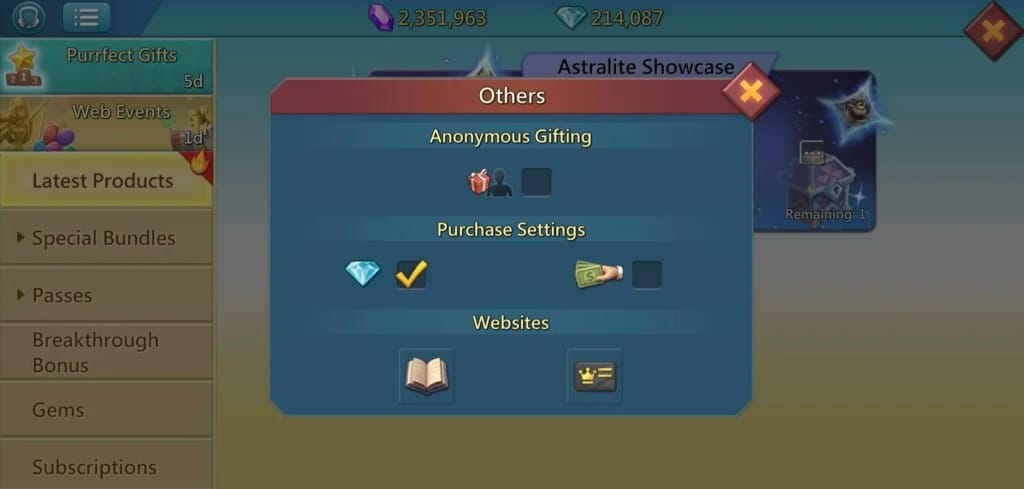
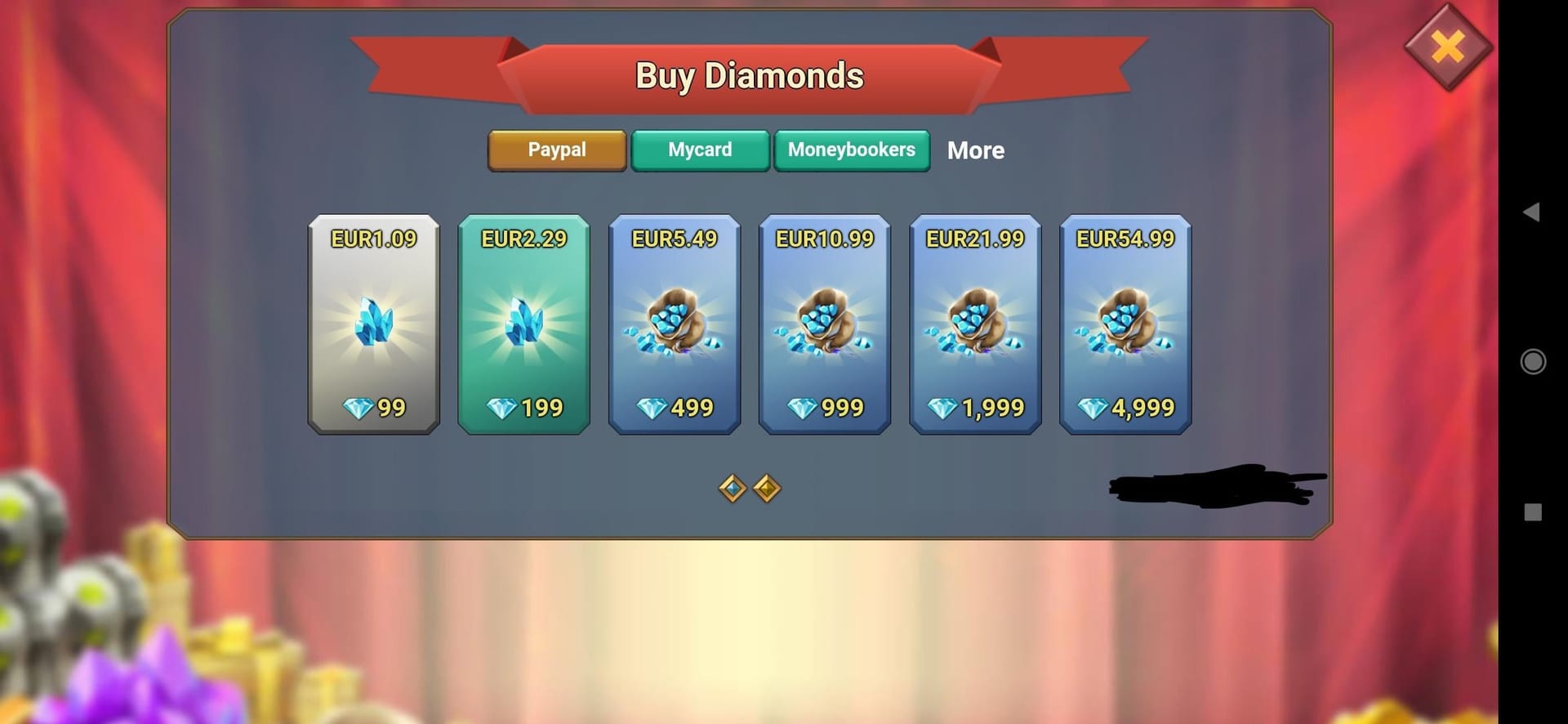
If you're deciding where to run the purchase, a platform that surfaces the UID and server on a clear confirmation screen before charging makes step 3 easier to actually do. Lords Mobile Diamonds top up is one option that lays the entered details out ahead of payment, which is the moment the check matters. Disclosure: that's a third-party route. The verification logic holds wherever you buy.
When it goes sideways: wrong account, not-found errors, delivery lag
Most failures drop into three buckets, and the right move hinges on which one you're glaring at.
| Symptom |
Likely cause |
What to do |
| "UID not found" before payment |
Wrong digit, wrong field, or IGG-ID/UID label mismatch |
Re-read off the screenshot; confirm you entered the Settings → Account number, not the in-game name |
| Diamonds not arrived after ~10 min |
Verification still processing, or delivery edge case |
Wait out the full window (per RushBuy.gg 2026); then open a ticket with the UID and server |
| Diamonds landed on the wrong account |
Transposed digit at entry |
Treat as non-refundable per documented policy; only the recipient can choose to return them |
Source: RushBuy.gg top-up guide (2026); LDShop refund rules (2025)
A "UID not found" message is almost always your end at fault, not the platform's. Back to the screenshot, re-enter from it. Check you pulled the number from Settings → Account rather than accidentally copying the name or a kingdom number. And if a flow asked specifically for IGG ID and you pasted something else, that mismatch alone fires the error.
For a delay, patience first. The credit posts instantly or inside that 10-minute window after verification, so don't go to pieces at minute three. Pass the window with the Mall still empty, though, and that's when the logged server number earns its keep. A ticket without it is a far steeper climb.
And if the diamonds have already hit the wrong account? Be honest with yourself about the odds. The policy line is plain and rather merciless: wrong-IGG-ID top-ups go unrefunded. Your only genuine route is the goodwill of whoever caught them. Which is exactly why every safeguard in this piece sits before the pay button.
Cross-server gifting and the one habit that prevents most failures
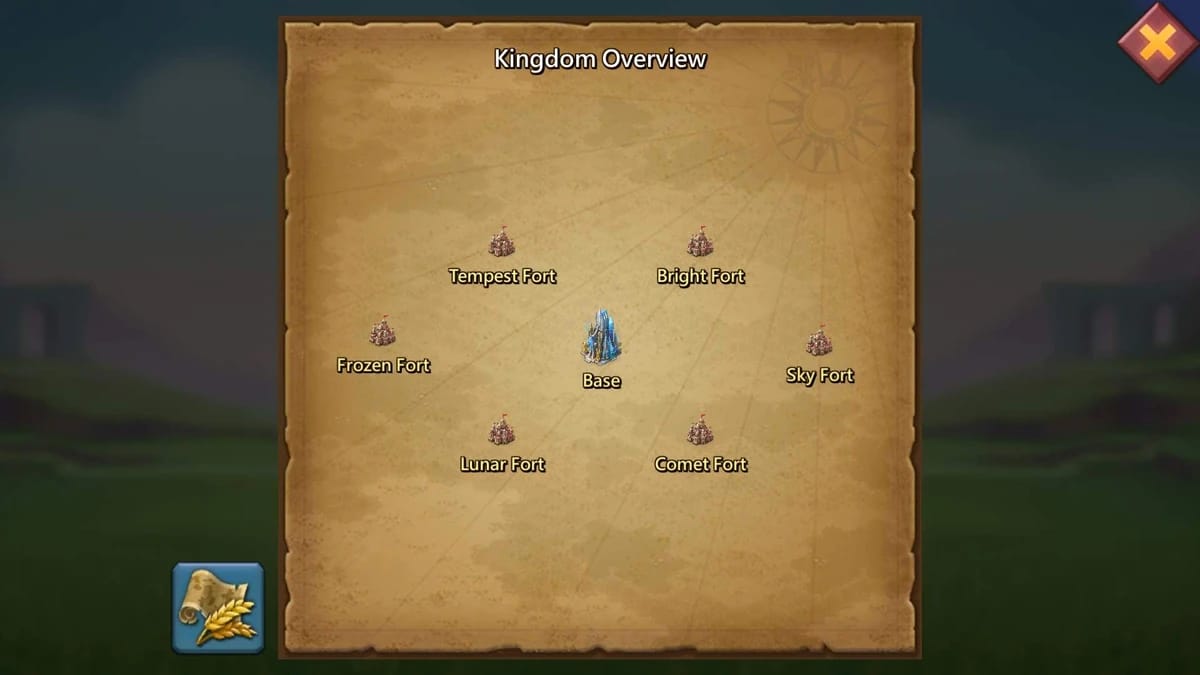
Gifting across servers doesn't touch the core rule. The UID is globally unique, so a top-up reaches the right account no matter which kingdom you happen to be parked in. What shifts is your blind spot. You can't squint at your own kingdom map to spot-check a friend three realms over, which promotes the screenshot from recommended to non-negotiable.
If I had to crush the whole piece into one line: verify the UID off a current screenshot and read it back on the payment screen, every time, no exceptions for "I trust this number." That single habit defuses the transposed-digit disaster, the rename mismatch, and the unrecoverable wrong-account loss all at once. It's the gap between a top-up you can defend in a support ticket and one you can only stew over.
The simple camp is right that delivery is a doddle. The careful camp is right that recovery is brutal. So play it their way. Assume nothing comes back, and let a ten-second screenshot check be the cheapest thing you spend on the whole transaction. Fair play to the burned ones. They earned the caution.
Frequently Asked Questions
Is the IGG ID the same as the UID in Lords Mobile?
For recharging, yes. The IGG ID is the account login identifier behind top-ups and support, and "UID" usually points at the same number, per the Lords Mobile Wiki FAQ (2026). One word of care: enter whatever a given screen labels it as, pulled from Settings → Account, rather than betting the labels match on every flow.
Do I actually need the server number to top up diamonds?
For delivery on its own, often not. The UID routes the purchase by itself. Log it anyway. The moment a top-up fails or stalls, a support ticket needs the server to pin down the account, and leaving it out is what stalls resolution, per community discussion. Recovery insurance, not a delivery requirement.
What happens if I top up the wrong UID?
The diamonds settle on whoever owns that UID, and you won't see them again. Wrong-IGG-ID top-ups count as non-refundable under documented third-party policy, per LDShop (2025). There's no checksum to catch a swapped digit, because the wrong number is still a valid one. Getting them back rests entirely on a stranger choosing to send them over.
How long should diamonds take to arrive?
Instantly, or within roughly 10 minutes of a verified top-up on third-party platforms, per RushBuy.gg (2026). On the official store they post to your Mall once the purchase clears. Sit out the full window before crying failure; minute three is far too early to file anything.
How do I safely top up diamonds for a friend?
Get them to screenshot their profile showing the IGG ID and kingdom number, then send the image. No reciting it aloud, no typing it from chat. Confirm both fields before payment, per LDShop (2026), then read the UID back on the confirmation screen. The screenshot's timestamp doubles as ownership proof if support ever comes into it.









Comments