Link the account before you ever open the store
The store can wait. Link Google, Apple, or a registered NetEase ID before you touch the shop. A guest account chains your gems and progress to the device, and paying on one is the priciest shortcut a beginner can take. The consensus across r/RacingMasterOfficial is unsparing about it: top up on an unlinked guest account and a device wipe or a dropped session can take everything with it.
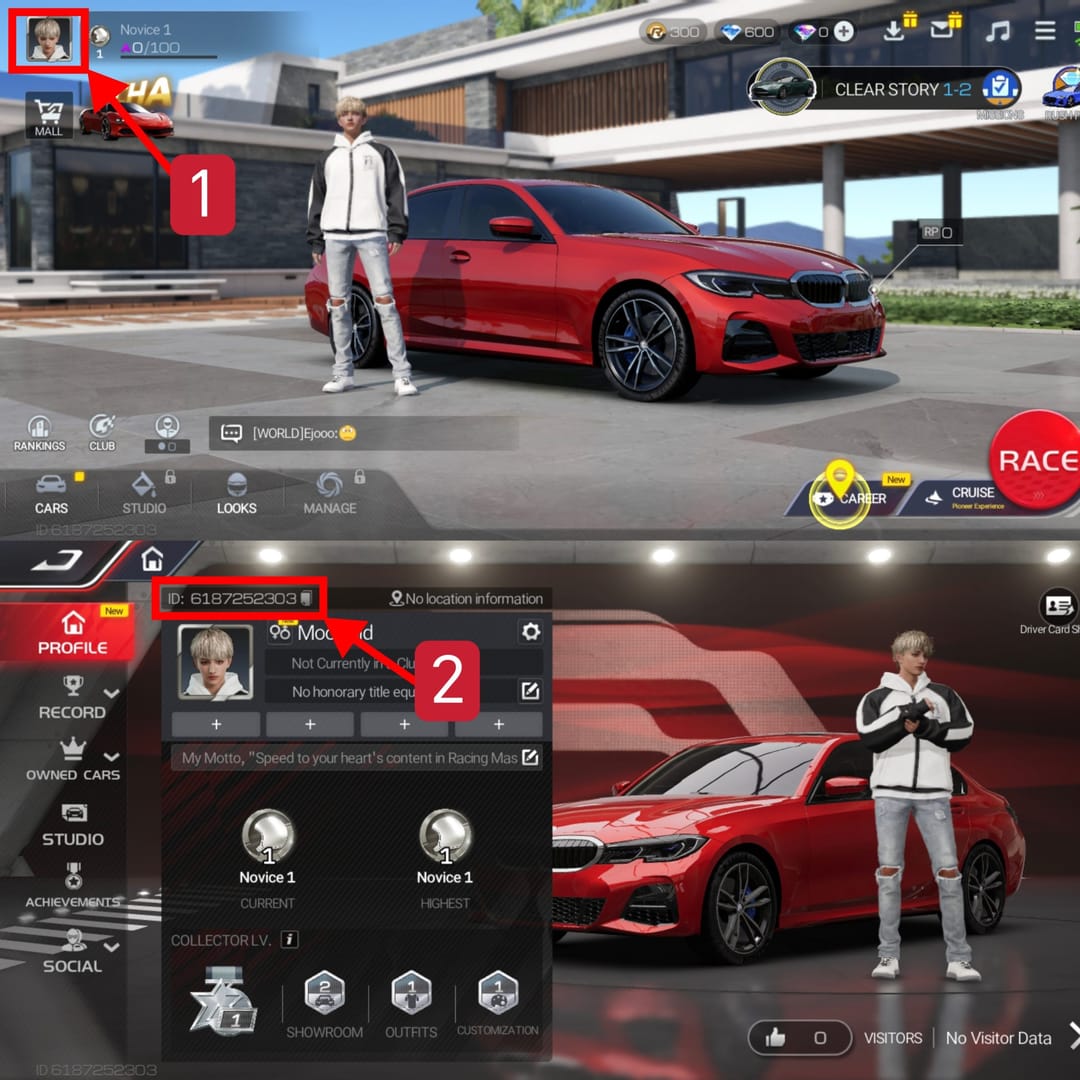
The flow itself is short. Link the account, open the in-game Shop, head to the Gems / Top-Up Center, pick a pack, pay through the official rail or a trusted channel, then check that the gems actually landed in your inventory (per a BitTopup top-up guide, 2026). My friend's instinct flipped the first two steps. Linking takes thirty seconds, and it's the difference between a "scam" horror story and a non-event, because a linked account is recoverable and a guest one usually isn't.
Something people overlook: a platform login (Google or Apple) isn't the same as binding a NetEase ID. Do both and you've got a cleaner recovery route if support ever needs proof of ownership. Handle it while you're calm, not halfway through checkout.
Why the big pack was the wrong first buy
One mechanic should govern the whole first-purchase decision. The opening top-up doubles your gems, applies once, and is shared across every platform (officially noted by NetEase GamesClub). Switching from App Store to the SEA web store won't earn you a second one. One bonus, one transaction, done.
Most guides take that fact and land on "buy the biggest pack to double the biggest base." On raw numbers, sure. It's also how a curious newcomer talks himself into a S$15+ spend in week one. The 70+4 starter doubles to 148 gems for roughly S$1.05 (per BitTopup). Lowest risk, fully claimed bonus: you confirm your payment method works, watch gems hit the inventory, and you've paid about a dollar to learn the entire pipeline.
The BitTopup author frames it the way I would. Use the 70+4 for your first top-up to bank the double safely, the lowest-risk path for a new player triggering a one-shot reward. Some veterans push the opposite line, that wasting the double on a tiny pack throws away the best multiplier in the game. That only holds if you already knew you'd spend big. For someone who can't yet tell whether this game will stick, hitching a large purchase to bonus-FOMO is the trap itself.
The honest split by player type:
- F2P-curious, testing the waters: 70+4 first. About a dollar, full bonus, nothing wasted.
- Mid-spender who already knows they'll invest: 70+4 to trigger the double, then the 1000+50 pack for bulk value (per BitTopup, 2026). Two purchases, both efficient.
- Daily logger on a budget: skip the one-off on day one and read the next section first.
The Monthly Card quietly beats the mega-pack on value
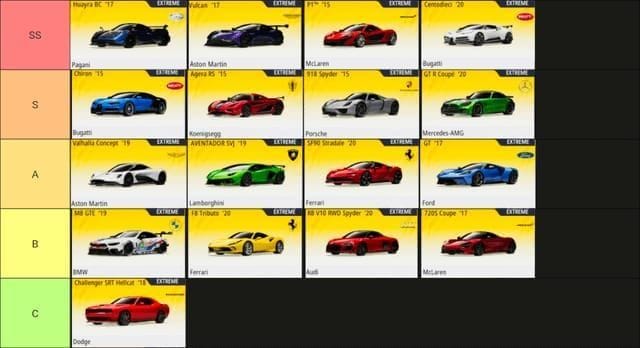
Headline gem count is the wrong number to compare on. Cost-per-gem is the honest metric, and once you run it, the "biggest pack wins" orthodoxy gets shakier for newcomers than the tier lists let on.
Here's the official SEA pricing as a baseline:
| Pack |
Gems + Bonus |
Price (IDR) |
| 70 gems |
74 |
16,000 |
| 140 gems |
147 |
32,000 |
| 1000 gems |
1050 |
225,000 |
| Monthly Card |
+8 daily |
35,000 |
Source: NetEase GamesClub (2026)
The 1000+50 pack sits around S$0.015 per gem at roughly S$15.77 (per BitTopup, 2026), the best straight cost-per-gem among the one-off packs. But the Monthly Card at about S$2.43 is the lowest cost-per-gem of any subscription option across its 30-day life (per the same SEA gems guide), since it pays out daily and the value compounds the more you log in. For anyone who opens the game most days, which is basically every new player still in the honeymoon stretch, that daily drip beats a single mega-pack on effective value.
Globally, the US App Store lists 70 Gems at $0.99, 350 Gems at $4.99, and the Monthly Card at $4.99 (per Apple). Same reasoning holds: the card's per-gem rate gets better every day you claim it.
My read for a low-spender capping near $5 a month: the Monthly Card is the value play, and it isn't close. The one-off 1000-gem pack wins on a single transaction. The card wins on a month of behavior. Daily-login newcomers are exactly who it's built for.
A reality check before any of this matters, though. Exhaust your login rewards first. F2P missions and logins return roughly 1,000–1,800 gems a month through normal play (per a BitTopup free-gems guide, 2026). Buying gems in week one, before that free supply dries up, is premature for most people. Spend the free stuff, figure out what you actually want gems for, then decide whether to top up at all.
Payment red flags I told him to treat as hard stops
Official channels carry no account risk. That's NetEase's whole pitch, and for a first-timer it's the right default. The real debate is official versus third-party. Some players prefer cheaper third-party routes with fast delivery from community testing, others stay official for zero account exposure. The defensible middle ground: official for your very first buy while you're still learning, then a verified channel for value once you know what a clean transaction looks like.
The non-negotiable rules, whatever the channel:
- Never share a login code, password, or verification SMS. No legitimate top-up, official or third-party, needs your password. A request for one is the scam.
- Confirm the billing currency matches what you expect. Region and currency display can diverge from what the store actually charges. SEA prices in IDR/SGD while Global/US bills in USD via the App Store. An apparent "gap" is often just a display-versus-billing mismatch, not a rip-off.
- Verify gems hit your inventory before closing the app. If they're there, you're done. If not, don't pay again. See below.
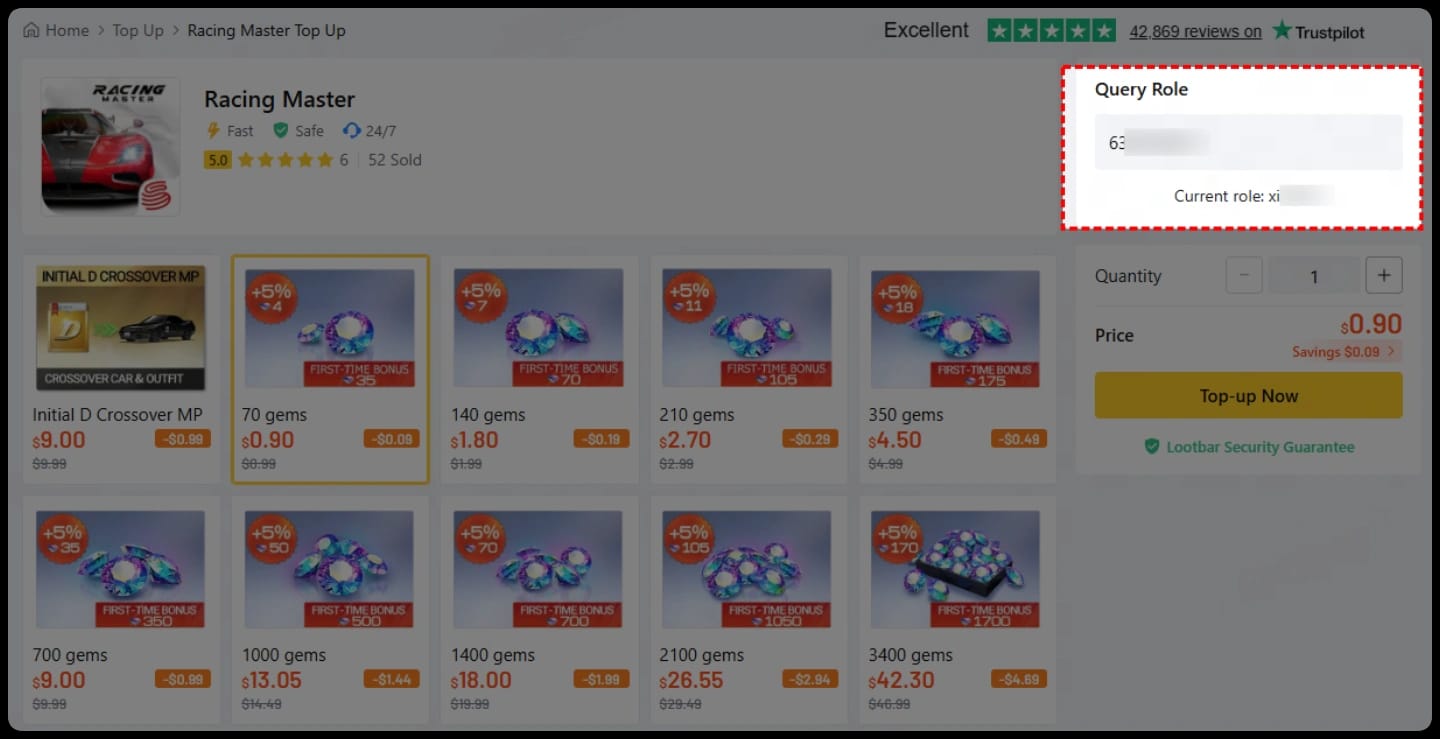
Prefer a transparent third-party route? A Racing Master Gems & Packs top up through VGTopup keeps clear pricing and a saved order record, which genuinely helps first-timers because the receipt is the thing that wins a dispute. (Disclosure: VGTopup publishes this guide.) Whichever channel you pick, the receipt discipline protects you, not the logo.
"I paid but no gems showed up" and what I checked first
Don't double-pay. The gems-not-received panic is, more often than not, a sync or region delay that resolves itself before support even replies, not a stolen payment. I've watched delivery lag a few minutes on a busy evening and clear once the store re-synced.
Work this list before touching your wallet again:
- Force-close and reopen the game. Inventory often just needs a fresh sync.
- Check the correct account. Confirm you're logged into the linked account you paid on, not a guest session that got swapped underneath you.
- Confirm the charge actually went through on your Google Play / App Store / payment history. A pending-then-failed charge means no gems are owed.
- Wait out a short delay. Cross-platform first-bonus syncing and regional processing can add minutes.
- Only then file a support ticket, with the receipt attached. This is where keeping that screenshot pays off. Gem-not-received cases are won or lost on proof of payment.
The reason I keep hammering the receipt: a record with order ID, timestamp, and amount turns a "trust me" complaint into a verifiable claim. Without it, you're asking support to take your word. With it, recovery is routine.
One quirk worth knowing. Some daily-deal gems are tagged as bonus currency and can't be refunded as cleanly as a straight pack purchase, so if a refund ever lands on the table, the pack you bought matters as much as the proof you kept.
What I'd do differently, knowing what I know now
Starting fresh today: link the account first, burn through the free login and mission gems for a couple of weeks (that 1,000–1,800 monthly supply buys real learning time), then claim the first-purchase double on the 70+4 for about a dollar. If I'm logging in daily after that, the Monthly Card is my next move long before any mega-pack. The 1000+50 only makes sense once I've decided this game has my long-term attention, and even then it's a second purchase, not the panicked first one.
The mistake I'd most want to un-teach my friend wasn't the wrong pack. It was reaching for the store before linking the account. Lock the account, keep the receipt, and the rest is just arithmetic you can run yourself.
Frequently Asked Questions
How do I top up gems in Racing Master for the first time?
Link your account (Google, Apple, or NetEase ID), open the in-game Shop and go to the Gems / Top-Up Center, pick a pack, pay through the official rail or a verified channel, then confirm the gems landed in your inventory (per BitTopup, 2026). Do the linking step first. Buying on a guest account is the one move that can cost you everything.
Does the first-purchase double bonus work if I buy on iOS, then again on Android?
No. The first top-up bonus is shared across all platforms and fires only once (per NetEase GamesClub), so jumping from the App Store to the SEA web store won't unlock a second double. Pick the pack you want the bonus applied to, then make that your genuine first transaction.
How much do Racing Master gems cost?
On the official SEA store, 70+4 gems run IDR 16,000 and the 1000+50 pack runs IDR 225,000, with the Monthly Card at IDR 35,000 (per NetEase GamesClub, 2026). The US App Store lists 70 Gems at $0.99 and the Monthly Card at $4.99 (per Apple, 2026). SEA bills in IDR/SGD, Global in USD, which is why a quoted price might not match your local total.
Should new players buy gems at all in their first week?
Honestly, not yet. F2P missions and logins return roughly 1,000–1,800 gems a month (per BitTopup's free-gems guide, 2026), plenty to figure out what you actually want gems for. Exhaust that free supply before spending. Topping up week one, before you know your priorities, is the premature buy most beginners regret.
Is buying through a third-party channel safe compared to the in-app store?
The official NetEase route carries no account risk and is the right default for your first buy. Verified third-party channels can offer value with fast delivery per community testing, and the safe practice on any route is identical: never share login codes or passwords, confirm the billing currency, and keep the receipt. A saved order record resolves a dispute regardless of where you bought.










Comments