Both are dull. Both are why most top-ups bounce.
A funded GCash wallet comes first. GCash draws from your available balance or a linked source, and "insufficient balance" is the single most common reason a payment dies on the spot. Look at that number before you start the flow, not when the confirm screen slaps you.
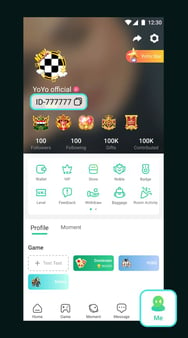
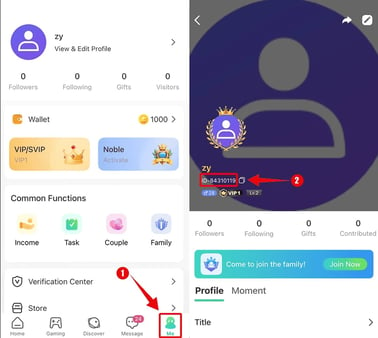
Second, the right Yoyo Coins profile signed in. Coins go to whichever account is logged in at checkout. Not to a username you type. Not to the streamer on screen. If you bounce between logins, verify the active one first. Crediting the wrong account is a pain, and good luck reversing it cleanly.
My pre-flight, every single run:
- Open GCash, confirm available balance ≥ pack price.
- Open Yoyo Coins, confirm the correct account.
- Then start recharging.
Thirty seconds of this kills most of what goes sideways later. That's an estimate from how wallet-to-app handoffs behave in general, not a logged stat.
Running the top-up
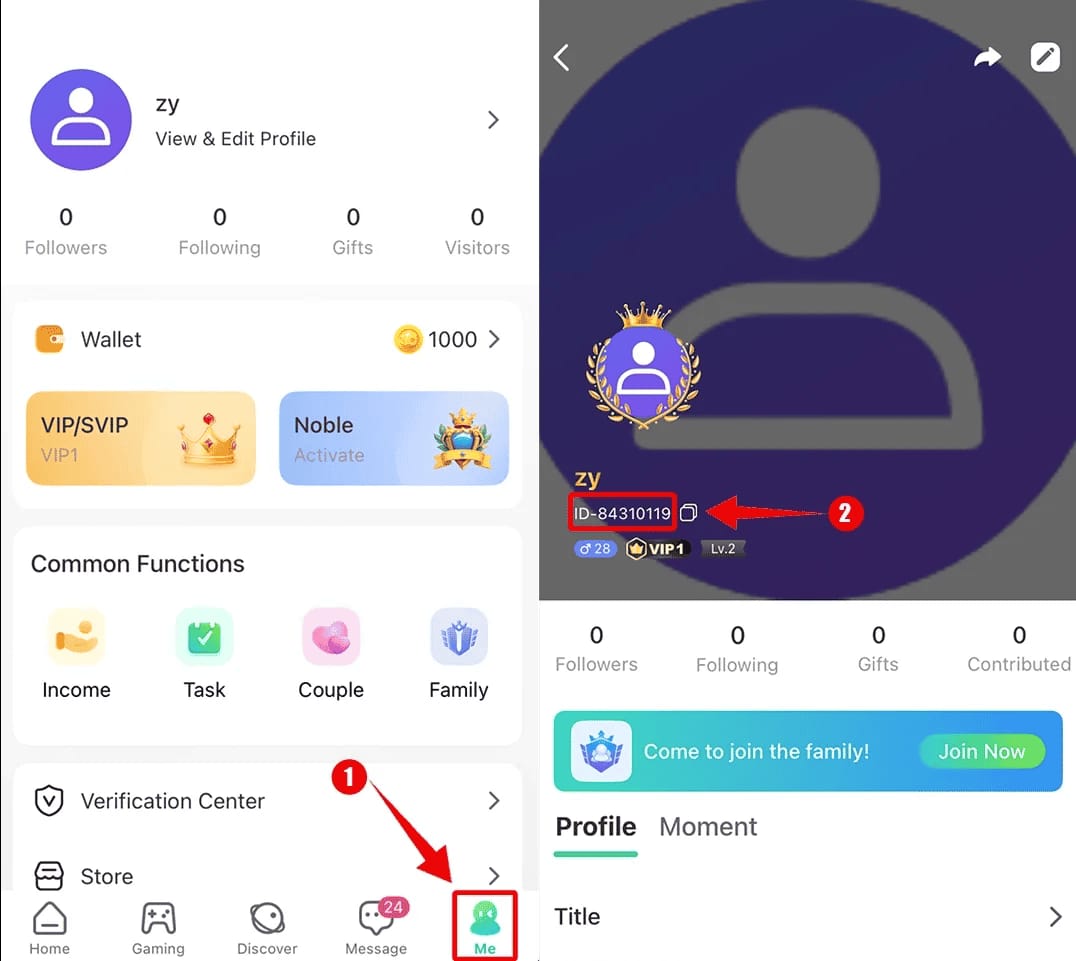
Short flow. The only fork is whether you pay through the in-app store or a payment gateway.
Inside the app:
- Tap your coin balance or the Recharge / Top Up entry.
- Pick a pack tier.
- Select GCash as the method.
- You get redirected to authorize. Could be a GCash QR, a deep link that pops the GCash app, or an in-page confirm.
- Approve inside GCash (MPIN may be required).
- Hop back to Yoyo Coins, watch the balance tick up.
Plenty of Philippine players fund through a gateway like Codashop, which supports GCash for YoYo top-ups. Same principle: pick pack, choose GCash, approve. The difference is you'll usually punch in your account ID on the gateway page instead of being logged in. Triple-check that ID. One wrong digit and your coins go to a stranger.
Once you've paid, don't re-pay just because coins haven't shown up. I'll circle back to this. "Instant" lies sometimes, and a panicky second tap is how people double-bill themselves.
Why the showy gifts demand a fat coin balance
Yoyo Coins are the currency. Live gifts are what the currency buys. Every gift in the menu has a fixed coin price baked in. Tiny reactions run a handful of coins. The flashy animated ones that sweep across the whole stream and stick your name at the top of a streamer's feed? Those run dramatically steeper, often hundreds or thousands per send.
So your balance plan matters more than it looks on paper. The headline gifts are built to gut your balance in one tap. Top up only enough for a single mid gift and you'll keep running dry mid-stream, then refill at the lousiest possible rate. A coin-to-gift menu usually tiers out like this:
| Gift tier |
Rough coin cost |
What it does on stream |
| Reaction / sticker |
Low (single-digit to low tens) |
Quick acknowledgment, name flashes briefly |
| Mid animated gift |
Hundreds |
Visible animation, moderate leaderboard bump |
| Premium / signature gift |
Thousands+ |
Full-screen effect, top-of-feed placement |
Coin costs shift by app version and by whatever's in the live gift catalog, so treat the magnitudes as the lesson, not the exact digits. The structure holds everywhere: gift prices scale steeply. The gap between "I can afford a reaction" and "I can afford the signature gift" is wide.
Per-coin value, and the spot where GCash quietly nips you
Most guides skip this. Your price per coin is not flat across packs. It almost always sharpens as you climb tiers, and there can be a processing or convenience fee stacked on top that quietly thins what you actually walk away with.
The figure that counts is cost-per-coin: pack price divided by coins received, bonus coins included. Run it across every tier and a pattern surfaces in nearly every gifting economy:
| Pack size |
Per-coin cost |
Verdict |
| Smallest / starter |
Highest per-coin |
Worst value — convenience tax |
| Mid tier |
Noticeably better |
The casual sweet spot |
| Large / bulk |
Lowest per-coin |
Best value if you'll spend it |
Since exact peso prices and coin counts for Yoyo Coins packs aren't published anywhere I can cite, I won't fake a number table. The ranking is dependable. Bottom tier bleeds you. Top tier saves you. And any first-top-up bonus typically arrives as bonus coins that sweeten the per-coin rate further.
About fees: GCash often doesn't tack a visible charge onto in-app game payments, but a gateway can apply a small convenience fee, and that fee chews into your effective coins per peso. So read the final confirmation screen. The after-fee number is your true cost. If a gateway's all-in price comes out worse than the in-app figure, in-app checkout takes it.
A first-top-up bonus usually fires once per account. Bolt it onto your single largest planned buy, not some throwaway starter pack, and you grab the bonus at its highest coin value.
Default to in-app GCash checkout. For transparency, the page hosting this guide, VGTopup, is itself one Yoyo Coins top up option. If your in-app GCash flow is down, line up its all-in pack price against the in-app rate before you commit, and let whichever delivers more net coins decide it.
When the top-up dies or coins go missing
Nearly all the "the app robbed me" panic is a wallet, verification, or timing hiccup in practice. Not theft. Here's the matrix I walk through:
| Symptom |
Most likely cause |
Fix |
| Payment declined instantly |
Insufficient GCash balance / funding source issue |
Top up GCash, retry |
| Charge went through, no coins yet |
Normal processing delay |
Wait — do not re-pay |
| GCash shows "pending" |
Authorization not yet settled |
Wait hours; pending charges often auto-reverse |
| Coins credited to wrong account |
Wrong login / mistyped account ID |
Contact support with proof; hard to reverse |
| Repeated failures on one pack |
Verification or regional payment restriction |
Try a different pack/method |
That pending row is the one that bites people. A pending GCash charge can auto-reverse inside a few hours. Re-pay out of panic and you've set up a real double top-up, paying twice for coins you only half wanted. Sit on it. Pull up your GCash transaction history and your in-app balance before you assume anything's gone.
To escalate a missing-coin claim without friction, hold onto three things: the GCash reference number, a screenshot of the charge, the timestamp. Bring those and a support ticket has what it needs. Show up without them and you're asking support to find a needle in the dark.
Spending smart instead of just spending

Scam-dodging boils down to one line: the safest top-up is the one inside the app or through a gateway you can actually verify. Third-party resellers dangling coins under the in-app rate are exactly where account theft and chargeback messes cluster. A few pesos off the sticker isn't worth handing your credentials to a site you can't trust.
The thing that genuinely guards your wallet, though, is budgeting. Hype guides never touch it because it's the anti-hype. These platforms are tuned around leaderboards and ranking pressure that nudge you toward one more big send. My read, flat out: one giant gift for clout is usually worse value than spreading smaller gifts across streams you actually love. The clout evaporates in a minute. The coins don't come back.
Three rails I'd bolt on:
- A monthly coin budget you set sober and un-hyped, not mid-stream.
- One planned bulk pack over five impulse refills. You snag the better per-coin rate and you build friction against the impulse itself.
- Treat the leaderboard as entertainment, not a scoreboard you owe a debt to. If a ranking is the sole reason you're about to send, that's your cue to put the phone down.
On refunds, the blunt reality: once coins are bought, and especially once they're spent on a gift, they're generally not casually refundable. They behave as consumed virtual goods. Don't top up on the belief you can walk it back. Dispute paths exist for legit payment errors like an unauthorized charge or a double-bill, and that's exactly where your GCash reference number earns its keep. But "I changed my mind about these coins" isn't a refund scenario you should plan around.
The play I'd run if I gifted regularly
Gift on Yoyo Coins with any frequency and the optimal move is dull: wait for the first-top-up bonus, aim it at the biggest pack you'll realistically spend inside a sensible window, fund through in-app GCash, then budget the rest monthly. One decision captures the best per-coin rate, the once-per-account bonus, and the safest payment lane all at once.
Two caveats outlive the headline. The "biggest pack" rule isn't universal. For a casual viewer who gifts now and then, a mid-tier pack timed to a bonus is the real sweet spot, not a bulk pack whose coins gather dust for months. And "instant" top-ups aren't always instant. The right answer to a delay is patience, not a second charge. Nail those two and the rest is just enjoying the streams.
Frequently Asked Questions
Why didn't my Yoyo Coins arrive after I paid with GCash?
Almost always a processing delay, not a vanished payment. Check your GCash history first. If the charge reads "pending," it might still settle or auto-reverse within hours, so don't re-pay. If it reads "completed" but the coins aren't there, file a support ticket with the GCash reference number, a screenshot, and the timestamp. That trio clears nearly every legitimate missing-coin case.
Is it actually safe to top up Yoyo Coins with GCash?
Yes, as long as you pay inside the app or through a verifiable gateway that supports GCash. The risk lives almost entirely with third-party resellers pushing suspiciously cheap coins, and that's where account theft concentrates. GCash's MPIN authorization adds a layer most card flows skip, so the in-app route is the one I'd trust.
What's the cheapest way to get Yoyo Coins for gifting?
Per coin, it's the largest pack you'll realistically spend, ideally stacked on your once-per-account first-top-up bonus. Starter packs carry the weakest per-coin rate. The genuine cheapest net cost is the after-fee number on your confirmation screen. If a gateway's convenience fee shoves it past the in-app price, buy in-app.
Can I get a refund on unused Yoyo Coins?
Don't bank on it. Purchased coins act like consumed virtual goods and aren't casually refundable, and once they're spent on a gift they're gone. Genuine payment errors, like an unauthorized charge or a double-bill from a pending-reversal mishap, are a separate story and worth disputing through GCash with your reference number ready.
What's the minimum amount I can top up?
It's set by the smallest coin pack in the store, not by GCash, and that bottom tier happens to be the one with the weakest per-coin value. If all you need is a few coins for a single reaction gift, fine. But if you plan to gift more than once, a mid pack stretches your pesos noticeably further.









Comments