This advice is everywhere for a reason. It's quick, it's free, and yeah, the popup confirms something happened. You tapped buy, money left, diamonds showed up. For a private "did that actually process?" gut-check, the in-app confirmation does the job fine.
For an expense claim it falls apart on the fields. A reviewer is matching your submission against a policy, and most policies lean on the same bones: a valid receipt usually shows the retailer name, the date including the year, the item, proof of payment, and the price, per the Step Up for Students reimbursement guide. I like that as a neutral yardstick because it was written for ordinary people approving everyday purchases, and it lines up almost perfectly with corporate expense rules.
Now hold the popup against that list. No vendor tax identity. No unique order ID you could quote in an audit. Often no year on the timestamp, and frequently a diamond count ("5,000 Diamonds added") instead of an actual currency figure. The reviewer's first question, every time, is the order number. The popup doesn't have one. That's not bad luck, it's structural. The game client exists to confirm gameplay state, not to act as an accounting document.
So the popup isn't junk. It's a supporting artifact. It just can't carry the claim on its own.
What a reimbursement-ready receipt has to show

Four fields do the work, and a fifth is the gap between "accepted" and "accepted with no annoying follow-up email":
- Date with the year. A bare "Feb 14" fails audit because it doesn't anchor to a fiscal period.
- Exact amount and currency. Finance reimburses money, not diamonds. The figure has to be the charged amount in real currency.
- A unique order / transaction ID. The field the popup almost never carries, and the one reviewers fixate on, because it's what makes the record impossible to duplicate.
- Vendor name. Who you paid (the store or the top-up service) as a legal entity, not just "the game."
- Item description. The diamond pack line ("X Diamonds" or the package name) ties the spend to a real purchase instead of an anonymous charge.
Here's where the two approaches genuinely split. Lay the sources next to each other on those fields:
| Field |
In-game popup |
Google Play / App Store receipt |
Support-issued tax invoice |
Card / wallet statement |
| Date with year |
Sometimes |
Yes |
Yes |
Yes |
| Exact amount + currency |
Rarely (shows diamonds) |
Yes |
Yes |
Yes |
| Unique order / transaction ID |
No |
Yes |
Yes |
No |
| Vendor / tax identity |
No |
Partial (store as seller) |
Yes (full legal/tax) |
Generic descriptor only |
| Itemized diamond pack |
Yes |
Yes |
Yes |
No |
Source: field requirements per Step Up for Students reimbursement guide (2026); retrieval mechanics per Google Play Help (2026) and SEAGM (2026).
The card statement is the trap most people retreat to. It proves money moved, sure, but the merchant descriptor is generic. It won't read "Spark Live Diamonds," there's no item line, no order ID. As standalone proof it's the weakest thing in that table. As backup stapled to a real receipt, it's worth its weight.
Pull it from the channel the money actually left through
Three retrieval paths cover the vast majority of cases. Match the path to how you paid, not to where the diamonds landed.
Google Play purchase history
Your most dependable source on Android, and it sits on an advantage most players never use. Open the Play Store, tap your profile, then Payments & subscriptions → Budget & history. The entry shows date, amount, item, and order ID, per Google Play Help. That one record already covers all four mandatory fields.
The bit competitors gloss over: this lives inside your Google account, not your inbox. Delete the confirmation email and the record is still sitting there, retrievable months out. The whole "my receipt vanished" panic, usually some auto-filed or expired email, doesn't even touch this channel. When I want a clean copy these days, I go straight to order history rather than dig through email. Faster, cleaner, no missing files.
Apple App Store / iTunes billing receipt
Topped up on iOS? The receipt arrives by email with the subject "Your receipt from Apple," and the same record is reachable through purchase history in your account settings. It carries the order or document number, the date, the charged amount. Audit-grade stuff.
One timing quirk worth planning for: Apple's billing email doesn't always land right away. It can lag the purchase, sometimes by a day or more, which stings if you're trying to file same-day. The fix is simple. Use the in-app purchase history Order ID as a placeholder in your submission, then attach the full Apple receipt the second it shows up. No reason to let an email lag freeze the entire claim.
In-app top-up history and the Order ID
The in-app history is the least authoritative record for reimbursement. Not useless, though, because it's where your Order ID lives when you need to quote one in a hurry or cross-reference a charge you can't otherwise pin down. Think of it as a lookup tool, not the document you submit. It tells you which transaction to go pull the real receipt for.
Topping up through a third-party site
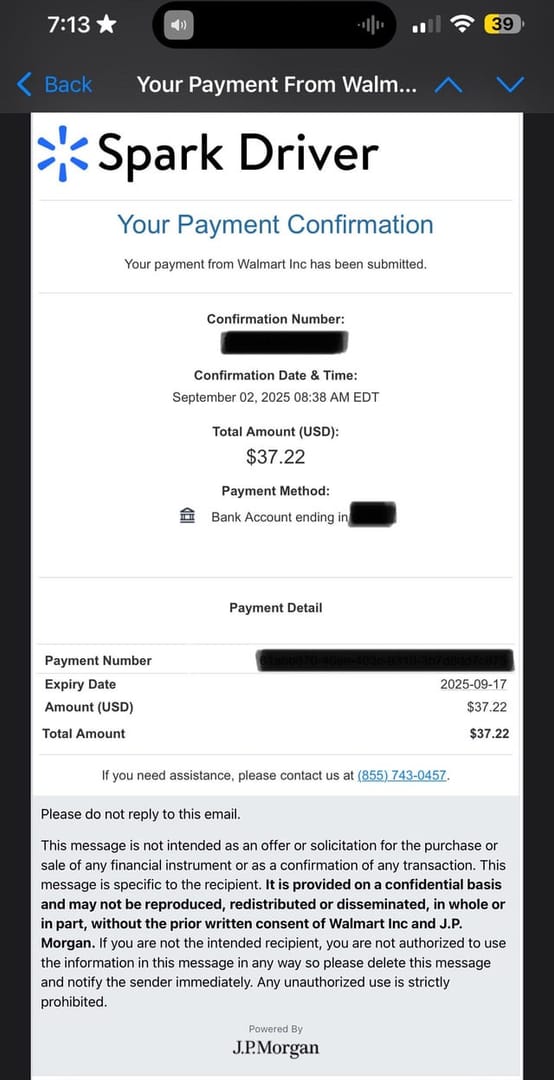
Buy your diamonds through a top-up service rather than the in-app store, and the receipt situation is often easier, not harder, which cuts against what most people assume. These channels are built around an order confirmation. On SEAGM you pick the package, enter your Up ID, check out, and an order confirmation email goes out with the transaction details, per SEAGM (2026). The flow runs the same elsewhere: itemku has you choose the product, buy, and copy your Spark Live ID, with the order confirmation supplying the receipt details, per itemku Zendesk.
The practical payoff: that emailed confirmation tends to lay out the whole order line (date, amount, order ID, item) in one spot, which is exactly the bundle a reviewer wants to see. As a disclosure, if you top up Spark Live Diamonds through a service that emails a clean order confirmation, you've basically pre-solved the reimbursement step before filing anything. Any channel that issues a tidy, emailed, line-itemized receipt spares you the whole chase later. That's the real selection criterion, whichever one you settle on.
When the receipt is missing: recovery and the invoice nobody requests
No email, deleted record, or a receipt that's just too thin? Two moves, in order.
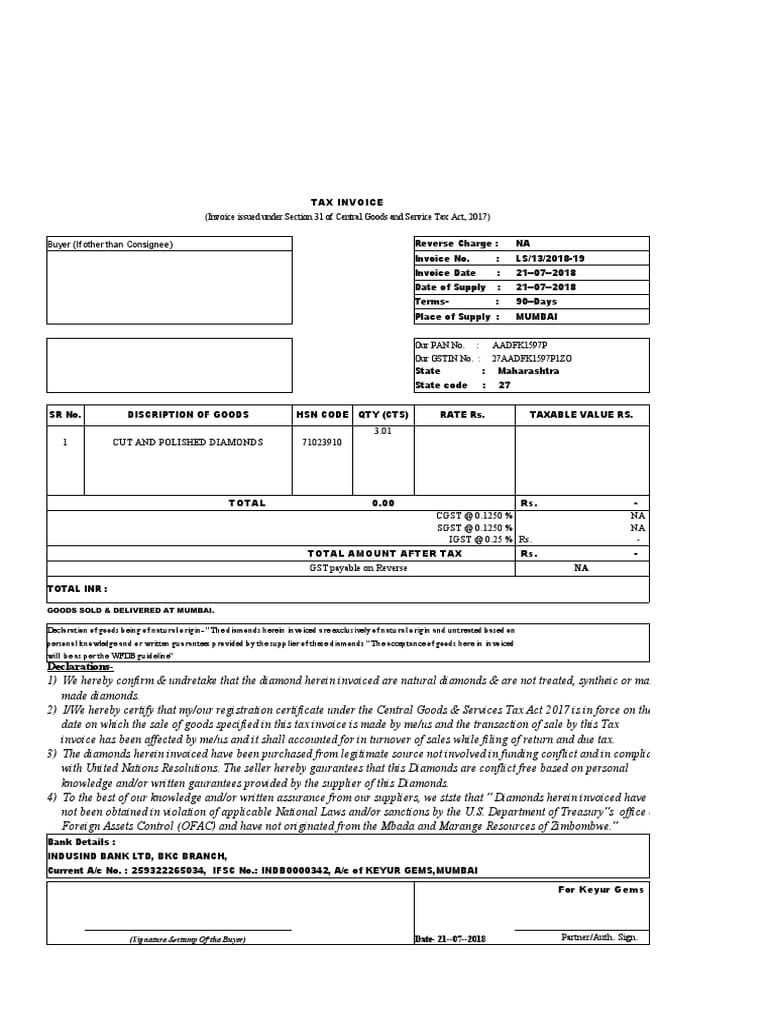
First, ask support for an itemized or tax invoice. This is the path most guides skip clean over, and in a lot of regions it's the only route to a genuine tax/VAT document. The mechanic that catches people: in some markets the formal tax invoice is never auto-generated. It's produced only when you ask. Sit around waiting for one to appear on its own and you'll wait forever.
To make that request resolve in one round-trip instead of three, hand support everything up front:
- The Order ID / transaction ID (here's where the in-app history earns its keep)
- The purchase date and the charged amount with currency
- The account email the purchase is tied to
- The diamond package you bought
- A flat ask: "Please issue an itemized tax invoice for this transaction."
A request with the order ID attached gets handled quickly. One that reads "I bought some diamonds last week, can I get an invoice?" bounces straight back asking for those same details.
Second, use a card or wallet statement as corroborating proof, never as the receipt itself. Pair the statement line (proving the amount and date hit your account) with the in-app Order ID and a screenshot of the purchase, and you've reconstructed something defensible even with the primary receipt gone. The statement alone won't clear. The statement plus an order ID and item context usually will. And hang onto the original wherever you can: Spark Live hardware owners in a warranty community have reported needing their original receipt months after purchase, per a Facebook group post (2025). The lesson travels. Save the proof the day you buy, because future-you can't conjure it out of thin air.
Building a proof package finance won't bounce
Don't submit one artifact and cross your fingers. Stack them so the package answers every field before anyone has to ask a single question.
A clean submission is the store or channel receipt as the primary document, the emailed confirmation as delivery proof, and a same-day screenshot of the receipt as redundant backup. Why screenshot the same day? Unglamorous but real: purchase emails get swept into promotions folders or expire out of some inboxes, and while the store record sticks around in your account, re-fetching it under deadline is a pain. Capture it once, attach it, move on.
Then redact before any of it leaves your hands. This is the step that protects you and the one almost everyone skips. Receipts routinely expose your account email and partial payment data, fields your employer has no business holding. Before you submit, mask:
- The last digits of any card number and any wallet identifiers
- Your personal account email if the policy doesn't require it (or swap in your work email where that's allowed)
- Any billing address beyond what the claim form actually needs
Keep visible exactly the five fields that matter: date, amount + currency, order ID, vendor, item. The rest is risk with no upside. A receipt that's been thoughtfully trimmed to the load-bearing fields actually reads as more professional to a reviewer, not less.
Store record beats the in-game screen, every single time
The store or channel receipt is the one source of truth. The game client is the least authoritative record you can submit, and it isn't close. The popup confirms gameplay state. The payment channel produces an accounting document. Reimbursement is an accounting process, so you bring the accounting document.
Compress the whole workflow and it's this: pull the receipt from Google Play order history or the Apple billing email (or your third-party order confirmation), grab the Order ID from in-app history if you need it before the email lands, ask support for a formal tax invoice when your region or finance team demands one, screenshot everything the same day, redact your payment and email data, then submit the bundle. Do that and the claim clears on the first pass instead of pinging back for the order number.
One thing worth sitting with: "just screenshot the confirmation" isn't only incomplete advice. For corporate reimbursement it's quietly misleading, because that screenshot is the single artifact most likely to get rejected. Build the claim on the channel record and let the popup be the supporting cast it was always meant to be.
Frequently Asked Questions
Does Spark Live Diamonds send a receipt automatically after a top-up?
Depends entirely on how you paid. Store purchases generate an emailed receipt through Google Play or Apple, and third-party top-ups send an order confirmation email; on SEAGM that confirmation goes out at checkout, per SEAGM (2026). The in-app "diamonds added" notice is not an emailed receipt and won't satisfy a reimbursement reviewer by itself.
Can I get a tax invoice for in-app diamonds, or only a basic receipt?
You can, but in many regions you have to ask for it. The formal tax/VAT invoice is generated on request rather than sent automatically. Contact support with your order ID, charged amount, date, and the package bought, and ask specifically for an itemized tax invoice. The standard auto-receipt and a true tax invoice are different documents; only the latter carries full vendor tax identity.
What if I never received the receipt email at all?
Skip the inbox, go to the source. A Google Play purchase stays in your order history independent of email and can be reopened months later, per Google Play Help (2026); Apple keeps the equivalent in your purchase history. For a third-party order, the confirmation can be re-requested from the service. A lost email rarely means a lost record.
Is a screenshot of my purchase enough for an expense claim?
As the only evidence, usually not. A screenshot of the in-app popup typically lacks the order ID and vendor identity finance teams need. A screenshot of the store-level receipt is far stronger, especially paired with the order email. Treat screenshots as redundant backup of the channel record, never as a replacement for it.
How do I find my Spark Live Diamonds Order ID quickly?
Fastest lookup is your in-app purchase history, which surfaces the Order ID even while the store email is still pending, handy when Apple's billing receipt lags the purchase. For third-party buys, the Order ID sits in the confirmation email; itemku's flow ties it to your Spark Live ID at purchase, per itemku Zendesk (Feb 2026). Quote that ID in any support or invoice request and you'll get a same-round-trip response.












Comments