What T Gems unlock, and why your first buy carries the whole strategy
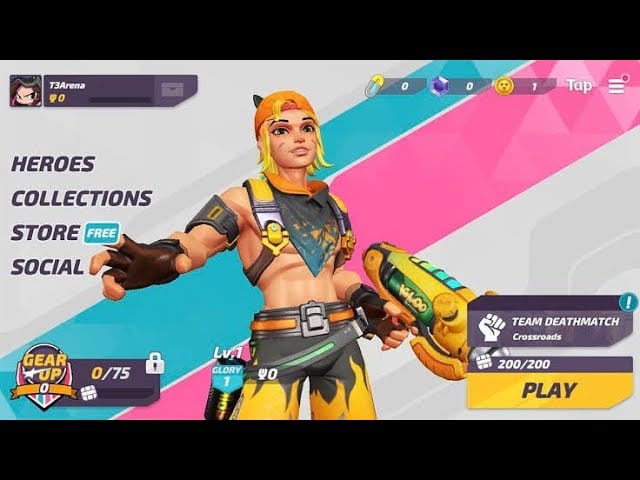
T Gems are the premium currency. Per the T3 Arena Wiki, they bankroll the Premium Pass and Store stuff: skins, hero vouchers, all of it. The free track? It coughs up roughly 40 gems across its whole run, going by App Store reviews collected in 2026. Hold that figure, because it sets the stakes. The best skins go for 400 gems each, per those same reviews. So a free player is looking at months of grinding for a single cosmetic.
Which is why "can I top up" was never the interesting question. "How do I top up once, smart, and not get bled dry" is the one that matters.
Here's the mechanic that flips your whole approach: the first-purchase double bonus fires exactly once per account. Blow it on a tiny pack and you've doubled $0.99. Spend it on the pack that lands you right on the pass cost, and you've doubled the gems doing real work. T3 Arena has also historically bolted on extras like Power Cores to topped-up gems, going by the old wiki version history, so your purchase quietly pulls a bit more weight than the price tag advertises.
So treat that first real-money buy as the highest-leverage spend you'll make in this game. Don't fritter it on the $0.99 starter just to dip a toe in.
The official pack ladder, priced out
Straight from the T3 Arena App Store page as of mid-2026, here's what the store wants:
| Pack |
Price (USD) |
T Gems |
Rough $/Gem |
| Small |
$0.99 |
15 |
$0.066 |
| Medium |
$4.99 |
80 |
$0.062 |
| Large |
$8.99 |
165 |
$0.054 |
| XL |
$14.99 |
275 |
$0.055 |
| XXL |
$25.99 |
490 |
$0.053 |
Source: T3 Arena App Store page (2026)
Notice how flat that right column stays. The XXL shaves about a penny per gem off the Medium. That penny is exactly what every "biggest bundle = best value!" guide waves around and hopes you don't squint at. For the pass by itself, that discount is way too skinny to justify dropping $26 when a smaller pack plus your doubler already covers it. Bulk only earns its keep if you're chasing those 400-gem skins in the same sitting.
On the pass price itself: T3 Arena hasn't posted a fixed, current-season gem cost for the premium track in any source I can stand behind, and it wobbles season to season. What I can say is the practical landing spot. Historically the pass sits in territory a single mid-tier pack covers, and with your first-purchase bonus doubling things, the $4.99 / 80-gem Medium is the one I'd grab first for most folks. Pull up the live pass page before you buy. If the listed number sits above what one pack delivers, climb exactly one rung. No higher.
Topping up, step by step: mobile, PC, and the UID route
Short flow. Mobile first, since that's where most of you are:
- Open T3 Arena, tap into the in-game Store.
- Find the T Gems tab (it's separate from the skin and bundle shelves).
- Pick your pack. For a first buy, the one that clears the pass once the bonus hits.
- Confirm through App Store (iOS) or Google Play (Android); it bills your existing store account.
- Watch the first-purchase bonus banner apply before you tap confirm. On a clean transaction the gems drop into your balance right away.
PC / Steam client is the same store, same packs, billed through your platform wallet instead of a mobile one. No desktop discount, no surcharge, nothing. If you're on PC there's zero reason to grab your phone for this.
Then the UID route, where you key in your account ID on a third-party platform and the gems get delivered straight to it. Community walkthroughs, like the ones on SEAGM's T Gems page, lay out the usual steps: punch in your UID, pick the amount, pay. Third-party listings have floated numbers like 960 T Gems for around $35 or 2,000 for roughly $60, per EpicNPC listings tracked in 2026, while comparison pages such as G2A have shown smaller rungs like 80 T Gems near $5–6. These exist mostly because in-game buying has been historically twitchy for some players (more on that in a sec).
Disclosure: this article lives on VGTopup, itself one of those UID-based T3 Arena Gems top up options. If the in-game store is gagging or you just want a tidy UID flow, it's a legit path. But the rule for any third-party top-up never bends: triple-check your UID before you pay. Sending gems to the wrong account ID is the single most common way these go sideways, per general third-party top-up instructions. Gems follow the number you typed, and there's no take-backs.
My read: for a first buy, do it in-game so the first-purchase bonus tracks cleanly. Save the UID route for when the store won't cooperate, or for refills after the bonus is already gone.
The Super Season clock is the real decision, not the price
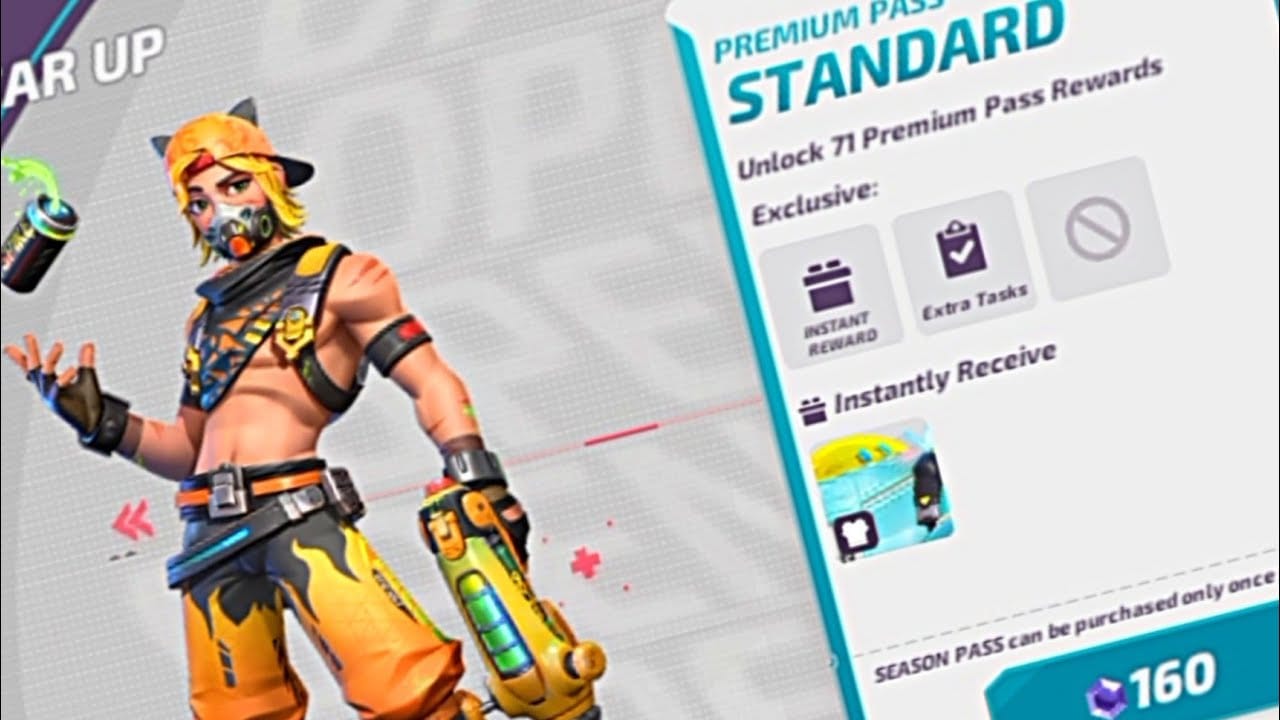
This is the bit the megathreads stay quiet on. The pass costs about five bucks. That's not the expensive blunder. Buying it with no runway left to grind is.
It's a tiered track. You climb with Season XP off daily and weekly missions, unlocking Skin Bundles, T Gems, Hero Vouchers, and Power Cores as you go, per BlueStacks' coverage of the Super Season pass structure. Buy on day two and you've got weeks. Buy with four days on the clock and you're paying full freight for whatever scraps you can rush.
And the slow-track rewards are stingy. One Facebook community report pegged the pass at 33 gems over a two-week stretch, modest enough that the value sits almost entirely in the skins and bundles, not the gems. Which means you genuinely have to finish the thing for it to pay off.
Where's the timer? Right on the Battle Pass page in-game. Read it before spending. That countdown, not the sticker, tells you if this is a smart buy.
What carries over? Don't bank on much. The entire point of a seasonal pass is that unclaimed tiers and time-limited rewards reset when the season rolls. Hoarding gems across seasons is pointless, because gems were never the prize. The time-boxed pass rewards are. One small mercy: some seasons let you retroactively grab already-earned free-track levels the second you go premium, so a grinder who buys late may instantly snag premium versions of tiers they've already cleared. That cushions a late buy. It doesn't rescue tiers you haven't reached.
When the top-up doesn't land, and how to fix it
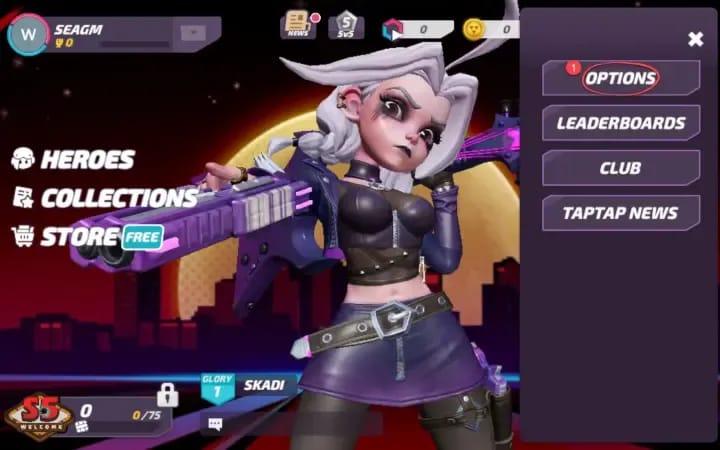
T3 Arena carries a documented rap sheet of purchases going wrong, worth knowing before you spiral. There's a well-circulated r/T3Arena thread where players bought a gem bundle for the pass and got the first-time top-up rewards but not the actual gems. The bonus credits, the currency vanishes. Genuinely infuriating. It's a 2026 report that still pops up in 2026 discussions, so treat it as live, not folklore.
If your gems ghost you:
- Force-close and relaunch. A weird chunk of "missing" gems are just a balance that never refreshed.
- Pull your purchase receipt in App Store, Google Play, or Steam. Money left your account? You've got proof.
- Hit in-game support with that receipt. Documented payment plus missing currency is exactly the ticket they're built to fix.
- On a UID route, re-check the ID you typed. Gems landing on the wrong account isn't a bug, it's a typo, and that one's only preventable on your end.
The pattern across every report: confirmed payment plus an empty balance is fixable with a receipt. A botched UID on a third-party top-up usually isn't. That gap is precisely why I'd run a first-ever purchase through the in-game store.
Buy now or wait, sorted by what kind of spender you are
The discourse genuinely splits here, and both sides aren't wrong. YouTube guides sell the pass on the first-purchase bonus and quick reward access. The r/T3Arena crowd swings back hard, pointing at the crediting bugs and the brutal skin prices. The honest verdict: worth it only if you'll log in enough to clear the tiers before reset, and the purchase actually went through clean. With the game parked in a stretched Super Season running on fumes for fresh content through 2026, per player reports across Reddit and YouTube, "will I really play enough" matters more than usual.
Sorted by spender:
- F2P weighing one purchase: If you spend once, ever, make it the pack that clears the premium pass and trips your double bonus. That's the best gem-per-dollar window you'll ever touch, and the pass rewards swamp the ~40 free-pass gems you'd otherwise scrape together. Just confirm there's enough runway to grind it out.
- Low-spender (~$5): Medium pack, that's your lane. Don't let "value" chatter shove you toward the XXL. The per-gem savings is roughly a penny, and you don't need 490 gems for a pass. Buy it, grind it, done.
- Mid-spender chasing skins fast: Now the bigger packs earn their slot. Buying the pass and a 400-gem skin in one go? The Large or XXL's slightly better rate plus a single transaction makes sense. This is the only profile where I'd greenlight a big bundle.
The purchase I'd actively wave you off: the Elite/upgraded pass for a casual who just wants the skins. You're paying a markup for instant tier unlocks and extras you won't touch unless you grind hard. For most people the standard premium track is the value play; the upgrade is for completionists who'll squeeze every tier dry.
One thing to take from all this. The price was never the danger. The deadline and the wrong-account top-up are. Read the countdown, clear your UID, and spend that first-purchase bonus on the pack that lands you exactly on the pass.
Frequently Asked Questions
How many T Gems do I actually need for the premium pass?
T3 Arena doesn't publish a fixed premium-pass price across seasons, and it shifts with each Super Season, so check the live pass page in-game before buying. Practically, one mid-tier pack (the $4.99 / 80-gem Medium) paired with your one-time first-purchase doubler is what I'd line up first, climbing exactly one rung only if the listed cost sits higher.
Do unused T Gems expire when the season ends?
The gems themselves are account currency and aren't what resets. The pass rewards and unclaimed tiers are. That's why banking gems across seasons is wasted effort: per the wiki, the value lives in the time-limited Premium Pass and Store items, not a stockpiled balance. Spend on this season's pass while it's live; don't squirrel them away for a "better" use that never comes.
Why did I get the bonus but not my gems?
Known issue. A circulated r/T3Arena thread documented players receiving first-time top-up rewards while the purchased gems failed to credit. Relaunch the app first to force a balance refresh; if money left your account, pull the receipt from App Store, Google Play, or Steam and send it to in-game support. A confirmed payment with missing currency is the exact case they can reverse.
Is the in-game store or a UID top-up better?
For your very first purchase, go in-game so the first-purchase double bonus tracks cleanly to your account. A UID-based route, VGTopup included, is a fair option when the in-game store won't load or for refills after that bonus is spent. The non-negotiable on any third-party method: verify your UID before paying, because a wrong account ID drops gems somewhere you can't claw them back.
What's the difference between the Elite and Premium pass for a casual?
The upgraded Elite-style tier bundles instant level unlocks and extra rewards on top of the standard premium track. For a casual who mostly wants the season skins, it's overpriced. You're paying for tier-skips and extras you won't fully use without heavy grinding. Stick with the standard premium pass and clear it through daily and weekly missions; the upgrade only pays off for players who'll exhaust every tier.








Comments