
T3 Arena Gems Top Up on VGTopup
Power up your heroes and customize your loadouts with a direct T3 Arena Gems top up on VGTopup. T-Gems serve as the premium currency in T3 Arena, giving you immediate access to hero unlocks, exclusive battle passes, weapon skins, and limited-time seasonal bundles. Whether you are pushing the competitive ranks in ranked mode or collecting the newest cosmetic drops, having a reserve of T-Gems ensures you never miss out on exclusive in-game content.
VGTopup provides a quick, secure, and hassle-free system designed for players worldwide. You do not need to share account passwords or log-in credentials. All you need is your T3 Arena Current Account ID to receive your gems directly into your game balance.
Why Get Your T3 Arena Recharge on VGTopup?
- Safe and Direct Fulfillment: Orders are processed straight to your game profile using only your Current Account ID, ensuring your login credentials remain 100% private.
- Clear Pricing: Check live rates directly on the product selection grid before checking out, with no hidden platform fees.
- Global Support: Available to players across all global servers, letting you reload your account from any region.
- Responsive Assistance: Dedicated support staff are on hand to help resolve any questions regarding your order status or account details.
How to Find Your T3 Arena Current Account ID
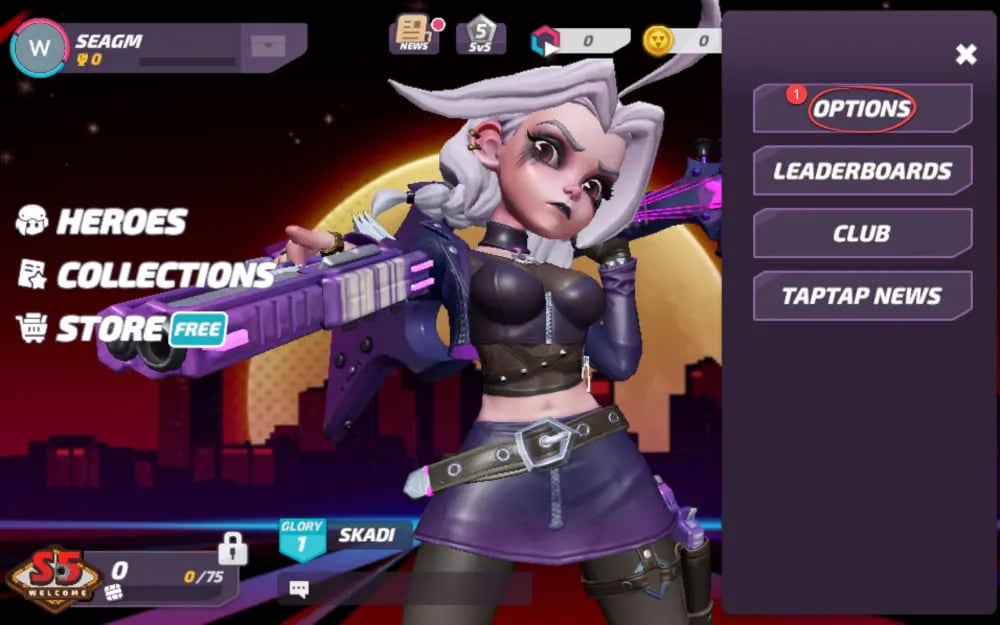
To ensure your T-Gems arrive without delay, you must provide your exact Current Account ID during checkout. Follow these simple steps inside the game client to locate and copy it:
- Open T3 Arena on your mobile device and log in to your character.
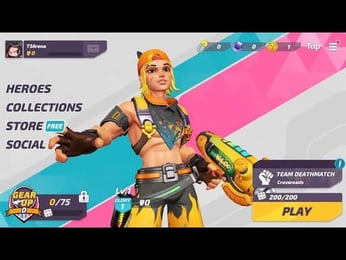
- Tap your Avatar / Profile Icon located in the top-left corner of the main lobby screen.
- On your Player Profile card, look directly below your nickname or avatar details to find your Current Account ID.
- Tap the Copy button next to your ID string to save it directly to your clipboard.
- Paste this ID into the Current Account field on VGTopup before proceeding to payment.
Tip: Double-check that you copied the complete ID string without extra spaces before completing your purchase.
What Are T-Gems and How to Use Them in T3 Arena
T3 Arena utilizes multiple currencies to manage progression, cosmetics, and seasonal rewards. Understanding how each currency functions helps you allocate your resources effectively:
1. T-Gems (Premium Currency)
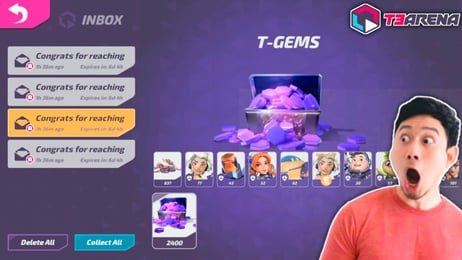
T-Gems are the core premium currency obtained through top-ups. They allow you to:* Purchase the Premium Pass or Premium Pass Plus to earn high-tier rewards and exclusive seasonal hero skins.* Unlock premium heroes directly from the character roster.* Buy featured skins, weapon effects, holo-sprays, and kill announcements in the daily shop.* Open premium crates and special event boxes containing rare cosmetic items.
2. Star Coins (Earnable Currency)
Star Coins are earned through match rewards, daily challenges, and leveling up your battle pass. They are used primarily for hero progression—upgrading basic skill attributes, unlocking core abilities, and purchasing select basic items in the shop.
3. Battle Pass Tokens and Arcade Points
Earned by playing matches and completing seasonal missions. These points advance your tier level across the seasonal progression track, unlocking both free and premium reward milestones.
Secure T3 Arena Recharge: No Password Required
Account safety is critical when purchasing game currencies online. VGTopup operates on a strict zero-credential policy:
- No Passwords Needed: You will never be asked for your login password, Apple ID, Google Play credentials, or social media bindings.
- No Account Sharing: Your account stays completely in your control on your own device. The top-up is credited externally via your public Current Account ID.
- Zero Risk of Account Lockouts: Because no unauthorized logins occur on third-party devices, your account remains secure and compliant with standard platform terms.
Available T-Gems Packages and Denominations
VGTopup provides a range of package sizes to fit your specific in-game goals, whether you need a quick boost for a daily shop item or enough gems for a full seasonal pass.
| Package Tier | Common In-Game Applications | Required Player Info |
|---|---|---|
| 80 T-Gems | Quick item unlocks, crate openings, daily shop deals | Current Account ID |
| 250 T-Gems | Hero skin discounts, mid-tier cosmetic crates | Current Account ID |
| 500 T-Gems | Premium Battle Pass activation, featured hero unlocks | Current Account ID |
| 1,000+ T-Gems | Premium Pass Plus, Legendary skins, complete cosmetic bundles | Current Account ID |
Current package pricing, promotional rates, and available denominations are displayed live on the checkout panel above.
How to Top Up T3 Arena Gems on VGTopup
Follow this simple walkthrough to complete your order:
- Select Your Package: Choose the desired amount of T-Gems from the available options.
- Enter Account Details: Input your Current Account ID into the designated field.
- Review Your Order: Confirm your player information and selected package size.
- Complete Payment: Select your preferred payment method on the checkout screen and complete the transaction.
- Receive Your Gems: Once the order is confirmed, open T3 Arena to verify your updated T-Gem balance.
Delivery Process and Order Verification for T3 Arena
After your payment is confirmed, the fulfillment system processes the gems directly to the specified Current Account ID.
Verifying Your Balance
- If your game client is already open, close it completely and relaunch it.
- Check the gem counter at the top of the main menu.
- If your balance does not update immediately, check your in-game mailbox for a system delivery notice.
Troubleshooting Tips
- Check Account ID Accuracy: Ensure the Current Account ID entered during checkout matches your profile character exactly.
- Allow Brief Processing Windows: Network synchronization between game servers can occasionally take a few moments during peak hours.
- Contact Support: If your gems have not appeared after completing your order, reach out to VGTopup customer support with your Order ID for rapid verification.
Frequently Asked Questions About T3 Arena Top Up
How do I top up T-Gems in T3 Arena?
Select the T-Gems denomination you want on VGTopup, input your in-game Current Account ID, and complete payment. The gems will be credited directly to your account balance.
Where can I find my T3 Arena Current Account ID?
Open T3 Arena, tap your profile avatar in the upper-left corner of the lobby screen, and locate your Current Account ID below your profile name. Tap the copy icon next to it to paste it accurately.
Do I need to provide my T3 Arena password to recharge?
No. VGTopup only requires your Current Account ID. You should never share your password, login codes, or linked social media credentials.
What can I buy with T3 Arena T-Gems?
T-Gems allow you to unlock premium heroes, purchase the seasonal Premium Pass, acquire Legendary character and weapon skins, open crates, and buy exclusive shop bundles.
How long does it take for T-Gems to reflect in my game account?
Deliveries are processed promptly upon payment confirmation. Simply restart your T3 Arena game application to see your updated gem total.
Can I recharge T3 Arena Gems for a friend?
Yes. As long as you have your friend's correct Current Account ID, you can select any gem package, enter their ID at checkout, and the gems will be delivered directly to their profile.
Select Denomination
Tax, payment fees and eligible coupons are calculated at checkout.
| Package | Price |
|---|---|
| 15 Gems | USD 0.64 |
| 80 Gems | USD 3.23 |
| 165 Gems | USD 5.84 |
| 275 Gems | USD 9.73 |
| 490 Gems | USD 16.76 |
| 960 Gems | USD 32.33 |
| 2,000 Gems | USD 64.79 |