Saturday night, $19.99 gone, mailbox empty
The scene that drags people here is always the same. You tap confirm on a pack, the bank app buzzes with the deduction, you swap back to the game, and your diamond counter just sits there mocking you. Pulse climbs. The reflex is to buy again or to angrily smash the refund button, and both of those moves can cost you more than the pack did.
So slow down for one question first: did the merchant genuinely capture the money, or are you staring at a hold that hasn't unwound yet?
In a banking app, a real capture and an authorization hold are near-identical twins. Same merchant line, same amount, same timestamp. The difference is that a hold is just a placeholder the processor drops to confirm your card's good, and it falls off by itself, usually somewhere in the 1–7 day range depending on who you bank with. When a transaction dies mid-flight, that ghost line is very often the hold, not collected funds. Re-buying right then is how a phantom turns into a genuine double spend. Community refund threads, including the YouTube G4 Refund Update walkthrough from 2025, keep hammering this exact pattern.
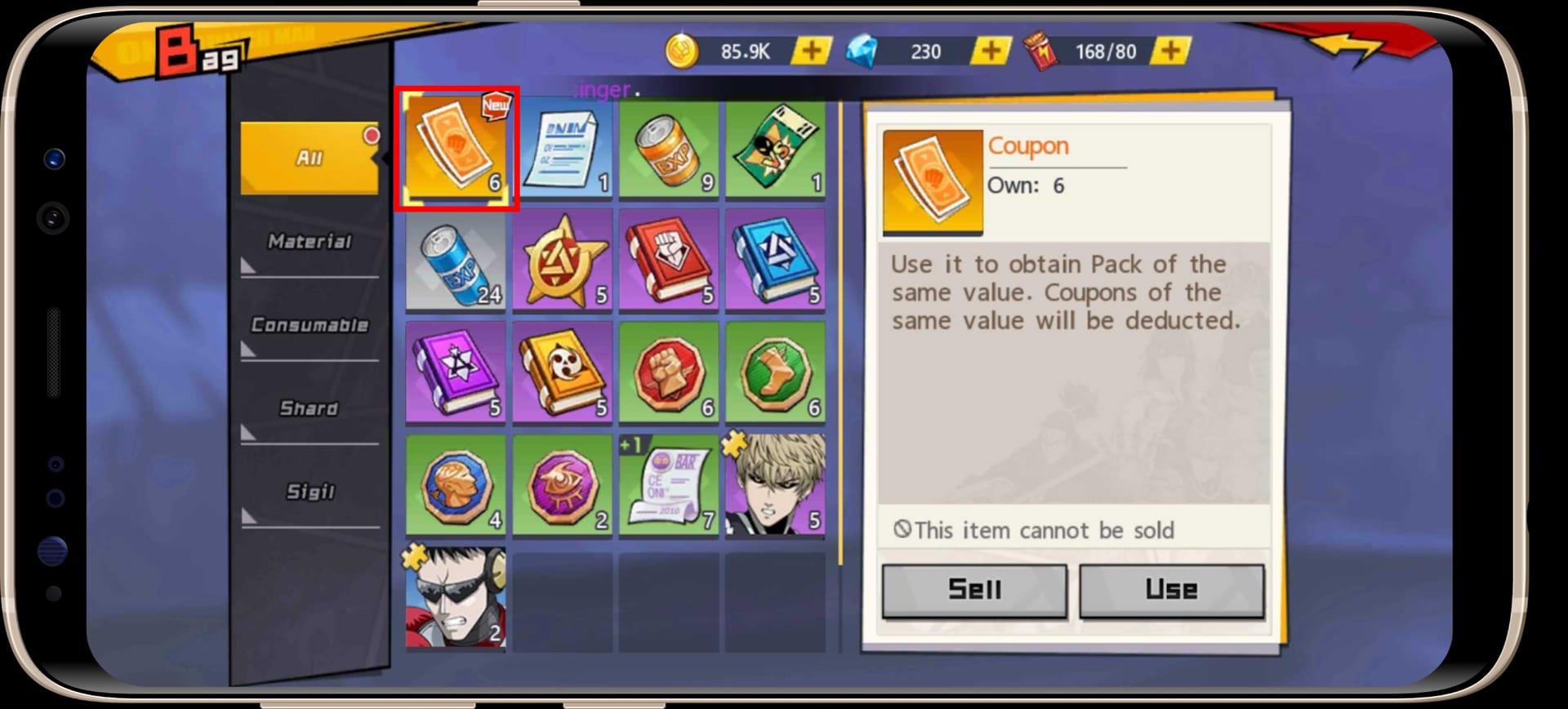
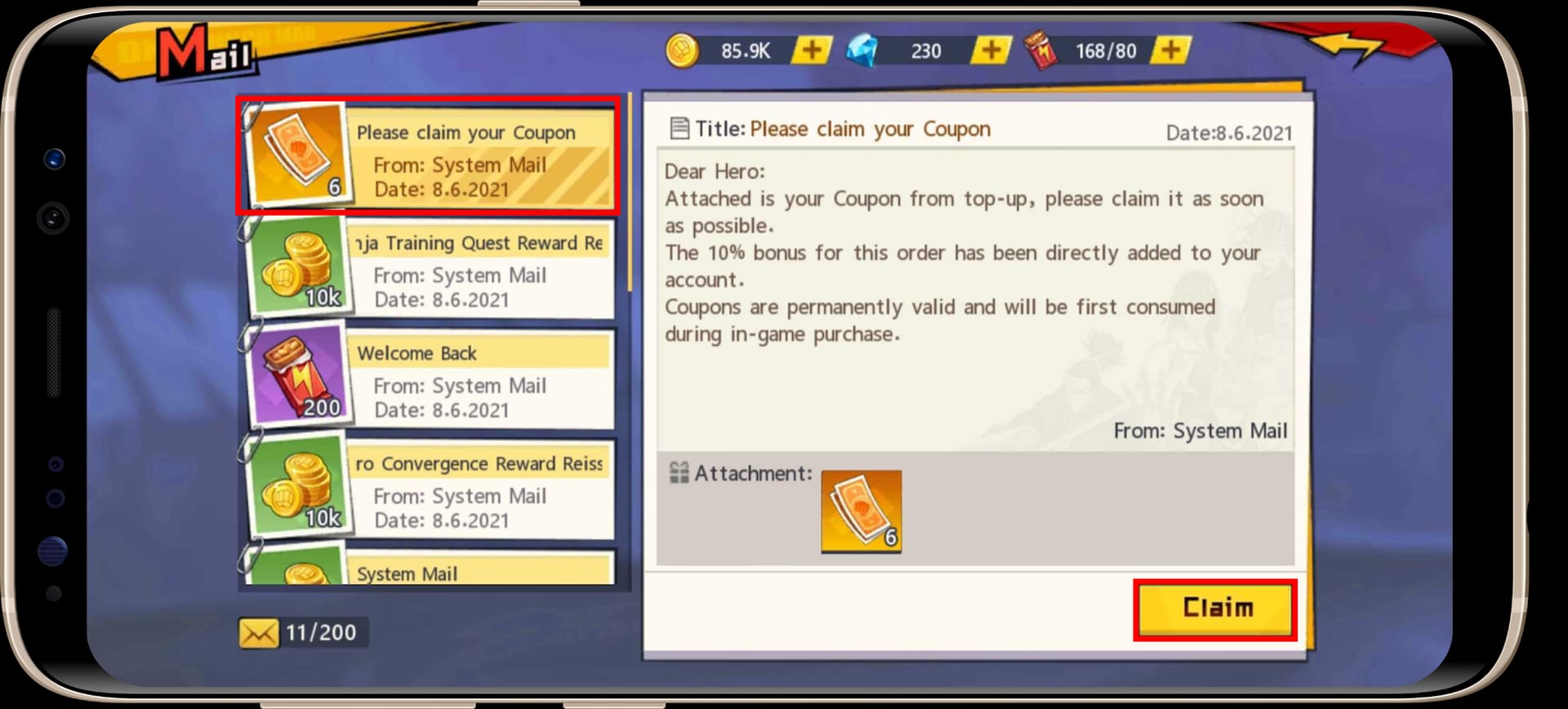
Calm first move: open the in-game mailbox. Per the Official Facebook Page, that mailbox is the delivery pipe for rewards, coupons, and top-up bonuses. Which means a "vanished" purchase is frequently just unclaimed mail. Check it. Every time, no exceptions.
Why the gems lag behind your payment
A top-up isn't a single click. It's a relay between your phone, the store's payment processor, and OPM's account servers, and anything that fumbles that handoff produces the identical symptom: cash leaves, diamonds don't.
Three culprits eat up the vast bulk of cases:
- Server sync lag. The store side clears, but the game's servers haven't reconciled the order onto your account yet. Most common, and the most likely to sort itself out without you touching anything.
- Gateway timeout. The store-side gateway dawdles past its window, the transaction slips into limbo, and delivery stalls until the order finally reconciles.
- Network drop mid-transaction. Wi-Fi flickered, you stepped out of signal, the app got backgrounded at the worst possible half-second. Honestly this one's the most slept-on offender. People curse the servers when their own connection actually whiffed the catch.
One mechanic here is worth tattooing on your brain, because it changes your next move. A pending store purchase frequently delivers only after a fresh login, not a resume off the app switcher. Backgrounding and reopening isn't always enough. The game needs to re-handshake with the account servers, and a true relaunch is the thing that fires that off. So "I closed it and reopened and nothing" doesn't mean your purchase evaporated. It means you haven't forced the right kind of reconnect yet.
This is also why the "am I getting scammed?" framing rubs me the wrong way. A delayed top-up is overwhelmingly a processing or sync snag, not theft. The game treats recharge orders as funds, and per that same 2025 walkthrough, money already spent reads as ineligible for refund, while undelivered money is a delivery problem with a delivery cure. Scams don't hand you a store receipt. Hiccups do.
The order I actually run when a charge doesn't land
The path that quietly resolves most of these never reaches a support ticket. Work it top to bottom, and stop the instant your gems surface.
First, force a clean relaunch and restore purchases. Fully kill the app (not background it) and open it cold. Still no gems? Run "restore purchases" through Google Play or the App Store. Restoring is the bog-standard recovery move for missing items after a charge, and refund discussions cite it constantly for precisely this mess. This one step clears more cases than any email you could draft, and it's the step people skip on their sprint toward an angry inbox.
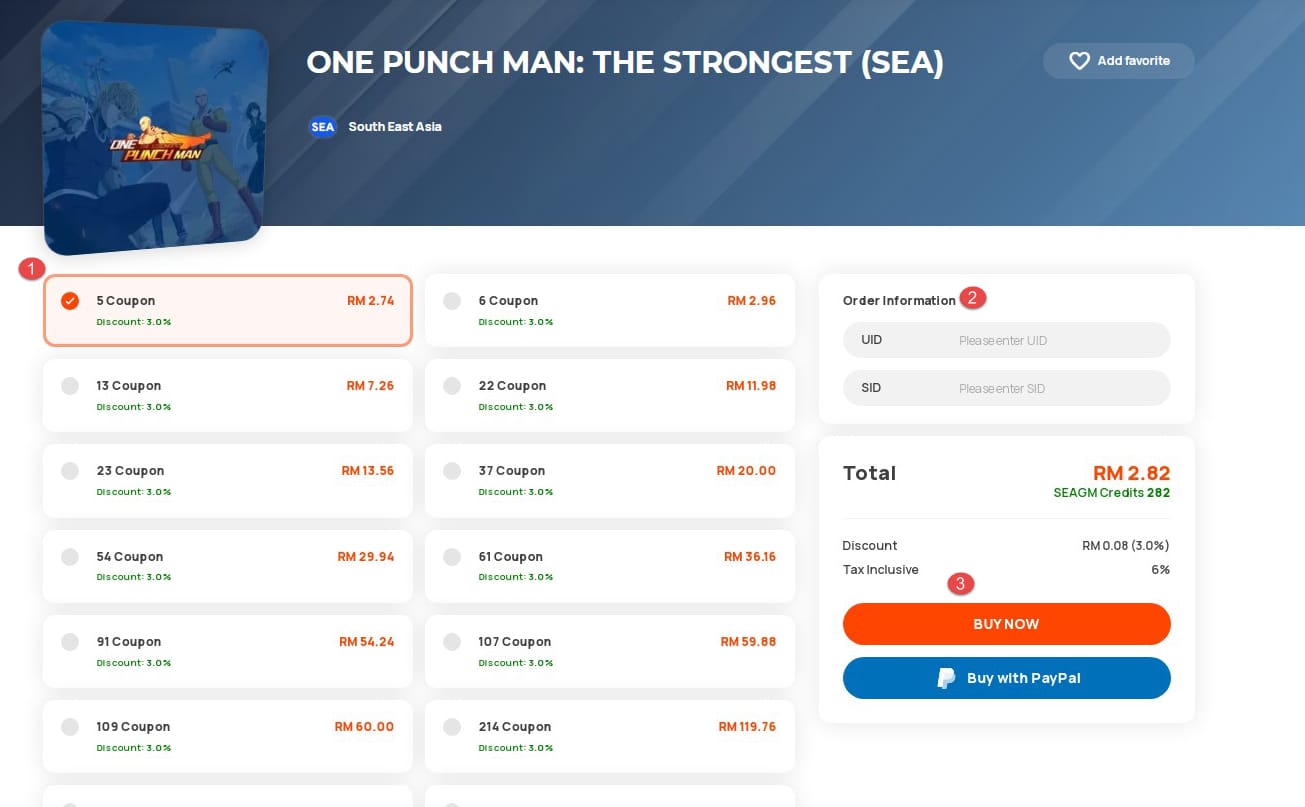
Second, re-check the mailbox after the relaunch. Bonuses and coupon rewards route through mail, so a clean purchase can park there even while your headline diamond balance looked untouched. If you bought via a coupon channel, the claim flow is its own beast. Per Codashop Support (2026), a successful transaction fires an in-game message that reads "Please claim your Coupon," and you have to open it to claim. No open, no gems. That snags a ton of people who assume coupon value just auto-credits.
Third, and only if it's truly still gone, gather your proof. This is where you quit poking the game and start building a case. Three artifacts, no more:
- Your UID and SID. Per the TopUpLive Guide, launch the game, tap Mall, then Top up. The pair sits in the lower-left of the recharge window.
- The store receipt and Order ID, dug out of your Google Play or App Store purchase history.
- A screenshot showing the charge alongside the missing balance.
Of the three, the Order ID is the one that decides the outcome. A screenshot with no Order ID is nearly worthless to support. It proves you're annoyed, not that a specific transaction failed to deliver. The Order ID is the transaction's fingerprint, and it's what lets support tie a payment to your account and shove the delivery through.
Here's the cheat-sheet I keep in my head for what each symptom really means:
| Symptom |
Most likely cause |
What to do |
| Charged, no gems, receipt exists |
Server sync lag / pending order |
Clean relaunch + restore purchases; check mail |
| Charged, no gems, no receipt yet |
Gateway timeout or auth hold |
Wait for the hold to clear; do not re-buy |
| Two identical charges in bank app |
One captured + one pending auth |
Don't re-buy; the pending one usually drops off |
| Coupon bought, nothing credited |
Unclaimed "claim your Coupon" message |
Open the mail message to claim |
| "Pending" status that later vanishes |
You were likely never truly charged |
Re-buying here is what creates a real double spend |
Source: synthesized from Codashop Support (2026), TopUpLive Guide (2026), and the YouTube G4 Refund Update (2025).
Filing a ticket that gets answered instead of buried
A support ticket lives or dies on the info you load into it, not on how furiously you phrase it. Hand them everything to act on, and the fix turns mechanical. Leave out the Order ID and you've enrolled in a slow, indefinite back-and-forth.
Put it all in one message: UID and SID, the server/region, the Order ID, the exact pack name and amount, the date and time, plus that screenshot. There's an underrated wrinkle that speeds this along. Support clears region-and-server-bound deliveries faster when your UID lines up with the account email on the receipt. A mismatch, where you paid on one Google account but play on another, is a frequent reason a "lost" purchase turns merely slow, because the team has to hand-reconcile which account the money belongs to.
I won't quote you a guaranteed turnaround, because there's no published official window for this game's billing tickets, and anyone handing you a precise number is winging it. Picture a queue: complete info jumps the line, incomplete info loiters at the back. The honest mindset is days, not minutes, which is the whole reason you burn through the self-serve fixes first.
And one reframe on the support route. Contacting support first is the wrong sequence. The mailbox-plus-restore pass clears the majority of these before a human ever gets pulled in. Support is your escalation, not your kickoff.
Refunds, double charges, and the chargeback trap
The priciest blunder in this entire saga isn't the missing top-up. It's filing a chargeback or a store refund too early. Here's the sequence that actually guards both your money and your account.
For refunds, the game's own support typically points you toward the store. Common player advice, per the 2025 walkthrough, is to ring Google or Apple directly once game support redirects you, and that same thread flags that repeat refunds may be limited, so you don't get endless bites at the apple. Google Play and the App Store each run their own eligibility windows and review steps. The practical play: request through whichever store you paid with, attach the Order ID, and frame it as undelivered goods rather than buyer's remorse.
But before you go anywhere near a refund, understand what a chargeback risks. A chargeback is a forced reversal through your bank, and it can get an account flagged or suspended, over a problem that usually fixes itself through plain delivery. You'd be torching your account to "win" cash that was about to show up anyway. Escalate through support first. The dispute button is a last resort, never a first twitch.
On double charges: most aren't two true charges at all. It's one captured payment plus one pending authorization that quietly falls off inside that same 1–7 day window. The cure is patience plus not re-buying. If both charges genuinely capture and stick past a week, then you've got a clean, documented double-charge case to bring the store with two Order IDs in hand.
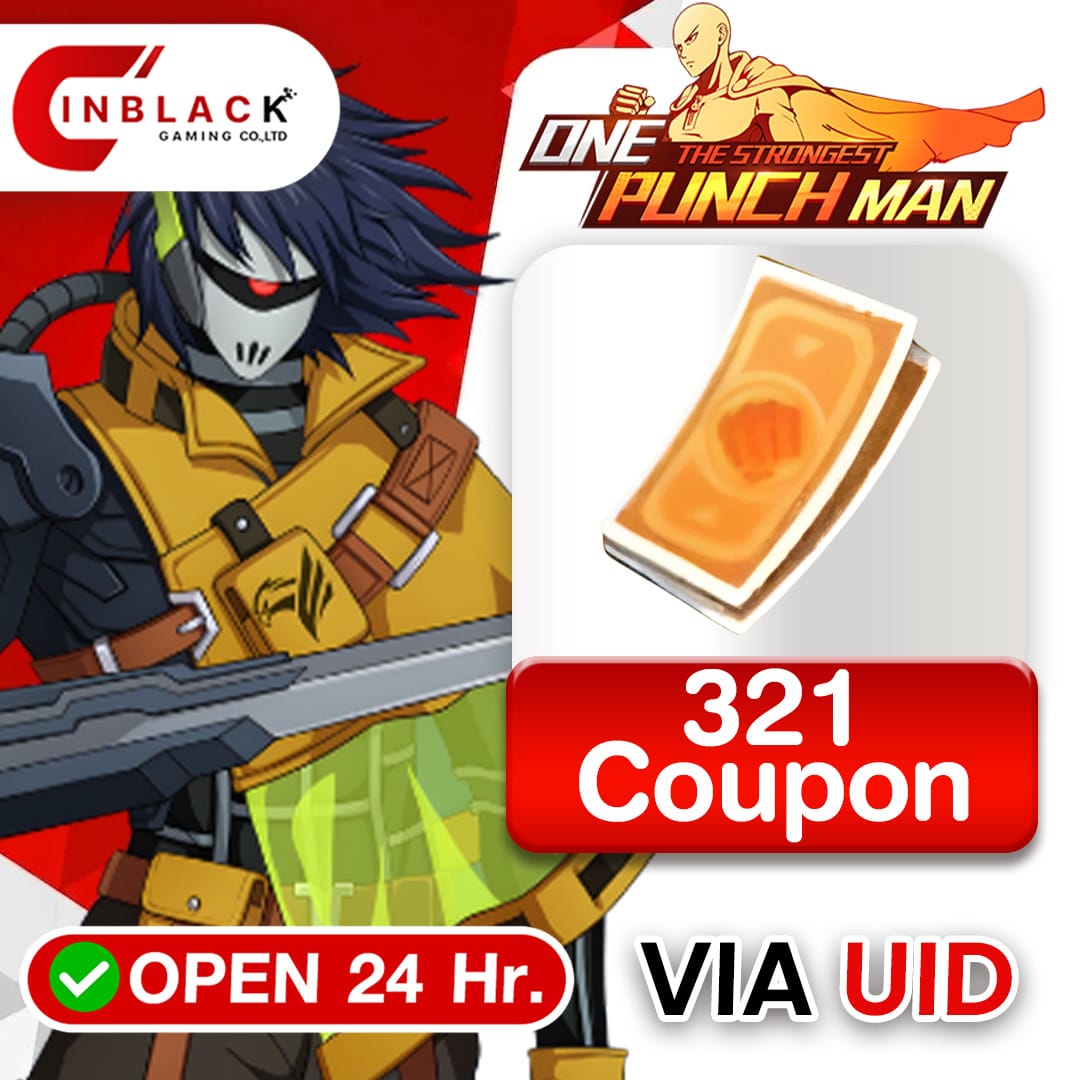
If you decide a top-up's worth retrying through a different channel, make that a deliberate call rather than a panic reflex. A transparent recharge route like One Punch Man: The Strongest Coupons recharge is one option some players lean on to keep the payment step clean and the Order ID easy to track (disclosure: that's a third-party route, so weigh it the way you'd weigh any channel, on price and traceability, not on impulse).
Heading off failed top-ups before they start
Most timeout-class failures trace back to two levers you actually control: connection stability and payment-channel hygiene. Buy on a steady connection, solid Wi-Fi or strong signal, not some flickering elevator moment, because a mid-transaction network drop causes more of these flubs than the servers do. Don't background the app while a purchase is cooking. And keep the account you play on aligned with the one you pay with, so a successful charge never has to be hand-matched to your UID later.
One more thing. 2026 ran an active event cadence (January login rewards and April TOPFAN rewards both went off, per the official channel), and event windows are precisely when stores see purchase spikes and sync lag creeps up. Buying the second a hyped event drops is buying straight into the ugliest sync conditions going. If a pack isn't time-locked, letting the rush settle for a beat isn't a bad habit at all.
What I'd hand my past self
The version of me that panics and re-buys is the version that ends up genuinely double-charged. So the discipline is short: see the deduction, breathe, check mail, force a clean relaunch, restore purchases, and only then, if it's truly vanished, assemble the Order-ID-plus-UID case and escalate. Keep the screenshots. Never open with a chargeback. The money is nearly always en route. The only reliable way to actually lose it is to act before it arrives.
Frequently Asked Questions
Why was I charged but didn't get my gems in OPM The Strongest?
Almost always server sync lag, a gateway timeout, or a network drop mid-transaction, not theft. The payment cleared store-side but the game servers haven't reconciled the order onto your account yet. A clean relaunch plus restore purchases handles most of these, and rewards routinely sit unclaimed in the in-game mailbox, which is the official delivery channel per the game's own posts.
How long do diamonds take to arrive after purchase?
Usually minutes, though it can stretch during sync lag, especially around busy event windows. There's no published official ceiling for this game specifically, so treat anything past a few hours as "verify and prep proof" rather than "lost." If it's still gone after you've relaunched and restored, that's your signal to grab the Order ID and open a ticket.
What should I do if I was charged twice?
Don't re-buy and don't immediately dispute. Most "double charges" are one captured payment plus one pending authorization hold that reverses itself within 1–7 days depending on your bank. Wait that window out. If both charges genuinely capture and stick afterward, you'll have two Order IDs to bring Google or Apple as a clean, documented case.
Where do I find my Order ID and UID for a support ticket?
Your UID and SID live in the lower-left of the recharge window. Launch the game, tap Mall, then Top up, per the TopUpLive guide. The Order ID comes from your Google Play or App Store purchase history, not the game. Bring both plus a screenshot; the Order ID is the artifact that actually lets support match the payment to your account.
Should I file a chargeback if support is slow?
Not as a first move. A chargeback can get your account flagged or suspended, and in the charged-but-not-delivered case the gems usually arrive on their own. Escalate through the game's support and the store's refund flow first. Community refund discussions note game support typically redirects you to Google or Apple, and that those refunds can be limited, so spend your attempts wisely.











Comments