Were you actually charged?
The most useful diagnostic sits outside Fancy. Open your banking app and look at the most recent line item tied to the purchase. What you see there tells you which of three states you're in, and the state dictates everything that follows.
A pending (or "authorization hold") line is not a completed payment. Your bank reserves the funds while the payment processor confirms the transaction. Pending holds clear or drop off within a few business days, and many "I was charged but got nothing" reports are pending holds that never converted to a real charge. If the line says pending, you most likely have not been charged yet, and re-buying now is how you pay twice.
A posted (or "settled") line is a completed charge. The money has moved. This is the only state where "I paid and got nothing" is a fair description, and even then the currency may be lagging behind the charge by minutes.
Many guides skip the next part: the payment processor timestamps the successful charge before your in-game balance updates. That gap is normal processor-to-game sync. A posted charge with no in-game currency, checked thirty seconds after purchase, tells you almost nothing. Give it time before you conclude anything is broken.
| Status on your statement |
What it means |
Right action |
How long to wait |
| Pending / authorization hold |
Funds reserved, not yet charged |
Do not re-buy; let it settle or drop |
Up to a few business days |
| Posted / settled, currency present |
Everything worked |
None — just locate the receipt |
N/A |
| Posted / settled, no currency |
Real charge, crediting lag or fault |
Wait the crediting window, then ticket |
Re-check after ~24h |
This three-state read is the spine of the whole fix. Read it right and you rarely make a money-losing mistake.
Where Fancy keeps your purchase record, and which proof is strongest
Players hunt for the email receipt because it's the thing that "should have arrived." It's also the weakest evidence you can bring to a dispute. The records that carry weight, in order, are the platform purchase log and your bank statement. The email comes a distant third.
Start with the platform log. If you bought through a mobile app, the authoritative record lives with the app store, not inside Fancy:
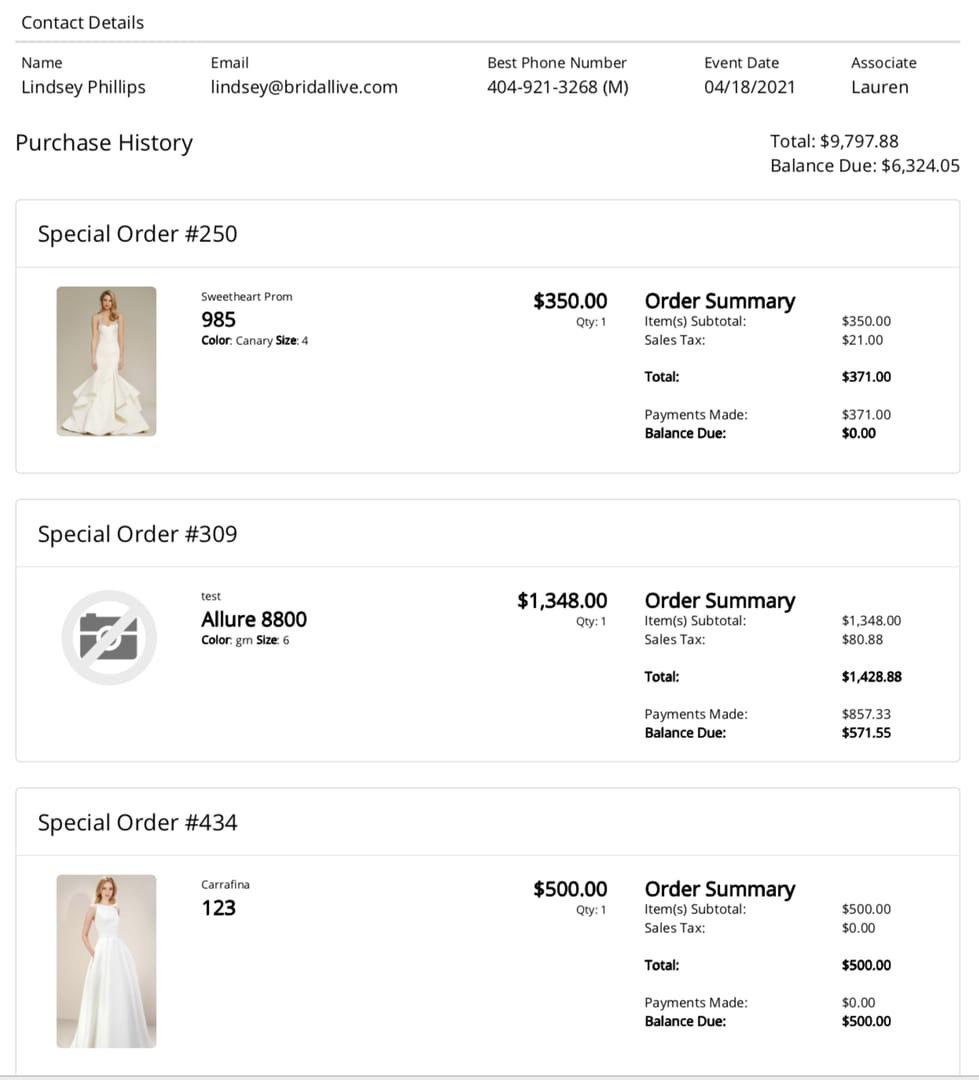
- Google Play: open the Play Store app → tap your profile icon → Payments & subscriptions → Budget & history → Purchase history. Every completed in-app purchase is itemized here, with a date and amount. You can also see this in your Google account order history on the web.
- Apple App Store: on iPhone open Settings → [your name] → Media & Purchases → View Account → Purchase History, or use the Report a Problem portal in a browser. Apple emails a tax invoice separately, but the on-device history is the canonical record.
A purchase that appears in the platform log gives you solid proof. Store support and game support both trust it, because nobody can fake it with a screenshot. Look here first: the email might sit in a spam filter, but the platform log doesn't go missing.
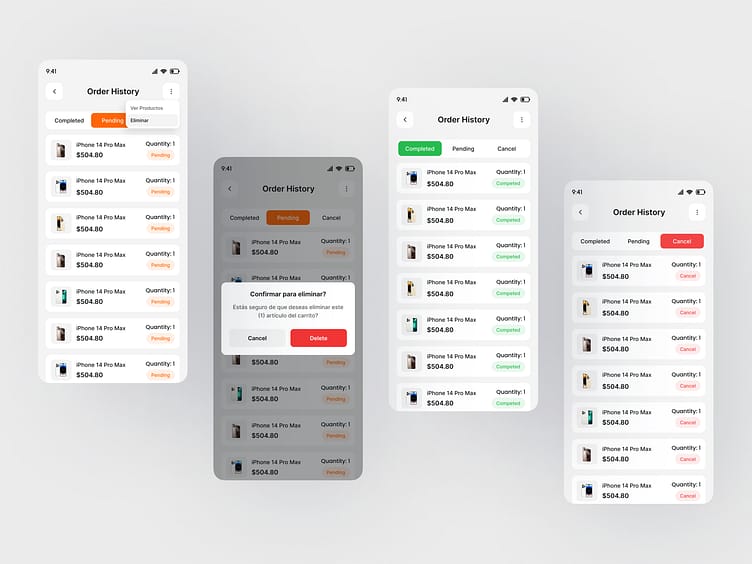
Then check Fancy's in-game order history. The exact label varies, but the path is almost always Settings or your profile → an Account / Purchases / Order History panel, sometimes nested under a "Help" or "Wallet" submenu. This panel shows the game's own view of what credited to your account. Use it to confirm whether the currency arrived. To prove you paid, the platform log outranks it.
Web wallet and email last. If you topped up through a browser store rather than an app, the order confirmation page and your account's web purchase history hold the record, and the email is your portable copy. Treat the email as a courtesy notification, not the source of truth.
| Channel |
Where to look |
Typical appearance time |
Proof strength |
| Platform purchase log (Play / App Store) |
Store app → purchase history |
Minutes (settles with the charge) |
Strongest — store-verified |
| Bank / card statement |
Banking app transactions |
Pending instant; posted in 1–3 days |
Strong — independent record |
| In-game order panel |
Settings → Account/Purchases |
Minutes to ~24h (crediting lag) |
Medium — confirms credit |
| Email receipt |
Inbox + spam/promotions |
Minutes to ~24h |
Weakest — easily lost/filtered |
A dispute gets settled in that order: store-verified logs and bank records win, and an email screenshot adds supporting colour at best.
The five-step check that takes under five minutes
Run these in order. Stop the moment you find your proof.
- Statement check. Open your banking app, find the line item, read its status (pending vs posted). This decides whether you even have a problem.
- Platform log. Open Google Play or the App Store purchase history. If the purchase is listed, you're done. That's your proof. Screenshot it.
- In-game order panel. Open Fancy → Account/Purchases. Confirm whether the currency credited and note any order/transaction ID shown.
- Email, searched smart. Don't search only "Fancy." Receipts often arrive under the payment processor's name, not the game's, and get auto-sorted into Promotions or Spam. Search by the amount, the date, and the processor, and open the spam folder yourself.
- Match a transaction ID. Find the order/transaction ID common to your statement and the platform log. This single string turns a multi-day support ticket into a same-day fix.
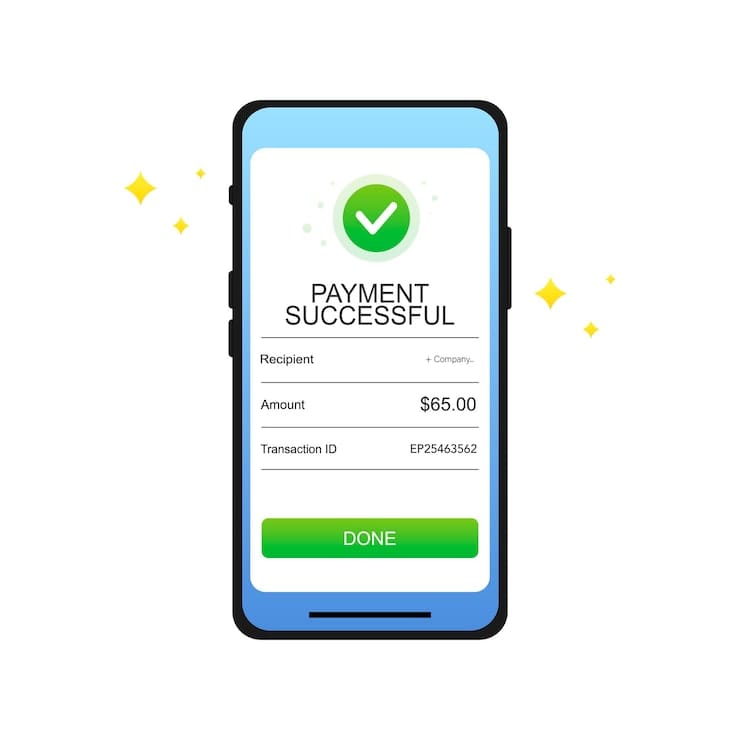
If steps 1–4 didn't fully resolve it, capture this set now, while everything is fresh:
- The bank/card statement line showing the charge, with date and amount visible
- The platform purchase-history entry (Play/App Store)
- The transaction or order ID, the lookup key support uses
- The in-game balance screen showing the currency is (or isn't) present
- Any error message you saw at purchase
The transaction ID is the whole ballgame. Saving it costs ten seconds and decides whether support finds your order instantly or drags the thread across days. Most players make one avoidable mistake here: they dismiss the charge notification before recording that ID, then reconstruct the order from memory.
Charged but currency didn't credit: when to wait, when to act
A posted charge with no currency justifies concern, and timing matters. Credit usually follows the charge within minutes once the processor and game sync. When it doesn't, ask whether you're inside the normal lag or past it.
Use this rule: if the charge has posted (not pending) and the currency still isn't in your account after roughly a full day, that's when patience becomes a ticket. Before that, you're almost certainly watching normal sync delay, and a ticket filed too early clogs the queue for everyone, yours included.
During that window, don't buy again. This reflex costs players the most in the whole situation. If the first charge succeeded and was merely lagging, a second purchase credits on top, and now you've paid twice for one top-up. Confirm the first charge's true state before you tap buy again.
Time-limited offers create real tension here. If the currency you're missing was meant for a deal that's about to expire, the pressure to re-buy is genuine. My read: the risk of a duplicate charge outweighs the risk of missing most limited offers, because a duplicate charge is a hassle to claw back and a missed offer usually returns in some form. If you must re-buy to catch a deadline, do it knowing you're accepting double-charge risk and that you'll chase the duplicate afterward.
The fastest tickets are the ones support closes without writing back for more. Front-load every identifier in your first message:
- Your account ID / username (the in-game identifier, not your email alone)
- The transaction or order ID from the platform log
- The date, time, and exact amount of the charge
- The payment method used and which platform (Play / App Store / web)
- A one-line statement of the state: "charge posted, currency not credited after 24h"
- The screenshots you gathered above
That packet lets an agent look up the order directly instead of asking you to find the ID, the step that usually adds a day.
If your problem is a lost email and the money and currency both arrived fine, skip the fault ticket. You want a resend. The platform purchase log already serves as your proof, but if you need an emailed copy for expense records, the app store can re-send a receipt: Google Play and Apple both let you re-request a copy from the purchase-history entry. For an in-game or web confirmation, the order-history panel or a support resend request covers it.
On chargebacks: avoid filing a bank chargeback before contacting support. A chargeback is an adversarial action against the publisher, and many games respond by locking or banning the account tied to it. You can win the dispute and lose access. Exhaust the support route and the platform's own refund flow (Google Play and Apple both have refund request paths) before you reach for a chargeback. It's the last resort, not the first lever.
Why receipts go missing in the first place
Most disappearances trace to a few mundane causes, none of which mean your payment failed:
- Email filtering under the wrong name. The receipt often comes from the payment processor, not "Fancy," so searching the game name alone misses it, and Promotions/Spam filters swallow it. Search by amount and processor, and open spam yourself.
- Processor-to-game sync lag. The charge confirms before the balance updates; the receipt and credit can trail the charge by minutes.
- Region or currency mismatch. If your store region or currency setting doesn't line up with the purchase, confirmations route oddly or stall.
- A purchase that never completed. A pending hold that dropped off was never a real charge, so there's no receipt because there's no settled transaction.
- The email bounced or was mistyped on the account.
A missing email is a notification problem, not a money problem. The money's status lives on your statement and in the platform log, and both stay reliable when the email doesn't.
A note on buying going forward, in the interest of transparency: VGTopup publishes this piece, and it's one third-party route for topping up. Whatever channel you use, official store, app store, or a third party like Fancy top up, the habit that protects you is the same: keep the order confirmation and note the transaction ID at the moment of purchase. The channel matters less than whether you can retrieve proof later.
Frequently Asked Questions
Where exactly do I find my Fancy order history?
Two places, and check both. Inside the game, look under your profile or Settings in an Account / Purchases / Order History panel (sometimes nested under Help or Wallet). The more authoritative record is your platform log: Google Play's Budget & history → Purchase history, or Apple's Settings → Media & Purchases → Purchase History. The in-game panel confirms what credited; the platform log proves what you paid.
Is a missing receipt the same as a failed payment?
No, and treating them as one costs you money. A missing receipt usually points to an email-delivery hiccup while the payment succeeded fine. A failed payment means the charge never settled, which you confirm on your bank statement, not by the absence of an email. Read the statement status before you assume anything failed.
How long should I wait before assuming my top-up is genuinely broken?
If the charge is still pending on your statement, let it settle. That can take a few business days and may even drop off entirely. If it has posted but the currency hasn't appeared, give it roughly a full day for processor-to-game sync before you open a ticket. Filing earlier rarely speeds anything up.
Can I use my bank statement as proof for a Fancy top-up dispute?
Yes. It's one of the strongest pieces of evidence you can bring, second only to a store-verified platform log. The statement independently confirms the charge, date, and amount. Pair it with the transaction ID and the platform purchase-history entry, and support has everything needed to locate and resolve the order without back-and-forth.
My receipt never arrived but I got my currency — do I need to do anything?
Not really. If the currency credited, the payment worked, and the email is a courtesy copy that got filtered or bounced. If you want a paper trail anyway, re-request the receipt from your app store's purchase-history entry rather than from in-game. Google Play and Apple can both re-send a copy, and that store-issued record holds up better than the original email would have.











Comments