Why the buffer leaks money
Buying a cushion feels responsible. You're in a hurry, a limited skin sits in your friend's wishlist, and you want to avoid a second failed payment. So you grab a 520-diamond or 1060-diamond pack to be safe, send the gift, and bank the rest.
The argument has one strength: larger packs carry better per-diamond value and a flat first-top-up bonus that scales with size. On third-party aggregators, a 1060-diamond pack runs roughly $8.28–$10.18 versus about $0.93–$1.24 for 100 diamonds, per Lootbar snapshots from 2026. The headline math rewards bulk.
But "next time" carries a lot of weight in that pitch. For a one-off gifter, surplus diamonds aren't savings. They're an open tab. They sit in your wallet until an event banner, a Diamond Royale spin, or a "while I'm here" impulse drains them on something you'd never have bought cold. The most common diamond-waste mistake I see from casual players is over-topping during a gifting rush, then bleeding the leftover over the following week.
If you gift often, the buffer camp suits you. For a birthday-skin, send-it-and-forget-it moment, the cushion is a slow leak.
Why the smallest covering pack is the disciplined move
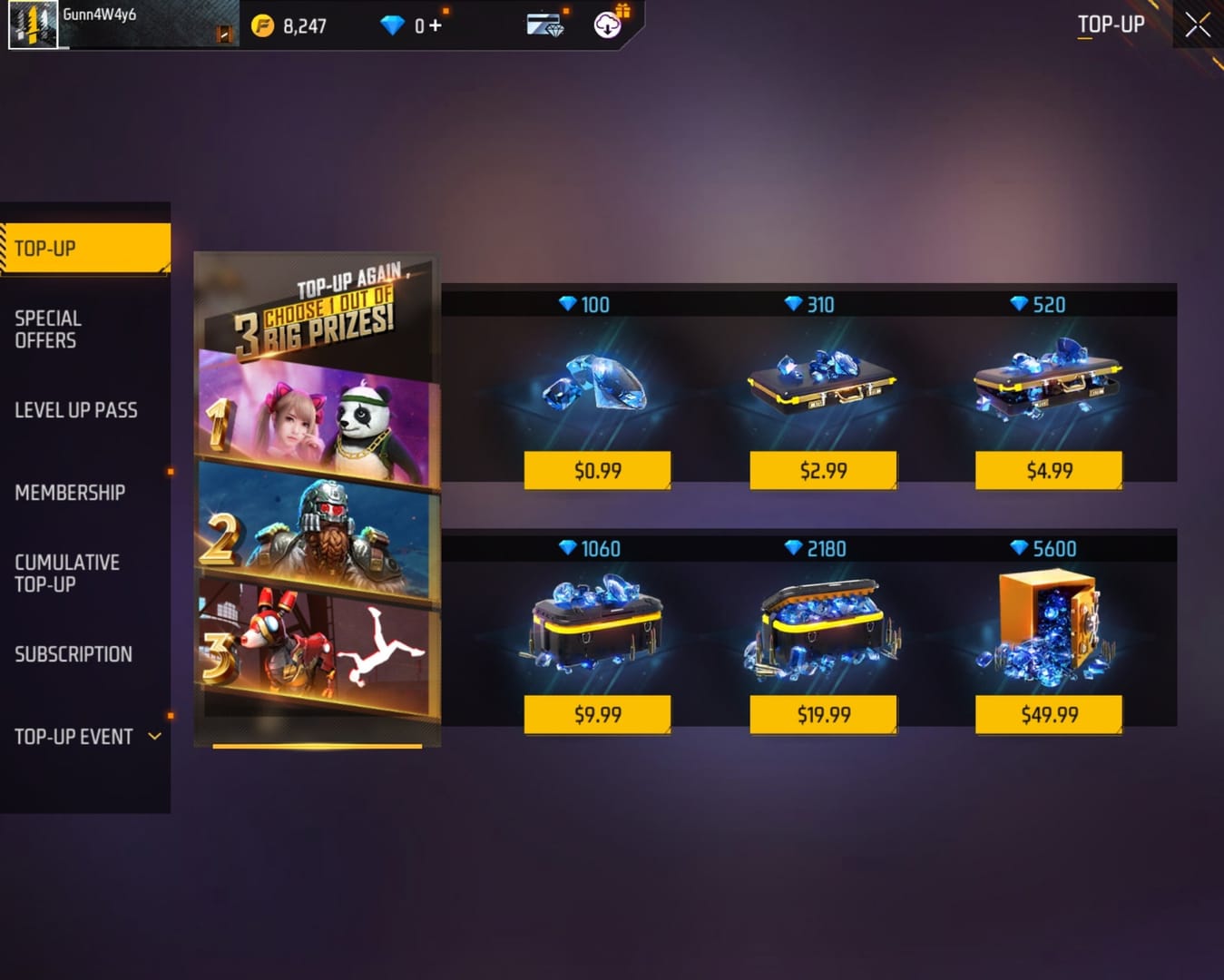
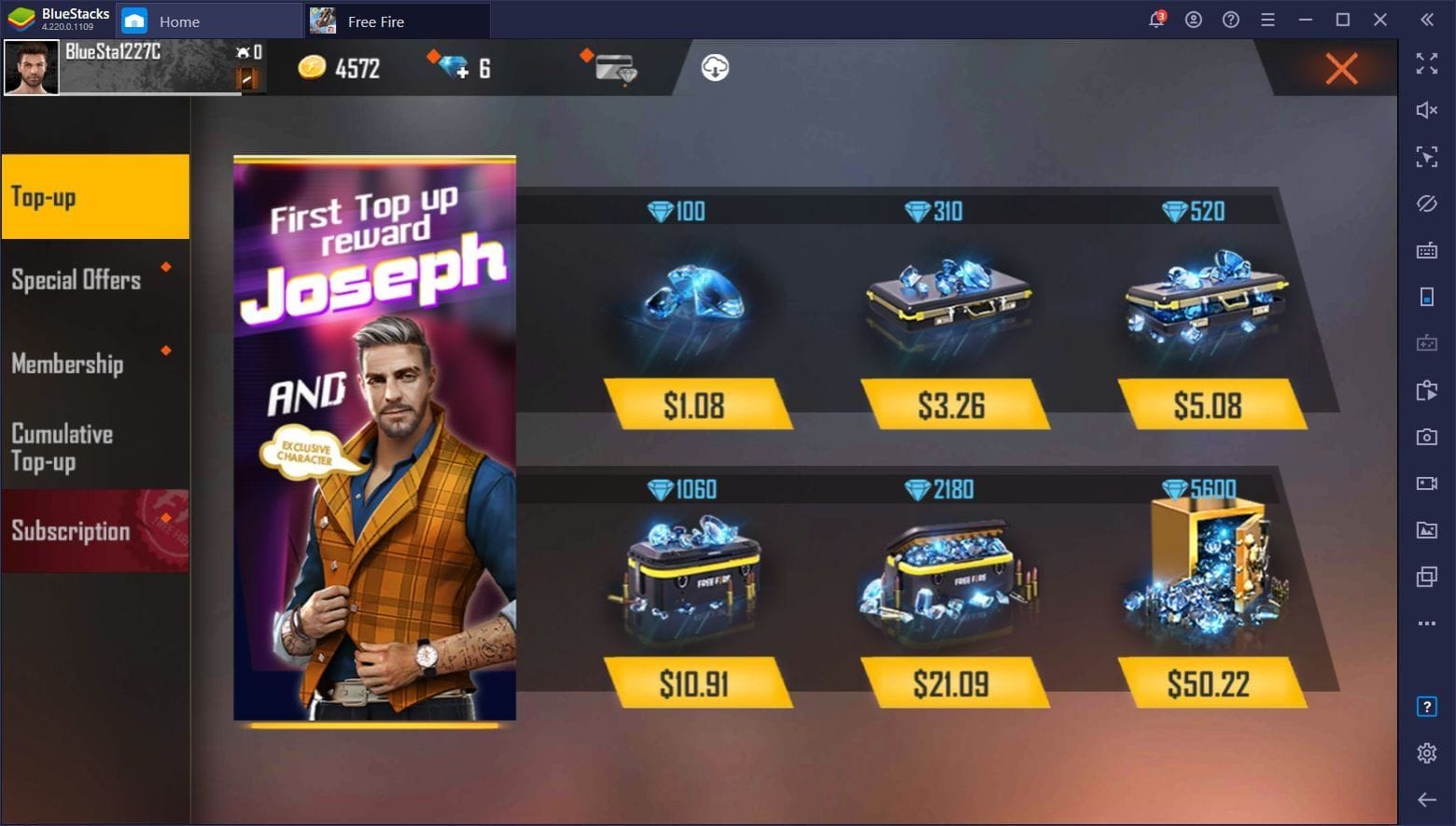
Match the pack to the item, not to your anxiety. Garena's store lists packs in fixed steps: 25, 100, 310, 520, 1060, 2180 diamonds, per Garena Topup Center. Most single cosmetic gifts fit inside the first three tiers.
| Pack size |
Approx USD price |
First-top-up bonus pattern |
Typical gift band it covers |
| 100D |
$0.93–$1.24 |
+10 |
Small bundles, low-cost emotes |
| 310D |
$2.63–$2.98 |
+31 |
Mid skins, most weapon cosmetics |
| 520D |
$4.40–$4.99 |
+52 |
Pricier bundles, premium skins |
| 1060D |
$8.28–$10.18 |
+106 |
Multi-item or top-tier gifts |
Source: Lootbar / SEAGM / India price checker 2026 (tier5)
The strategy is boring and it works. Open the gift in the Item Store, note the exact number, then pick the first pack tier that meets or clears it. A 280-diamond skin? The 310-pack covers it with almost nothing stranded. Buy the same skin with a 520-pack and you carry 240 idle diamonds that tend to vanish on something you didn't plan.
One economy wrinkle complicates the discipline. The first-top-up bonus, available on new or never-recharged accounts and stackable with events to multiply value, per BitTopup, rewards a bigger first pack. My read: don't burn that bonus on a tiny emergency top-up. Save it for a moment you need the stretch, a larger planned recharge, because it fires once. Triggering it on a 100-diamond panic buy wastes the single best value lever the game hands a new account.
Why your gift really failed (it's usually not the balance)
Most "I topped up and still can't send" panic traces back to rules players skip, not money. Two gates do the blocking.
Start with the items-only reality. You cannot gift raw diamonds to a friend. Gifting moves items from the Item Store to a friend's account, and you spend the diamonds on your side, per r/freefire discussion and corroborated across every top-up guide I've checked. This misunderstanding causes more wasted purchases than any payment glitch. Players assume they can "send 500 diamonds," buy extra to cover it, then discover the feature never existed. The Lootbar gifting writeup from May 2026 says the same thing: you can't gift diamonds, only Item Store items (or you top up directly to a friend's UID, a separate move).
Next, the friendship-duration gate. A too-recently-added friend often can't receive a gift yet, an anti-fraud measure that community testing puts around 48 hours, though Garena's public docs don't pin an exact number. No amount of topping up clears this. You add the friend, buy the diamonds, hit send, and eat a generic failure that looks like a balance problem. The over-buyers respond by topping up more, which solves nothing.
Before you spend anything, run a two-line check:
- Is the recipient already on your friend list, and have they been there long enough to clear the cooldown?
- Are you trying to gift an item, not diamonds?
Clear both and the top-up is the easy part.
In-game versus UID: which top-up is faster
Both work. The in-game Top-Up Center wins on speed when the app behaves, and a UID top-up is the more reliable fallback when it doesn't. On a timed gift, that fallback matters more than the few seconds you'd save in-app.
The in-game flow, when you're already logged in, takes the least effort: open Free Fire MAX, tap the diamond icon, pick a pack, choose a payment method like Google Play, confirm. It fails the moment your payment method hiccups or the store won't load, which is exactly when a limited gift window is ticking down, per Garena Free Fire Support guidance on payment troubleshooting.
The UID route skips the app. On an authorized platform you select Free Fire, enter the 9-digit Player UID, choose the diamond amount, and pay. Diamonds reflect to the account, usually within 3–5 minutes, per Lootbar's documented top-up times. No in-game login, no store loading, no session dependency. When the in-game store glitches mid-purchase, this backup still gets the gift sent.
| Factor |
In-game Top-Up Center |
UID top-up |
| Login required |
Yes (already in-app) |
No — just your UID |
| Typical reflect time |
Seconds to a couple of minutes |
~3–5 minutes (per Lootbar) |
| Fails when… |
Store won't load / payment hiccup |
Wrong UID entered |
| Failure recovery |
Relog, retry, or submit ticket |
Re-verify UID, contact platform |
| Best for |
A clean, working session |
App acting up on a timed gift |
Source: Garena Free Fire Support and Lootbar 2026 (tier2 / tier5)
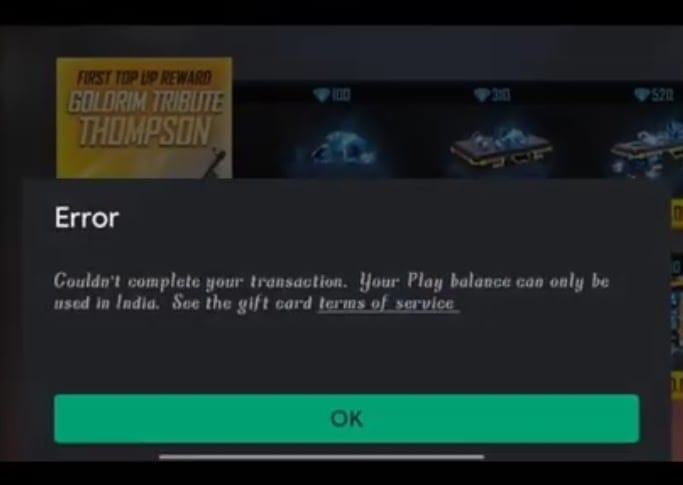
One habit matters most on the UID path: verify the 9-digit UID twice before paying. A mistyped digit is the one failure mode that's your fault and unrecoverable without support intervention. Google Play balance also works in-game but can carry its own restrictions, while UID platforms often surface bonus diamonds or sharper pricing, per community tests on Rooter and Reddit.
For transparency: VGTopup publishes this guide, and VGTopup is a UID-based top-up platform, so weigh that when I praise the UID route. The reasoning holds on its own: verify the UID, save the bonus, buy the covering pack, and price-check the channel either way. If you're topping up against a closing gift window, the cleanest path is a Free Fire MAX Diamonds top up with just your UID. Pick the smallest pack that clears the item and you're done.
Sending the gift after the diamonds land
Once the balance reflects, the send takes seconds. Two details trip people up.
- Confirm the friend, then confirm the timer. The recipient must be on your friend list, and if you only added them recently, expect the cooldown to block the send regardless of your new balance. Add people before a limited gift drops.
- Gift the item from the store, not "diamonds." Open the Item Store, pick the skin or bundle, choose the gift option, select the friend, and confirm. The diamonds leave your wallet and the item routes to them.
- Watch the claim window. Standard gifted items wait in the recipient's mail for acceptance, but some limited or event items carry claim windows that differ from ordinary gifts. If your friend is slow to open the game, a time-boxed event gift can lapse. Nudge them to claim it the same day.
No published universal "minimum diamonds to send a gift" exists, because the floor is whatever the specific item costs. That bears repeating, since the generic-minimum question sends so many players hunting for a number that doesn't exist. Check the item. That number is your minimum.
The two traps that cost real money
Two pitfalls account for most of the regret I see, and you can avoid both.
The double-spend. Your payment goes through, the diamonds don't appear instantly, and you re-pay, so now you've bought twice. Diamonds reflect to the account, not just the live session, so a stuck balance usually resolves on relog. Garena's guidance is explicit: if a top-up doesn't show, check your email receipt, wait a few minutes, and submit a ticket with a screenshot rather than re-buying, per Garena Free Fire Support. Relog first. Re-pay never.
The misdiagnosed eligibility block. I covered this above, but flag it again as a spending trap: a friendship-timer rejection looks identical to a balance error, and the instinct is to top up more. You can't buy your way past anti-fraud. Wait out the window.
The third, smaller leak: over-topping a large pack for a single small gift and letting the surplus idle until it evaporates. By now you know my position on that one.
What I'd do with a low balance and a closing gift window
Read the item cost first, buy the smallest pack that covers it, and verify the friendship timer before you spend. That order solves the problem more often than any pack-size decision. For a F2P or low-spender sending a one-off gift, that's the whole playbook: a 100- or 310-diamond pack covers most cosmetics, and you walk away with nothing stranded. Hold the first-top-up bonus for a larger planned recharge where its multiplier earns out.
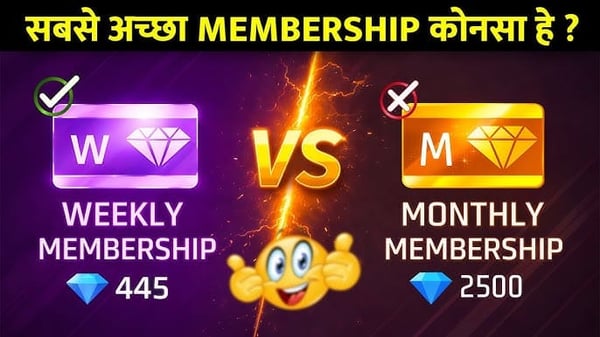
For the regular gifter, the calculus flips. Stack the first-top-up bonus with an event, take the better per-diamond rate of bigger packs or a membership, and treat the surplus as a real reserve because you'll spend it. That's a legitimate buffer.
For the player who landed here in a panic because a gift wouldn't send? Nine times out of ten the diamonds were never the problem. Check the item price, check the timer, and you'll usually find you needed far less than you feared.
Frequently Asked Questions
What is the minimum number of diamonds to send a gift in Free Fire MAX?
No fixed floor exists. The minimum is whatever the specific item costs, which is why chasing a generic "minimum diamonds" figure leads nowhere. Garena publishes no universal minimum, and common gifts are Item Store cosmetics priced from around 100 to several hundred diamonds. Open the exact item to read its price. That number is your real minimum.
Can I gift diamonds directly to a friend in Free Fire MAX?
No. You can gift items from the Item Store, not diamonds, confirmed across guides including Lootbar's May 2026 gifting writeup and r/freefire discussion. To fund a friend's wallet instead of sending an item, top up directly to their 9-digit UID, a separate transaction from the in-game gift feature.
Why can't I send a gift even after topping up diamonds?
Usually the friendship-duration gate blocks you, not your balance. A recently added friend often can't receive a gift until an anti-fraud waiting period passes, which community reports put around 48 hours, though Garena doesn't publish an exact figure. Topping up more won't fix it. Only time will. Confirm the friend has been on your list long enough before assuming a diamond shortfall.
How fast does a diamond top-up reflect in the game?
In-game purchases usually land within seconds to a couple of minutes, while UID-based top-ups reflect in about 3–5 minutes, per Lootbar's documented times. If nothing shows after a few minutes, relog before doing anything else. Diamonds attach to the account, not the session, so a stuck balance often appears after a restart. Re-paying risks a double charge.
Do I need to log in to top up Free Fire MAX diamonds?
Not for the UID route. A UID top-up needs only your 9-digit Player UID, no in-game or account login, which makes it the better fallback when the in-game store glitches during a timed gift. The in-game Top-Up Center requires you to already be logged into the app. Double-check the UID before paying. A mistyped digit is the one error that's hard to reverse.









Comments