Why "Player ID only" became gospel
COD Points are the premium currency, the thing you spend on Battle Pass tiers, Lucky Draws, and bundles, per the Official COD:M Store. None of that's shifted since launch. What did shift was the community's grasp of how to get them without torching an account.
The ecosystem used to be a wild west of "fast top-up" middlemen, and players paid tuition in banned and stolen accounts. The lesson that eventually hardened into settled fact is almost insultingly simple: a legitimate top-up wants your Player ID and nothing else. The second a service reaches for your login, you're not purchasing CP anymore, you're surrendering the account itself. The r/CallOfDutyMobile (2026) consensus is blunt about it: handing your password to some third-party "fast" service invites a ban or flat-out theft.
This is the part most beginner walkthroughs skim past. The numeric UID works like a delivery address, not a key. Anyone can see it, it tells CP where to land, and it grants exactly zero control over the account. Your password is the key. No honest sale ever asks for both. Lock that distinction in and you've already sidestepped the failure mode behind most top-up disasters. The next thing players figured out the painful way was that where an account lives matters every bit as much as how you pay.
The regional fragmentation trap
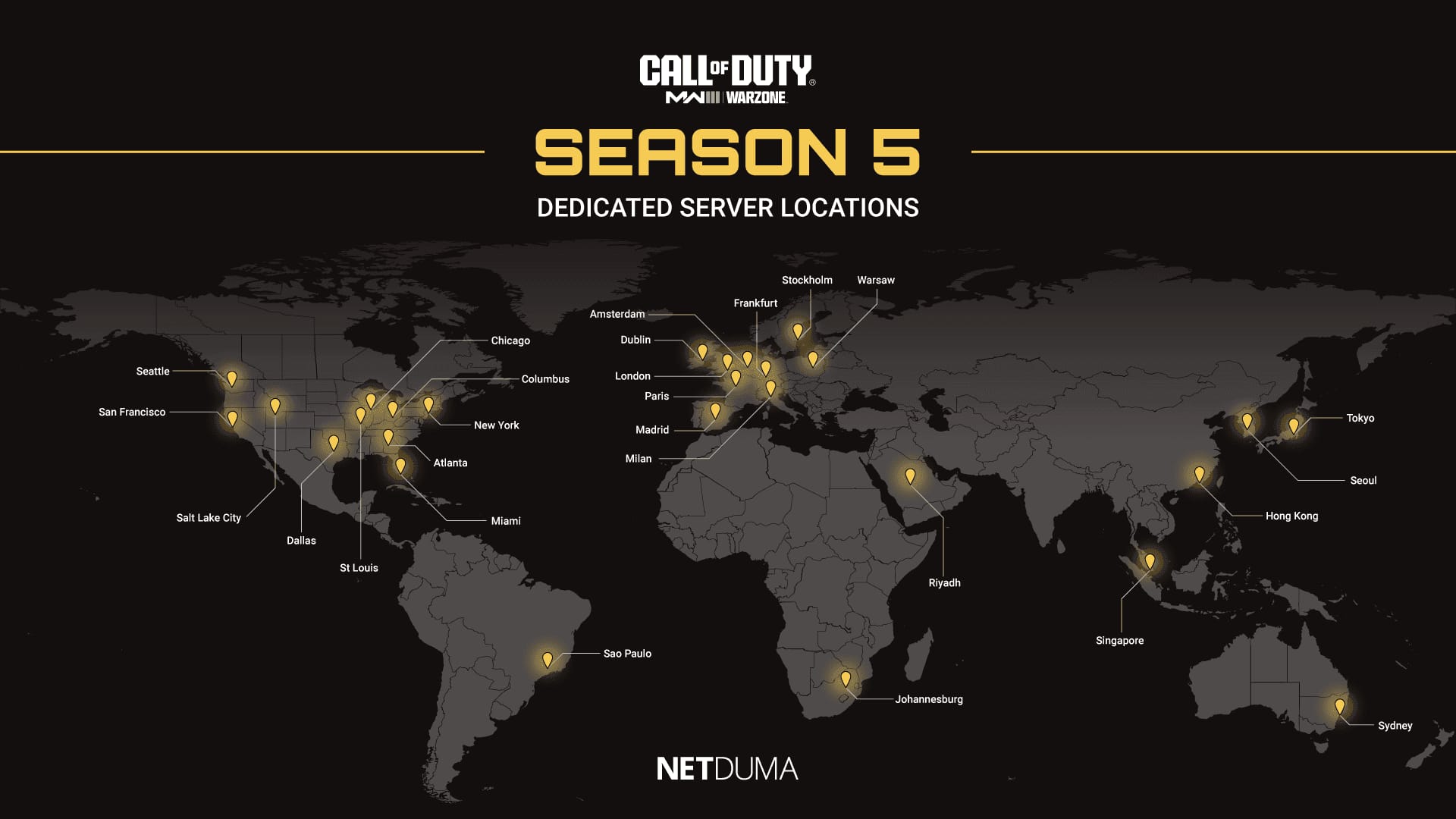
As COD:M sprawled across Garena and Activision server regions, a second-order risk crept in that first-timers still stumble into: CP bought on one regional server might not survive a region switch. Reports on r/CallOfDutyMobile warn that purchasing on the wrong server can simply vaporize your CP if you migrate later. Pricing and availability swing by server too, which is precisely why bargain-hunters get lured across borders, and precisely why that lure tends to bite back.
Match your top-up region to your account region. The handful of percent you might claw back chasing a cheaper foreign price disappears the instant a region mismatch strands your currency or muddies recovery. On a first buy, "cheap foreign server" goes negative the moment you weight it for the cases where it fails.
This is also why linking an Activision ID before spending is, in my read, non-negotiable. On UID-only setups, account recovery is a real slog, there's simply less for support to match you against. Link the Activision ID and you've got an actual identity anchor when something goes sideways. The store's own first-purchase walkthrough parks ID linking and 2FA at step one, before you ever touch a pack, and that ordering isn't accidental. The regional-loss stories are the reason. Account locked down, the next call is the one people actually argue over: where to click "buy."
In-app versus web store in 2026
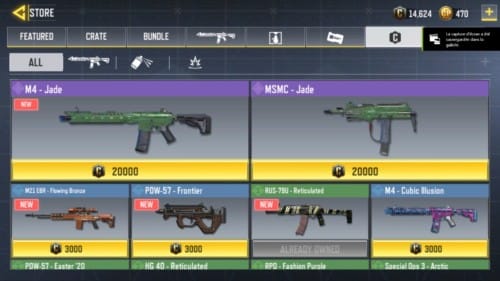
For a true first-timer, the in-app store through Google Play or the Apple App Store is the lowest-friction safe route. You're already inside payment plumbing you trust, and there's nothing extra to verify. It runs slightly pricier in regions where platform fees apply, and that's the trade you accept for zero added mental overhead.
But the "just buy in-app" crowd glosses over one thing: a verified web channel that asks only for your UID is equally legit, and frequently throws in perks the in-app path won't. The official web store flags 20% off your first purchase on selected products for new users, and in some regions it skips the platform cut altogether. That first-purchase discount is real money on a real first buy. I'd pocket it.
Both safe lanes carry the same DNA: they take your Player ID, not your password. The risk ladder, pulled from Activision's authorized-channel guidance and community consensus, shakes out like this:
| Method |
Risk Level |
Delivery Time |
What it asks for |
| Official web store |
Lowest |
Instant–24h |
Player ID only |
| In-app (Google / Apple) |
Low |
Instant–24h |
Platform login (yours) |
| Authorized regional partner |
Low–Medium |
Instant |
Player ID, region-matched |
| Unofficial third-party |
High |
Variable |
⚠️ often your password |
Source: Official COD:M Store + r/CallOfDutyMobile (2026)
That bottom row is the whole game. Partners like Carry1st or Codashop hold a solid reputation in their specific regions per community and official references. The dividing line that counts isn't "official versus everyone else," it's channels that need only your UID versus channels that want your login. A reputable verified platform that recharges off your Player ID alone sits cleanly on the safe side of that line. Disclosure: VGTopup, which publishes this guide, runs exactly that way, Player ID in, CP out, no password ever requested, which is the model you should demand of any recharge channel before you trust a cent to it. Channel chosen, the only money decision left is which pack actually earns its keep.
What the current pricing tiers cost per CP
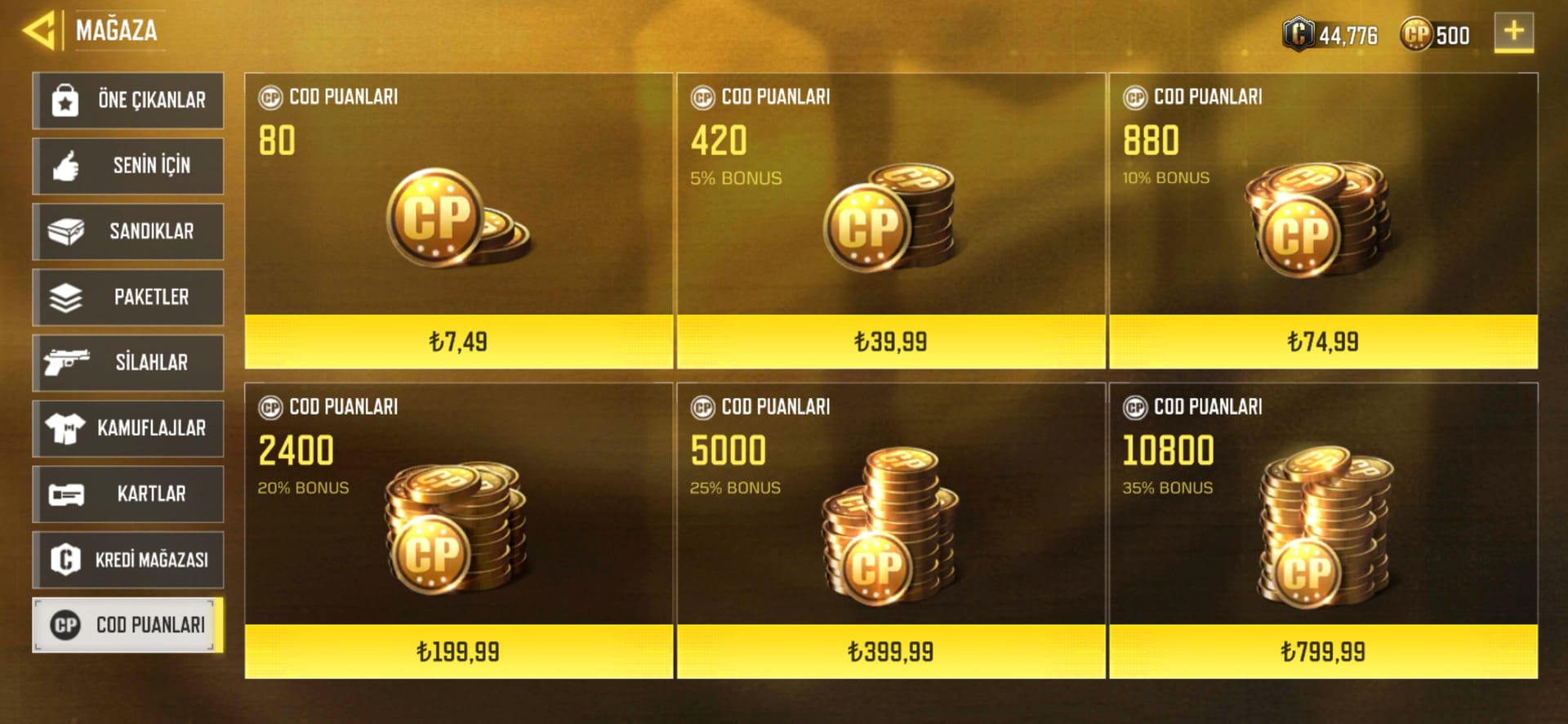
Here's where I'll spare you the most common low-spender blunder: scattering tiny purchases instead of sizing up. Cost-per-CP gets meaningfully better as the packs grow.
| Pack Size (CP) |
Price (USD) |
Cost per CP |
| 80 |
$0.99 |
$0.0124 |
| 420 |
$4.99 |
$0.0119 |
| 880 |
$9.99 |
$0.0114 |
| 2,400 |
$24.99 |
$0.0104 |
| 5,000 |
$49.99 |
$0.0100 |
| 10,800 |
$99.99 |
$0.0093 |
Source: LDShop pricing snapshot (2026)
The biggest pack shaves roughly 25% per CP versus the smallest, per that 2026 comparison, and that gap is genuine, not marketing gloss. So how does a careful buyer square "bigger is cheaper" against "don't overspend"? By splitting the call along who you actually are:
- Day-1 beginner (first purchase ever): Grab the smallest official pack, the $0.99 / 80 CP, purely to test the pipeline end to end. Reddit advice (2026) flat-out recommends this so you confirm delivery and the flow before committing real money. You're buying certainty, not value, and on attempt one that's the right priority.
- Low-spender, value-focused: Don't pay sticker at all if you can hold out. The standing community guidance is to wait for a 2x CP event on the official store. Double-CP windows reshape the value picture more than any pack-size optimization ever could. Stack that on top of the first-purchase 20% if it's still unspent, and you've front-loaded your two best discounts onto your earliest spend.
The first time I set a verified channel's sticker price next to the official store's, the gap looked juicy, right up until the first-purchase bonus and a pending double-CP window quietly flipped which option was actually cheaper per point. Price tags lie. Effective cost-per-CP after bonuses is the only figure with any teeth. Pack picked, the mechanical bit takes about ninety seconds, and the part that protects you happens after you pay.
The purchase itself, and the proof you must keep
The official flow is short. Link your Activision ID and enable 2FA, dig up your Player ID in game settings, hop to the verified store, punch in that UID, pick your pack, pay, then confirm in-game. That's the sequence the official store guide lays out, and it holds across every safe channel.
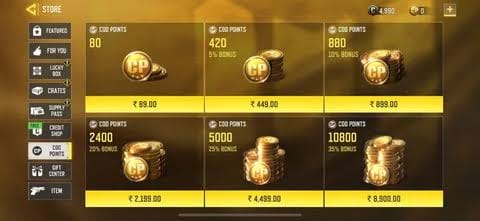
Two confirmation steps are the ones beginners breeze past and regret later. First, check that the CP genuinely landed by glancing at your in-game balance. Second, and this is the underrated one, save the email receipt. Confirmation emails from the official store are your single strongest piece of dispute evidence; without one, you're arguing from memory. Skipping that save before a dispute is a documented pitfall, and it's entirely self-inflicted.
On payment rails: for a first-time buyer, I'd reach for a credit card or PayPal over anything irreversible. Cards bring chargeback protection, a real net if delivery flops and a vendor ghosts you. That reversibility outweighs a marginal fee saving the first time you spend with an unfamiliar channel. And about things going wrong: most purchases land instantly, but the system formally allows a delay, and knowing the window keeps you from panicking.
When the CP doesn't show up
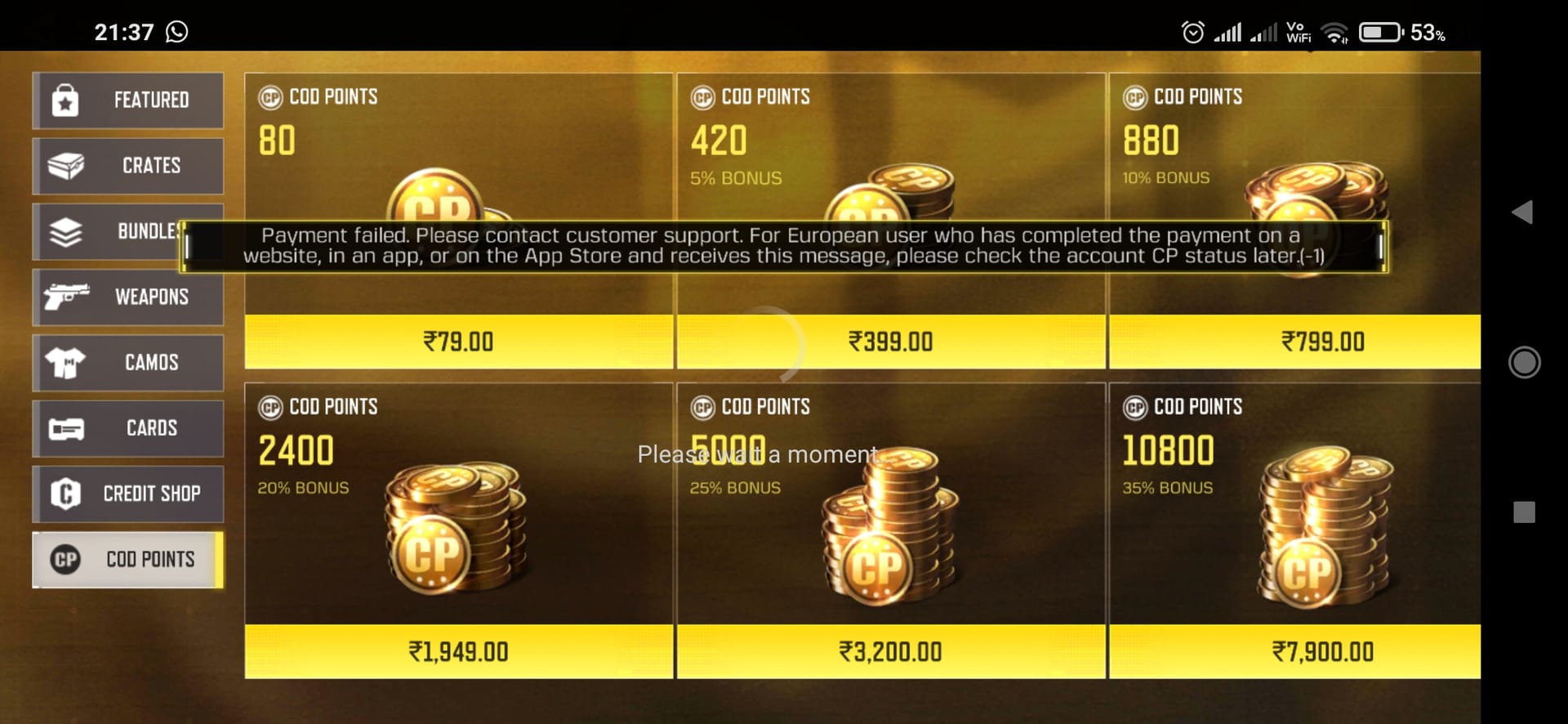
Don't panic, and don't re-buy. Activision support documents delivery as anywhere from instant to a full 24 hours, so a balance that hasn't budged twenty minutes after payment is almost always still inside the normal window, not a failure. According to Activision Support, the official recovery sequence runs like this:
- Wait out the 24-hour window before assuming anything broke.
- Restart the game and your device. A stale client often just hasn't synced the new balance.
- Contact the vendor's support, receipt in hand, if CP still hasn't shown after a full day.
That receipt is the reason the saving step earlier wasn't optional. Every escalation, whether to vendor support or to your card issuer for a chargeback, runs on proof of purchase. A buyer with a timestamped confirmation email has leverage; a buyer leaning on "trust me, I paid" has nothing. Refunds and disputes exist, sure, but they're only ever as strong as your documentation. Which lands me on the one thing I'd burn into every first-timer's brain.
The first-timer path I'd actually take in 2026
Make it this: account security beats price every single time on a first buy. The thin savings off a sketchy bargain channel almost never cover the fraud risk, and it isn't a close call once you weight for the times it goes wrong.
On the live debate, are third-party platforms safe or ban-worthy, the honest answer respects both camps. Activision support is clear that the official web store is the safest authorized route, while reputable verified platforms (the Carry1st / Codashop tier, plus UID-only recharge sites cut from the same cloth) are genuinely dependable in their regions per industry coverage like the Lootbar blog, even though they aren't first-party. The verdict that actually shields a beginner: default to a verified channel that needs only your Player ID. That filter cleanly splits the legitimate options, official and reputable third-party alike, from the credential-harvesting traps. External top-ups through authorized partners don't break terms; handing your password to some random "fast" service is the thing that gets accounts actioned.
So, concretely, my play for a first-timer: lock the account first, run the $0.99 pack to prove the pipeline, then bank your first-purchase discount and the next double-CP event on your real spend, paying by card and saving every receipt. If you want a verified option that never reaches for your password, a Call of Duty: Mobile CP top up through a Player-ID-only channel fits that profile exactly, just hold it to the same UID-only standard you'd demand of anyone. Do that, and you've spent sharper than 90% of the panicked re-buy crowd.
Frequently Asked Questions
Can I get banned for topping up CP outside the in-app store?
Not for using an authorized channel. The ban risk traces almost entirely to one act, sharing your account password with a "fast top-up" service, which r/CallOfDutyMobile (2026) keeps flagging as the road to bans or theft. Buying through the official web store or a reputable Player-ID-only partner doesn't violate terms. The credential handover does.
What's the cheapest safe way to get CP in 2026?
Time it, don't just size it. Stacking your one-time first-purchase 20% discount with a double-CP event beats any pack-size optimization, and the largest pack already runs about 25% cheaper per CP than the smallest, per 2026 pricing. The trap is chasing a foreign-server bargain that strands your CP on a region switch.
How long does CP actually take to arrive?
Anywhere from instant to 24 hours, per Activision Support. If it's dragging, restart the game and device before you do anything else, a stale client frequently just hasn't synced. Re-buying mid-wait is the costly mistake; the balance usually surfaces once the client refreshes or the window closes.
Is it safe to use a credit card for my first CP purchase?
Yes, and I'd actively lean that way over irreversible rails. Cards carry chargeback protection, so if a vendor fails to deliver and goes quiet, you've got recourse your receipt can back. That reversibility is genuinely worth more than shaving a small platform fee on a first buy with an unfamiliar channel.
What if I bought CP on the wrong region?
This is the under-discussed one: CP tied to a single regional server may not transfer if you migrate, per reports on r/CallOfDutyMobile. There's often no clean fix after the fact, so the only real protection is prevention, match your top-up region to your account region before you pay, and never let a cheaper foreign price talk you out of it.











Comments