Diamonds vanished? Hit the store and the in-game log before support hears a word
Most "where are my diamonds" meltdowns fix themselves. Delivery runs server-side and lags sometimes, so the pack can drop into your account hours after the card clears. Open a ticket during that gap and you've just manufactured noise you'll spend a week untangling. Two checks first. Thirty seconds each.
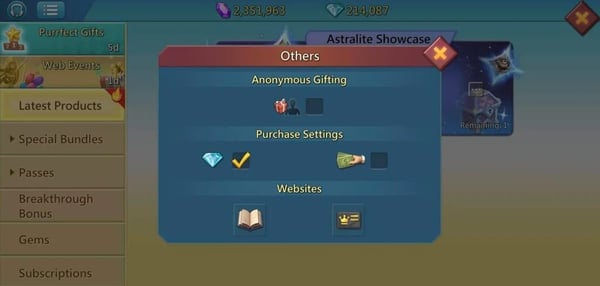
Start with the in-game purchase record. It's the most slept-on tool for this exact mess and it beats the app store on speed. A transaction can read successful in-game even when no confirmation email ever fired, and that single mismatch tells you the money moved and the snag is delivery, not billing. Pop the gear/Settings menu, then account or purchase history. Pack logged as completed? You're done diagnosing. This is a sync hiccup, not a dead payment.
Now the store. The order ID is the only document that carries weight here, and IGG can't verify a thing without it. On Android, per Google Play support: open the Google Play app, tap Profile, then Payments & subscriptions, then Budget & order history, and locate the Lords Mobile line. That entry holds the order ID and proves the charge posted.
Both checks line up on paid-but-undelivered? Now you file. And you file it as a missing-credit ticket, not a refund. The reason that wording matters comes a few sections down.
For the player whose diamonds went missing: in-game log first, store order ID second, ticket only if both confirm the charge landed and nothing showed up.
On Android, the order ID and the email receipt sit in two different drawers
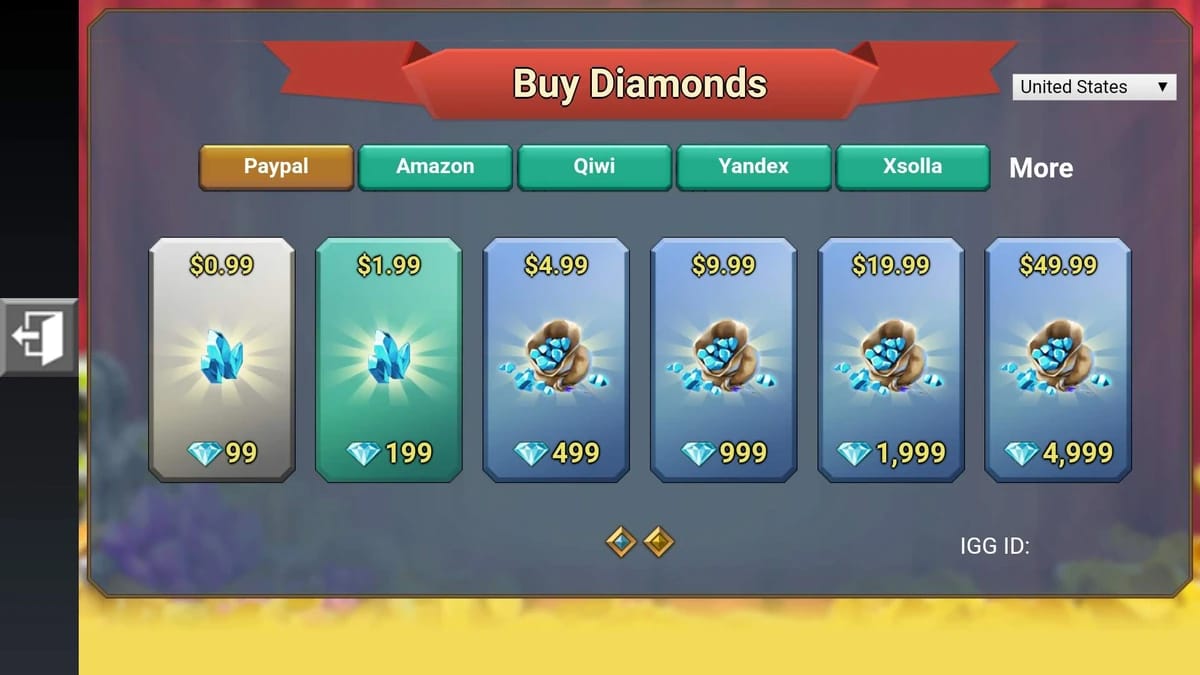
That order history hands you the order ID, which is the load-bearing piece. The email receipt is a separate thing entirely, and here's the trap nobody flags: email delivery is flaky. Confirmations get filtered, stalled, or quietly eaten, which is exactly why I won't treat the email as the record of truth. The store account history is.
So if the confirmation never arrived, don't write off the purchase as failed. Per Apple discussions (and the advice travels fine across platforms), check spam first, then resend or re-pull the receipt straight from purchase history. The store ledger is the original. The email's just a photocopy.
A clean Android submission wants two items and nothing more:
- A screenshot of the Budget & order history line showing the Lords Mobile order ID, amount, and date.
- Your IGG ID (next section handles that).
Done. That order ID does more work than ten frustrated paragraphs ever could.
For the Android player: screenshot the order-history line, confirm the order ID is visible, and stop waiting on an email that may never land.
iPhone or iPad players: pull the receipt from Apple, and route refunds through "Report a Problem"
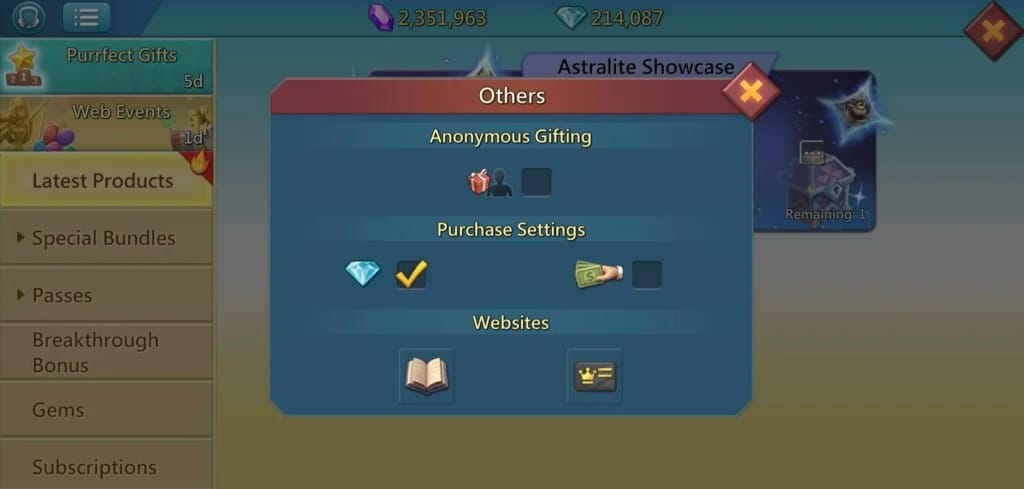
On iOS, Apple is the merchant of record, so your proof lives inside the Apple ID itself. Settings, tap your name, Media & Purchases, View Account, Purchase History. Locate the Lords Mobile diamond buy; the entry lists the date, the amount, and a document number you can screenshot straight to IGG.
Want a proper invoice instead of the in-app summary? Request the receipt from that same purchase-history view and Apple resends the formal email on demand.
One thing iOS folks can do that Android can't match: Apple runs its own self-service refund flow, completely walled off from IGG. It hangs under "Report a Problem" attached to the purchase. If your case is truly a billing dispute (wrong amount, a fat-fingered buy, a charge you didn't make), Apple's channel usually beats begging IGG to broker it. IGG fixes game-side delivery; the store handles payment-side trouble. Match the problem to the right merchant and you've won half the fight before typing a sentence.
For the iOS player: screenshot the purchase-history entry for the document number, and if this is a billing problem rather than missing diamonds, start with Apple's Report a Problem flow before you touch IGG.
When support wants your IGG ID and you can't find the thing
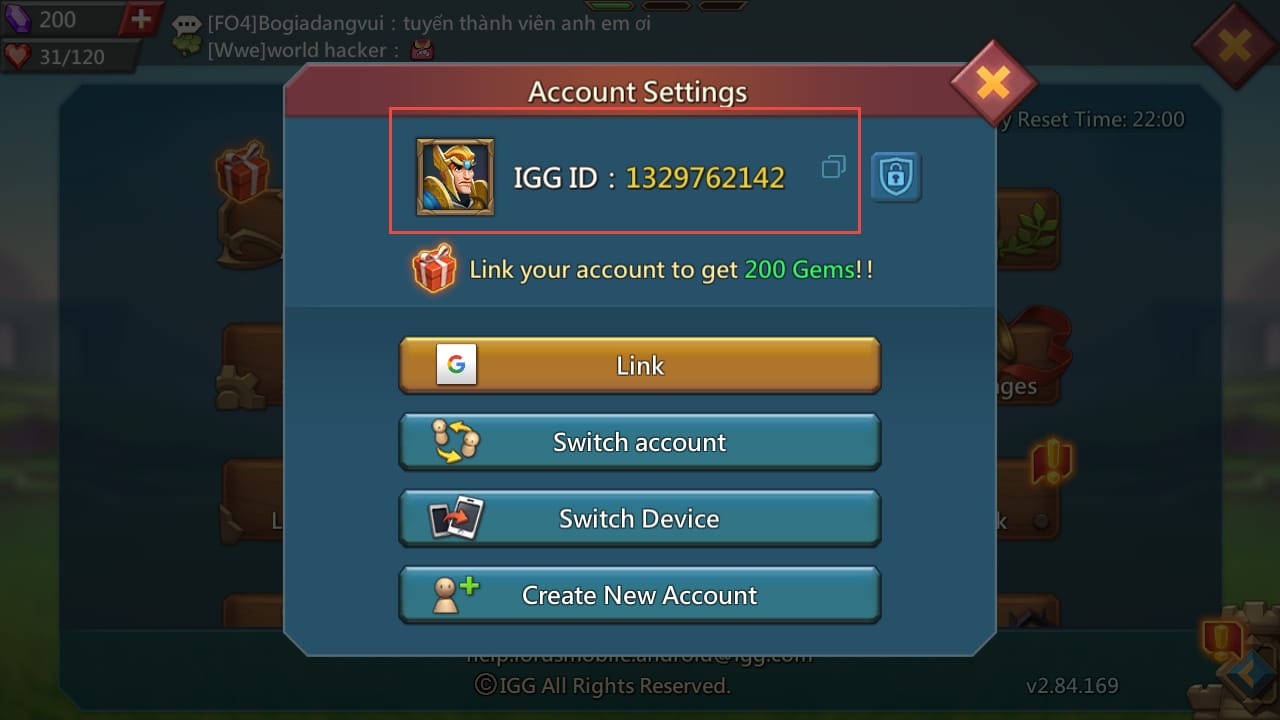
Your IGG ID is the account fingerprint, and not a single ticket budges without it. It hides in your profile: Settings → Account → IGG ID, or read it off your in-game profile card. Copy it dead-on. Fumble one digit and support routes to the wrong account, then your ticket dies in silence.
Here's the complete identifier set IGG will ask for, with the exact location of each:
| What support needs |
Where to find it |
What it proves |
| Store order ID / transaction ID |
Google Play: Budget & order history · Apple: Purchase History |
Payment actually posted |
| IGG ID |
Lords Mobile → Settings → Account → IGG ID |
Which account to credit |
| Purchase screenshot (date + amount) |
App store history, or in-game purchase log |
The specific pack and price |
| In-game purchase record |
Gear/Settings → account/purchase history |
Whether delivery succeeded server-side |
Source: Google Play support (2026), Apple discussions (2026), and the in-game IGG ID path per the official IGG diamond shop.
Across the Facebook Lords Mobile groups, players keep reporting that IGG routinely demands payment proof (order IDs, screenshots) for both diamond issues and account recovery. So gather all four before you open the ticket, not after they ask. A complete first message is the gap between a one-round fix and seven days of ping-pong.
For anyone mid-ticket: copy the IGG ID character-for-character and clip the store order ID to it. Those two together outweigh anything you could write.
Opening the IGG ticket? Attach the proof up front and frame it right
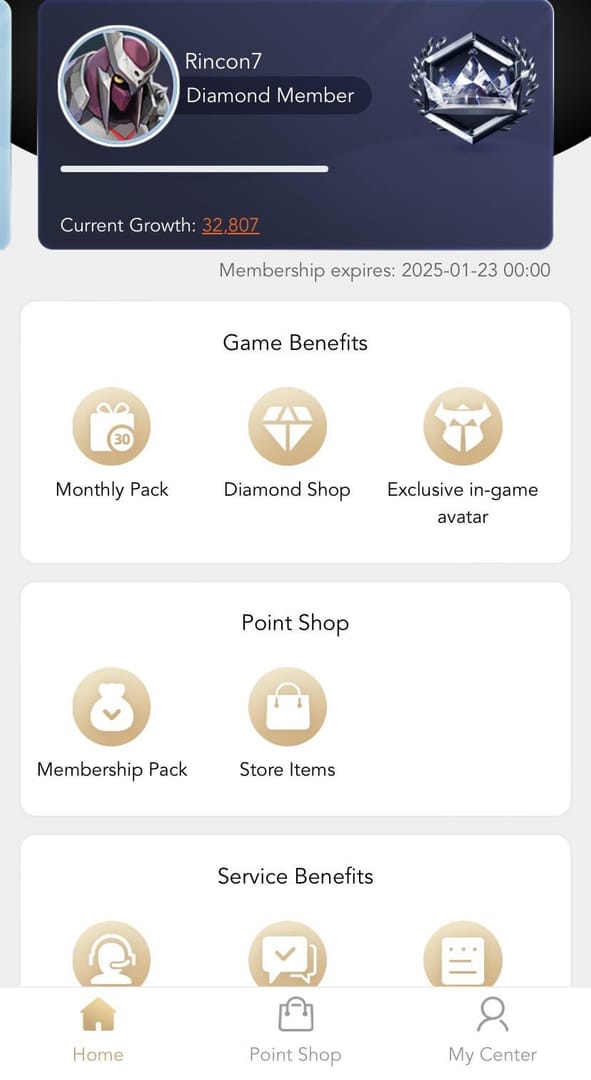
The single biggest blunder I keep watching is players hammering IGG for a "receipt" IGG fundamentally cannot produce. As r/lordsmobile threads spell out, official receipts come from Google Play or Apple, never IGG, and demanding one from the wrong party stalls the entire ticket. The store is the merchant of record. IGG only checks against the store's order ID. Lock that mental model in and the rest sorts itself.
To open the ticket in-game: tap the gear icon → Help → Contact Us / Submit Ticket, then drop your IGG ID, store order ID, and screenshots into the very first message. If the in-game route won't load, IGG also takes support by email at help.lordsmobile.android@igg.com or ihelp.lordsmobile@igg.com, depending on platform, per the IGG official support page.
And now the split that decides whether you win:
- Missing diamonds (paid, never delivered): a delivery problem. IGG credits the diamonds once the store order ID confirms payment. These clear comparatively quick because the fix is tidy. Verify, credit, gone.
- Wrong amount / wrong pack: still a delivery-and-credit issue, framed around the order ID showing what you actually paid for against what dropped.
- Unauthorized charge: a payment dispute. Google Play or Apple's refund channel is the correct first stop, not IGG.
Don't smear them together. A ticket reading "I want my missing diamonds AND a refund" lands as self-contradictory and tends to get both shot down.
Two pitfalls I'll flag hard. Don't fire off duplicate tickets while diamonds may still be syncing; it drags resolution backward instead of forward. And don't reach for a bank chargeback as a shortcut. Player reports in the Lords Mobile community groups warn that a chargeback (as opposed to a clean store refund) can trip an account restriction. The store-level refund flow exists so you never have to torch your own account to claw back the cash.
Receipts buy you a hearing; refunds on spent diamonds almost never clear
The honest bit no guide bothers with: a receipt proves you paid, but it doesn't entitle you to a reversal once the diamonds are spent. Refunds on already-burned premium currency rarely get approved, and that's the nature of consumable in-game goods, not IGG being a wall. Topped up, got the diamonds, spent them? A "refund request with receipt" is the flimsiest ticket in the deck. Calibrate your goal to that.
Where the receipt actually swings hard: a missing-credit claim (paid, nothing arrived) and a bank-or-store dispute, where the order ID is the lone document a chargeback or store refund will even accept. In both, that store order ID is the whole case.
So if the next purchase actually matters to you, the habit is dead simple: save the order confirmation the second you buy. Whether you top up through the in-game store or weigh a transparent third-party route like a Lords Mobile Diamonds top up before committing, the rule holds either way. Keep the order ID, screenshot the confirmation, and you'll never be stranded trying to prove a purchase you can't document. Cheapest insurance in this whole game is a ten-second screenshot.
- Missing diamonds, F2P or whale alike: in-game log, store order ID, missing-credit ticket. Fastest road there is.
- Unauthorized charge: store refund flow first, IGG second.
- Refund on spent diamonds: keep your expectations low. File it, sure, just don't bank on it.
Frequently Asked Questions
Does IGG actually issue its own receipt for diamonds?
No, and this is the misconception that torches the most time. IGG isn't the merchant of record; Google Play or Apple is, depending on platform. Per r/lordsmobile (2026), the official receipt and order ID live in the store's purchase history, and IGG verifies against that document. Asking IGG to "send a receipt" only freezes your ticket.
My diamonds still aren't showing. Should I buy again to be safe?
Please don't. A duplicate purchase (or a duplicate ticket) while the first one is still syncing server-side is the classic way to turn one problem into two. Delivery can credit hours after the charge clears. Check the in-game purchase log first. If it reads completed, the payment's fine and you only need to wait or file a single missing-credit ticket with the order ID.
What if no confirmation email ever turned up?
The email is the shakiest record of the bunch, so its absence doesn't mean the buy failed. Check spam, then re-pull the receipt straight from your store purchase history. That account ledger is the authoritative source, not the inbox. On Apple, you can have the formal invoice resent from the same Purchase History screen.
Is a bank chargeback a safe last resort?
It's the riskiest move on the board. Community reports in the Lords Mobile groups note that a bank chargeback, rather than a proper store refund, can trigger account restrictions. Use Google Play's or Apple's official refund flow instead. It's built for disputes and doesn't gamble your account.
What's the bare minimum I need to attach for a fast reply?
Two things carry the whole ticket: the store order ID (Google Play order history or Apple purchase history) and your IGG ID (Settings → Account → IGG ID), plus a screenshot showing the pack date and amount. A short message with those beats a long, emotional one with none. IGG can't verify frustration, only the order ID.









Comments