Scenario 1: the free player who never tops up
Here's what caught me off guard. For a fresh account, not spending is frequently the stronger competitive play, not some budget cope. Gems are the only official premium currency, sure, but they're also a gameplay drop, earned by smashing blocks and trees or through Tapjoy offers (per Growtopia Wiki - Gems, 2026). A day-1 player can bankroll early progress on farming alone.
The BlueStacks beginner guide (2025) doesn't mince words on order of operations: new players should farm dirt and rock before any top-up, so they learn how the economy breathes before real money shows up. I'd go further. The whole setup you're buying into (World Locks doing the day-to-day work, Diamond Locks holding value at the top end) won't click until you've made a handful of trades yourself. Spend before that clicks and you'll badly misread what your gems convert to in locks, which is the only number the in-game market cares about.
So the free run "fails" the top-up question by quietly answering a sharper one. Most day-1 players shouldn't be buying yet. Farm a week. Still hooked, still want cosmetics or convenience? Now the purchase decision actually means something.
Scenario 2: why the $1.99 test buy is still the right first move
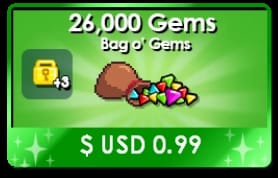
I figured the smallest pack (Chest o' Gems, 1.99 USD for 70,000 Gems plus 7 World Locks, per Store Packs, 2026) would read like a tourist trap on a spreadsheet. On gems-per-dollar, it does. It's also still the first thing I'd buy.
Here's what turned my own opinion around: your first real-money transaction in any game is a plumbing check. Does payment clear through your platform billing without snags? Do the gems actually land on your GrowID? Does your linked account come out the other side intact? Putting $1.99 on the line to confirm all that is sane. Putting $49.99 on an untested pipe is not. The wiki's cautious-low-spender profile points the same way: smallest official pack first, after you've secured the GrowID, then climb.
And the mechanic that makes this painless? Gems ride with your GrowID, not your device. Sign in on a different phone or jump to PC and the balance comes along. A small test buy isn't cash stranded on one handset. It's a portable receipt proving the channel works before you commit more.
One thing here is non-negotiable. Topping up before you've linked an email and hardened the account puts both the gems and everything they buy at risk, per Ubisoft Help Center policy. Secure, then spend. No "I'll get to it later."
Scenario 3: the pack that actually wins on value
The value-hunter scenario gave the tidiest answer, mostly because the published prices argue the case for me. Crunch gems-per-dollar across the tiers and the biggest pack does come out ahead, while the cheap-looking middle options flatter to deceive.
| Pack |
Price (USD) |
Gems |
Bonuses |
Gems per USD |
| Chest o' Gems |
1.99 |
70,000 |
7 WL |
~35,176 |
| Gem Fountain |
4.99 |
205,000 |
20 WL + 1 Growtoken |
~41,082 |
| It's Rainin' Gems |
9.99 |
455,000 |
45 WL + 2 Growtokens + 1 Megaphone |
~45,545 |
| Gem Bounty |
29.99 |
1,440,000 |
140 WL (1 DL + 40 WL) |
~48,016 |
| Gem Abundance |
49.99 |
2,460,000 |
230 WL (2 DL + 30 WL) |
~49,210 |
Source: Growtopia Wiki - Store Packs (2026); gems-per-dollar derived from published USD prices.
The figures back the slope: Gem Fountain sits near 41,082 gems per dollar, It's Rainin' Gems around 45,545, and Gem Abundance crowns the chart at roughly 49,210. Real curve, but it goes flat near the top. Climbing from $9.99 to $49.99 nets you only about an 8% better rate per gem, nowhere close to doubling it. That plateau is exactly what the "just buy the biggest pack" guides gloss over. Above the $9.99 tier you're mostly paying for quantity, not a meaningfully sweeter rate.
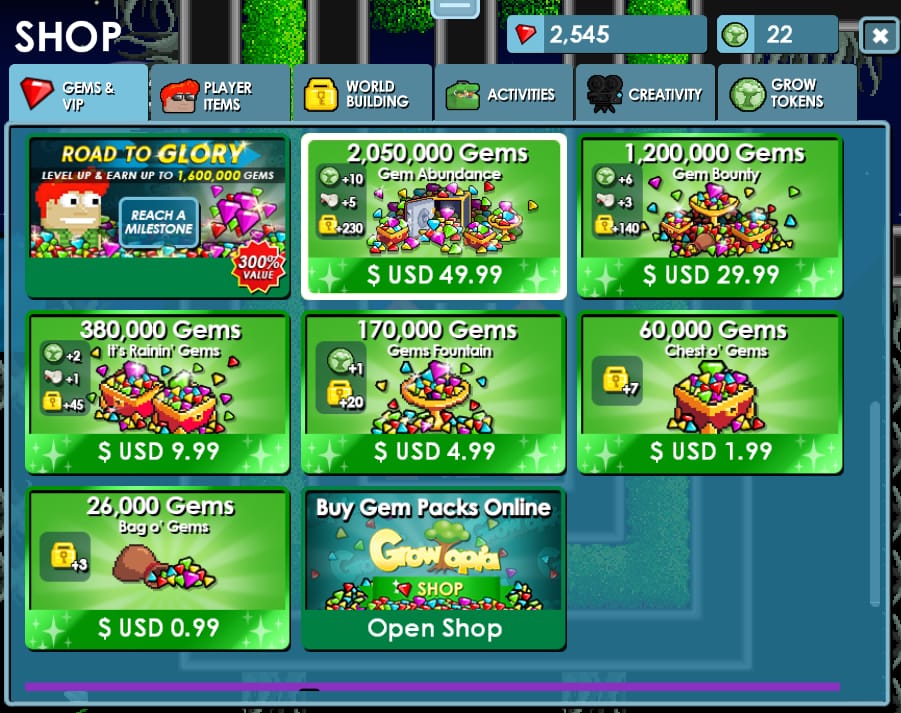
There's a reason the rates sit where they do. Official patch context notes that "over the years, the amount of gems that each pack have been increased, while the price of it remained around the same" (per Store Packs). Growtopia owned the rebalance outright. Growtopia official (Facebook, May 2025): "As part of our ongoing efforts to maintain a healthy game economy, we have updated the contents of our Gem Packs." So treat the per-dollar numbers above as a current snapshot, not a fixed law. Re-check before any large buy.
My read for the value-hunter: It's Rainin' Gems at $9.99 is the sweet spot for a second purchase. It grabs most of the rate edge, tosses in a Megaphone and two Growtokens, and doesn't pressure you into dropping $50 on a game you've owned a week. Gem Abundance only makes sense once you already know precisely what 2.46 million gems is going toward.
Scenario 4: the first-purchase bonus that isn't there
This one wrecked my assumptions the hardest. I went digging for Growtopia's first-purchase bonus, that once-per-account multiplier nearly every gacha and mobile economy waves in your face, and it isn't in any official source. Nothing on the wiki, nothing in Ubisoft's materials (per Growtopia Wiki - Gems, 2026).
That matters, because a chunk of beginner advice out there quietly assumes one exists. If you've seen the line "save your first purchase for the biggest pack to max the bonus," that whole plan rests on a mechanic Growtopia doesn't seem to have. There's no once-per-account trigger to fumble, and that actually reinforces the Scenario 2 case. With no bonus penalty for going small first, the smallest test buy costs you nothing in lost value.
While we're busting myths: a so-called top-up code or method called "Moe2we2n" turns up zero hits anywhere. No evidence it exists as a bonus, a code, or a channel. If some clip or comment tells you to punch it in for free gems, that's a warning sign, not advice.
Every profile funneled into one unbendable rule: buy through the official Store, never a third-party seller. Discount-gem offers from grey-market vendors carry a genuine account-theft risk, and the official in-app purchase is the lone legitimate path, per the wiki and threads on r/growtopia. The consensus is uniform. Third-party top-up isn't worth it for beginners against the official route, purely because of the ban-and-theft exposure.
The economy spells out why those listings can undercut Store pricing. Anyone hawking gems below the official rate is usually shifting currency farmed off compromised accounts or working chargebacks, which is precisely why handing them your login is asking for trouble. Official billing through Google Play, the App Store, Steam, or PayPal via the web shop at xsolla.growtopiagame.com keeps your GrowID credentials nowhere near a stranger.
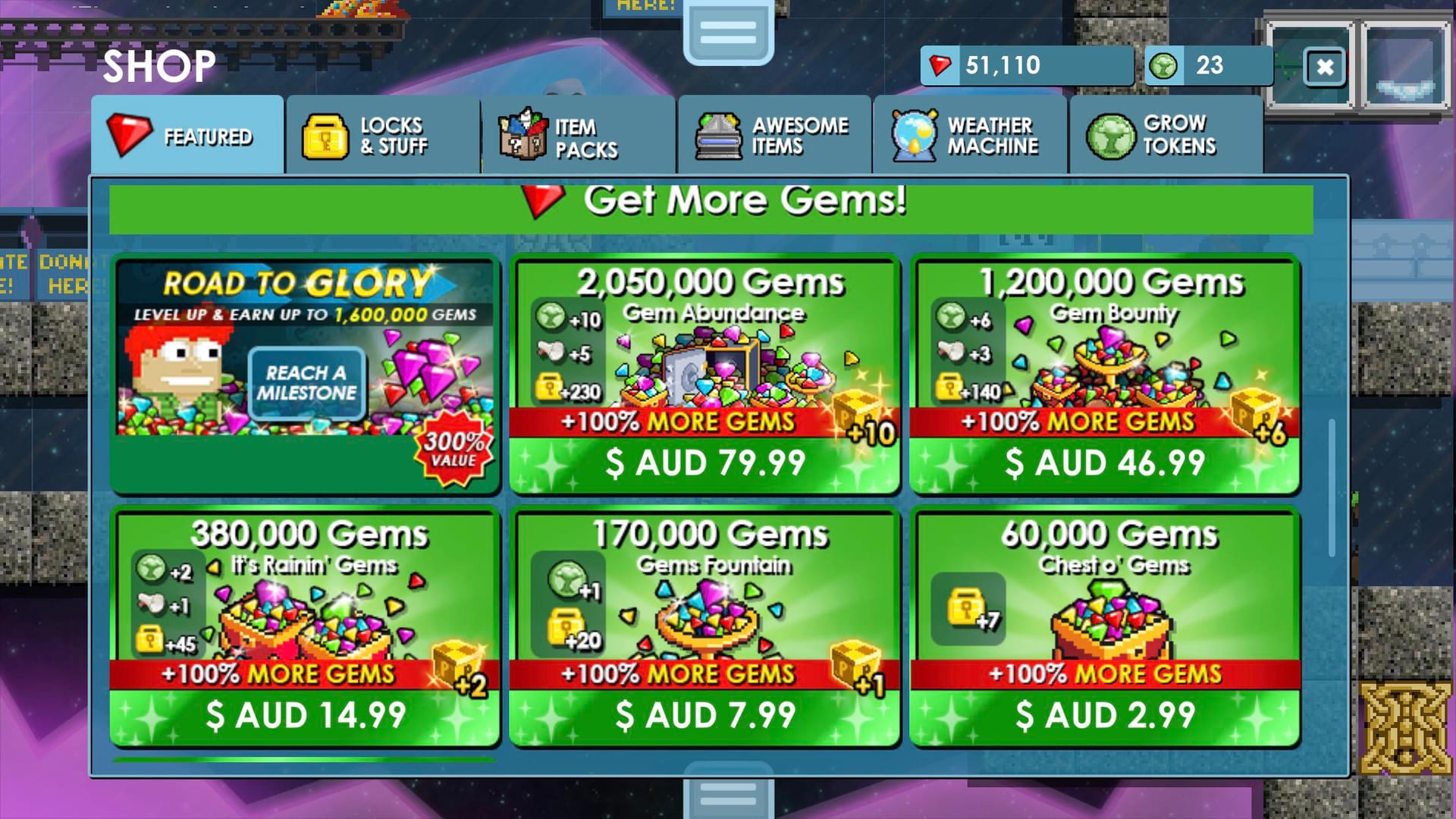
Regional pricing is the honest gray area. Local prices drift from the USD figures, and certain regional payment channels (Taiwan, Malaysia, others) offer local billing methods, per Codashop (2026). If a reputable regional channel trims your cost with legitimate local payment, that's fair to weigh. The real line that keeps you safe isn't "official versus everyone else." It's "never give a seller your password, and never buy from anyone who needs your login."
Disclosure: VGTopup, which publishes this guide, offers a Growtopia Gems top up option you can price against the in-app Store. Compare both, check the regional rate, and go with whichever lets you keep account control on that first buy.
When your gems don't show up
The failure mode worth drilling, across all four runs, is a payment that clears with no gems credited. Two steps clear up most of these before you ever open a ticket.
- Restore purchases on the same platform. Since gems attach to your GrowID and the transaction lives in your platform's billing, a restore-purchases pass on the original platform usually recovers a stalled delivery.
- Then contact support with evidence. If gems still haven't appeared, reach Ubisoft support with your GrowID, the Transaction ID, the date, and the package details. That's the exact set their team needs to trace it, per Ubisoft Help Center (2026).
If you're unsure whether the balance updated, log back in on a second device. Same login, same gems, since the balance isn't tied to hardware. Show up there? It was display lag, not a lost purchase.
The recommendation matrix
| Player |
First move |
Pack to pick |
The trap to dodge |
| Day-1 beginner |
Don't buy yet — farm blocks first |
None |
Spending before you understand WL/DL value |
| Cautious low-spender |
Secure GrowID, then test the flow |
Chest o' Gems ($1.99) |
Topping up before linking an email |
| Value-hunter (2nd buy) |
Confirm flow worked, then scale |
It's Rainin' Gems ($9.99) |
Overpaying for the $50 tier's marginal rate |
| Committed spender |
Know your spend plan first |
Gem Abundance ($49.99) |
Buying volume you can't deploy |
The through-line stays the same. Account security is the precondition, the smallest verified purchase is the smart opener, and the "biggest pack = best value" line is true but far flatter than it's sold as. No first-purchase bonus to game, no secret code to redeem. So if you take one thing from all this: secure the GrowID, spend the $1.99 to prove the pipe works, and don't touch the $50 pack until you actually know what you're buying it for.
Frequently Asked Questions
Does Growtopia actually give a first-purchase bonus?
No first-purchase bonus shows up in official sources or the wiki (per Growtopia Wiki - Gems, 2026). So there's no reason to "save" your first buy for a big pack to milk a one-time multiplier. That mechanic doesn't seem to exist here. Buy small first to verify the channel works; you forfeit no special bonus by doing it.
Is it safe to buy Growtopia gems with a credit card?
Through official billing, yes. Card payments routed via Google Play, the App Store, Steam, or PayPal on the web shop never expose your GrowID login. The danger was never the card, it's the channel. A seller demanding your account password to "deliver" gems is the real hazard, per wiki and community guidance, no matter how you pay.
How many gems do you get per dollar in Growtopia?
Anywhere from roughly 35,000 gems per USD on the $1.99 Chest o' Gems up to about 49,210 on the $49.99 Gem Abundance, derived from Growtopia Wiki - Store Packs (2026) prices. The rate curve flattens quickly past $9.99. The top tier runs only around 8% better per gem than It's Rainin' Gems.
Why didn't I receive my gems after paying?
Run "restore purchases" on the same platform first; that recovers most stalled deliveries, since the transaction lives in your platform billing. Still nothing? Log in on a second device to rule out display lag, then contact support with your GrowID, Transaction ID, date, and package details, per Ubisoft Help Center (2026).
Should a totally new player buy gems or just farm World Locks?
Farm first. Day-1 players should break dirt and rock before any top-up to learn the economy, per BlueStacks (2025), and gems drop from gameplay regardless. Top up only once you grasp how World Locks and Diamond Locks relate, so you can judge what your gems are genuinely worth in-game.










Comments