What 750 crystals gets you and why no other number counts
Crystals are the premium currency. They sit apart from rupies and the free-earned stuff, and they're what the Battle Pass actually charges. Per Cygames Usersupport, they pay for card packs (100 crystals a pop), cosmetics, and the pass. The pass itself spans 50 tiers, with the level-50 prize being an Apprentice's Globe or Seer's Gem Shard depending on your track, per the Fandom Wiki.
Two paid options sit at the counter:
| Option |
Crystal Cost |
What you get |
| Premium Pass |
750 |
Full premium reward track, retroactive tier unlock |
| Premium Pass + Points |
1,500 |
The above plus an instant 20-level jump |
Source: Shadowverse Fandom Wiki (2026)
That "+ Points" SKU is this game's Premium Plus, basically a tier-skip variant. GameWith's Season 7 rewards listing splits it the same way: 750 for Premium, 1,500 for the version with the level bundle. So if you're searching "battle pass premium vs premium plus svwb difference," there's your answer. Same rewards. The pricier one just front-loads 20 levels for double the cost.
Now the bit that reshapes the whole value question. Premium isn't a pure money pit. YouTube creator breakdowns of the pass economy peg the Premium track at refunding roughly 300 crystals back as you climb, which drops the effective net closer to ~450 crystals instead of the full 750. Almost nobody mentions this. Most guides quote the sticker and never check their own spreadsheet. Those early-tier crystal payouts claw back a real slice of what you handed over.
Open Home > Shop > Supply Shop, pick a crystal pack, pay through your platform's store, then jump to the Battle Pass menu and spend. That's the GameWith-documented route, and it works on every device.
The differences live in the payment layer and one linking step that genuinely bites:
- iOS App Store — Charges run through your Apple ID. Crystals arrive instantly in-app. Tidy, though Apple's cut is already cooked into what you see.
- Google Play (Android) — Same flow via Google billing. Carrier billing and gift-card balances work here, which is the lifeline if you'd rather not put a card down.
- Steam / Epic — Purchases pull from the platform wallet. Epic's page lists packs of 60, 230, 470, 950, 1,440, 2,500, and 5,200 crystals, per Epic Games Store. PC tends to be the fewer-taps option. Fewer taps doesn't mean cheaper once store fees land.
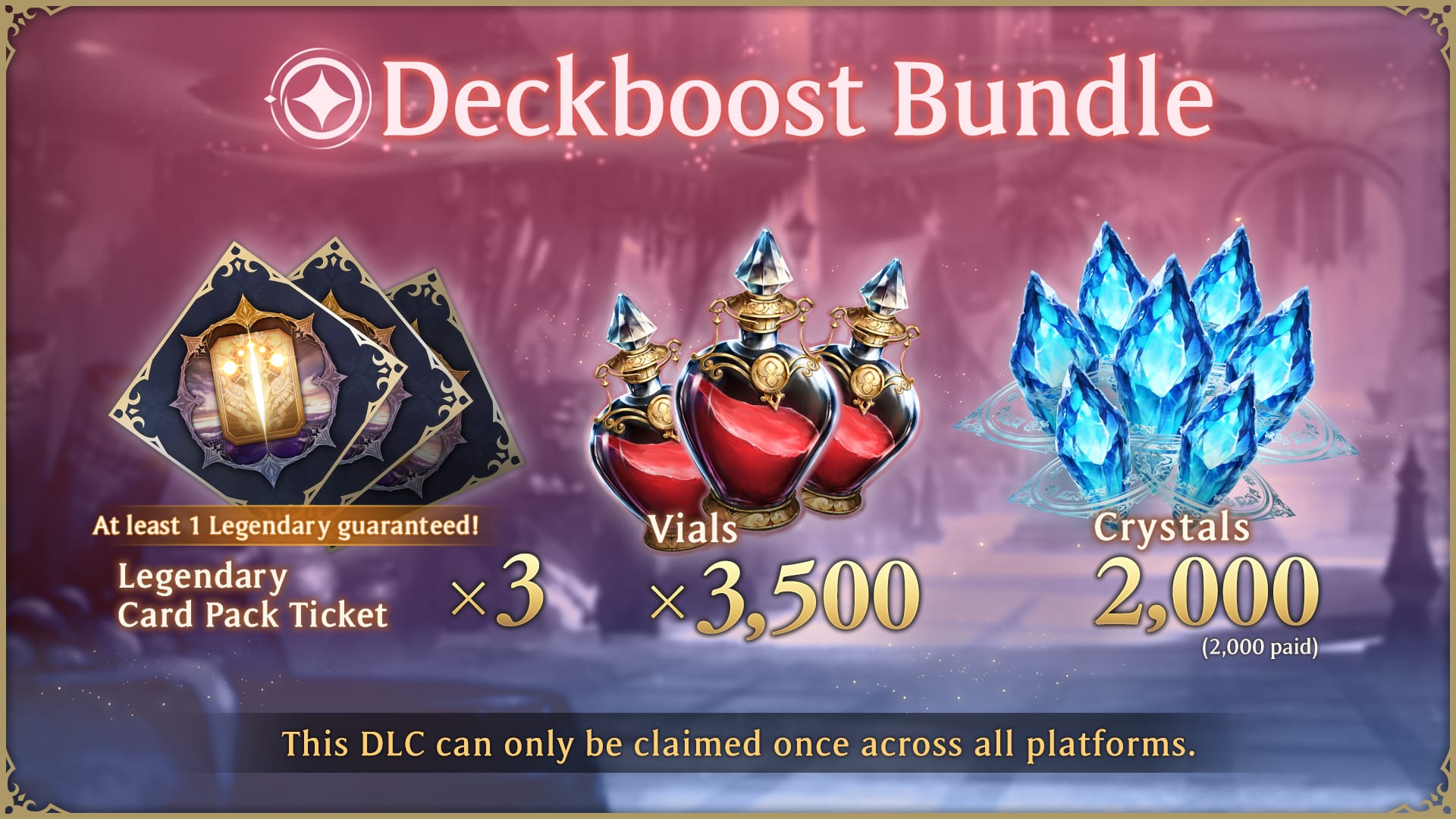
Plenty of players sidestep the in-app store completely. Cygames runs a WebStore that, per shadowverse.gg, prices one bundle at 400 paid + 90 unpaid crystals for $7.99, and 990 crystals (800 paid + 190 unpaid) for $15.99. Those bonus "unpaid" crystals are the WebStore's whole edge. The catch? You must link your Cygames ID first, or the crystals never reach your account. Link it, and those crystals work across iOS, Android, Steam, and Epic. That portability is the real reason to bother.
For the mobile-vs-PC crowd: the feel changes, the price mostly doesn't. In-app pricing is gated by each store's regional cut, so "top up svwb crystals on mobile vs pc which is cheaper" resolves to whichever store taxes you least where you live, not some baked-in device discount. The WebStore is the one channel that reliably comes in under in-app.
Why "buy big" is the wrong instinct here
Most guides parrot the same line, buy the biggest pack for value. For a single Battle Pass buy, that advice is flat wrong. It maroons crystals you won't spend before the season wipes.
Here's the published pricing worth reasoning from:
| Source |
Crystals |
Approx USD |
| Epic Store |
60 / 230 / 470 / 950 / 1,440 / 2,500 / 5,200 |
Varies by region |
| In-game (community-reported) |
60 / 220 / 450 |
~1.2 / ~4 / ~8 |
| Cygames WebStore |
400 paid + 90 unpaid |
7.99 |
Source: Epic Games Store, r/Shadowverse, shadowverse.gg (2026)
You need 750. Stack it properly:
- WebStore $7.99 (490) plus a small in-game top-up clears the bar cheaply, with the bonus unpaid crystals filling the gap.
- On Epic, the 950-crystal pack is the smallest single SKU that crosses 750 alone, leaving ~200 stranded.
- Two mid-tier packs (say 470 + 470 on Epic) overshoot to 940 with a similar leftover.
The rule: buy the smallest combination that crosses 750, not the SKU with the prettiest raw per-crystal rate. A 5,200 pack may post the lowest cost per crystal on paper, but if all you want is the pass, you've now parked ~4,400 crystals in an account where leftover crystals carry across seasons (per Cygames Usersupport) while the pass rewards don't. Stranded currency isn't a deal. It's a purchase you've prepaid and might never make.
This exact misstep is what a widely-discussed r/Shadowverse thread flagged: grab an oversized pack right before season end and you're left holding crystals you can't spend in time. The fix is dull and right. Match the pack to the need.
One honest note on regional pricing. The pass is 750 crystals everywhere, which is a crystal price, not a currency price, so all the cross-region wobble lives in what your store charges for the crystals. US, EU, and Japan buyers pay different real-money totals for the same pack thanks to store tax, exchange rates, and Apple/Google pricing tiers, never because the pass itself costs more somewhere. I wouldn't stake a precise per-market percentage on anything published, so treat your local store listing as gospel and weigh it against the WebStore before you pay.
Buying or upgrading the pass once the crystals land
With crystals in your account, head to the Battle Pass menu and buy Premium with crystals directly. That's the documented final step. Two things are worth knowing before you tap confirm.

The first: tiers unlock retroactively. Every level you ground out on the free track converts to its Premium reward the moment you buy. No regrind, no starting fresh. This is precisely why a mid-season or even late buy isn't the write-off people assume. An active player buying partway through still works through every tier, and the back-pay on already-earned levels lands right away.
The second: Premium vs Premium + Points. My read is firm. Skip the 1,500 version unless you've truly run out of road.
|
Premium |
Premium + Points (Plus) |
| Cost |
750 crystals |
1,500 crystals |
| Instant levels |
0 |
20 |
| Reward track |
Full |
Full (identical) |
| Best for |
Anyone with time to grind |
Last-minute buyers only |
Source: Shadowverse Fandom Wiki, GameWith (2026)
The "+ Points" upgrade is pure tier-skip. You're spending an extra 750 crystals to not play. Got a couple of weeks and you log in? That's 750 crystals torched, since the weekly XP cap sits at 10,000 points across 1,000 points per level, per shadowverse.gg, so a reasonably active player chews through levels fast enough to make the skip meaningless. The only spot where it earns its keep is a true last-minute buy where the days left physically can't cover the tiers. Narrow window, but real.
How late is too late before Molqrkkw ends
If you're hunting "how to top up crystals for battle pass premium before molqrkkw" or "what happens to battle pass progress when molqrkkw ends," the deadline rules are clear even where the named season date isn't publicly nailed down. Seasons here ride the card-set release cycle, and I couldn't find an official source pinning a precise Molqrkkw end date. Don't trust any guide that quotes one to the day without a Cygames link behind it.
What Cygames Usersupport does confirm matters more anyway: at season end, unclaimed pass rewards are gone, while leftover crystals carry over. So the genuine deadline isn't "buy before the clock hits zero." It's buy with enough runway to actually claim what the pass hands you.
This is where feasibility decides everything:
| Days remaining |
Realistic to clear 50 tiers? |
Recommendation |
| 3+ weeks, active daily |
Yes |
Buy Premium (750), grind normally |
| ~1 week, active |
Tight but doable for committed players |
Buy Premium, prioritize weekly XP |
| 2–3 days |
Unlikely to clear top tiers |
Premium only if early refunds justify it; skip "+ Points" math carefully |
| Final day |
No |
Either buy "+ Points" for the instant 20 levels, or skip entirely |
Now the counterintuitive part. Buying Premium late can still pay off even if you never sniff the top tiers. The retroactive unlock back-pays everything you've already cleared, and those in-track refunds, that ~300-crystal claw-back, arrive early rather than at level 50. So a late buyer parked at, say, tier 20 on the free track instantly banks a pile of premium rewards plus a chunk of crystals back. That effective net of roughly 450 crystals can be recovered largely from early tiers alone, per the YouTube economy breakdown. Which reframes "is it too late" from a yes/no into "how deep am I already?"
When the top-up fails and how to actually fix it
The costliest blunder here isn't overpaying. It's topping up on the wrong account or platform and watching crystals evaporate from where you need them. Cygames Usersupport spells out that a top-up on the wrong platform or account can lose the purchase outright. The fixes, ranked by how often they're the real culprit:
- You skipped Cygames ID linking before a WebStore buy. Link the ID first, then purchase, or the crystals can't attach to your cross-platform account.
- Age-based purchase caps blocked it. Per official Q&A, accounts under 13 can't buy paid crystals at all; ages 13–15 are capped at 2,000 crystals/month and 16–19 at 4,000/month. A bounced top-up might just be your ceiling.
- Wrong store, wrong wallet. Buying through a platform account that isn't tied to your game profile is the classic loss. Make sure you're logged into the same account across the board before paying.
- Payment method rejected. Platform stores take Apple/Google/Steam/Epic billing; the WebStore takes credit cards. If a card flops on the WebStore, the platform store is your backstop, and the reverse holds too.
If crystals truly never show after a clean charge, the linked-ID and matching-account checks knock out the bulk of cases before support enters the picture.
Is a late-season Premium buy worth it
For active players, Premium is one of the strongest raw-value buys in the whole monetization, and I'll plant a flag on that. GameWith's guide team says it flat out: "Premium Battle Pass offers highest return on value," reasoning that 750 crystals buys a wide reward spread if you're playing enough to finish it. Reddit and creator coverage lean the same direction. Packs get treated as overpriced; the pass gets treated as the one buy that earns its keep.
But the value is conditional, and the condition is login frequency, not money. The whole "worth it for refunds and exclusives" versus "expensive packs make it inaccessible" argument settles once you separate the pass from the crystal economy wrapped around it. The pass is good value. The surrounding currency is what feels steep. So the trap for new or F2P players starting late isn't that Premium is bad. It's expecting free login crystals to cover 750. For most late starters, they won't. Login bonuses and daily packs drip crystals in, just not at a clip that funds Premium from scratch in the season's back half.
By player profile:
- F2P riding login crystals: Lean on daily packs, missions, free crystals. The pass can pay for itself through refunds and rewards if you've banked enough early. Coming in late from zero, you'll probably fall short, so don't pin your hopes on free currency bridging it.
- Low-spender buying once: The sweet spot. One 750-crystal Premium per season is the highest-value spend in the game, per GameWith. Grab the smallest covering pack, claim the pass, walk away.
- Last-minute buyer: Run the days-vs-tiers table above. If you can't clear the rewards, either the instant-20-levels "+ Points" version or skipping outright beats a half-claimed Premium.
When you're deciding where to actually buy the crystals, the only question that counts is the all-in price for the smallest pack that crosses 750. Check your platform store, check the Cygames WebStore (with the bonus unpaid crystals folded in), and (disclosure, since VGTopup publishes this) weigh a Shadowverse Worlds Beyond top up against those totals, then take whatever lands cheapest for your region. The channel doesn't change the pass. The cheapest crystals do.
Frequently Asked Questions
Can you buy Battle Pass Premium with only free login crystals?
Technically yes if you've banked 750, but for anyone starting a season late it rarely pans out. Login bonuses and daily packs trickle crystals in too slowly to fund Premium from scratch in the back half, per beginner-guide observations on Cygames' free-currency sources. F2P players who hoarded from day one have a genuine shot; late starters almost always need a top-up.
What's the actual difference between Premium and Premium + Points?
The reward track is identical, same exclusives, leaders, sleeves, and emblems. The lone difference: the 1,500-crystal "+ Points" version drops 20 instant levels on you, where standard Premium at 750 makes you earn them, per Fandom Wiki and GameWith. You're paying an extra 750 crystals purely to skip the grind, which only pencils out on a last-day buy.
Do leftover crystals expire when the season ends?
No. Crystals carry across seasons, per Cygames Usersupport. It's the pass rewards that vanish if you leave them unclaimed at season end. Which is exactly why the oversized pack is a trap: the surplus crystals survive, but they're dead weight if you've nothing planned for them, and you've effectively prepaid for buys you may never get to.
Why won't my crystal top-up go through?
Three usual suspects: you bought on the WebStore without linking your Cygames ID first, you're logged into a store account that isn't tied to your game profile, or you've smacked into an age-based monthly cap (2,000 crystals/month for ages 13–15, 4,000 for 16–19, per official Q&A). Check the ID link and the matching account before you ever ping support.
Is it worth buying Premium with just a few days left before the season closes?
It can be, even if level 50 stays out of reach. Premium retroactively unlocks every tier you've already earned, and the pass refunds roughly 300 crystals through its track, with those refunds landing on the early tiers, per the YouTube economy breakdown. If you're already deep on the free track, a late buy back-pays a stack of rewards plus much of your crystal cost on the spot.











Comments