"Payment Pending means your money is gone" — busted
It almost never does. A pending status on a card or e-wallet transaction is, the overwhelming majority of the time, an authorization hold. Your bank earmarks the funds and shrinks your available balance, but no money has actually changed hands yet. The charge only "captures" once the gateway confirms the order back to the store. Mon61oj4 is what shows up when that confirmation hand-off snaps mid-flow.
Picture three distinct events that people cram into the one word "charge":
- Authorized / Pending — funds reserved, not taken. Reverses on its own if it's never captured.
- Captured / Completed — money actually moved. This is the real charge.
- Failed / Declined — nothing reserved, nothing moved.
Why this matters to your wallet: an authorization that never captures simply expires. The reserved amount falls off your statement, the available balance comes back, usually inside a few business days. That window is your issuer's hold policy talking, not the game's. So the screen yelling "pending" at you is frequently a transaction that's already quietly unwinding itself, not a robbery in progress.
The panic is really a display problem. Your banking app shows a deducted balance, the game shows zero bonds, and the obvious read is "they took my cash and handed me nothing." Mechanically that's two halves of one interrupted transaction, not a completed theft. The first time I stared at a banking-app "pending" line next to an empty bond balance, the urge to dispute on the spot was loud, and it would have been flat wrong.
VERDICT: busted. A pending line is a hold, not a confirmed loss, far more often than not.
"Just clear your cache and retry" — qualified, and the order is wrong
Clearing cache and retrying can absolutely fix a busted checkout. Doing it before you verify delivery, though, is how regret tickets get written. The right order is verify, then troubleshoot, then retry only after you've confirmed nothing was delivered.
Here's the mechanical trap. Pressing Pay again while the first authorization is still alive can stack a second hold on the card. Now there are two pending lines for one bundle, and you might receive zero, one, or two copies. Community payment threads keep flagging this exact failure mode (pressing Pay again before confirming delivery is the most common way folks manufacture a duplicate charge, a caution that bounces around r/ArenaBreakoutInfinite and the Facebook groups). Your purchase history can read "delivered" even when the on-screen flow threw the error, because the bond grant and the front-end redirect are separate events. A redirect dying doesn't mean the grant died.
So before you touch a thing:
- Open the game (or the web store account page) and look at your bond balance and purchase history directly.
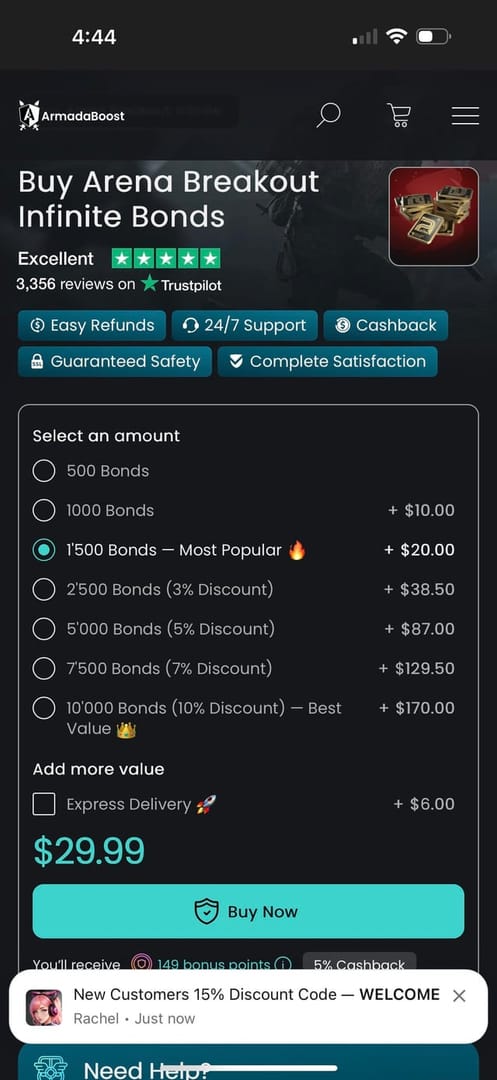
- Bonds there? You're done. The error was cosmetic. Don't pay again.
- Not there yet? Wait a short settle window before you assume failure. Top-up deliveries usually land in seconds to minutes, with the longer drags clustering around peak traffic, per community top-up guides on YouTube and third-party platform descriptions (2026).
Only once the balance still reads nothing, and the purchase history shows no completed order, does cache-clearing plus a fresh attempt become sensible. Even then, confirm the earlier hold has cleared or reversed first.
VERDICT: qualified. The fix is real. The popular sequencing is backwards and it costs people money.
"Mon61oj4 is a serious account error" — busted
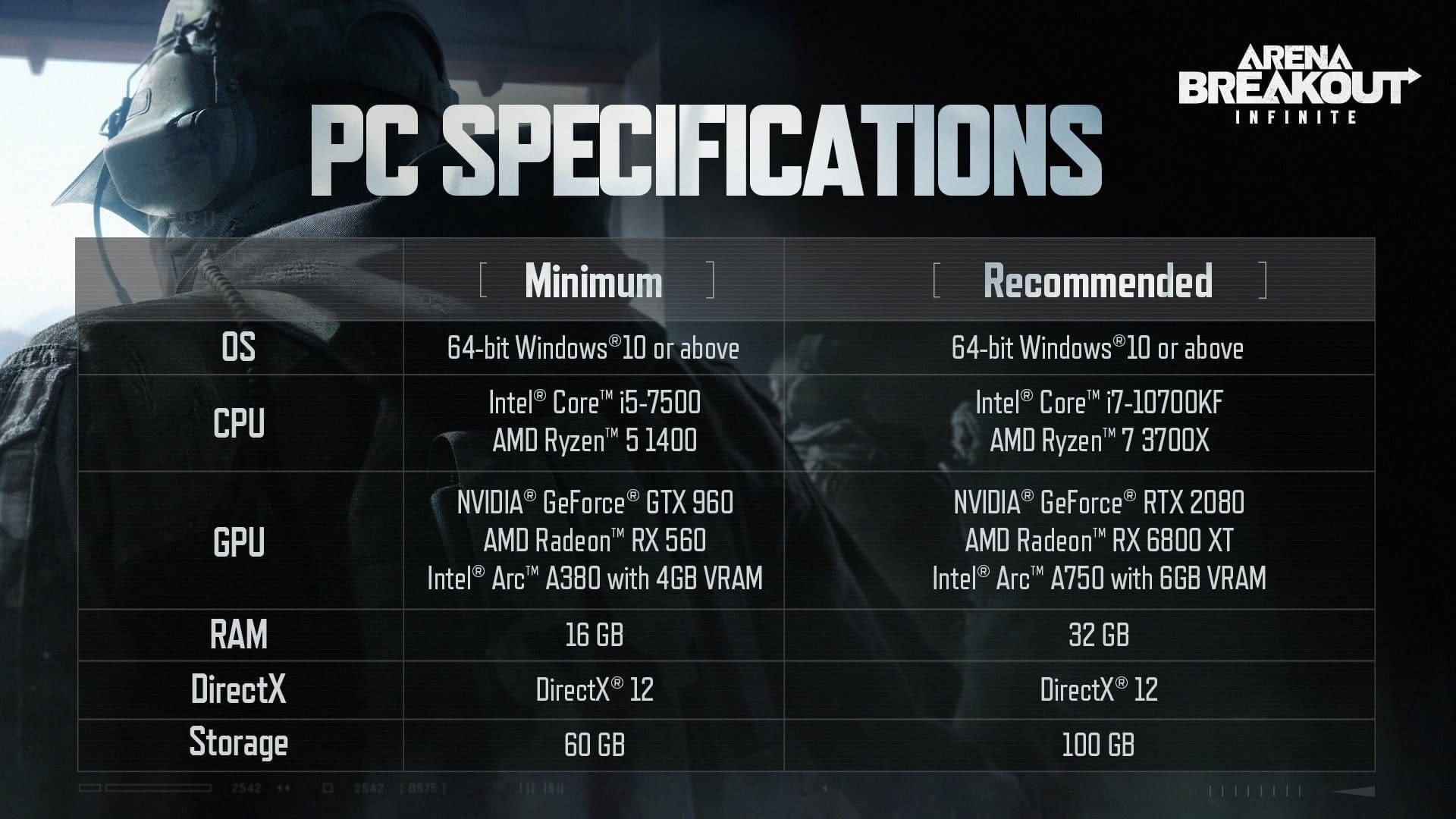
The code looks scary, but it points to a pretty harmless category: a gateway hand-off failure. The store, the payment processor, and your bank are three systems chatting at each other. Mon61oj4 pops up when the conversation drops somewhere between "your bank approved the hold" and "the store logged the order." Nothing about it suggests a banned card, a flagged account, or a corrupted purchase record.
And the big triggers sit almost entirely on your side of the wire, which is genuinely good news. These are client-side problems you can fix yourself, no waiting on a queue.
| Trigger |
What it does |
The fix |
| VPN active during checkout |
Routes your payment through a country that mismatches your card's billing region; gateway rejects or stalls the hand-off |
Turn the VPN off, reload the store, retry from a clean session |
| Region / currency mismatch |
Store region doesn't match your card's issuing country |
Set the store region to your card's billing country |
| Browser cache / cookies / blocked scripts |
Stale session tokens or an ad/script blocker kill the redirect step |
Clear cache, disable blockers, or use an incognito window |
| Card or e-wallet soft-decline |
Bank flags an unusual international/online transaction; it reads as "pending" not a clean decline |
Approve the transaction in your banking app, or call your issuer to whitelist it |
Source: synthesized from community payment reports on r/ArenaBreakoutInfinite and Facebook groups (2026–2026); fixes reflect standard gateway behavior.
The VPN one is wildly underrated. I'd rank a tunnel left running through checkout above card issues as a cause of these stalls. It's the quietest fix and the last thing most players check, because the instinct is to blame the game or the bank, not the VPN you forgot was even on. Flick it off, line your store region up with your card's billing country, and a large chunk of these clear without a single message sent.
VERDICT: busted. The code is scary-looking shorthand for an interrupted hand-off, not an account problem.
Support is everyone's first reflex and it's often the slowest road to a fix you could've done yourself in two minutes. Bonds delivered? Check first. If they're there, there's nothing to file. A hold sitting there from an interrupted attempt tends to reverse on its own, and pinging anyone does not speed your bank's reversal clock.
Support is the right call in exactly one situation: your purchase history shows a completed order, your bond balance still reads nothing, and a reasonable settle window has gone by. That's a real charged-but-undelivered case, and that's what tickets are for.
When you do file, ticket quality is the actual speed lever, not the studio's queue. The vague tickets are the ones that rot for days while an agent emails back asking for the basics. In the first message, include:
- The Order ID from your purchase history
- The exact error code (Mon61oj4)
- The timestamp of the attempt, ideally in UTC
- A screenshot of the checkout failure screen
- The payment method and the last four digits of the card (never the full number)
The screenshot plus an exact timestamp beats any troubleshooting step that comes after it, because it lets an agent match your attempt to a specific gateway log instead of guessing. Grab the screenshot the moment it happens, before you close the tab. Reconstructing it later is a chore and you'll lose the precise time. A complete ticket through the proper payment-support channel beats an in-game quick-report that's missing transaction fields. Official top-up and account flows route through the publisher's own platforms: Midasbuy handles bonds purchases as the official top-up route, and the Arena Breakout Infinite official site links the legitimate channels for news and free-bond events.
VERDICT: depends. Self-verify first; escalate only a confirmed charged-but-undelivered order, and do it with a complete ticket.
"A pending charge means I should dispute with my bank now" — busted, and risky
Disputing early can blow up in your face. File a chargeback while a hold is still pending (or, worse, while the bonds are quietly being delivered) and you can trip fraud flags that stall legit delivery or lock purchasing on the account. The hold and the dispute are separate machinery, and forcing the second while the first is still resolving makes a knot that takes longer to undo than just waiting would have.
The realistic resolution paths split cleanly by who's actually in control:
| Scenario |
Who resolves it |
Realistic path |
| Pending hold, bonds not charged |
Your bank, automatically |
Hold expires and reverses on its own within your issuer's standard window — no contact needed |
| Captured charge, bonds delivered |
Nobody — it worked |
Check balance; the error was cosmetic |
| Captured charge, bonds NOT delivered |
Game support |
File a complete ticket; resolution is a manual refund or a bond credit |
| Duplicate charge from retrying |
Game support first |
Provide both Order IDs / timestamps; one charge gets reversed or refunded |
Source: mapped from standard authorization-hold behavior cross-referenced with community-reported resolution patterns (2026–2026).
The dividing line worth memorizing: your bank owns pending holds and when they reverse. Game support owns captured-but-undelivered orders and refunds. Ring the wrong party and you've burned a day. A pending hold isn't something support can "release" any faster; only the capture-or-expire cycle, which your issuer governs, ends it.
So when do you genuinely call the bank? Only after a hold has visibly overstayed your issuer's stated reversal window with no capture and no reversal. At that point it's a bank-side anomaly, and they can investigate the authorization directly. Before that, premature disputing is the move that turns a self-healing hiccup into a frozen account.
VERDICT: busted. Let benign holds reverse themselves; save disputes for genuinely stuck funds past the window.
Run this exact sequence and most Mon61oj4 cases die quietly
Strip the noise and the whole correct response fits in a short list:
- Stop. Don't press Pay again. Don't refresh-and-resubmit.
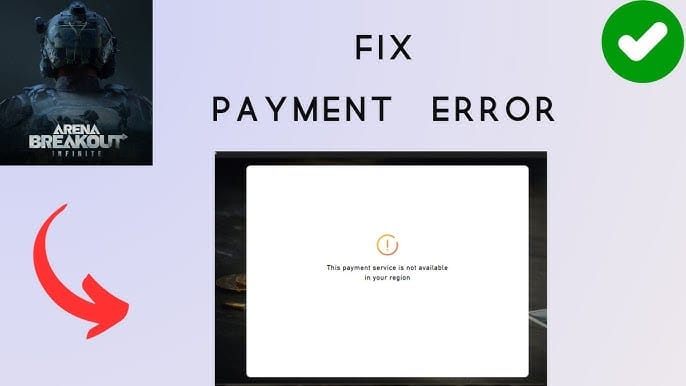
- Verify. Open purchase history and your bond balance. Delivered? Done, the error was cosmetic.
- Wait. If undelivered, give the order a short settle window. Deliveries usually land in seconds to minutes per community top-up guides; peak-traffic drags happen but they're the exception.
- Diagnose. Still nothing? Kill the VPN, line your store region up with your card's billing country, clear cache or pop an incognito window.
- Confirm before retrying. Re-attempt only after you've confirmed no earlier hold is live and no order completed. Never retry on top of a pending authorization.
- Escalate precisely. Completed order plus missing bonds past the settle window means you file a ticket with Order ID, code, UTC timestamp, and screenshot.
Once a pending order has fully cleared and you're buying bonds again, sticking to a transparent, well-documented purchase channel is the cheapest insurance against living through this whole thing twice. Disclosure: if you're weighing where to top up after a checkout scare, Arena Breakout: Infinite Bonds top up via VGTopup is one straightforward option to put next to the official routes. The value, whichever channel you land on, is a clean, traceable order record.
The honest read on Mon61oj4: it's loud, it's badly explained, and it triggers the exact panic moves (retry, dispute, re-buy) that flip a nothing-event into a real loss. Treat it as an interrupted hand-off, verify before you act, and don't let the scary-looking code talk you into the one move that actually costs you money. Most of these resolve with zero money lost and zero tickets filed if you just slow down.
Frequently Asked Questions
Was I actually charged if it still says pending?
Probably not in the final sense. A pending line is usually an authorization hold where your bank reserves funds but hasn't transferred them. Your available balance dips, but the money returns when the hold expires uncaptured. Confirm by checking whether your purchase history shows a completed order, not just by squinting at your banking app's pending entry.
How long should I wait before assuming the bonds aren't coming?
Legit top-up deliveries usually arrive in seconds to a few minutes, with the longer waits clustering around peak-traffic windows, per community top-up guides (2026). Give it a short settle window instead of panicking at the first error screen. If the balance is still empty and purchase history shows no completed order after that, then it's worth diagnosing, but resist re-buying during the wait.
Does retrying the payment ever actually work?
Sometimes a fresh attempt succeeds once you've fixed the real trigger (a VPN, a region mismatch, a stale browser session). But retrying before you've confirmed the first attempt failed is the classic way to stack a second hold and double-charge yourself, a pattern flagged over and over across community payment threads. Fix the cause, confirm no live hold, then retry from a clean session.
My VPN was on during checkout — could that be the whole problem?
Very likely. A VPN routes your payment through a region that mismatches your card's billing country, and the gateway stalls or rejects the hand-off, surfacing as a pending state. It's one of the most overlooked triggers, since players just forget the tunnel is even running. Disable it, reload the store, and match your store region to your card's issuing country before you try again.
Depends on what your purchase history shows. A pending hold with no completed order is your bank's turf; it reverses on its own and contacting anyone won't hurry that along. A completed charge with missing bonds is game support's turf, and that's when you file a ticket with your Order ID, the Mon61oj4 code, a UTC timestamp, and a screenshot. Call the wrong party and you've just torched a day.










Comments