The real score gap is buff sequencing, not character power
Casual guides keep selling the same line: bring your hardest-hitting carry, grind, win. That's wrong, and conveniently it's the kind of claim you can actually check. If raw damage were the deciding variable, off-element carries would clear top tier no matter what the weekly rotation favored. But if the element rotation bonus is the dominant term instead, a weaker on-element unit ought to out-score your best off-element pick on the right week, and shoving that off-element carry into a resistance stage should visibly gut your numbers.
So what's the tell either way?
- Backing the "power" story: tiers cleared consistently no matter which element the rotation rewards.
- Backing the "timing" story: documented score drops when off-element DPS slams into a resistance stage, plus real cases of cheap 4-star teams reaching top tier by leaning on Ember build-up.
Both show up in the community record, and they point the same way. Per LDShop's May 2026 breakdown, forcing off-element DPS into resistance stages drags your score down, and piling on defensive buffs slows clears enough to knock you out of a tier (a community guide on r/WutheringWaves says the same). The opposite of "bring your tankiest, strongest unit," then. The mode punishes both ends.
How the scoring actually behaves, and what each tier pays

Two reward buckets here. The first, Forbidden Waters, hands you a one-time 800 Astrite that you collect once and then it's gone forever. The second, Respawning Waters, refills every cycle for another 800. The current 3.3 rotation wrapped and Respawning Waters reset on June 8, 2026, with the prior cycle running roughly May 10 to June 7 per LDShop's posted window.
Forbidden Waters is gated by points, not by stars the way Tower runs. The published structure:
| Points |
Astrite |
Other rewards |
| 1,600 |
100 |
10× Premium Resonance Potion, 50,000 Shell Credits |
| 3,200 |
100 |
10× Premium Resonance Potion, 50,000 Shell Credits |
| 4,800 |
150 |
6× Premium Resonance Potion, 100,000 Shell Credits |
| 9,600 |
150 |
6× Premium Resonance Potion, 50× Premium Tuner |
| Source: Wuthering Waves Wiki Fandom (2026) |
|
|
The bottom row carries more weight than the Astrite figure lets on. 50 Premium Tuners is a genuine echo-tuning windfall, and it's the strongest reason to claw your way to that 9,600 ceiling even once the Astrite stops climbing. The monthly Respawning Waters 800 splits roughly 625 from the Chasm stages and 175 from Infinite Torrents, per the same Game8 numbers.
For per-stage targets, a community YouTube guide pegs the S-rank thresholds at 2,500 points for stages 7–8 and 3,500 points for stages 9–11. Those upper stages are where the element wall goes vertical: LDShop logs +20% Spectro RES on stage 9, +20% Aero RES on stage 10, and +20% Havoc RES on stage 11. That resistance is the entire reason the rotation bonus flips which carry you should bring.
The hidden multiplier most tier lists ignore
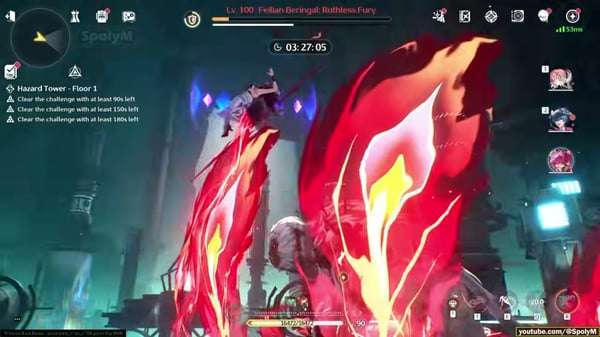
The mechanic that demolishes the "use your best DPS" assumption is Burning Waves: top off the Ember gauge and you collect +60% DMG dealt for 30 seconds, per the same breakdown. Stack that on an on-element unit beating up an enemy with no resistance, then set it against your off-element carry chewing through a flat +20% RES wall on stage 9–11. The on-element pick isn't winning on character power. It's winning because it lands a 60% damage window on something that isn't resisting it, while your "better" carry slogs uphill.

This is the part worth dog-earing. Clearing speed itself feeds the score. A burst that ends a stage in 30 seconds banks more than a survivable squad grinding the same fight for 90. Which makes every defensive buff you grab a cost against your own total.
Confounders nobody is checking before they blame their roster
Three things take the blame for bad scores when none of them is usually the culprit.
Confounder 1, buff RNG vs. buff sequencing. A player eats a rough clear and decides the offered buffs were unlucky. More often the problem is anti-synergy, grabbing whatever pops up first instead of building one focused damage stack. Veterans draft Golden Token selection specifically around the rotation's element bonus to reach max tiers faster (LDShop, May 2026). The buffs aren't random noise you endure, they're a sequence you draft. Take three middling defensive options and you can land a lower total than two sharp offensive ones.
Confounder 2, the Infinite Torrents exception. There's a quiet mechanic that rewrites how Golden Tokens should be valued. Inside the Infinite Torrents stage, tokens go effectively unlimited, so you can keep applying buffs without the usual scarcity. If you've been hoarding tokens because the Chasm stages ration them, you're under-spending in the one place where spending costs nothing. That single misread bleeds the 175 Astrite slice and a slab of leaderboard ceiling.
Confounder 3, wrong-week effort. The fattest time-sink isn't a weak team, it's grinding a rotation that favors elements you simply don't own. Skipping a bad week is a real strategy, not a confession of failure. The mode resets monthly alongside Tower, and creator Senpai put it plainly (YouTube, Feb 2025): "Whimpering Wastes is an endgame mode that will reset along with the Tower of Adversity every month." If June's resistances gang up on your only built DPS, the sane play is to tier the floors you can and bank the rest, not torch an evening forcing a 3,500-point stage with a resisted carry.
Rewards-per-minute against Tower of Adversity
On total monthly Astrite the two modes are close enough to call even. Both sit in the same ceiling range, and a cross-referenced Reddit/YouTube comparison frames the gap as mechanical rather than numerical: this mode layers token buffs and element rotation on top, things Tower never bothers with.
| Factor |
Whimpering Wastes |
Tower of Adversity |
| Monthly Astrite ceiling |
800 refreshing (+800 one-time) |
Comparable monthly pool |
| Reset cadence |
Monthly (June 8, 2026 last reset) |
Monthly, same window |
| Scoring model |
Point thresholds, speed-fed |
Stage clears + star tiers |
| Distinctive mechanic |
Element rotation + Golden Tokens |
Static elemental towers |
| Punishes survivability builds |
Yes — slows clears, drops tier |
Less so |
| Source: Game8 Whimpering Wastes Guide (2026-05); community comparisons (2026) |
|
|
On Astrite-per-minute, here's how I read it. When the rotation lines up with an element you've already invested in, this mode is the better return of the two, because the Burning Waves window crushes clear times. When the rotation works against your roster, Tower is the smarter hour for the same effort, since its towers don't stack a resistance wall against you. So the honest reply to "which is better" is week-dependent, and anybody handing you a flat verdict is pretending the rotation doesn't exist.
Who actually clears max tier, and the team logic to get there
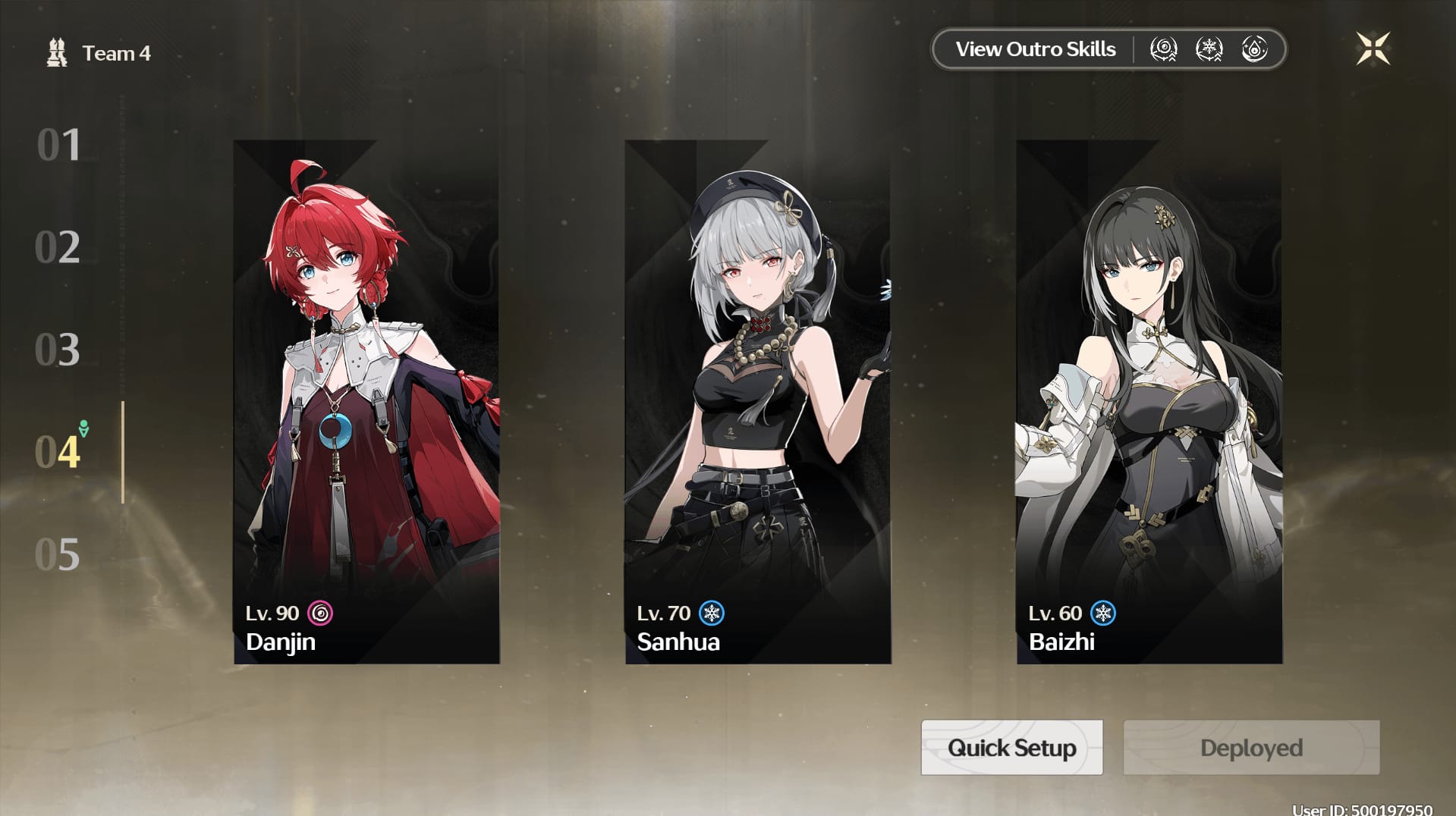
The roster-depth panic gets way oversold. A YouTube F2P guide records accessible 4-star teams clearing the mode by prioritizing Ember build-up and AoE, and the scoring really does forgive shallow rosters more than Tower does, because on the right week a built 4-star on-element carry beats a starved 5-star off-element one. That's the F2P case, and the evidence backs it harder than the "secretly walled behind limited DPS" complaint.
How the logic breaks down by profile:
- F2P / shallow roster: Build one solid on-element AoE core and pour everything into Ember. Don't force the 3,500-point stages on off-element weeks, take the points within reach and pocket the rest. Forget the leaderboard, chase the 9,600 Forbidden Waters ceiling for those Tuners.
- Mid-game (UL 40+): The score gap is almost never character power for these accounts. It's token sequencing and element matching across the Chasm stages, per Game8's mid-game guidance. Draft buffs around the rotation element before anything that's just generically "strong."
- Veteran (deep roster): Lean hard into Infinite Torrents with leaderboard-tuned S0R1 limited teams, per wuwaflex's ranking data. That's where unlimited tokens and your best units compound on each other.
Before any of this, you need the unlock cleared: Union Level 30, Rinascita progressed, and the Ocean is a Soul's Rest quest done, per Game8. Each stage also demands two full teams with no trial characters (community YouTube guide), so real roster breadth, not just one carry, is the genuine entry tax. And that's the spot where the F2P case stiffens, because you need two functional teams even if neither one is meta.
If you're debating whether to deepen a roster for two-team content like this, do the Astrite arithmetic before you commit. If you do top up, comparing where you buy your Wuthering Waves Lunite recharge is the same "check the value first" discipline this mode rewards at every turn.
Stop bringing your single best DPS by default
Two contrarian calls the evidence holds up. First, that headline: drop the reflex to lead with your top carry. On a week where stages 9–11 stack Spectro/Aero/Havoc resistance, your off-element carry punches a +20% wall while a built on-element unit rides that +60% Burning Waves window, and the weaker character on paper out-scores the stronger one. Build to the rotation, not the tier list.
Second, defensive investment is wasted score. Stacking survivability feels safe and quietly lowers your achievable tier by dragging out clears. The whole thing is a speed-clear test wearing an endgame costume.
The community can't agree on whether any of this is fun. One heavily-discussed r/WutheringWaves thread calls it too punishing for average players thanks to the RES walls and token RNG, while YouTube clear guides treat it as richly rewarding for optimized teams. My position lands between them: the frustration is real, and it almost always traces back to fighting the rotation instead of timing it. Treat element timing as the core mechanic rather than a nuisance, and most of the punishing reputation evaporates. Next cycle brings fresh Golden Tokens and another refresh anyway, so a bad-roster week is never a sentence. It's just a week to skip.
Frequently Asked Questions
Do I really need two separate built teams, or can I run one carry twice?
Two distinct teams per stage, and trial characters are off the table (per a community YouTube guide). You can't recycle the same five units across both halves of a stage, so the practical floor is somewhere around eight to ten usable resonators. That's the actual reason ultra-shallow accounts stall here even when their single carry hits plenty hard.
If I unlock it mid-cycle, do I lose the one-time 800 Astrite?
No. Forbidden Waters is point-gated, not time-gated, so you bank it whenever you cross the thresholds, even deep into a rotation. Only Respawning Waters follows the monthly clock (last reset June 8, 2026). A late unlock costs you nothing on the one-time pool, so prioritize that first.
Which buffs should I grab first when the choices look similar?
Draft for the rotation's element bonus and offensive stacking before anything defensive, since clear speed drives the score (LDShop, May 2026). Watch for anti-synergy, because two focused damage buffs routinely out-score three scattered ones. And in Infinite Torrents you can keep applying Golden Tokens basically without limit, so spend freely there.
Is it actually harder than Tower of Adversity, or just different?
Different math, situationally harder. The +20% element resistance on stages 9–11 makes it brutal on weeks your roster can't answer, and easier than Tower on weeks it can. Tower's static towers never stack a wall against your specific units, so when the rotation fights you here, Tower's the calmer hour.
Is it worth doing every single reset for a F2P account?
Worth it on rotations favoring an element you've built, skippable when they don't. Accessible 4-star Ember/AoE teams can clear strong tiers per a YouTube F2P guide, but forcing an off-element week burns time you'd spend better elsewhere. Push for the 9,600 ceiling at least once regardless, though, since those 50 Premium Tuners outvalue the Astrite trickle at that tier by a comfortable stretch.






Comments