Launch-era reality: same error, a riskier reflex
The first wave of "Recharge failed when buying Echoes" reports triggered a predictable reflex: buy again, or reinstall, or open an Apple dispute. All three are still common. All three can dig the hole deeper. The message itself is genuinely identical across years of complaints; threads on r/IdentityV documenting it stretch from 2019 clean through 2026, per r/IdentityV. What's matured instead is our grasp of where your money actually sits the second that message lands.
Three distinct failure states exist, and treating them as one is the founding error.
| You see "Recharge Failed" and… |
Most likely state |
First move (do NOT skip) |
| No charge on your card / Apple ID |
Clean pre-authorization fail |
Fix payment method, then retry once |
| Money deducted, no Echoes, no "billing problem" prompt |
Pending / in-flight transaction |
Wait, check purchase history — do not re-buy |
| "Try again later" loop, repeated instantly |
Region mismatch or server timeout |
Check App Store region vs game server |
Source: synthesized from r/IdentityV (2025) and Apple Support (2025).
A clean fail with nothing deducted is the gentle one. Authorization never happened, so no money sits in limbo. The nasty case is that middle row. Community reports keep describing the payment getting processed on Apple's end yet uncredited by NetEase, or a region mismatch holding it in suspension. That isn't a lost payment. It's a payment in a queue. And the single worst thing you can do to a queued payment is fire off a second one, which folds neatly into why the error trips at all.
Why iOS specifically throws Recharge Failed
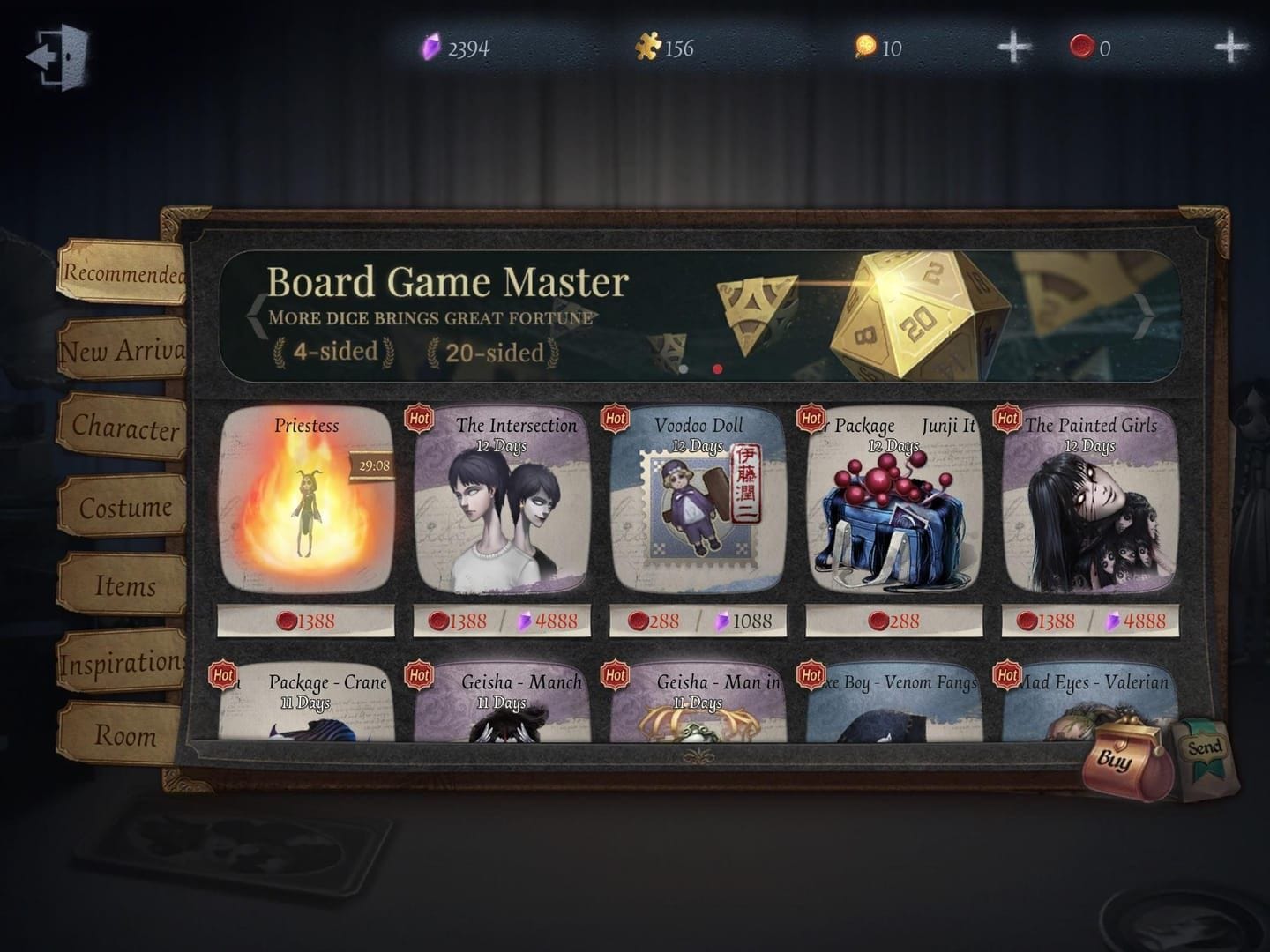
Four causes swallow the vast majority of iOS top-up failures, and they reward diagnosing in sequence because the remedies don't overlap.
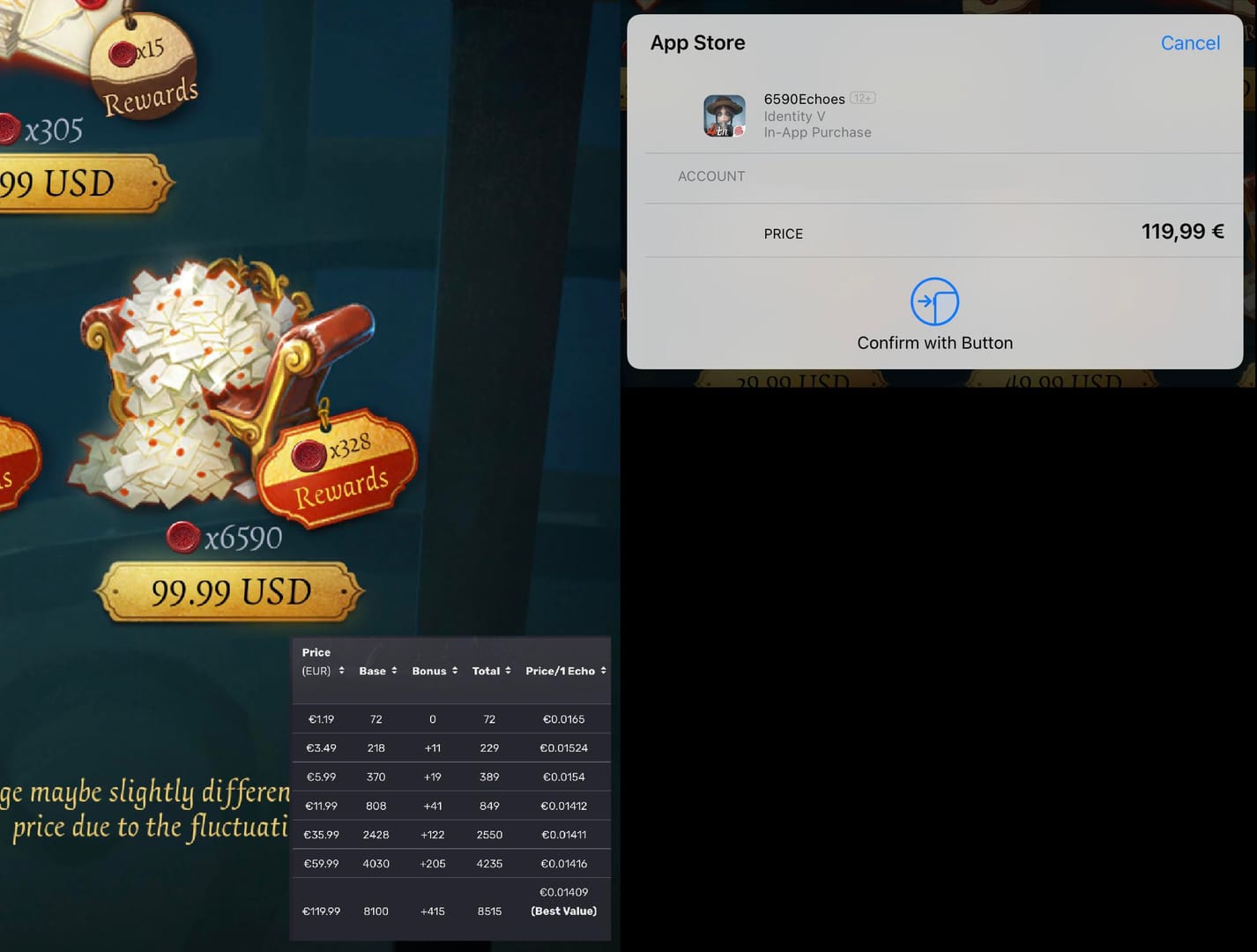
Apple ID billing problems are the most literal of the bunch. An expired card, a wrong billing region, or an unpaid tab from an earlier buy will wall off the whole transaction. Apple spells it out: if a "billing problem with previous purchase" message shows up, Apple Support (2025) says it means "you have an unpaid balance," a separate charge you have to settle before anything new clears, per Apple Support. And when a card simply gets declined, the official advice is to "add a different payment method, then remove the old one" instead of wrestling with the existing one.
Now the cause nearly every guide skips. App Store region versus game server region is, in my reading, the most underdiagnosed item on this whole list. Your App Store billing region (governed by your Apple ID country) is a wholly separate animal from your Identity V server region, NA, EU, or Asia, where your character actually lives. Reddit testing keeps tracing "recharge failed" right back to a gap between those two on iOS. Traveled lately? Switched your Apple ID country? Set up the game on one server while billing through another? Very likely your villain. The two systems never speak to each other, so the failure stays mute. No useful error, just a wall.
Screen Time and parental controls are the quiet assassin on teen and family accounts, and almost nobody checks them up front. iOS can block in-app purchases outright through content restrictions, and the player gets no "you're restricted" heads-up, only a generic flop. If the account belongs to a teenager or sits inside a family-sharing setup, rule this out first, before you ever touch the payment cards.
Network, VPN and server load close out the four. A VPN or a shaky connection can knock the transaction over mid-handshake. Whether VPNs genuinely cause this or players just pin it on them is a fair argument. The honest read from community reports is that killing a VPN and hopping networks clears a meaningful slice of cases, so it's worth a shot even when the mechanism stays fuzzy. Thirty seconds, tops.
Pinning the cause is half the job. The other half is sequencing the fixes so you never strand a pending charge.
The fix order that doesn't make things worse
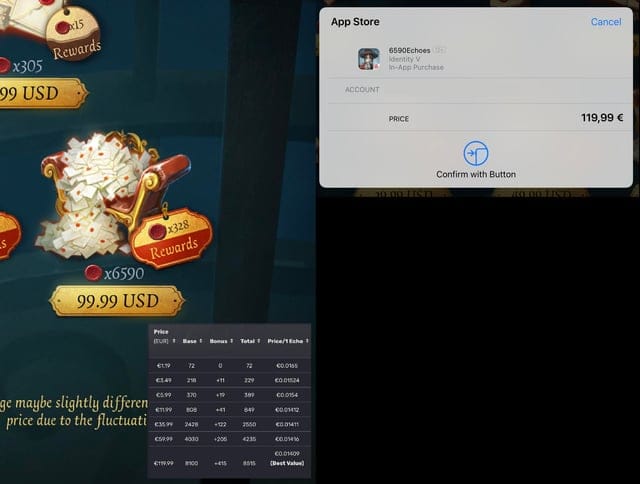
Run top to bottom, stop the instant Echoes show up. The sequence is built on purpose so nothing destructive fires early.
- Check App Store purchase history first. Before laying a finger on anything else, open the history and filter by date to confirm whether a charge even exists. The Facebook Identity V community pushes checking for receipts before contacting anybody, and it doubles as your evidence later. Costs nothing, dodges the double-charge trap.
- Verify and fix your Apple ID payment method. Expired card, wrong billing region, that unpaid-balance prompt, clear it. Apple's preferred pattern is to add a fresh payment method and pull the stale one rather than edit in place.
- Match App Store region to your game server. If you've changed countries or you travel, make sure your Apple ID billing region squares with where your character lives. One warning earns its own sentence: switching your Apple ID country mid-purchase nukes any store balance and can cascade into failures days afterward, per Apple's own pending-purchase discussions. Don't flip countries casually to "test."
- Disable Screen Time IAP restrictions on teen and family accounts.
- Restart, re-login, then Restore Purchases. A force restart followed by a fresh login often reveals whether the Echoes got quietly credited after the failure screen. Threads describe exactly that: the "failed" message, then the currency materializing post-restart.
| Fix |
Where |
Time |
When it works |
| Purchase-history check |
App Store → Account |
1 min |
Always — it's diagnostic, not a fix |
| Payment method |
Settings → Apple ID → Payment |
2–3 min |
Declined card, expired card, unpaid balance |
| Region alignment |
Game server vs Apple ID country |
5 min |
Traveler / region-switched accounts |
| Screen Time off |
Settings → Screen Time → Content |
1 min |
Teen / family accounts |
| Restart + re-login + Restore |
Device + in-game settings |
3–5 min |
Pending/credited-but-not-shown |
Source: compiled from r/IdentityV (2025), Facebook Identity V group (2026), and Apple Support (2025).
One mechanic worth grasping before you lean on step 5: Restore Purchases only claws back consumable Echoes if the transaction got logged on Apple's side in the first place. A true clean fail, dying before pre-authorization, leaves nothing to restore, because nothing was recorded. That's why the history check at step 1 carries so much weight. It tells you whether "Restore" stands any chance at all. With the fixes mapped out, the thornier scenario is the one where money's gone and nothing came back.
When money's deducted but no Echoes arrive

This is where players spiral, and also where the calmest hand wins. A deducted-but-uncredited charge isn't an emergency for the first 24–48 hours. Pending Apple in-app purchases routinely clear inside that window, and a pending IAP can silently re-credit your Echoes up to roughly two days later. So a panic re-purchase risks double-charging you the moment that original pending transaction finally clears. The re-buy trap is real, and it's self-inflicted.
The recovery routing splits cleanly too, and muddling the two channels burns days. Apple-side and NetEase-side problems walk through different doors.
| Situation |
Who owns it |
Where to go |
Note |
| Charged, Echoes never arrived (NetEase didn't credit) |
NetEase |
Email or in-game support, receipt attached |
Don't open an Apple dispute first |
| Apple declined / billing-problem prompt / true non-delivery |
Apple |
App Store refund request |
Standard Apple refund flow |
Source: NetEase contact (2026) and Apple Support (2025).
If the money left your account but NetEase just hasn't credited, that's a NetEase ticket, not an Apple dispute. Reach them through the in-game support channel or by email, gameidentityv@global.netease.com is the published address, per NetEase, and attach the Apple receipt you already grabbed at step 1. The critical bit: don't go racing to dispute with Apple while NetEase may have credited or be on the verge of it. Disputing with Apple after NetEase has already delivered can earn you account flags, per a number of community reports. That's the mistake that turns a 48-hour wait into a frozen account.
Two more traps lurk in this exact scenario. Reinstalling before checking your history can orphan an in-flight IAP, which is the single best argument that "reinstall first" is backwards advice. And topping up on a guest account renders a failed or missing purchase nearly unrecoverable, because there's no bound identity for support to check against. That last one's preventable, and prevention is where the whole thing should have begun.
Stopping the next failure before it happens
The highest-leverage move isn't a fix at all. It's binding your account before you ever spend a cent. Account-recovery walkthroughs on YouTube are blunt about the reason: a guest-account top-up that fails is nearly impossible to recover, since support has nothing to tie the receipt to. For any paying player, a bound NetEase ID isn't a nice-to-have. It's the gap between a recoverable headache and a coin flip.
A short pre-purchase checklist that heads off most of the above:
- Bind your account first. No exceptions for paying players.
- Test small. First-time buyers should start with the cheapest pack to confirm the flow works before committing to a big spend. First-buyer guidance in the community is consistent here.
- Confirm region alignment once, properly: Apple ID country = your intended billing region, matching your game server.
- Check Screen Time if the account is a teen's or sits in family sharing.
- Kill the VPN before you tap buy.
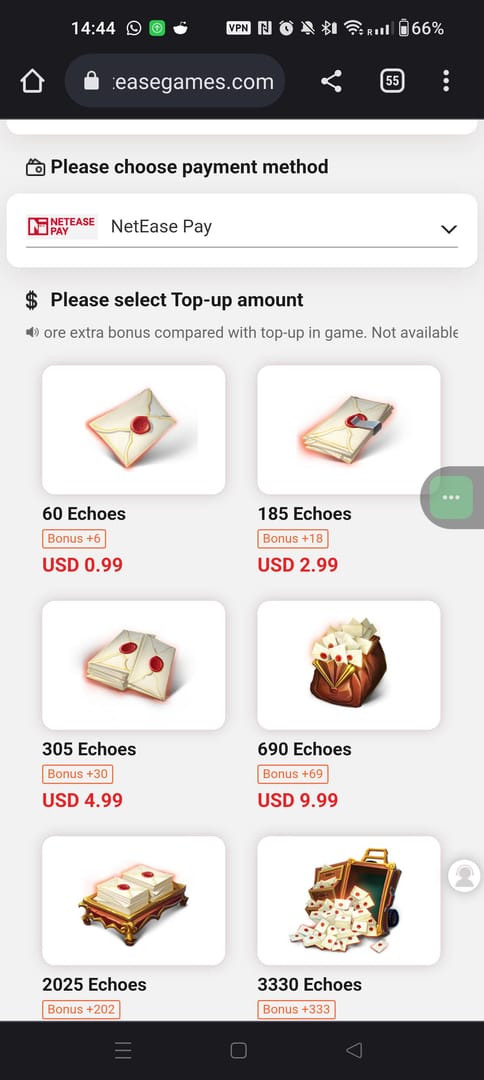
There's a quieter structural answer too: don't lean solely on the in-app flow. NetEase runs an official web top-up at pay.neteasegames.com/identityv/topup, which sidesteps the Apple billing layer entirely, per NetEase GamesClub, and that's genuinely handy when App Store IAP keeps choking on a stubborn region or device.
On the "is an outside channel safe or cheaper" question, worth being straight about: the official web top-up is a legitimate, publisher-run alternative, not a hazard. And if App Store buys keep failing for region-specific reasons, third-party crediting services exist as well; Identity V Echoes top up through VGTopup (which publishes this article, full disclosure) is one such option. As with any channel, confirm supported regions and rates before buying, and weigh it against the official webshop. The neutral point holds regardless of where you land: keeping a non-App-Store path ready is what turns a region-locked failure from a dead end into a minor detour.
The fastest reliable fix order, condensed
If you carry one idea out of all this: triage before you act. Work out whether money was deducted, pending, or cleanly bounced, then fix in the order above. The two beliefs that do the most damage are "recharge failed means I lost money" (you usually didn't) and "reinstalling fixes it" (it can strand your pending charge). Wait out the 48 hours, send Apple problems to Apple and NetEase problems to NetEase, and never top up on an unbound guest account. Do that and the ugliest version of this error simply stops finding you.
What's still genuinely in motion is mostly Apple's side. Every major iOS release occasionally reshuffles how billing regions and Screen Time behave, and any payment outage temporarily makes the "wait it out" advice matter even more. The error text won't change. Your response to it is the one variable you actually control.
Frequently Asked Questions
Why does Identity V say recharge failed on my iPhone, even when my card is fine?
A healthy card doesn't clear the other three suspects. The most overlooked is an App Store region that doesn't match your game server. Your Apple ID country and your character's server (NA/EU/Asia) are separate systems, and a mismatch fails without a peep, per r/IdentityV reports. Screen Time restrictions on teen accounts are the next most missed, since they block the buy with no clear warning.
Will I get my money back if recharge failed but it was deducted?
Usually you won't need a refund at all. A deducted charge with no Echoes is typically a pending transaction that clears inside roughly 24–48 hours, and the Echoes can re-credit on their own. Wait first. If nothing lands after that window, file with NetEase support and attach your Apple receipt rather than opening an Apple dispute, which can earn account flags if NetEase already credited.
Does region mismatch really cause Identity V recharge to fail?
It does, and it's the cause most guides skip wholesale. Because Apple scopes purchases to your billing region while your game account lives on a separate server region, the two can drift out of sync, especially after travel or an Apple ID country change. Heads up: switching your Apple ID country to "fix" it wipes any existing store balance, so align it deliberately, not as a quick experiment.
Can Screen Time block Identity V in-app purchases?
It can, and on family or teen accounts it's the first thing to check. iOS Screen Time content and privacy restrictions can disable in-app purchases entirely, throwing a generic failure with no "you're restricted" notice. If the account belongs to a minor or sits in family sharing, toggle the IAP restriction off before you touch payment cards or regions.
Is it safe to top up Identity V Echoes outside the App Store?
The official NetEase web top-up at pay.neteasegames.com/identityv/topup is publisher-run and bypasses Apple's billing layer entirely, which makes it a legitimate fallback when App Store IAP keeps failing, not a risk. Whatever channel you use, bind your account first; an unbound guest-account purchase is nearly unrecoverable if it fails, no matter where you bought it.










Comments