The biggest pack does not win you a better rebate
This is the assumption that quietly drains mid-spenders, and it collapses the second you peek at how these promos get built. A limited-time rebate is almost always a flat percentage slapped on top of whatever Gold the pack already hands you. Say the event tosses out a 30% bonus. That 30% hits the $4.99 pack and the $99.99 pack identically. The reward isn't for going big, it's for buying inside the window.
The thing that genuinely moves value is the pack's base cost-per-Gold, and the publisher locks that in before any rebate touches it. Bigger packs in most mobile economies do carry a slightly nicer baseline. That part's true. But the rebate doesn't stretch that gap wider, it multiplies both ends by the same number. So if a small pack and a chunky one already sit close on cost-per-Gold, a flat rebate keeps them cuddled right there.
It's a head-game, mostly. The banner parks a fat "+30%" beside the priciest tier because the raw Gold figure looks juicy, and your brain goes "ooh, best deal." Except you're not buying a percentage. You're buying Gold you'll actually burn. Two thousand Gold rotting in your account isn't a steal at any bonus rate.
Here's the concrete way to think it through. Take each tier's listed price, split it by the Gold it grants, then apply the same rebate everywhere and divide again. The order of the tiers by cost-per-Gold barely budges. Sure, the monster pack might still nudge past the tiny one on raw efficiency, but if grabbing it means overspending by $60 to shave a sliver of a cent per Gold, that's not a win. That's spillage.
| Decision factor |
What it actually controls |
| Base price ÷ base Gold |
Your true cost-per-Gold (set before any rebate) |
| Flat rebate % |
Scales every tier equally — does not re-rank them |
| Pack size |
How much you spend, not how efficiently |
| Your actual need |
Whether the Gold gets used or sits dead |
So the question that matters isn't "which pack has the fattest rebate." It's "what's the smallest pack that covers what I need, at a cost-per-Gold I can live with." For a mid-spender working off roughly $30 a month, that's usually a middle-of-the-pack tier, not the headline whale brick. Busted. The flat percentage makes pack size a spending call, never an efficiency one.
The countdown is urgency marketing, not a final goodbye
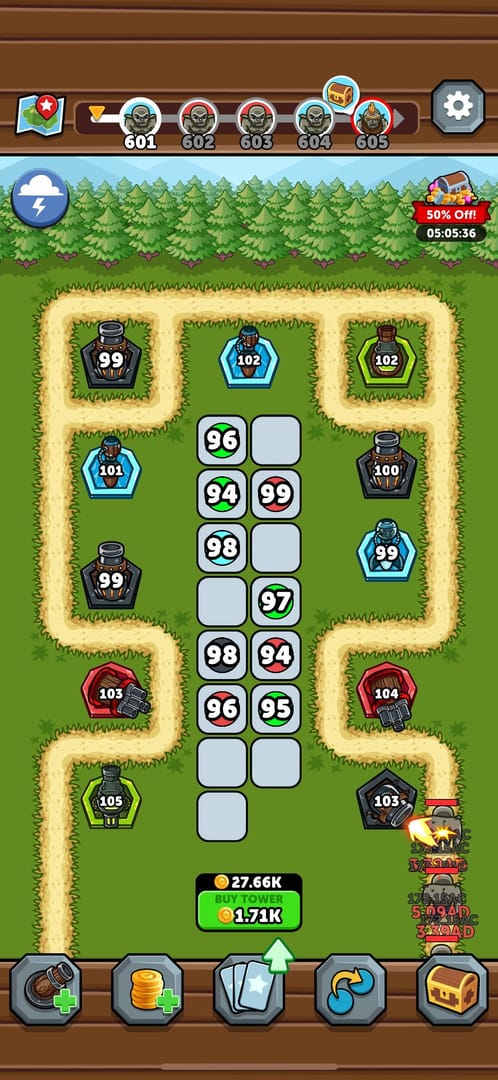
The timer's real. The panic, though? Mostly manufactured. Limited-time rebates in live-service mobile games run in loops. They circle back glued to seasonal updates, anniversaries, and the usual monetization heartbeat. Miss this one and something structurally identical tends to surface within a few weeks. The clock exists to flip your hesitation into a purchase right this second, before you've asked whether you even wanted the Gold.
Doesn't mean you should ignore it, mind you. If you were already topping up, you've got a use lined up, you've budgeted for it, then buying inside the window is straight-up free value. Snag it. The rebate is genuine, I'm not calling it smoke and mirrors. The rush is the marketing and the bonus is the substance, and you act on the substance only.
The spot where the timer actually earns your respect is the deadline plumbing, not the fear. Plenty of event timers tick on server time, not your phone's clock, and that one detail spawns more "AAAH I missed it" meltdowns than any real scam ever could. If the event closes at "11:59 PM" but the server lives in a timezone hours adrift from yours, your phone is straight lying about your runway. Dig the server timezone out of the event terms, convert it to your local clock, and treat that converted number as concrete. Then bolt an extra hour on top, because payment processing and bonus crediting don't always fire instantly.
Qualified. The deadline is real and deserves precision. The "last chance forever" framing almost never is.
In-app is the safest route, but it's rarely the cheapest
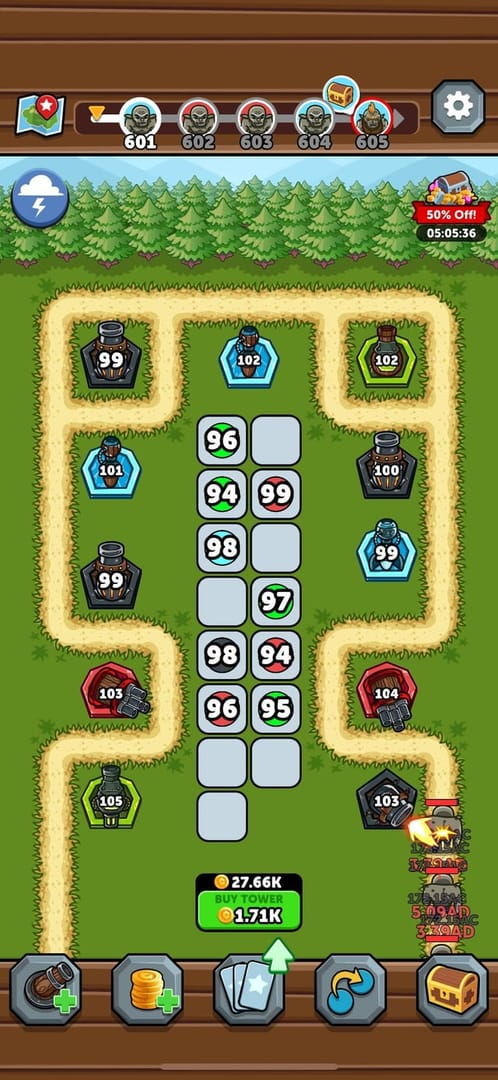
Buying through Apple or Google billing is the smoothest path going. Your card's already saved, the Gold drops into your account directly, you never go fishing for an account ID. For loads of players, that frictionlessness is worth every penny. No argument.
But "official and safe" gets quietly smushed together with "cheapest," and those two aren't twins. App-store buys route through platform billing, and that billing bakes a platform cut into the sticker you're looking at. Web top-up portals (the publisher's own web store, or a reputable third-party channel) often dodge a chunk of that platform margin, which is exactly why the identical nominal pack can come out cheaper off the app. Most top-up guides whisper this one or skip it entirely, and over a year of spending it adds up to actual cash.
Web top-up wants two things in-app never asks for:
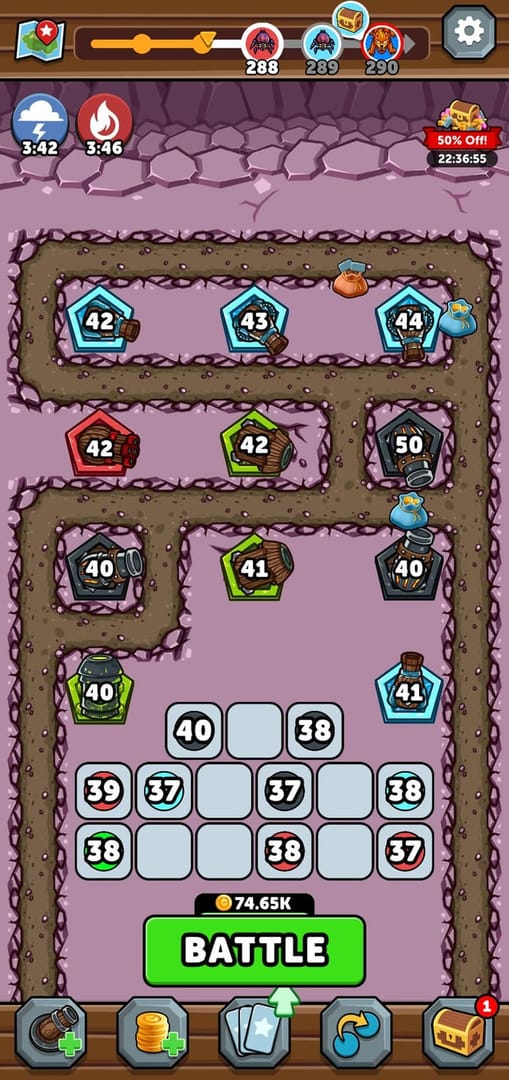
- Your account ID — usually tucked away in-game by tapping your profile or avatar, then a settings or account panel. It's a string of digits that uniquely tags your account. Copy it exactly.
- Your server / region — the world or shard your account calls home. Pick wrong and the Gold can splash down on an entirely different account, which is the most common self-inflicted web top-up faceplant out there.
Full transparency: this piece runs on VGTopup, one of those web channels where you punch in that account ID instead of paying through the app store. Whatever lane you pick, the discipline holds. Line up the real cost-per-Gold between channels before you commit, and triple-check the account ID and server on any web flow. If you're weighing the web route, you can top up Merge Kingdoms Gold straight from your account ID, but run the price comparison first, since the right answer shifts with the gap on the day you buy.
One more web quirk that nips people: some web top-ups arrive as mailbox rewards inside the game rather than dropping cleanly into your balance. If your Gold "never showed up," peek at your in-game mailbox before anything else, and claim it, because unclaimed mailbox rewards sometimes won't count toward event spend progress until you physically tap to collect. Qualified. In-app wins on convenience, web frequently wins on price, and "official" doesn't magically mean "best deal."
Bonus order can quietly forfeit your stacking

Buy in the wrong sequence and you can leave bonus value on the table, and almost nobody flags this. Three separate bonus systems usually pile onto a top-up, and they don't all hold hands nicely:
- First-purchase bonus — a one-time multiplier, often doubling the Gold on your very first qualifying buy. Pound for pound, this is the single richest top-up move any new account ever pulls.
- Limited-time event rebate — the flat percentage tied to whatever countdown's running.
- Monthly card / growth fund — subscription-flavored value that pays out across days, separate from the instant bonuses.
The snag lives in eligibility order. Some events flat-out exclude a purchase that's already riding the first-purchase bonus from also counting toward the event rebate, or the reverse, so doing them backwards can strand one bonus unclaimed. Comb the event terms for any "does not stack with" wording. General rule of thumb: if you're brand new and both a first-purchase bonus and an event rebate are live, the richest play is usually making your first qualifying buy the one that trips the doubling, then sizing up whether a second, separate purchase grabs the event rebate cleanly.
The monthly card's a whole different beast. Its value pours out of daily payouts across its run, so it's a commitment buy, not an impulse grab. Brilliant value if you log in every day, dead weight if you don't. Don't let a rebate countdown bully you into a subscription you won't squeeze. The rebate on a monthly card only ever pays off if you planned to keep logging in regardless.
For the three spend levels this genuinely touches:
- F2P (zero spend): Cracking zero purely to bag a one-time rebate only holds up if you also spring the first-purchase bonus in the same move. That combo is the one window where the numbers honestly tilt toward a first buy. A rebate by itself, no first-purchase multiplier riding shotgun, rarely justifies torching a clean F2P run. For pure F2P, I'd skip a rebate-only event and hold out for one paired with a first-purchase bonus.
- Low-spender (~$5/mo): Your highest-leverage move is sequencing the first-purchase bonus and the event rebate properly on those early buys. Nail that order once and you've pulled more value than months of casual topping up.
- Mid-spender (~$30/mo): Grab the mid-tier pack with the best cost-per-Gold that covers your monthly need, take the rebate on it, walk past the whale bundle. The sliver of extra efficiency on the biggest tier rarely earns the spend jump.
Busted. Stacking is conditional, never automatic, and buy-order can torch a bonus.
"Rebate didn't credit" is almost always your timezone, not a scam
Nearly every "rebate not received" complaint I've come across traces back to a user-side timing or claiming hiccup, not a platform failure. Before you spiral, run the checklist. It clears the big majority of cases:
- Check the mailbox. Like I said, web and event rewards often land there and need a manual claim. Number-one cause of "where's my Gold."
- Confirm the purchase actually finished. A pending or failed transaction shows no bonus because the base buy never finalized. Check your payment provider, not just the game.
- Verify you bought inside the window in server time. Cut it close while the server clock sat ahead of your device, and your "on-time" buy may have landed late. That timezone trap, again.
- Confirm the pack was eligible. Some rebates only touch specific tiers or wall off first-purchase buys already discounted. An ineligible pack credits no rebate by design.
- Give it processing time. Crediting's usually quick, but not always instant. Wait a bit and re-check before you escalate.
If all five come back clean and the bonus still hasn't shown up, then file a support ticket, and file a good one. A ticket that actually gets resolved carries your account ID and server, the exact pack you bought, the transaction ID or receipt, a timestamp, and a screenshot of the event terms showing the rebate you expected. Vague tickets ("didn't get my bonus") earn slow, copy-paste replies. A ticket packing a receipt and a timestamp gets actioned. Busted. It's overwhelmingly a fixable user-side thing, and a well-built ticket closes the rare genuine miss.
What to actually do before the timer dies
Peel off the banners and the rush, and the optimal play is short:
- Nail the deadline in server time and convert it to your local clock. Add an hour of buffer. That converted time is your real hard stop.
- If you're new, sequence the first-purchase bonus right. Make your first qualifying buy the one that trips the doubling, then check whether the event rebate stacks or wants a separate purchase.
- Buy the smallest pack that covers your honest need at a cost-per-Gold you can stomach. Ignore the headline rebate on the whale tier unless you'd legitimately torch that Gold.
- Pit the web channel against the app store on real cost-per-Gold before committing. Platform fees can make the same pack cheaper off-app, but only you can clock the gap on the day.
- After buying, hit your mailbox and claim anything sitting there, then confirm the bonus Gold actually shows in your balance.
The rebate value is real. The countdown's panic isn't. Buy what you'd have bought anyway, time it inside the window correctly, and you walk off with the full upside without a timer making the call for you.
Frequently Asked Questions
Does the rebate stack with the monthly card?
Usually they're independent systems. The event rebate boosts the instant Gold on a qualifying purchase, while the monthly card pays out over its duration, so buying a monthly card during a rebate can capture both. Still, check the terms for any "excluded purchase" clause, since a few events specifically carve out subscription-style products. And only grab the card if you'll genuinely log in daily, since its value lives in the daily payout, not the one-time rebate.
Why didn't my top-up rebate apply if I bought before the deadline?
Most common culprit: the deadline ran on server time, not your device clock, so if the server sat in a timezone ahead of yours, your "on-time" buy actually landed late. Second most common is buying an ineligible tier, since some rebates exclude specific packs or purchases already boosted by the first-purchase bonus. Check both before you assume something broke.
How do I find my account ID for a web top-up?
In-game, tap your profile or avatar, then crack open the account or settings panel. Your ID's a string of digits sitting right there, and most games let you copy it directly. You'll also want your server or region, which lives in the same spot. Punch both in exactly on any web portal, because the single biggest web top-up blunder is picking the wrong server, which can ship Gold to a different account.
Is breaking a zero-spend F2P run worth it just for the rebate?
Only if that same purchase also unlocks the first-purchase bonus. That pairing is the one moment the value honestly justifies a first buy. A rebate by itself, no first-purchase multiplier attached, rarely warrants torching a clean F2P run, especially when similar events cycle right back around. If you're locked into zero-spend, wait for a window that bundles both.
How long do I realistically have once I start the purchase?
Treat the displayed countdown minus one hour as your true deadline. Payment processing and bonus crediting aren't always instant, and a transaction that wraps after the server-time cutoff won't earn the rebate. Kicking off a purchase with only minutes left is exactly how folks end up paying full price for Gold and whiffing the bonus completely.











Comments