The error message is naming the wrong problem
The in-game message crams at least three separate failure states under one ugly label, and players end up blaming themselves for the version that isn't even happening. That matters because each one needs a different fix. Retyping a code does nothing if the actual issue is which account you're logged into.
Codes here are one-time per account. Claim it once and the system flags it spent, according to the gamsgo.com blog. Their wording is blunt: "Each account can only redeem the same code once. If you've already claimed it, the system will show it as used." Simple enough.
Now the part that trips everyone up. Redemption binds to the character/account, not your device or phone number. Per pocketgamer.com, "Each character can only redeem a code once." Bounced between a guest account, a Google-linked one, then back? You might be running two distinct identities inside one app, and the code burned on the one you're not looking at.
That single mechanic explains most of the "but I never used it" panic. You didn't. A different you did.
Run the triage: account first, region second
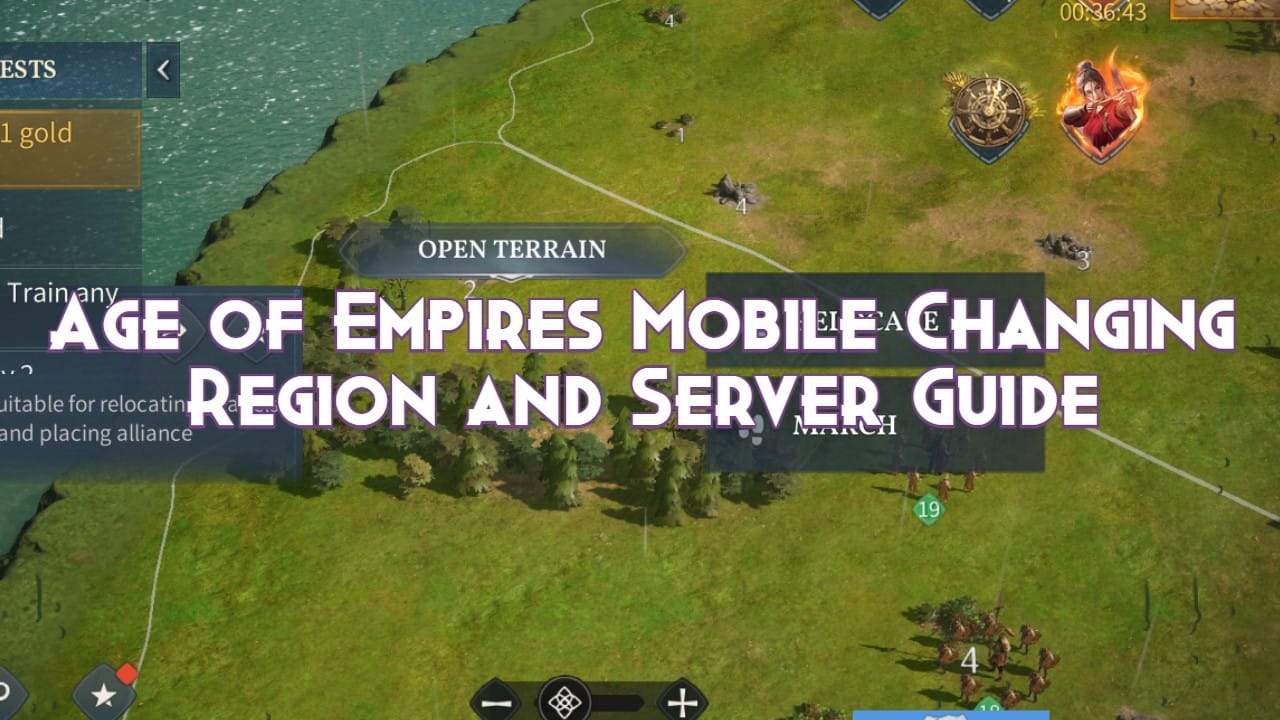
Do these in sequence. Order matters, because each step clears a cause the next one leans on, and most people solve the whole thing before they hit the bottom row.
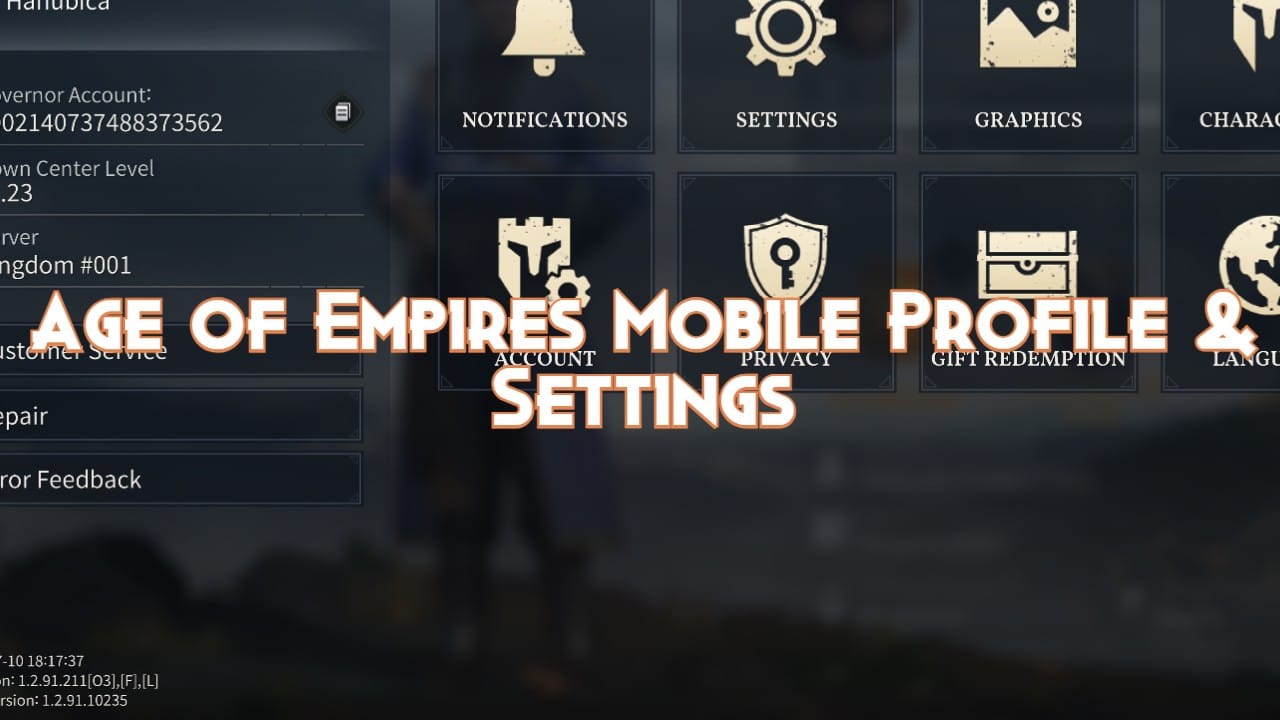
First, confirm which account you're on. Open your profile and read your UID before you so much as tap the code field. Troubleshooting chatter across Reddit and Facebook groups in 2026 keeps landing on the same instruction: check the linked account by reading your profile/UID first. It's the step the popular guides skim past, and it resolves the biggest slice of "already used" reports out there. If your real progress account is Google-bound but the app quietly dropped you into a stale guest session, the code's probably fine. Just not for whoever's logged in right now.
Second, match your server region to the code. Most are global. Not all. Same gamsgo writeup: "Most codes listed here are for the Global version and work on all servers. However, some codes are specific to certain regions." Region-batched codes (Taiwan and Korea releases pop up most in community reports) flop on a shard they were never issued for. The annoying bit is the error doesn't always cop to region mismatch. Sometimes it slumps into a generic "used" or "invalid," which is exactly why this cause hides so well.
Third, re-enter the code clean. Case sensitivity and trailing spaces throw errors, so type the code exactly as printed instead of pasting it. Copy-pasting from some unofficial list is the usual culprit: one stray space on the end, one lowercase letter where an uppercase belongs, rejected. When I'm entering a code I don't trust, I refuse the clipboard outright and key it by hand. That kills the whitespace problem at the root.
Here's the decoder the game should've shipped with:
| Error message |
Likely cause |
Fix |
| Already used / Redemption limit reached |
Code already redeemed on this account |
Confirm UID; check if a different linked/guest account claimed it |
| Expired |
Validity window passed |
Cross-check against a current active-codes list |
| Invalid / Case error |
Wrong case or trailing whitespace |
Type it by hand, exactly as published |
| Region mismatch |
Code issued for a different server/region |
Switch to a matching server or use a global code |
Source: gamsgo.com and packsify.com (2026)
The top search results blur "used," "expired," and "invalid" into one mushy paragraph and tell you to retype. That advice fixes exactly one of four rows.
Used vs expired vs invalid: the wording is your diagnostic
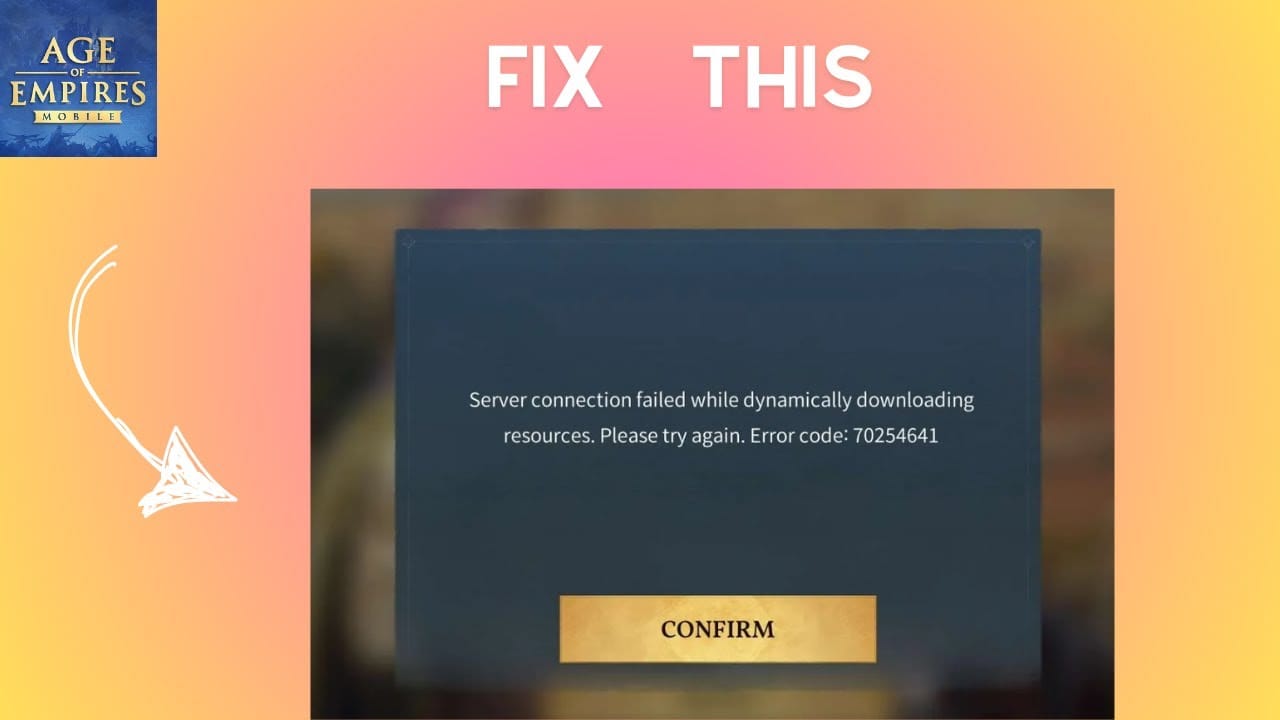
Three different states wearing matching coats. The exact phrasing tells them apart.
An expired code throws a time-limit message. The window shut, end of story. A used code throws a redemption-limit-reached message tied to your account. That split comes straight from gamsgo's troubleshooting notes, which keep the two apart on purpose: expired surfaces a time-limit line, used surfaces redemption-limit-reached. Not interchangeable, even though players quote them like twins.
Why expiry bites so often: most codes only stay live a short stretch, frequently a handful of days, per the same source. Found a code on a list nobody's pruned in a week? Expired is your most likely verdict, and no amount of account-juggling rescues you. The cross-check is mechanical. Pull the code's publish date. Stale code, old list, you're chasing a corpse.
Invalid is nearly always an entry slip. The case-and-whitespace gremlin from the checklist, or a code that was never real because it crawled off an unverified scrape.
So the flow runs: read the literal words first, then move. "Limit reached" means account problem, go hunt your other login. "Time limit" means it's gone, walk away. "Invalid" means retype by hand. Treating all three as "the code is broken" is how a player torches an afternoon and a support ticket.
The confounder nobody opens: your mailbox
Before you call any redemption dead, open your in-game mail. Rewards land in the mailbox after you redeem, and they can show up on a lag, which makes a clean success look like a total whiff. Packsify's guide is direct on the delivery route: "Rewards are sent straight to your in-game mail, so don't forget to check your inbox before they expire," per packsify.com.
Cheapest fix in this whole piece, and the one most likely to make a "code didn't work" complaint vanish. The pitfall, flagged by the same guide, is declaring failure before you ever crack the mailbox. If your redemption actually went through earlier (maybe a double-tap, maybe a delayed process), a second go correctly reports "already used," and now you've spooked yourself into a theft story while the loot sits two taps away.
My honest read: a startling chunk of the panicked "already used" threads are exactly this loop. Redeem succeeds quietly, second attempt errors, player concludes theft, mailbox was stuffed the entire time. Open the mail. Open it before anything else when the loot matters more than the diagnosis.
Guest-account silent redemption: the trap that breaks the model
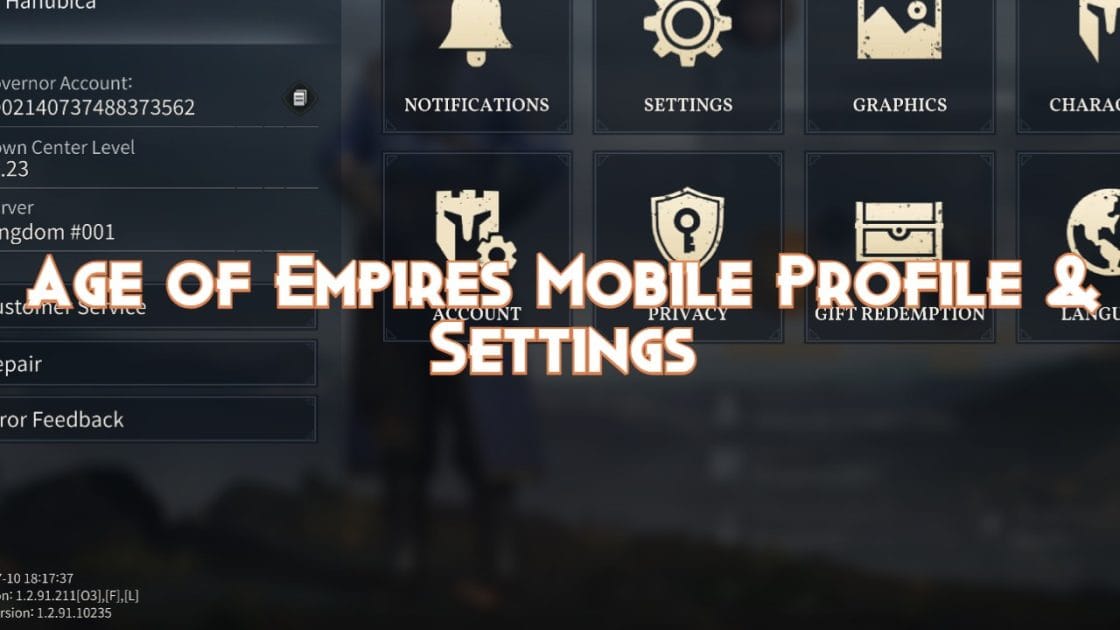
Almost no guide surfaces this one, and it's the single most common reason behind a "but I genuinely never touched it" claim. Redeem on a guest account, then link a different account afterward, and you lose those rewards while the "already used" flag clings on, per community consensus on Reddit's r/ageofempiresmobile in 2026.
Walk it through. You open the game cold, it spins a guest profile, you redeem a code on it because you're eager, then you bind Google or Apple to lock in your real account. The code's now spent against that guest identity. Your real account never sees a thing, yet the system, tracking redemption per character, can still parade the used state at you in confusing ways. The rewards went somewhere. That somewhere isn't where you're playing.
The cousin to this: entering a region-locked code on a mismatched server. Same root rot. The redemption binds to a context (account or region) you've since drifted off.
Played guest-first at any point? That's your prime suspect. And it isn't user error in the "you were sloppy" sense. It's a design trap. The app makes guest redemption frictionless and account-linking an afterthought, so the failure is baked into onboarding, not your attention span.
When the diagnosis runs dry, escalate the right way
Confirmed the right account, matched the region, typed the code clean, checked the mailbox, and it still reads used on a code you're certain you never touched? That's when a ticket earns its slot. Not a second sooner. Community troubleshooting advice keeps converging on three attachments: your UID, a screenshot of the error, and the exact code you punched in.
Add a timestamp to the bundle. Support can only chase a genuine bug if they can find the redemption event in their logs, and a UID plus a screenshot plus the literal string is what lets them pull it. A vague "my code didn't work" with no UID dies in the queue.
And on where to even grab legitimate codes, so you stop poisoning the well upstream: verified ones live on official socials, the game's Discord #gift-codes channel, or reputable sites, per gamsgo's guidance. Cleaner source, fewer fake-code "invalid" errors you ever generate. Scraped lists are where most of the whitespace-and-typo confusion gets born.
This error is user-side far more often than the game admits
After mapping every cause, my call's unambiguous. The overwhelming majority of "already used" reports are account, region, mailbox, or entry issues, not real reuse and not theft. The in-game message deserves the heat here. It's badly worded, it crams "used," "expired," and "wrong region" into one accusatory label, and that shoves players into self-blame or a fantasy where some stranger drained their code. Neither's usually true.
Most guides tell you to retype the code first. That's the last useful step, not the first. The first useful step is reading your own UID and asking which account you're actually standing in. Region labeling earns the second-loudest gripe. The game under-communicates which codes are global versus batch-specific, and players foot the bill in failed redemptions on the wrong shard.
If you're weighing whether a code hiccup is even worth chasing versus just buying the thing you wanted, that's a separate value call, and should you go the purchase route, comparing channels for an Age of Empires Mobile top up is worth a glance before you commit. But for a free code coughing up "already used," the fix is almost always free too: account, region, mail, in that order.
Frequently Asked Questions
Why does my AoE Mobile gift code say already used but I didn't use it?
Most likely a different identity claimed it, usually a guest account you redeemed on before linking your real Google or Apple login, since redemption binds per character, per pocketgamer.com (2026). The reward went to that guest profile and never followed you over. Check your UID against the account you originally redeemed on before you assume a bug.
Can I use the same Age of Empires Mobile gift code on two accounts?
No. Each code is one-time per account, so a second account gets its own single redemption only if the code itself supports multiple accounts, which most don't track globally. According to gamsgo.com (2026), the limit runs per account/character rather than as a shared global cap, so one code legitimately works once on each separate, properly-linked account, but never twice on the same one.
How do I tell whether a code is expired or already used?
Read the literal wording. Expired surfaces a time-limit message; already-used surfaces a redemption-limit-reached message, and those point to entirely different fixes per the same 2026 source. Expired means no account-switching saves you, so cross-check the code's publish date, since plenty stay live only a few days. Limit-reached means go hunt the account that claimed it.
How long do AoE Mobile rewards take to reach my mailbox?
Rewards land in the in-game mail after redemption, sometimes on a lag long enough that a clean claim looks like a flop, per packsify.com (2026). There's no officially published delivery time, so the safe move is to fully close and reopen the mailbox before retrying. A second attempt will correctly report "already used" if the first one quietly went through.
Are Age of Empires Mobile gift codes region locked?
Most are global and work on all servers, but a minority are region-specific (Taiwan and Korea batches turn up most in community reports), and those flop on shards they weren't issued for. The trap is that a region mismatch can degrade into a generic "used" or "invalid" message instead of naming itself, which is why it stays an under-diagnosed cause. Confirm your server matches the code's intended region before retrying.











Comments