Entered the wrong ID for your recharge? Here is what happens when you topped up wrong Mobile Legends Adventure account details and how to triage it fast.
Direct UID Top-Ups and the Reality of M-Cash Reversals
Typing the wrong digit on a checkout page creates an immediate problem. You open your game client, wait for the balance to update, and nothing arrives. Direct User ID (UID) recharges rely on automated API calls that credit the target account in seconds. Once those funds reach another player's profile, the transaction cannot be reversed by the merchant.
Third-party UID systems do not offer refunds for misrouted orders. Because these storefronts only require public identifiers instead of a full account login, the delivery system treats any submitted ID as authorized. The merchant fulfills its obligation the moment currency arrives at the destination specified at checkout. No manual recall switch exists for delivered digital goods.
Moonton also provides no player-to-player trading system to move M-Cash, diamonds, or bundle items between accounts. Currency remains permanently tied to the account and server that received it.
Official platforms provide structured dispute paths for unauthorized charges, but direct third-party UID recharges carry zero grace period.
| Platform Channel |
Dispute Window |
Resolution Terms |
| Google Play (Credit / Debit / PayPal) |
120 days |
Claims must be submitted within 120 days of transaction date; review updates typically take 7 business days |
| Google Play (Mobile Carrier Billing) |
60 days |
Requires a carrier correlation ID (starts with 'g') or request ID (starts with 'G') from your network provider |
| Direct Third-Party UID Recharge |
0 days (Non-refundable) |
Automated API delivery fulfills instantly; delivered virtual currency cannot be recalled or transferred |
Third-party storefronts cannot extract currency from an unintended recipient's wallet. Formal dispute forms through official app stores remain the only recourse for purchases made directly through platform billing.
Understanding the Dual-Identifier System in MLA
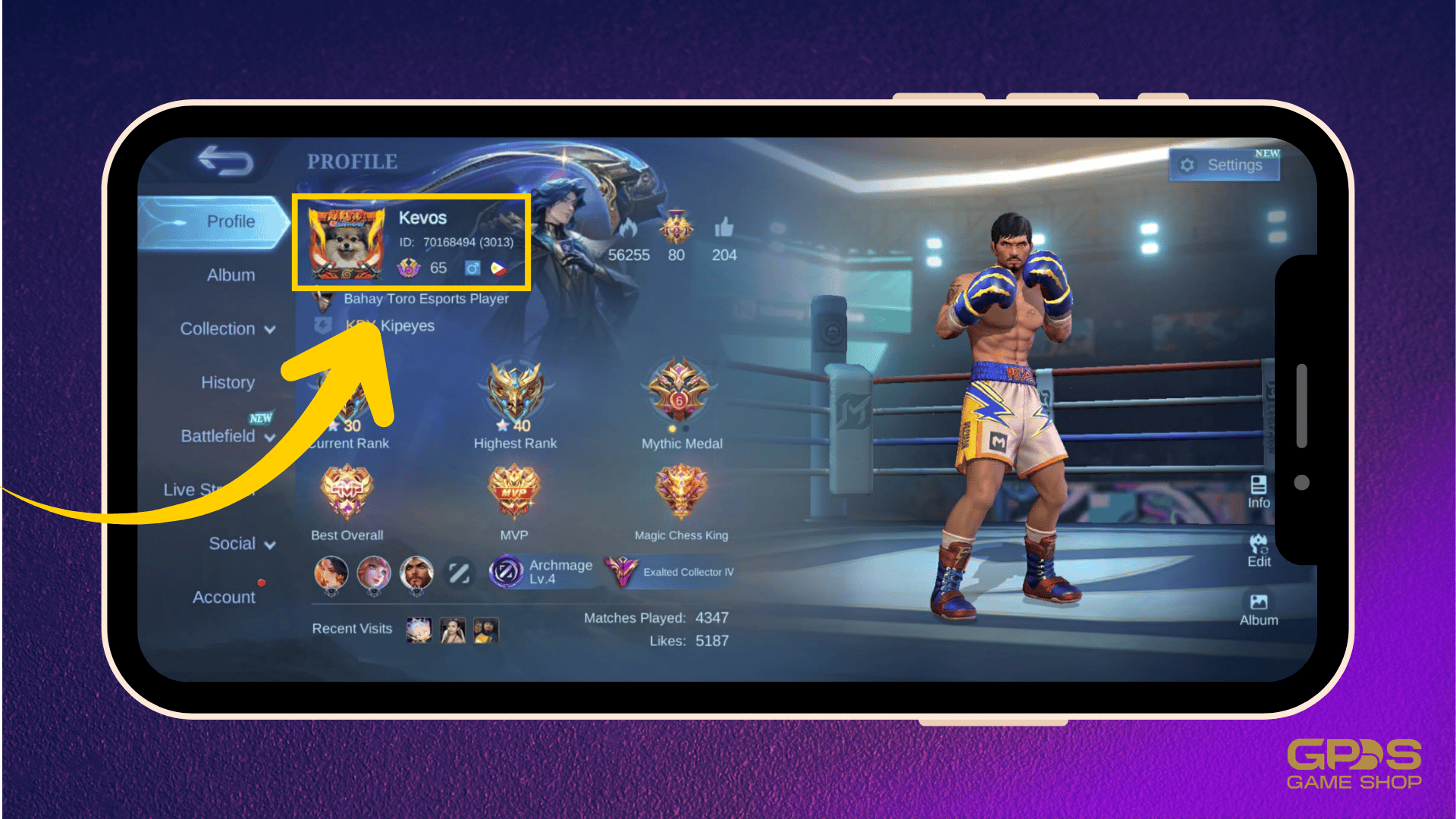
Mobile Legends: Adventure routes purchases using a two-part identification framework: your numeric Account ID and your specific Server ID (often called a Zone ID). Profiles display a long numeric sequence alongside a 3- to 4-digit Server ID in parentheses.
A single mistyped digit alters the destination entirely. If you enter your Account ID correctly but supply an incorrect Server ID, one of three things occurs:
- The top-up fails outright: If the numeric ID does not exist on that server cluster, the API delivery fails to resolve a valid profile.
- The top-up credits an alternate player: If another player shares that numerical ID on the specified server, the M-Cash lands in their inventory.
- The top-up credits your alt character: If you run secondary characters on other servers under the same account, funds lock to whichever server ID you entered.
Balances remain region-locked to specific server clusters. Even if Moonton support verifies that you own both characters across two servers, the underlying database structure prevents moving currency between them.
Locating and Verifying Your Account and Server IDs
Finding your exact credentials takes seconds. Never enter IDs from memory when buying balance packs, as simple typos cause almost all misrouted deliveries.
Verify your credentials directly in the game client using either of these locations:
- The Avatar Profile Card: Tap your character avatar in the upper-left corner of the main screen. Your numeric Account ID appears near the top, followed by your 3- to 4-digit Server ID inside parentheses.
- The In-Game Recharge Screen: Open the in-game shop and select the top-up tab. Both your User ID and Server ID are printed at the top of the interface.
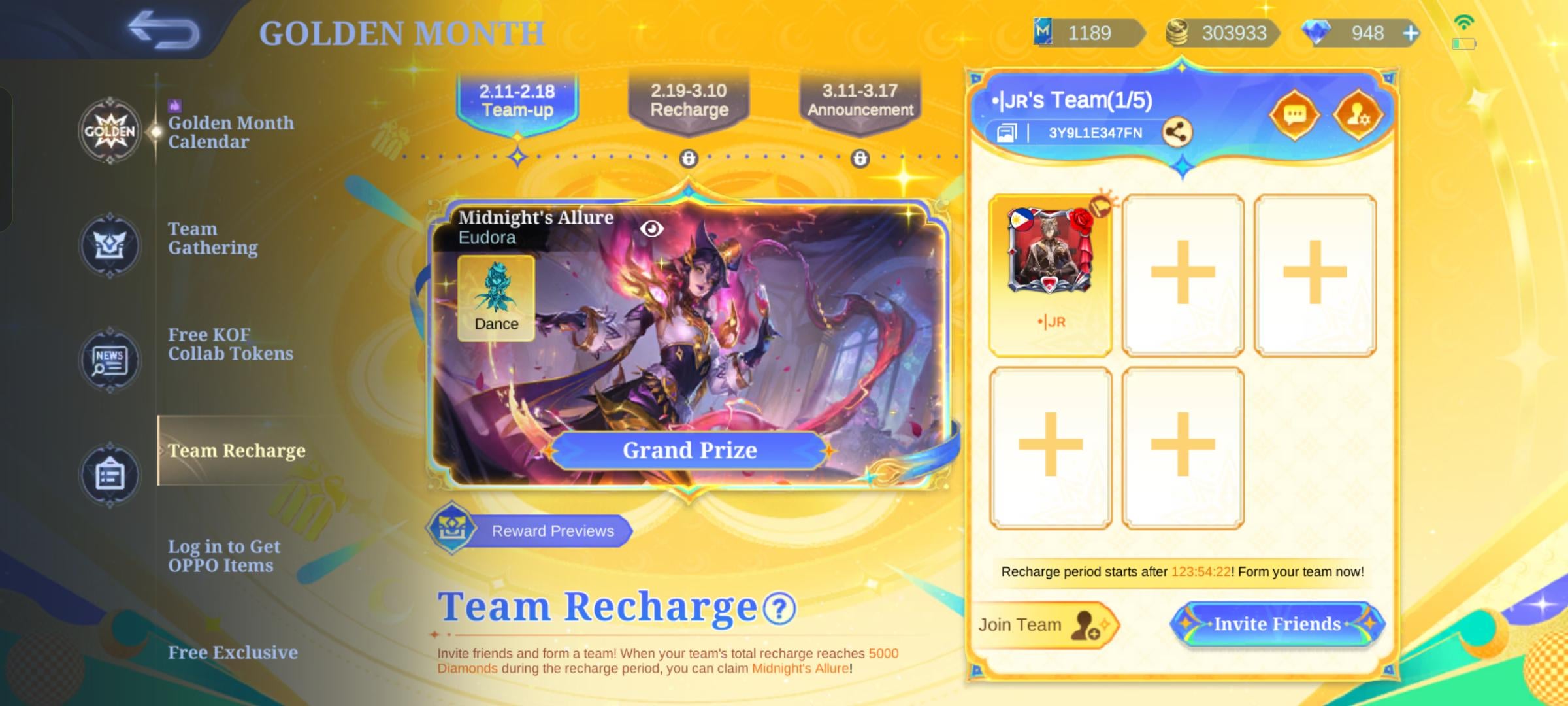
The table below outlines what each screen displays and how to use them to verify your profile.
| Interface Location |
Visible Identifiers |
Primary Verification Utility |
| Avatar Profile Menu (Top-Left) |
Numeric User ID + Server ID in parentheses |
Quick copying of your master ID and active server cluster |
| In-Game Recharge Page Header |
User ID and Server ID |
Pre-checkout confirmation before copying details into external stores |
| Settings > Account Menu |
Numeric Account ID + Linked Status |
Setting custom recovery codes and checking connected third-party logins |
Cross-referencing the recharge header against your avatar card ensures you never supply an outdated or mistyped server index.
When ordering Mobile Legends Adventure recharge packs, keep the game client open to the recharge header to confirm the exact ID strings.
Submitting a Ticket: What Moonton Support Actually Requests
Direct support tickets cannot undo third-party UID transfers. Moonton will not extract delivered M-Cash from an active third-party account to credit yours.
However, if an erroneous recharge occurred through official app store channels or accompanied an account compromise, the recovery process requires strict ownership proof. You must complete a verification questionnaire detailing historical assets, including:
- Lists of owned hero skins
- Completed achievements and milestones
- Specific profile badges unlocked on that character
- Historical transaction receipts and dates
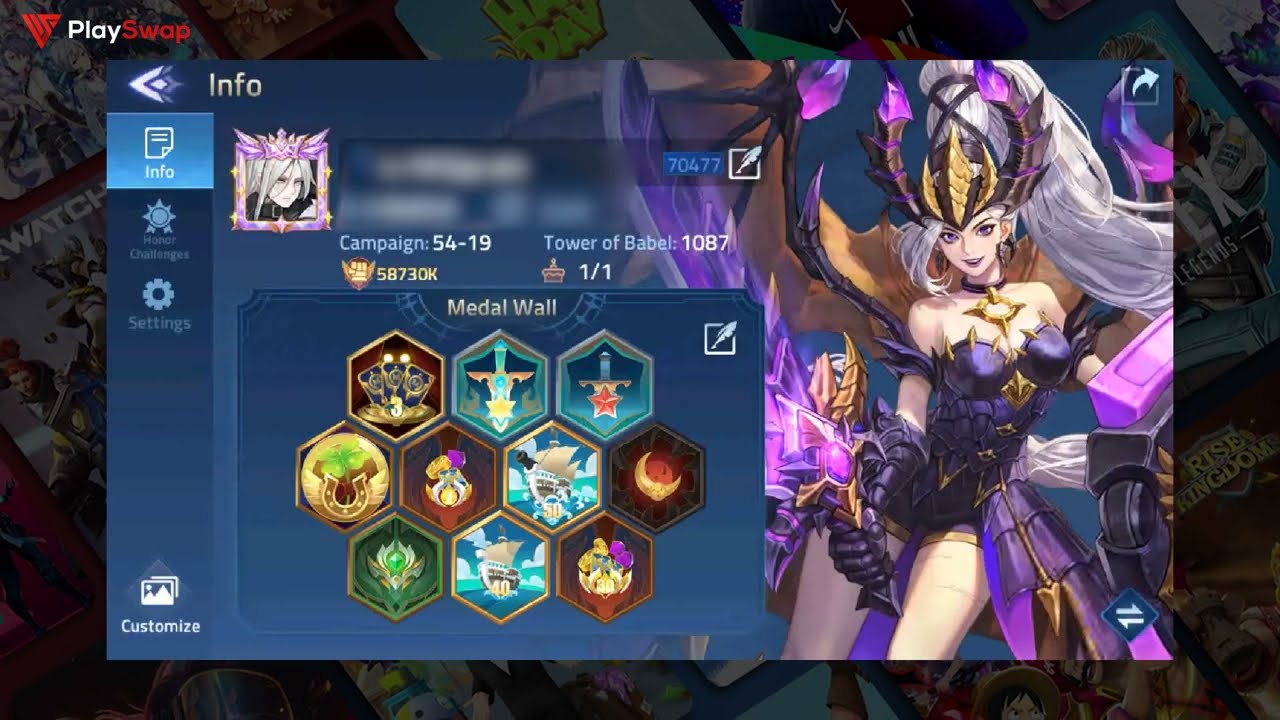
Set up MLA's built-in recovery safeguard before issues arise. Open Settings > Account > Recovery Code to assign a custom recovery code linked to your Account ID. This code serves as your direct restoration key if you lose device access.
If you play on an unlinked guest profile, binding it to Facebook, Google, or Apple ID provides cross-device stability and grants 300 free diamonds. Securing these credentials prevents ownership disputes later.
Spender Strategies for Handling Top-Up Errors
Your response to an incorrect top-up depends on your spending tier and purchase method.
Free-to-Play and New Accounts
If you mistyped an ID on a small pack for a fresh profile, cut your losses. Bind your active profile to Google, Apple ID, or Facebook to claim the 300-diamond reward, generate a custom recovery code in settings, and avoid chasing unrecoverable entry-tier charges.
Mid-Tier Spenders
Check your server list immediately if you entered the wrong Server ID. If the purchase credited an alternate character under your own login, use the balance on that server profile. If currency went to a stranger via third-party direct UID, record your Account ID and Server ID in a notepad app to copy-paste cleanly before you buy Mobile Legends Adventure M-Cash again.
Heavy Spenders
Maintain an offline folder containing transaction receipts, screenshots of owned skins, and achievement logs. For unauthorized app store charges, file a dispute through Google Play within 120 days (or within 60 days for mobile carrier billing using your 'g' or 'G' correlation ID). Run a small test order whenever topping up a new secondary account on external storefronts.
Transaction Safety: Legitimate Channels vs Account Phishing
Account recovery panic creates opportunities for bad actors. Players asking for transfer help on public forums frequently encounter recovery scams.
Recognizing legitimate requirements protects your account:
- Legitimate Direct Top-Ups Require: Only your public numeric User ID and 3- to 4-digit Server ID. They never request account access.
- Phishing Scams Require: Passwords, one-time verification codes (OTP), linked social media logins, or remote desktop app installations.
Support agents and legitimate merchants never need login credentials to deliver M-Cash. Anyone claiming they can reverse a wrong-ID delivery by accessing your account is attempting theft. Always confirm that you use legitimate Mobile Legends Adventure top up options that rely strictly on UID and Server ID delivery.
FAQ
Can you refund M-Cash sent to the wrong account?
Direct third-party UID recharges cannot be refunded or recalled once credited because delivery via API is instantaneous. If you purchased through an official app store like Google Play, you must submit an unauthorized charge dispute through their dedicated claims system within 120 days.
Is it possible to transfer M-Cash between Mobile Legends: Adventure accounts?
No, M-Cash and diamond balances cannot be transferred between different player accounts or across different server profiles. Virtual goods remain permanently locked to the specific account and regional server cluster that received the top-up.
What happens if I enter the wrong Server ID during a top up?
The transaction will either fail if the numeric ID does not exist on that server, or credit a completely different player who holds that ID on that server. Because currency is region-locked, balances cannot be migrated between servers after delivery completes.
How to find account ID and server ID Mobile Legends Adventure credentials quickly?
Tap your player avatar in the top-left corner of the main screen to see your numerical Account ID followed by your Server ID in parentheses. You can also view both numbers printed clearly at the top of the in-game recharge screen.
How do I restore access to a lost or unlinked MLA account?
Open the game client and go to Settings > Account to restore your data using your pre-set Recovery Code and Account ID. If your account was previously connected to Google, Facebook, or Apple ID, logging into that platform will automatically retrieve your character profile.
How long does a Google Play billing dispute take to process?
Dispute claim forms for credit, debit, or PayPal transactions must be filed within 120 days of the charge date, with status updates typically taking 7 business days. Mobile carrier billing disputes must be submitted within 60 days using a carrier-supplied correlation ID starting with 'g' or 'G'.
Action Plan Before Your Next Recharge
Direct UID top-ups credit automatically through server APIs, meaning merchants cannot pull delivered funds back from another player's inventory.
Preventing lost recharges requires strict verification before payment. Open your game, check your avatar card, and confirm that both your numerical Account ID and Server ID match the checkout form character for character. Link your profile to external logins for the 300-diamond reward, set a recovery code in account settings, and verify your credentials before confirming any transaction.




Comments