Three quick checks that clear most cases before support
Run these first, in this order. Each takes under a minute, and this trio resolves the lion's share of "charged but nothing showed" reports before anyone opens a ticket.
- Force-close and relog. Exit the game completely, restart the device, log back into the same account. This kicks off delivery again for purchases stuck mid-handshake, and it's the fix players cite most often across the Facebook MLA community threads.
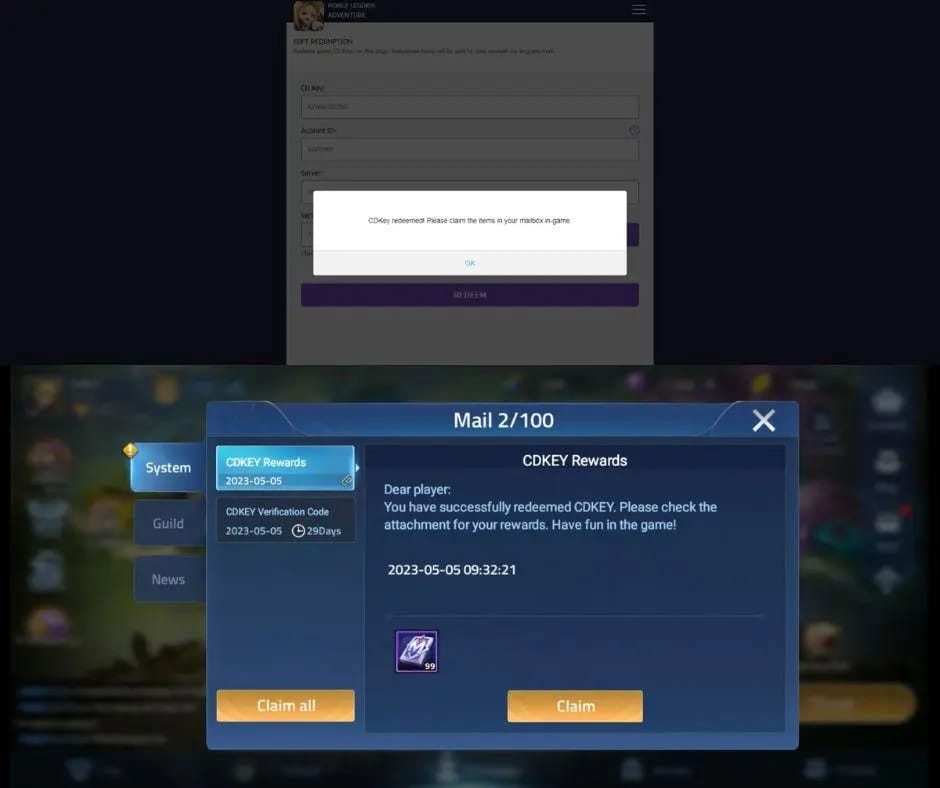
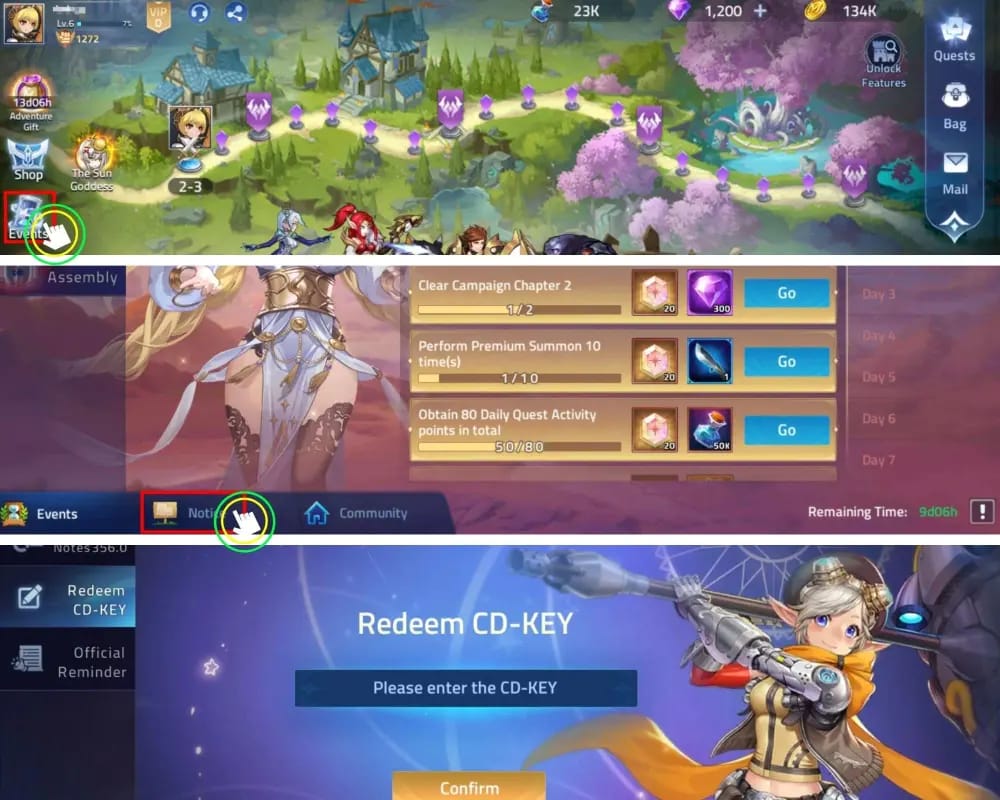
- Open your in-game Mail and notifications. This is where folks trip up. Diamonds don't always drop straight into your wallet. Sometimes they arrive as a Mail attachment you have to claim, and unclaimed Mail diamonds can expire, per r/MLA_Official posts. So if your balance hasn't budged but you breezed past the mailbox, odds are good your "missing" diamonds are sitting right there.
- Confirm the charge actually cleared. A "pending" line on your bank or store isn't a finished payment. Reconnect on a stable line, restart, and check whether the transaction finalized before you assume the money's gone, as r/MobileLegendsGame threads on pending purchases point out.
That's it. If the diamonds surface, close the tab and go play. If not, read on, because now we have to figure out which kind of failure landed on you.
Why the money left but the diamonds didn't
These aren't all the same problem, which is exactly why "just contact support" is lazy advice that burns your time. Four distinct causes, and each one routes to a different fix.
Store charged, server never confirmed. Google or Apple grabbed the money, but the confirmation handshake back to MLA's servers dropped on the way. Classic relog territory. Delivery is normally instant or within minutes of a clean payment, and anything dragging past an hour means something genuinely broke, according to the Codashop support article on the parallel Mobile Legends top-up flow.
Delivery queued behind maintenance or sync lag. Guides love to skip this one. Server maintenance can hold delivery, and you'll usually spot a notice on the official channels when one's live, per r/MLA_Official maintenance posts. Honestly, a chunk of "missing diamond" panic during update windows isn't billing at all. It's a queue. Look for a maintenance notice before you type a single word to support.
Wrong account, region, or guest-login mismatch. The sneaky one. If you bought while logged into a guest or unlinked account, or a different UID than your usual, the diamonds landed perfectly fine, just on an account you aren't currently staring at. Account recovery threads on r/MLA_Official document this routing mixup constantly. Before you decide the diamonds evaporated, log into every account you've touched and check each balance and mailbox.
Genuine billing failure. Rarer than the other three combined, but it happens. Charge processed, nothing delivered anywhere. This is the one that truly needs a ticket, and also the one people assume they have when they really just needed check number two.
How long is "too long" to wait
A quick cheat-sheet on timing, because "wait 24 hours" gets parroted at every situation when it only fits some of them:
| If your situation is… |
Then… |
Realistic window |
| Single charge, no diamonds |
Relog, check Mail, then wait |
Minutes; escalate after 24h |
| Maintenance notice is live |
Wait for maintenance to end |
Resolves on server restart |
| Double charge, no diamonds |
Go straight to store refund, don't wait |
Act within store refund window |
| Diamonds on a different UID |
Log into other accounts |
Immediate, no ticket needed |
Source: Codashop support (2026); r/MLA_Official (2026); Google Play community (2025).
Minutes is the baseline, not hours. A delay past one hour with no maintenance running points to something broken, per the Codashop docs. Where I split from the standard guide: that blanket 24-hour rule fits a single stuck charge and actively hurts you on a double-charge. Billed twice? Waiting a day just eats into your refund window for zero upside. Different problem, different clock entirely.
Recovering your purchase on Android and iOS
If the checks above didn't surface anything, your next move is Restore Purchase plus gathering proof. And you need to know what Restore actually does, because it carries a hard limit people don't see coming.
Restore Purchase only re-syncs entitlements your store account knows about. It re-validates the purchases the Google or Apple layer recorded. It will not repair a server-side credit failure. If MLA's servers never logged the delivery, restoring conjures nothing. Treat it as the step that rules out a store-sync gap, not a magic wand.
To run it: tap the in-game restore option, or log into the store and relog into MLA to retrigger the sync. If it fails, contact support, as r/MLA_Official and related MLBB threads spell out.
Now the part that genuinely decides whether your money comes back: proof of purchase. No order ID, no receipt, and your ticket stalls or gets rejected outright, per Codashop support. Pull this together before you touch anything else:
- Android: Google Play → profile → Payments & subscriptions → Order history. The receipt carries the order ID, transaction ID, amount, and date (per Google Play community guidance).
- iOS: App Store → profile → Purchase History for the matching receipt, as Apple discussion threads lay out.
- Email: Your store receipt email is the cleanest single artifact going. Order number, amount, and timestamp, all bundled into one screenshot.
Screenshot whichever one you find. That screenshot matters far more for a quick outcome than anything you type into the complaint box.
Filing a Moonton ticket that actually gets answered
A weak ticket is the second most common self-inflicted delay, right behind repurchasing. Support can't credit what they can't verify, so the whole game is handing them everything at once.
Open a ticket and pack in all of the following, which mirrors the required fields for the parallel Mobile Legends process:
- Your UID and server
- The Order ID from your store receipt
- A receipt screenshot showing amount and date
- Your contact email
- The transaction time
For MLA specifically, payment and account issues go to mla-us@skystone.games, per the official MLA Instagram post that lists the support address.
Worth internalizing: your written description barely shifts anything. The order confirmation screenshot does nearly all the work. Filing without it is the documented fastest route to getting bounced. Lead with proof, hold your explanation to two sentences, and you've built a ticket that gets actioned instead of parked.
Double charges, partial deliveries, and when to demand a refund
A double-charge is a different animal, and it's where the "wait it out" crowd hands you genuinely bad advice.
The trap first. If your initial delivery is still pending and you rebuy to "force" it through, you risk a double charge or a double delivery. Repurchasing while the first is pending sits at the top of the most-flagged costly mistakes in MLA community reports (per Facebook MLA groups). That's the entire reason this article opened the way it did.
If you've already been double-charged: hold 24 hours before requesting a refund on the duplicate, since the system may still reconcile it on its own, as community guidance on the MLBB-equivalent flow notes. But here's my actual stance. The money lives with the store, not Moonton, so the store refund flow is your primary lever on a duplicate, not a developer ticket.
The platform windows you're racing:
- Google Play: typically within 48 hours of purchase
- Apple App Store: within 14 days
Both want proof of non-delivery, per Google Play community and Apple thread guidance. Apple's window is roomy. Google's is tight, which is precisely why a double-charged Android player shouldn't waste a full day "waiting it out." Hand over the receipt plus evidence the diamonds never arrived, and let the platform holding your money sort it.
A partial delivery is a different case. You got some currency but not the whole pack? That's a Moonton ticket, not a store refund, because the store sees a completed transaction. Spell out what you received versus what the pack promised.
If you topped up through a third-party channel
Buying outside the in-app store shifts your recovery path in one big way. You lose the in-app Restore and the store-refund safety nets, so the seller's receipt becomes your only proof. Not a knock on third-party top-ups. Just a different paper trail.
The rule's simple: keep your receipt email and transaction ID, and contact the channel's support first, as SEAGM's help docs and Reddit guidance on M-Cash top-ups advise. Purchases through Google or Apple ship with restore and refund options baked in. Third-party delivery leans on seller support to verify and resolve instead, per r/MLA_Official discussions weighing the two routes.
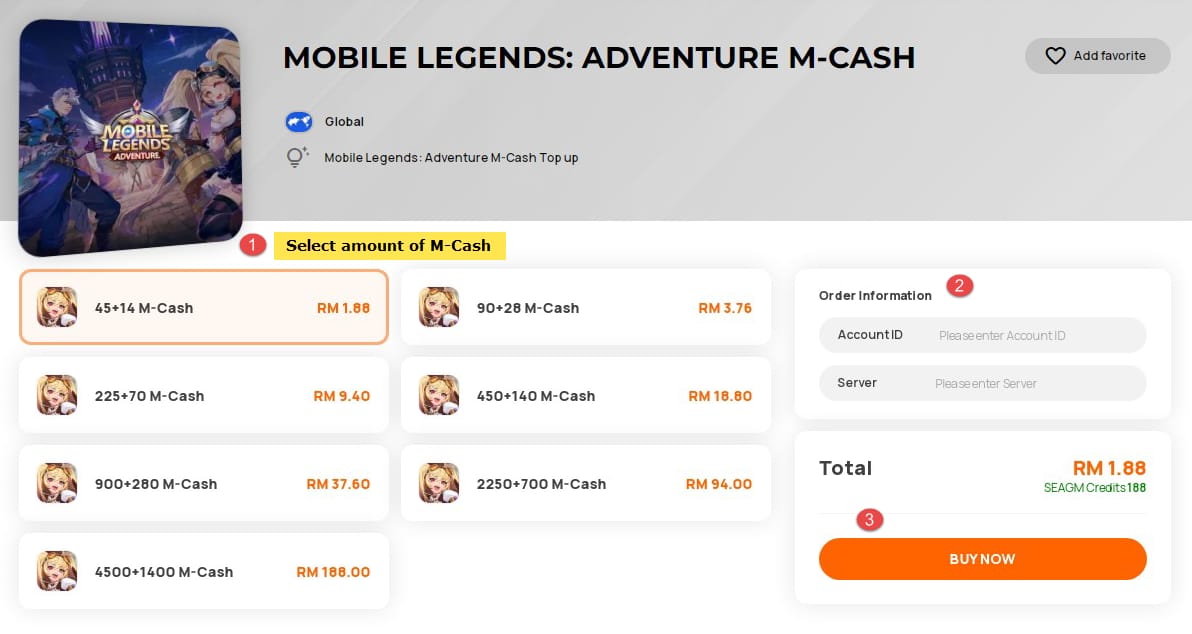
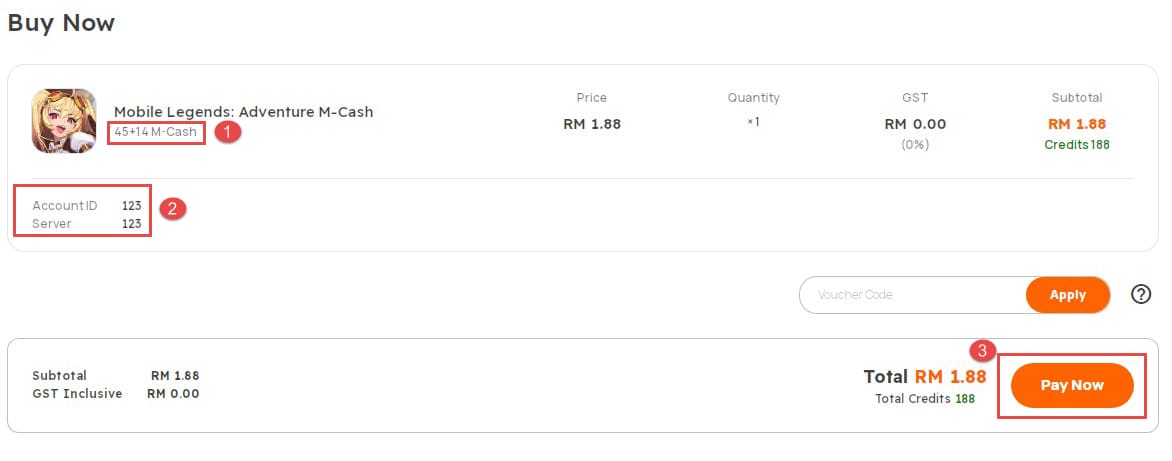
So if you bought off-platform and diamonds didn't land, your order confirmation is the one document that decides whether this ever gets fixed. If you use Mobile Legends: Adventure M-Cash top up through a service like VGTopup, screenshot the order confirmation the second you pay. That's the proof you'll be reaching for if a delivery ever stalls. (Disclosure: that's an affiliate link; the keep-your-receipt advice holds no matter where you buy.)
The fastest realistic path, in plain terms
If I had to crush all of this into one decision: relog and check Mail, identify whether you're looking at a single stuck charge, a maintenance queue, a wrong-account routing, or a double-charge, then act on that exact case. A single stuck charge that survives a relog past 24 hours goes to a Moonton ticket with full proof. A double-charge goes straight to the store refund flow inside its window. Wrong account just needs you logged into the right UID. Maintenance just needs patience.
Two regrets I'd most want to spare you: rebuying while the first delivery is still in flight, and firing off a proofless ticket that gets kicked back. Dodge both, hang onto that receipt screenshot, and most of these wrap up faster than the panic insists they will.
Frequently Asked Questions
How long should M-Cash diamonds take to arrive after I pay?
Normally instant or within a few minutes of a clean payment, with anything past one hour flagging a real problem, per Codashop's documentation of the parallel Mobile Legends flow. The one legit exception is an active server-maintenance window, where delivery queues until the servers come back up. Check for an official maintenance notice before assuming the worst.
Where exactly do I find my MLA order number?
On Android, it's in Google Play under Payments & subscriptions → Order history. On iOS, it's in the App Store under your profile's Purchase History. In both cases, your store receipt email carries the same order ID, amount, and date in one tidy spot. For third-party buys, the order ID lives in the channel's confirmation email instead, since the in-app store won't have a record of it.
I was double-charged but only got one batch of diamonds. Refund where?
Start with the store refund flow, not a Moonton ticket, because the platform controls the money on a duplicate. Google Play's window runs roughly 48 hours and Apple's about 14 days, so Android users especially shouldn't "wait it out." Hand over the receipt and evidence; a genuine duplicate is straightforward to reverse.
My diamonds aren't in my wallet but I never checked the mailbox. Could they be there?
Very possibly. Diamonds sometimes deliver as an in-game Mail attachment you have to claim rather than dropping straight into your balance, per r/MLA_Official reports, and unclaimed Mail can expire, so check it before opening any ticket. This is one of the most common "vanished diamond" false alarms going.
Will my diamonds show up once maintenance ends?
If the delay kicked off during a posted maintenance window, yes. Delivery typically reconciles on server restart, and r/MLA_Official maintenance threads document this pattern. The fix is patience plus a single relog once servers return. No maintenance notice and still empty an hour later? Treat it as a genuine failure and start gathering your proof for a ticket.











Comments