What the Skystone shift actually broke for US players
The US block isn't some refresh-it-away hiccup. It's a publisher migration. US players have to move their accounts onto the Skystone client to keep playing, part of the shift away from Moonton, per Watcher of Realms Facebook. You grab the US client from us.skystone.games and transfer through it, per community walkthroughs on YouTube (2026).
Why does that wreck top-ups? When a game's storefront and billing relationship swap hands, the old in-app purchase rail can go dark in a region before the new one's plumbed in. The "unavailable" error you're staring at is almost always a storefront/billing gap. Not your card.
Want to know which problem is actually yours? Gut check:
- Shop loads but every pack reads "not available in your country" → regional storefront block. No card swap fixes that.
- Packs load with prices showing, but checkout dies at the final tap → payment error (declined card, currency mismatch, a stale payment profile). Totally different animal.
- Whole shop won't even open → that's the availability gap the migration left behind.
The first and third want an alternate channel. The middle one might just need a different card or a corrected billing country on your store account. So don't go chasing a VPN when your real problem is a Visa that bounced.
The channels that still land W-Gold when the store won't
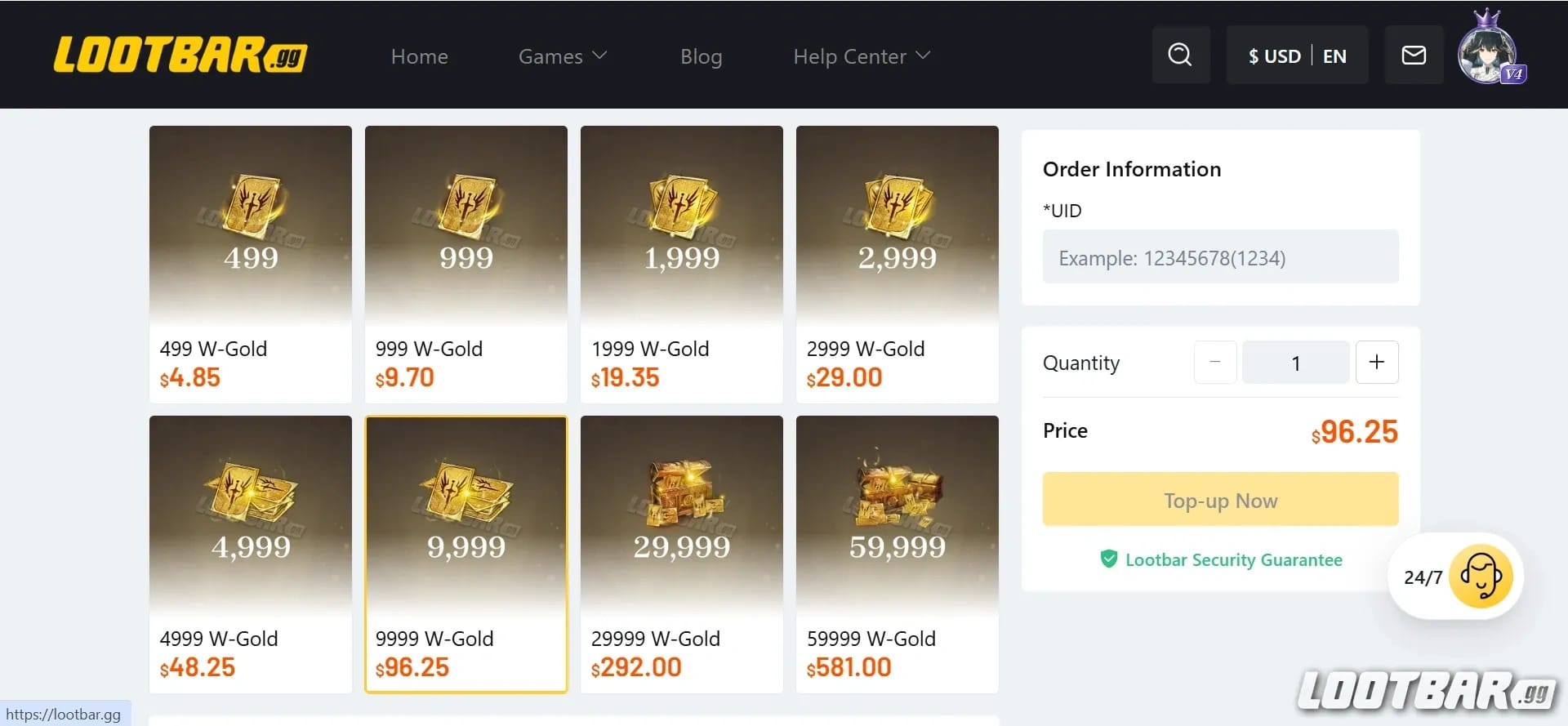
Three legit doors here, and they're nowhere near equal. W-Gold is what you're buying, and it's grabbable through several account-ID routes that skip a blocked app store completely.
Start with the official site. It runs a top-up path and has had a 10% discount on web purchases, per watcherofrealms.com. First stop, every time. It touches none of the app-store billing rules.
Past the official portal, account-ID recharge platforms cover the gap. Codashop became an official US top-up partner after teaming with Moonton, per Codashop (2026), and it's the name that surfaces most in US threads. Smile.one gets the nod for both EU and US W-Gold, per a 2026 Fastidious YouTube walkthrough. Also floating around: Lootbar and Eneba, which runs the User-ID-and-Zone-ID model too, per Eneba (2026).
| Channel |
Account ID needed |
App store required |
Relative risk |
Notes |
| Official web store |
Yes |
No |
Lowest |
10% off seen; some packs client-only |
| Account-ID platforms (Codashop, etc.) |
Yes |
No |
Low |
Codashop an official US partner |
| In-app purchase |
No |
Yes |
Low — but blocked in restricted regions |
The route that's failing you |
| Store-region switch + IAP |
No |
Yes |
Highest |
Billing-region mismatch risk |
Source: Codashop and community sources (2026)
Account-ID recharge credits your game account directly, so it's platform-agnostic. Doesn't matter if you installed from Google Play, the App Store, or a US client. The currency chases the account, not the install. That's the whole reason it slips past a regional store wall.
Disclosure: this piece runs on VGTopup, which is itself an account-ID, region-flexible recharge option, so factor that in. I keep steering blocked-region folks toward any account-ID route over a region switch, and it isn't a sales pitch. The underlying mechanic genuinely carries less risk, and the logic is something you can check yourself. If you want to put a Watcher of Realms Gold top up next to the official web price before pulling the trigger, do that. Line them up, because the right answer hangs on the day's discount, not the page you happened to open.
Finding your account ID before you pay a cent
Every account-ID method falls apart without two numbers: your User ID and your Server ID (sometimes labeled Zone ID). Punch in the wrong server and your W-Gold lands on a ghost account you'll never own. No clawback, no refund, gone. Nail this before checkout.
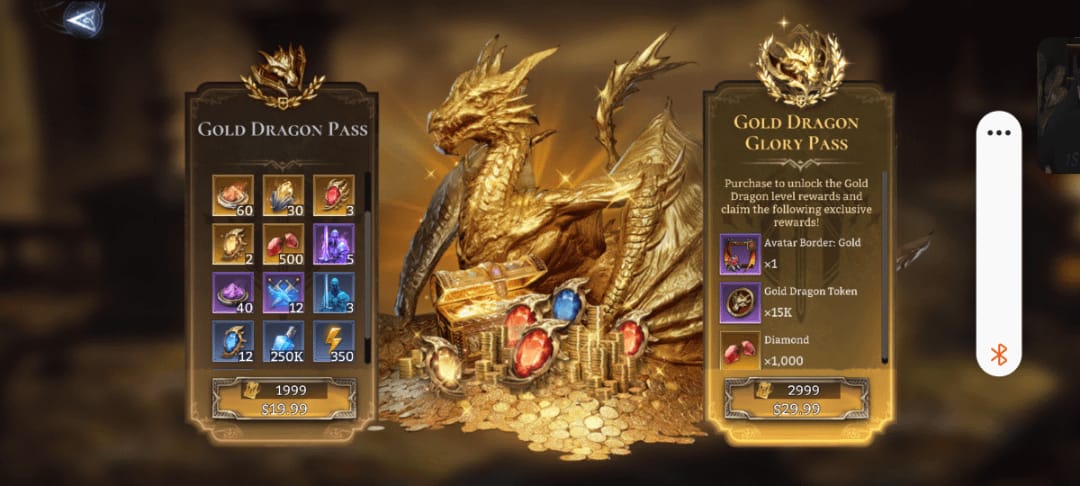
Both platforms ask for the same inputs: User ID and Server ID for web or third-party top-up, per Codashop (2026), and Eneba mirrors it with User ID plus Zone ID. In-game, these sit in your profile/account panel. Tap your avatar, find the ID string, note which server/realm your character lives on. Screenshot both. Paste them into a note and reread the server twice, because a single flipped digit is the most common way people torch a top-up.
One more thing, and it earns its own line: if you just finished the Skystone transfer, confirm the ID you're copying belongs to the new client, not some cached old one.
The VPN question, answered without the usual hand-waving
A VPN buys you access. It does nothing for billing. That gap is exactly where the community advice quietly collapses, and smashing the two together is how players get cooked.
Sure, people have tunneled to another country to slip past the "Not available in your country" error for top-up, per r/WatcherofRealmsGame. That's real, and for just reaching a storefront it's fairly low-stakes. But the trap: a VPN hides your connection. It does not change the payment region tied to your Google Play or Apple ID. The second you go to actually change your app store's billing region to force an in-app purchase through, you've wandered into the genuinely risky zone.
So why is the region switch the dangerous one? It builds a billing-region mismatch against your real payment method, and those purchases are the ones most likely to trip refund flags. And the nasty interaction folks never see coming: a refund on a region-mismatched store purchase can retroactively yank back currency you've already burned. You pull on a banner, the refund reverses, and the game can strip the spent W-Gold right back out. Nobody expects a payment reversal to reach through a summon they already made.
Rank the methods straight:
- Account-ID web recharge — touches no app-store billing rule. Lowest risk. This is your default, not your fallback.
- VPN for access only, then pay through an account-ID platform. The VPN just cracks the door open, the billing stays clean.
- VPN + app-store region change + in-app purchase. Top of the risk pile, because the billing mismatch is the actual liability, not the VPN.
If you grab one thing from this section: VPN access does not equal legal billing in a blocked region. Billing is the whole problem. Fix the billing with an account-ID route and the VPN question basically dissolves.
Whether "cheaper" channels are actually cheaper
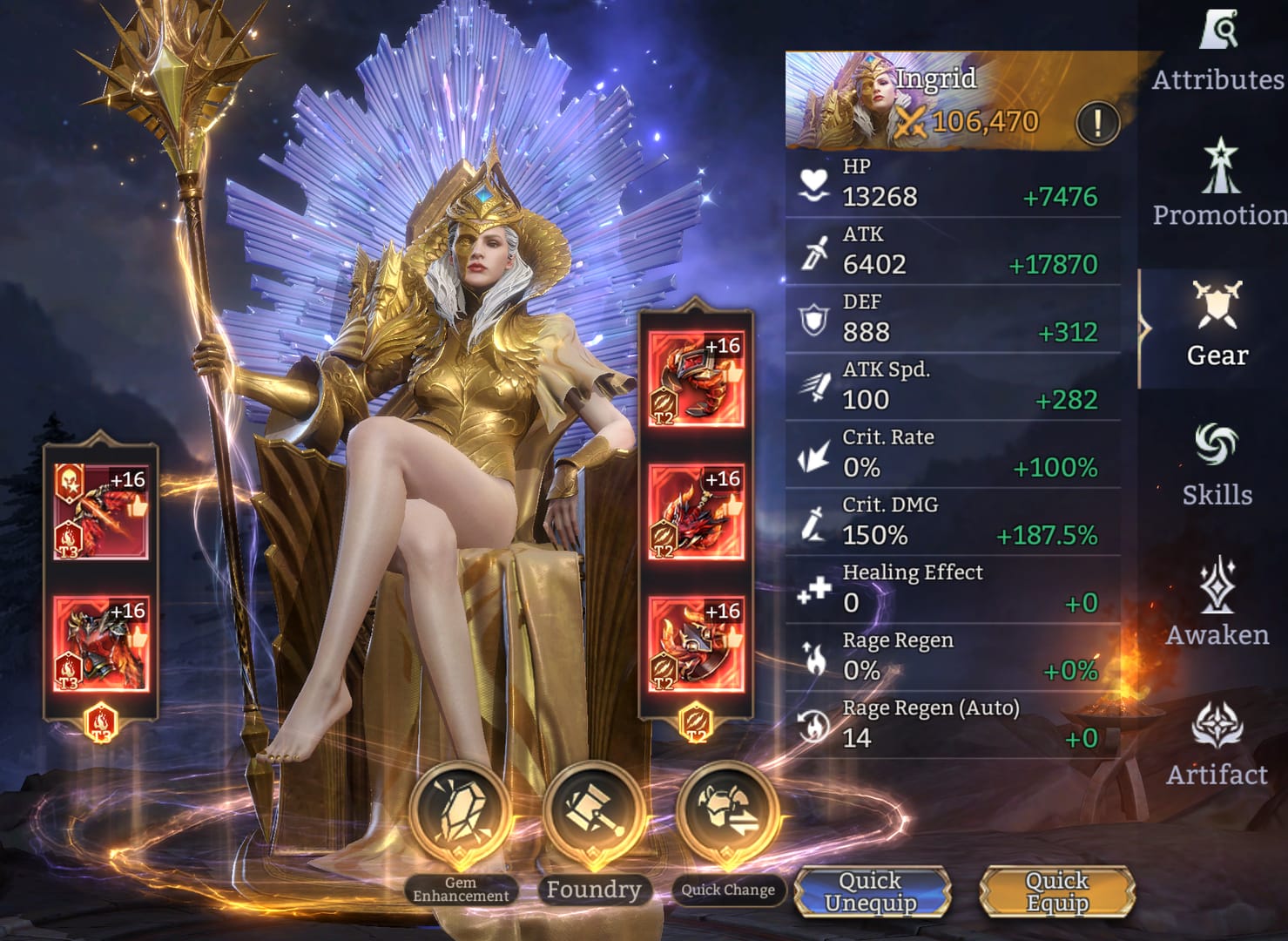
The "cheapest W-Gold" pitch is wildly oversold. For most blocked-region players, reliability and the currency hitting the right account beat shaving off a few percent. And that few percent often evaporates once conversion shows up anyway.
Hold two honest data points side by side. Lootbar's own blog says it sells W-Gold cheaper than both the official store and the app store, per Lootbar (2025), but that's a vendor pricing itself, so read it as an opening bid. On the flip side, the in-game shop's convenience fee can shove its prices up to or past buying direct, per a 2026 r/WatcherofRealmsGame thread. So the in-app shop isn't the automatic value pick either.
The thing that eats most savings claims is currency conversion. A sticker that looks roughly 20% cheaper in another region's currency can shrink to a couple of percent once your card's conversion and any foreign-transaction fee land. Line the official store up against a reseller and you'll watch a juicy gap nearly close after conversion. At least the official web store's 10% off is a transparent discount with no exchange-rate roulette baked in.
For grounding, a couple of real price anchors from community pricing (2026): the monthly card runs around £12, and the Gold Dragon pass (3,000 W-Gold) sits near £26, per a 2026 YouTube breakdown. Sanity checks, both. If a "deal" sits wildly under those, ask why.
What's actually worth buying? For F2P and low-spenders, monthly gems get flagged as the best value, roughly 2x better than other W-Gold purchases, per a 2026 r/WatcherofRealmsGame thread. And before any of that, the Player Center hands you free W-Gold every month, worth about $4/month, per a 2026 YouTube source. Claim the freebie first. Cheapest W-Gold on the board.
A clean top-up that actually lands — start to finish
Here's the order I'd run in a blocked region, plain and sequential.
First, claim the free monthly W-Gold from the Player Center so you're not paying for currency you'd have gotten for nothing. Second, pull your User ID and Server ID from your in-game profile and stash them somewhere you can recheck. Third, try the official web store. Lowest-risk channel, and the 10% off is real cash saved with zero conversion games. Fourth, if the official portal can't sell you what you're after, hop to an account-ID platform. Codashop is an official US partner and supports PayPal, Cash App, Google Pay, Apple Pay, and credit cards, per Codashop (2026), and it's trusted across more than 50 countries for game credits. Fifth, enter your IDs, verify the server twice, pay, then check your in-game mail/account for the credit.
What not to do at any point: don't switch your app store's payment region to force an in-app buy. That single move turns a pricing annoyance into a refund-and-ban risk.
A structural snag to plan for: some packs and the monthly value pass might only be buyable in-client, never via web. If a specific bundle won't show on the official portal, that's not a bug. That item may just be client-only, and no external channel will carry it. Figure out which of your targets are web-buyable before you build the whole plan around web recharge.
Different spenders, different right answers
The channel logic shifts a little depending on how much you spend:
- F2P testing a first buy in a blocked region: claim the free Player Center W-Gold, then if you spend at all, the monthly gems are the value pick (~2x other purchases, per the Reddit value thread). Run the official web portal. Lowest risk, smallest stakes.
- Low-spender chasing reliability: account-ID web recharge, no hesitation. The 10% official discount plus zero conversion roulette beats hunting a marginal reseller edge.
- Mid-spender / whale: account safety dwarfs a few percent of price. Stay on the official portal and a recognized partner like Codashop. Never region-switch your store to save on a big pack. A clawback that reaches through currency you've already spent is a far uglier outcome than just paying full sticker.
The honest split: Codashop lands on the "safe" side as an official Moonton partner, per its US page (2026), while some players on r/WatcherofRealmsGame would rather stay fully official and dodge any third-party risk at all. Both stances hold up. My read, weighing the more recent and verifiable evidence, is that a recognized account-ID-based platform clears the bar. The recurring danger isn't "third-party platforms" as a category. It's unvetted sites, and separately, store-region switching. Vet the platform, use your account ID, and you've cut out the part that actually bites.
What I'd do differently next time
Hit this block again and the first thing to kill is the VPN reflex. Treat "VPN" as the answer when the real lock is billing and you've wasted the effort. Go straight to the account ID, run the official web store for the 10% and the clean conversion, fall back to an official-partner platform only if a pack isn't on the portal, and confirm upfront which targets are client-only before assuming web can cover the lot. And never go near the store-region switch. The convenience isn't worth a refund crawling back into a banner you already pulled.
Frequently Asked Questions
Why can't I top up Watcher of Realms in my country?
Most likely a storefront/billing gap from the publisher migration, not your card. US accounts had to move onto the Skystone client after the shift away from Moonton, per Watcher of Realms Facebook (2026), and during a handoff like that the old in-app purchase rail can go dark in a region before the new one's fully live. If the shop loads but every pack says "not available," it's a regional block, not a payment fault.
Can I get banned for using a VPN to top up?
Using a VPN purely to access a blocked storefront is low-stakes. It's been used to slip past the country-block error, per r/WatcherofRealmsGame (2026). The genuine ban-and-refund danger comes from changing your app store's payment region to force an in-app purchase, which builds a billing mismatch. Keep the VPN for access only, pay through an account-ID route, and you skip the risky part.
How do I find my account ID and server for recharge?
Open your in-game profile/account panel. Your User ID is the identifier string, and your Server (or Realm) ID is the world your character lives on. Codashop and Eneba both need exactly these to credit the right account. And if you just did the Skystone transfer, make sure you're reading the ID off the new client, not a cached old account, before you pay.
Is web recharge actually cheaper than in-app?
Sometimes, but less than the headlines promise. The official web store has run 10% off, per watcherofrealms.com (2026), and the in-app shop's convenience fee can match or beat direct pricing, per a 2026 Reddit thread. Cross-region "cheap" claims, though, shrink once card conversion and foreign-transaction fees hit. So the transparent official discount usually wins on real cost.
Which packs can't I buy through a web portal?
Some bundles and the monthly value pass may be client-only, buyable only inside the game and not via web. If a pack you want never shows on the official portal or a third-party platform, that's by design, not a glitch, and no external channel will carry it. Check whether your target is web-buyable before you plan your spending around web recharge.










Comments