The card isn't the villain people assume it is
Everybody's first instinct is to blame the card, and sometimes they're spot on. But the quieter assassin is a mismatch between your account's server region (Asia / America / Europe / TW-HK-MO) and the region tied to whatever you're paying with. Dig through the 2026–2026 troubleshooting threads on Reddit's r/Genshin_Impact and region/currency mismatch is the single most-cited reason top-ups and renewals die, yet it's the last thing a support ticket points a finger at.
Why does this trip so many people? Because your in-game account region welds itself to wherever you first topped up. Move your device's store region down the line (you relocated, swapped Apple IDs, spun up a fresh Google account) and renewal can snap clean in half even when your card is valid and stuffed with cash. The Joytify blog called this out in 2026: change your device store region after that first buy and account-region locking can break renewal outright.
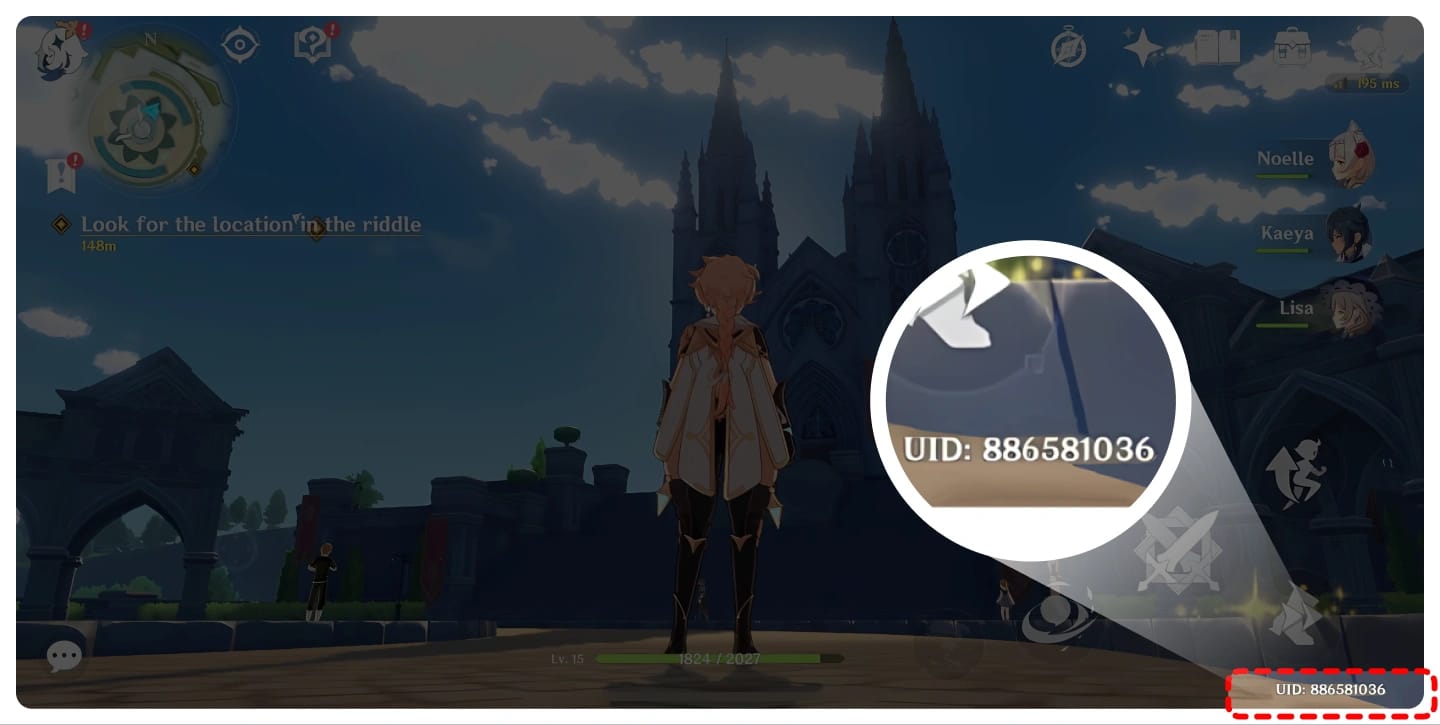
So before you ring up your bank, run this quick check. Open the official top-up portal, see which server your character actually lives on, and make sure the payment method you're feeding it is denominated in that region's currency. America server but your saved card now bills in EUR because you moved? There's your failure. Not a "declined" card at all.
So is it always the card? No. The card's the loud, obvious suspect. Region mismatch is the quiet one that does the dirty work more often.
Re-buying on a pending charge is how you get billed twice
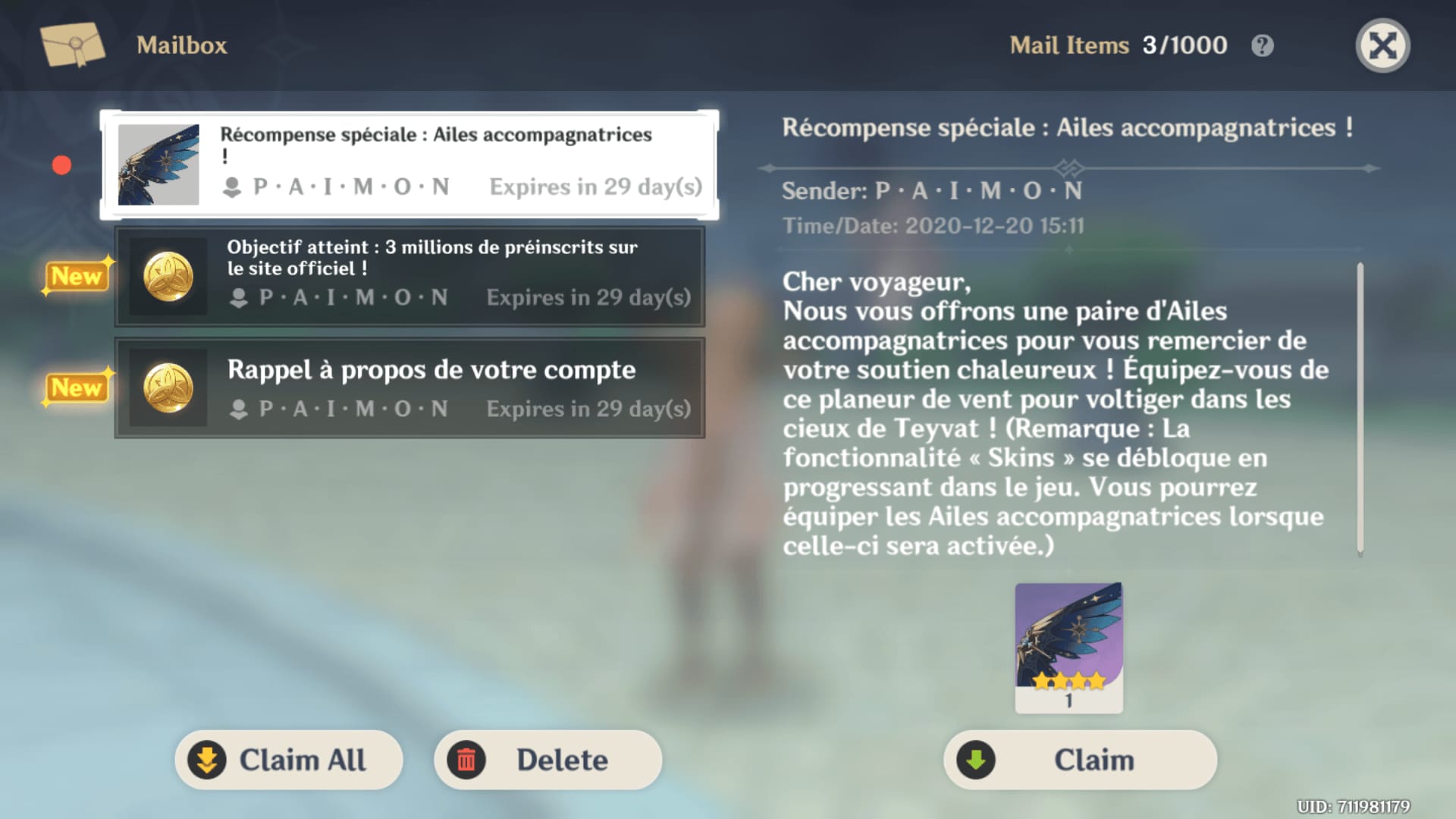
Plenty of guides tell you the moment a charge reads pending with no Primogems in sight, buy it again. That advice has emptied real wallets. Reports gathered on r/Genshin_Impact walk through it beat for beat: charge sits in "pending," buyer panics, buyer re-purchases, buyer eats two charges for one Welkin.
The mechanic underneath makes panic-buying genuinely risky. Official channels usually deliver inside a few minutes, but per TopUpLive, a stuck transaction can take up to 72 hours to untangle. That pending charge is often a delivery delay, not a death. Fire off a second purchase inside that window and the first one can still slide through right behind it.
The order to follow when money's gone but the Primogems haven't shown:
- Wait. Let the full delivery window run before you assume anything's broken.
- Check your in-game mail and crystal balance. The 300 instant Genesis Crystals (Welkin's upfront chunk) drop there on success.
- Grab your Order ID / transaction receipt before you touch anything else.
- Hit support with that receipt if it still hasn't credited once the window closes.
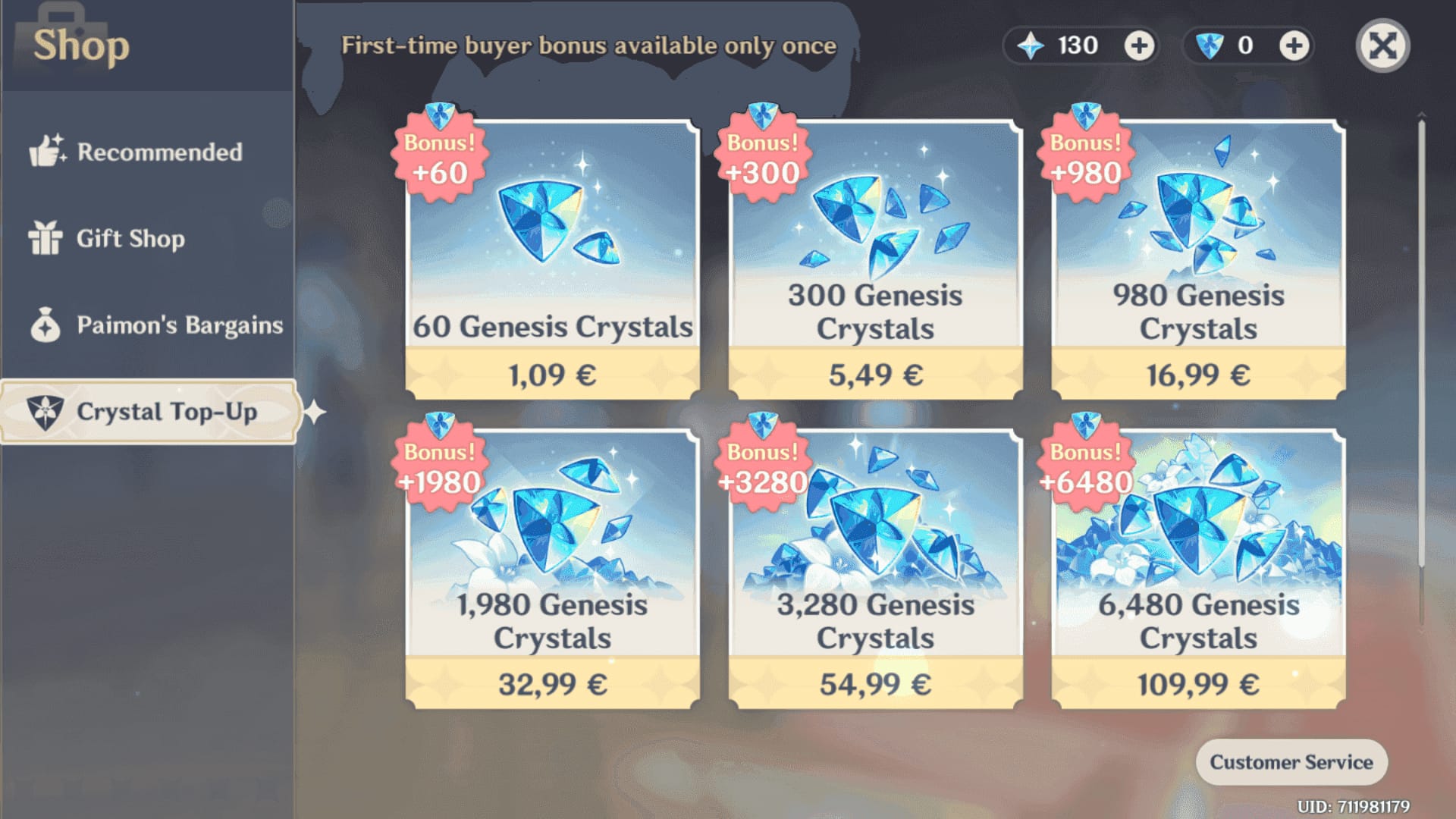
HoYoverse's billing docs don't mince words on money-out-no-delivery situations: contact support with the transaction receipt or order ID, with resolution typically landing within days, per the HoYoverse Help Center. And one detail that's stupidly easy to miss and genuinely bites: the instant 300 crystals only fire on a fresh successful purchase. A failed charge that self-credits later might not re-grant that bonus, which is yet another reason blind re-buying is a trap dressed up as a fix.
So if you're tempted to re-buy immediately: don't, and it's pricey if you do. Wait, document, then move.
For Welkin, auto-renew is the riskiest way to hold the sub
Auto-renew gets pitched as set-and-forget. With the Blessing of the Welkin Moon, honestly it's the worst possible way to keep the subscription alive, and I moved over to manual renewal myself for exactly that reason. The failure mode is invisible. No push notification announces "hey, your card expired." Your first clue is the daily 90 Primogems simply not landing, and by that point you may already be down some payout days.
Worth separating two failures folks keep mashing together. A platform subscription lapse (Google Play or Apple kills a future charge because the card expired, a billing toggle flipped, a hold landed) stops future charges and quietly closes out the cycle. A true payment error is an attempted charge that bounced and needs the method fixed or retried. The Reddit billing breakdowns draw that line cleanly, and the cure differs: a lapse means re-enrolling or buying by hand, an error means clearing the decline first.
Here's why manual genuinely wins for Welkin. The daily 90-Primogem mail isn't permanent. Per the HoYoverse Help Center, unclaimed Welkin Primogems get forfeited if you don't log in, and the duration won't stretch to make up for it. So a renewal that quietly breaks while you're looking elsewhere doesn't just pause the sub. It can torch payout days you already paid for. Manual renewal drags your eyes to the transaction every 30 days, which is precisely when you'd catch an expiring card or a region that's drifted.
For the returning vet whose card or region shifted since that first buy, this is the entire game: update your payment method in Google Play or Apple, or run the web top-up with a region-matched method, and keep your order ID close if it still flops.
Convenient? Sure, right up until it fails silently, which for Welkin is the moment it hurts most.
Where you bought Welkin dictates where you repair it. Smushing Google Play, Apple, and the web portal together is exactly why people cancel in the wrong place and burn nothing but time.
| Platform |
Where to cancel / manage |
Where to fix the payment |
Typical delivery |
| Google Play (Android) |
Play Store → Subscriptions |
Update card in Google Play billing |
Instant–minutes; up to 72h if stuck |
| Apple App Store (iOS) |
Settings → Apple ID → Subscriptions |
Update payment in Apple ID settings |
Instant–minutes; up to 72h if stuck |
| Web top-up portal (PC) |
Manual purchase each cycle |
Region-matched method at checkout |
Instant–minutes |
Source: HoYoverse Top-Up Center (2026), HoYoverse Help Center (2025), TopUpLive (2025)
A handful of platform-specific truths worth burning into memory:
- Google Play failures usually trace to an expired card, a billing hold, or not enough buffer on the linked method. Fix the card inside Google Play, not inside the game. Genshin never stores it.
- Apple renewal failures work the same structurally, except the payment lives in your Apple ID. Migrated Apple IDs or swapped your store country? That's a prime region-lock trap right there.
- The web top-up portal is the multi-platform player's best buddy. The consensus across HoyoLab and Reddit is to lean on the official web/PC route and dodge mobile-store region headaches entirely. Just link your HoYoverse account and pick the method matching your server region.
To renew by hand, the official path is dead simple: log into the HoYoverse Top-Up Center with your HoYoverse account, pick Blessing of the Welkin Moon, and choose a payment method that matches your account region. That last clause is carrying the section. It's the step that heads off the next failure, not just the one you've got now.
So no, the platforms aren't the same. Cancel and fix in the issuing platform. The web portal is your cleanest escape hatch.
Failed renewal doesn't nuke your days, but watch the bonus
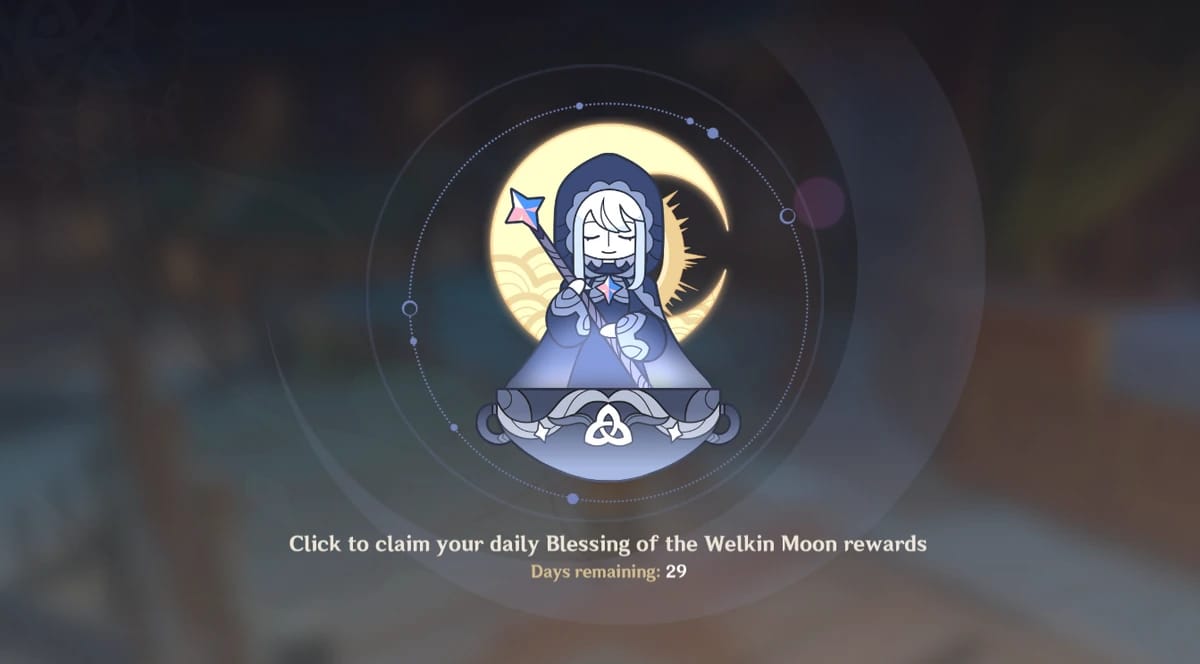
Good news up front, because the panic here runs hot. If a renewal flops or you cancel, the leftover days from your current cycle keep ticking until they expire. No auto-extension, but no clawback either. HoYoverse's support docs spell it out: when renewal fails, remaining days run out their clock and you simply re-buy manually through official channels.
| Scenario |
Remaining paid days |
Instant 300 crystals |
90/day payout |
| Auto-renew lapsed |
Continue to expiry |
N/A (no new purchase) |
Continues until current cycle ends |
| You manually cancel |
Continue to expiry |
N/A |
Continues until current cycle ends |
| Successful new purchase |
New 30-day cycle starts |
Granted on success |
Resumes daily |
| Failed charge that self-credits later |
Continue to expiry |
May NOT re-grant |
Resumes only on confirmed credit |
Source: HoYoverse Help Center (2025), HoYoverse Top-Up Center (2026)
The catch lives in that bottom row. Those instant 300 Genesis Crystals are bolted to a successful fresh purchase. A failed charge that mysteriously credits your days later may stiff you on that upfront bonus, which is the edge case almost nobody flags. It's also why the lazy "let it sort itself out" route can quietly rob you of the sweetest part of the deal.
One more mechanic that catches long-term holders off guard: Welkin stacks forward. Older HoyoLab documentation the community still cites notes you can extend Welkin up to roughly 180 days by buying again before the current one runs dry, though buying past that ceiling may not stack. Handy if you want to lock the value in, but it doesn't touch the daily-claim rule. You still have to log in to collect.
So no, failed renewal doesn't lose everything. You hang onto your remaining time. It's only that 300-crystal bonus at risk, so protect it by making sure the new purchase lands clean.
Renew by hand, and treat region as suspect number one
Why bother fixing this fast instead of just walking off? The value, frankly. Welkin runs US$4.99 for 300 Genesis Crystals upfront plus 90 Primogems daily over 30 days, totaling 3,000 Primogem equivalents, per the Genshin Impact Wiki and the official store. That shakes out to roughly $0.00166 per Primogem, against about $0.0083 per unit on a comparable direct crystal pack. Close to ten times more efficient, going by BitTopUp's 2025 value breakdown. For the F2P-curious low-spender, it's the best value-per-dollar item in the game, which is exactly the case for repairing a broken renewal instead of bailing.
| Item |
Cost (US$) |
Primogems/Equiv |
$/Primogem |
| Welkin Moon |
4.99 |
3,000 |
0.00166 |
| Standard Crystal Pack |
4.99 |
~600 |
~0.0083 |
Source: BitTopUp / HoYoverse (2025)
Pricing barely budges across regions. Welkin's $4.99 in the US, and community trackers peg the Philippines variant around 280 PHP (~$5.02) in 2026, with a few SEA markets running a touch lower through local payment methods. So the regional angle isn't about chasing a cheaper sticker. It's about matching your payment region to your server so the lock never bites. EU and TW-HK-MO holders should treat that match as non-negotiable.
On official-vs-alternative channels, official takes it on reliability and support recourse. Reddit discussion running through 2026 lays both sides bare: official is safer with no account risk, while other routes can be cheaper but drag heavier failure and refund friction. My read sides with reliability for anything subscription-shaped like Welkin, where a clean recurring credit beats shaving a few cents.
If your in-app renewal keeps bouncing despite a valid, region-matched method, you can also top up Genesis Crystals and renew through a transparent third-party channel like VGTopup (the platform running this piece). Just confirm your account's server region before checkout, because the region rule holds no matter where you buy. Lead with the official portal, treat alternatives as the backup for when the in-app store is the thing that's busted.
And if you're scouring for an "auto-renew" toggle on the Battle Pass, the Gnostic Hymn, quit hunting. It's a non-recurring, one-time buy. Nothing to renew, so you're chasing a problem that doesn't exist.
The advice I'd hand a friend: flip to manual monthly renewal, eyeball your region match before every purchase, claim those 90 daily Primogems like it's a religion, and never re-buy on a pending charge.
Frequently Asked Questions
Why did my Welkin Moon not renew automatically on Android?
Usually the linked Google Play card expired or caught a billing hold, or your Play Store region wandered off from your account's server region after a country or Apple-ID-equivalent change. Fix the payment method inside Google Play's Subscriptions, not in-game. Genshin doesn't store your card. If the method checks out fine, the silent culprit is that region lock from your very first top-up.
Only on a successful fresh purchase. The upfront 300 Genesis Crystals fire when a new Welkin order completes clean. A failed charge that later self-credits the leftover days may not re-grant that instant bonus, so don't bank on a stuck transaction to "fix itself" and still hand you the upfront chunk. A tidy manual re-purchase guarantees it.
Does cancelling the Welkin Moon make me lose my remaining days?
Nope. Per HoYoverse's support documentation, cancelling or letting auto-renew lapse stops future charges, but your remaining paid days run until they expire. No clawback. The only thing that ends them is the calendar. You'll still need to log in daily to claim the 90 Primogems through those leftover days, or they're gone.
How long should I wait before assuming my top-up failed?
Official channels usually deliver in minutes, but per TopUpLive a genuinely stuck transaction can take up to 72 hours to resolve. Wait that window out before doing a thing. Re-purchasing inside it is the classic double-charge trap reported all over the community threads, since the first order can still process right behind your second one.
Can I switch my payment method without breaking the renewal?
Yes, as long as you keep it inside your account's server region. Update the card in Google Play or Apple ID settings, or run the web top-up portal with a region-matched method. Switching to a method denominated in a different region's currency than your server is exactly what trips the mismatch failure. The change itself isn't the danger, the region drift is.








Comments