Kwai Username vs User ID iPhone: Why the Distinction Matters
Confusing display names, public handles, and backend account IDs leads to rejected support tickets and failed third-party integrations.
Kwai, developed by Beijing-based Kuaishou Technology since 2011, separates user identities across two different layers. Your front-facing presence is your display name (or nickname). Anyone can change that at will, and thousands of creators share identical nicknames. Right below that sits your public Kwai handle—often styled as an alphanumeric string like @topfilmeseseriesnatv or Futecem.
Behind the public handle sits your permanent backend user ID. This 10- to 15-digit integer is assigned by Kuaishou's database at signup—examples include 150001550606055, 5042913903, or 150001693316775.
Account recovery teams and backend game hooks ignore display nicknames entirely; they require this permanent sequence.
The table below outlines the core differences among the various identifiers associated with an account on iOS:
| Identifier Type | Format Example | Primary Purpose | Changeable? |
|---|
| Backend User ID (Numeric) | 150001550606055 / 5042913903 | Core database routing, technical support, backend game bindings | No (Permanent) |
| Public Kwai ID / Handle | @topfilmeseseriesnatv / Futecem | Profile URLs, search tags, friend tagging | Yes (Subject to rules) |
| Display Nickname | DailyVlogger2026 | Visual branding on feeds and livestreams | Yes (Frequent) |
| Business Ad Account ID | AA: 6028XXX | Tracking marketing campaigns via MAPI integrations | No (Fixed per ad seat) |
Knowing which string you hold prevents verification rejections when recovering restricted accounts.
Three Alternative Ways to Pull Your Kwai Account ID on iOS
Sometimes the primary profile screen refuses to copy cleanly, or you might be trying to find the ID of an alternate profile you own. Here are three reliable backup methods.
Every creator profile generates a shareable web address. You can reverse-engineer this link on your iPhone without technical tools:
* Go to your profile in the Kwai iOS app.
* Tap the Share arrow in the top corner.
* Tap Copy Link from the share tray.
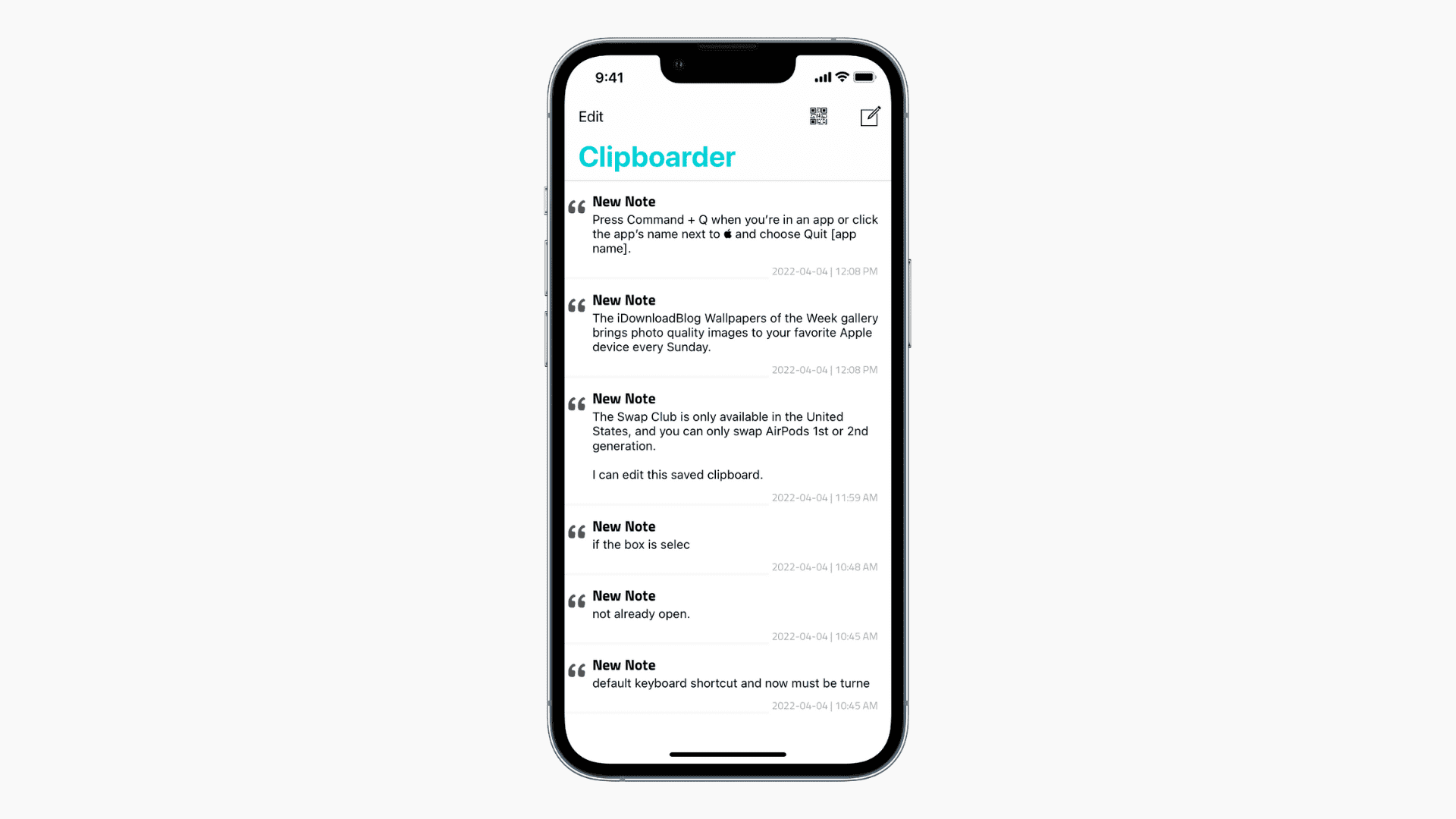
* Open Safari or Apple Notes and paste the link.
The link appears as a shortened URL formatted like k.kwai.com/p/... or directly as kwai.com/@handle. When you open that shortened link in Safari, it expands to show your canonical public handle right in the URL address bar.
2. The Edit Profile Screen
If your taps on the main profile screen do not register, the editing menu is foolproof:
* Tap Edit Profile below your bio.
* Locate the row labeled Kwai ID.
* Press and hold the string until the blue iOS text selection handles appear.
* Tap Copy.
This method bypasses any app-level tap-to-copy script glitches that occasionally happen after major iOS version updates.
3. Customer Service and Ticket History
If your account is temporarily locked, you cannot reach your standard profile screen. In this scenario, check your email receipts or past customer support exchanges. When users appeal locked profiles or stream bans, ticket logs display the target identifier as a numeric sequence like 286323843540360 or a masked string such as ytl0592703***. If you previously purchased creator currency, pull your old invoice emails. When you need diamonds to send gifts during creator livestreams, grab your numeric profile string and refill your balance on vgtopup to avoid app store markups.
Solving Kwai ID Binding and Verification Errors on iOS
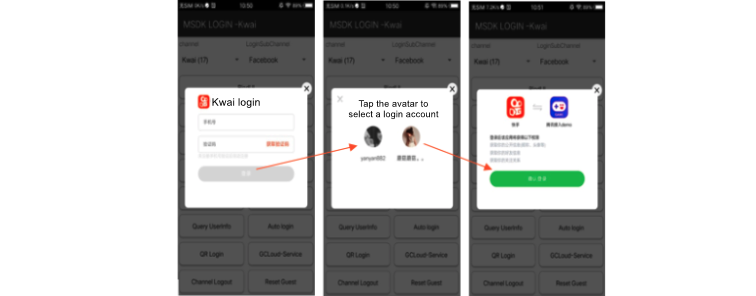
Connecting your Kwai account to third-party services or gaming platforms often triggers obscure numeric error messages. These happen when the platform cannot match your session token to an active, unbound profile.
Here is a breakdown of the specific MSDK channel errors you might encounter on Apple hardware:
| Error Code | Official System Description | Root Cause on iOS | Resolution |
|---|
20089 | Failed to obtain Kwai userId for gameId | Mismatched identifier during account handshake | Re-copy numeric ID; verify profile is logged in |
100202101 | Account already bound by another user | Kwai profile linked to a different existing profile | Unlink account from old identity before binding |
100201102 | Bound by other Kwai accounts | Target service is married to a separate Kwai ID | Log into original Kwai account or reset bindings |
100202001 | Auth token expired | 30-day authentication cycle lapsed | Relog into Kwai app to generate a fresh token |
7001 | Unsupported share type on iOS | Media format incompatible with share payload | Re-encode clip to standard iOS H.264/MP4 |
7002 | Media share permission denied | iOS Photos access set to "None" | Switch iOS Settings > Kwai > Photos to "Full Access" |
Nearly every binding failure stems from either an expired 30-day authentication token or an existing link to another account.
If you run into error 20089, the third-party client failed to fetch your backend numeric ID. This usually means your app session timed out. Kwai authentication tokens last for exactly 30 days. Once that window shuts, the background handshake dies, producing error 100202001. Fix this by logging completely out of the Kwai iOS app and signing back in with your mobile credentials to renew the token.
Error 100202101 and error 100201102 are ownership conflicts. You cannot bind a single Kwai ID to two distinct game profiles. You must unlink the first service from inside your security settings before attempting a new handshake.
Managing Kwai Diamonds and Gold Coins with Your Account ID
Your Kwai ID acts as the delivery address for every piece of currency attached to your profile. Kwai uses two separate transactional economies:
- Kwai Gold Coins: Earned organically through engagement. You collect Gold coins by viewing clips, completing daily login streaks, and completing promotional tasks. Users convert these coins directly into cash reserves. In addition, platform referral programs pay roughly $5 to $10 in cash rewards for bringing in active newcomers who complete onboarding milestones.
- Kwai Diamonds: The premium virtual currency purchased with real funds. Diamonds are strictly used to buy digital gifts for creators during short-form video streaming. A standard entry-level bundle provides roughly 364 diamonds for around $6.
If you plan to gift your favorite livestreamers, you can buy Kwai diamonds safely by inputting your verified account ID.
Save your numeric ID in an iOS Quick Note to avoid typos. Transposing two digits routes gifts or balance recharges to the wrong user. Because delivery depends strictly on the database integer rather than your display nickname, an accurate sequence is mandatory.
Publishing content and pulling your ID on iOS involves interacting with Apple's strict privacy controls. If you try to share your profile or post content directly from your camera roll, iOS permissions dictate whether the action succeeds.
If you see error code 7002, your iPhone denied the app access to your camera roll. Kwai needs album permissions to save promotional share graphics or export your profile card. Open Settings on your iPhone, scroll down to Kwai, tap Photos, and toggle the permission to Full Access or Limited Access.
Be mindful of video durations when sharing content to verify your account. If you record directly inside the Kwai iOS app camera, the interface caps your recording at 57 seconds. Uploading an existing file from your iPhone's camera roll allows videos up to 10 minutes long.
Similarly, native web searches within Kwai cap visible results at roughly 20 video items per query. If you are searching for your own account from an external browser to verify your public ID, type your exact handle rather than your nickname to avoid getting buried under high-traffic accounts.
The table below covers the limits and technical caps across the iOS platform experience:
| Feature / Metric | Operational Parameter | Practical Takeaway for Users |
|---|
| In-App Camera Recording | 57 seconds maximum | Use iOS Camera app first if you need longer takes |
| Camera Roll Video Upload | Up to 10 minutes | Best for tutorials and long gaming showcases |
| Web Search Preview Limit | ~20 results per query | Search exact @handle to surface your page |
| Auth Token Validity | 30 days maximum | Relog monthly to stop integration dropouts |
| Standard Diamond Pack | 364 diamonds (~$6) | Verify your numeric ID before checking out |
| Referral Rewards | $5 to $10 per qualifying user | Requires completed tasks on the new account |
These parameters are native client caps, not account errors.
If you run paid campaigns or work with agencies, you will see account identifiers that look completely different from personal IDs. Commercial users on the Kwai for Business advertising platform rely on an Account ID format prefixed with "AA", such as AA: 6028XXX.
Never send an advertising Account ID to standard consumer support if you are trying to unfreeze a personal account. Regular support agents cannot locate your profile in the general user registry using an ad token.
Similarly, developers querying account metadata through external scrapers or API connectors will see two separate fields: authorId and authorUsername. The authorId field will return numeric values like 150001693316775, while authorUsername holds your custom handle. Make sure your profile digits match before you top up Kwai account credits, preventing funds from locking to an abandoned profile.
FAQ
Where do I find my Kwai ID on an iPhone?
Open the Kwai app on your iPhone and tap your Profile icon in the bottom-right navigation bar. Your Kwai ID or handle is displayed directly beneath your profile display name and avatar.
How can I copy my Kwai ID quickly on iOS?
Tap directly on the Kwai ID shown on your profile page to copy it to your iOS clipboard automatically. Alternatively, go into 'Edit Profile' to select and copy the text field.
What is the difference between my Kwai username and numeric Kwai ID?
Your Kwai username is your customizable public handle shown with an @ symbol, whereas your numeric Kwai ID is a permanent account number assigned by the backend. Both can identify your profile, but technical support and developer bindings usually request the numeric ID.
Why does customer support ask for my Kwai ID?
Customer support uses your unique Kwai ID to locate your profile in their backend when handling account lockouts, verification, or billing issues. Without this ID, representatives cannot safely identify your specific account among duplicate usernames.
Can I copy my Kwai ID using a shared profile link?
Yes, you can tap Share on your profile, select 'Copy Link', and paste the URL into Notes or Safari. The copied address ends with your public Kwai handle (for example, kwai.com/@yourname).
Why am I seeing an error when trying to bind my Kwai ID?
Account binding fails with errors like 100202101 or 100201102 if your Kwai account is already connected to another user or service. You must unlink the prior account before completing a new integration.
Final Verdict: Keeping Track of Your Kwai Account Identifiers
Never rely on a display nickname for administrative requests. Account recovery, external bindings, and balance credits all depend exclusively on the permanent numeric ID.
Copy your ID from beneath your avatar on iOS and back it up in Apple Notes. Having the raw sequence on hand prevents lengthy delays if you ever run into a security lock or token error.









Comments