Paying and receiving are two different events
This is the mental model that kills most of the panic on the spot. Buying AUR and getting AUR isn't one motion, it's a two-step handshake. The money goes to the store or processor first (Google Play, the App Store, or NetEase's own portal at pay.neteasegames.com), and only after that does the processor ping the game servers to credit your wallet. So the charge can sail through while the credit message is still in transit, stuck in a queue, or aimed at the wrong door.
Which means "charged but nothing showed up" is hardly ever "money gone." Way more often it's "money landed, AUR is mid-handshake." And that one distinction rewrites your whole next move, because the right answer to a stalled handshake is wait and verify. Not lob a second payment at it.
For the uninitiated: AUR is the premium currency you buy with real cash for Omega time and bundles, and events lean on it too. The recent Patch Notes 0225 literally hang a reward on it: "Top up a total of 499 AUR to start a new round of monthly Skill Points replenishment." I flag it only because it explains why folks top up in frantic little bursts right before maintenance windows. And bursts right before maintenance? That's precisely when the handshake jams.
The reasons AUR stalls (rarely the game's fault)
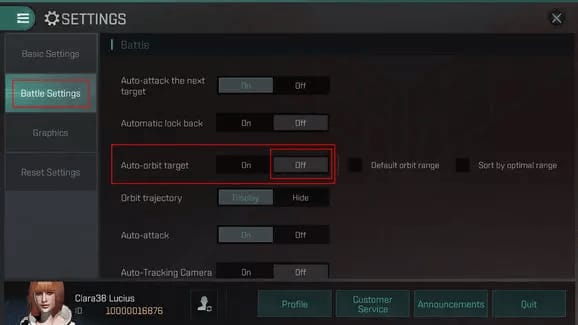
The knee-jerk reaction across every megathread is to blame EVE Echoes itself. Honestly, in how these failures tend to shake out, the client is the least guilty party. Three causes cover the bulk of it, loosely ranked:
- Account or server mismatch. Almost every guide skips this one, and it's the slipperiest of the lot. AUR delivery binds to the exact character account and server you were logged into when you paid. Not your payment account. Per EVE Online Support, logging back into the wrong account or server is a textbook reason players swear a purchase vanished when really it's sitting pretty on a different login. Alt accounts, a stray tap through a second NetEase or Google login, any of that? Check this first.
- Processor delay. The store took the cash but hasn't relayed the entitlement yet. Older player reports on r/echoes describe purchases simply turning up late, with the Discord wisdom at the time being to give it a couple of hours before raising a ticket.
- Maintenance-window queuing. During scheduled downtime the store can still happily accept your payment, then sit on delivery until servers wake back up. Top up minutes before or during a patch window and the AUR is queued, not gone. Glance at the maintenance announcement before you do anything rash.
Notice that buying again fixes precisely none of those. Two melt away on their own with time. The third clears the instant you log into the right account.
The recovery checklist I'd actually run, in order
Work down the list and stop the second your balance ticks up.
- Confirm the charge cleared. Crack open your bank app or store purchase history and check that the amount completed rather than showing pending. A pending hold can quietly drop off without ever becoming a real charge, in which case there was never any AUR owed to begin with. That r/echoes purchase-issue thread pegs this verify-first step as the sane opening move.
- Make sure it's the right account and server. Re-read cause #1. Log out, log back into the precise account and server you used when you paid. This step alone shuts down a startling chunk of "missing AUR" reports.
- Check your in-game transaction history. Pop open the recharge/store panel and read the purchase status there. The client frequently knows an order is processing even while the balance sits stubbornly still.
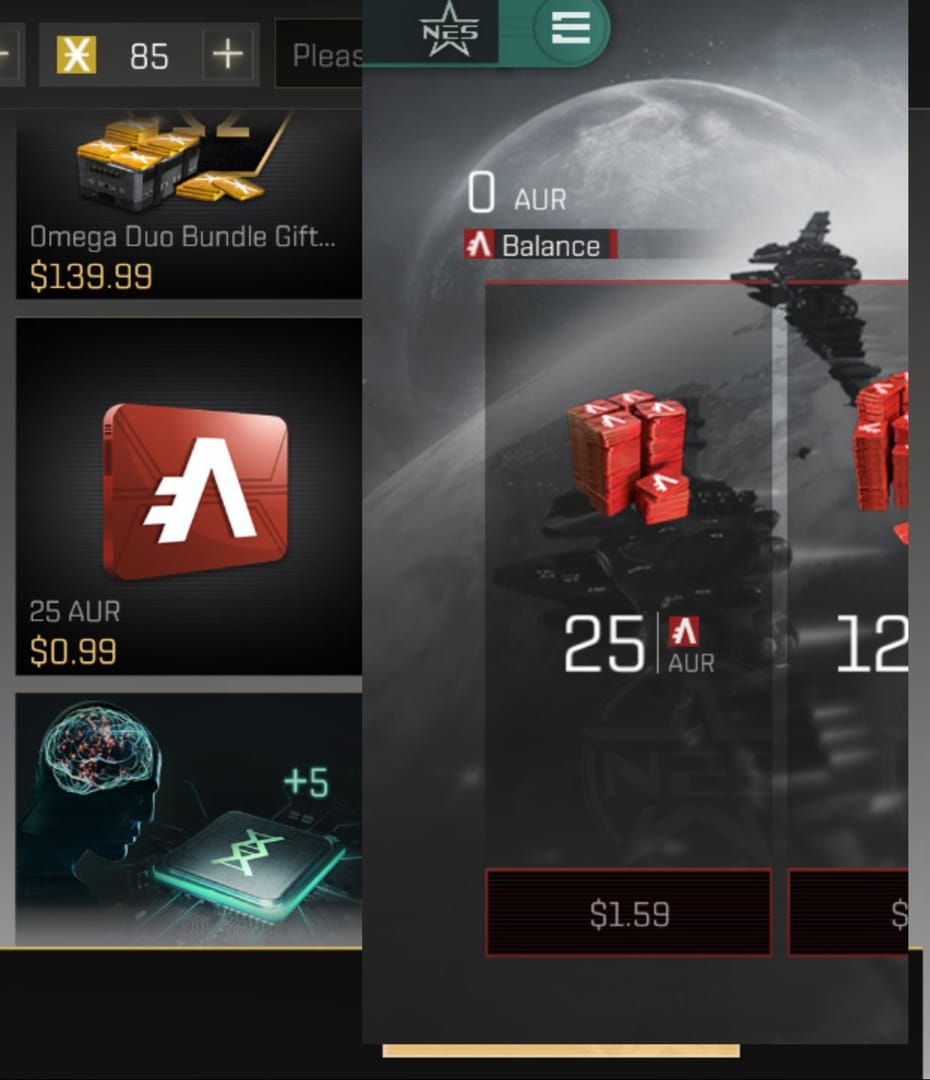
- Force restart, then Restore Purchases. Kill the app completely, reopen it. Then hit the store's Restore Purchases function. Borrowing the logic from the Hoyoverse support process for undelivered items, this can nudge a stalled entitlement loose without charging you a cent more. That last bit is the entire point. Restore is free. A second purchase is decidedly not.
- Gather proof before you escalate. Order ID, store receipt, screenshots of both the charge and the empty balance. That same EVE Online guide says this paperwork is what flips a sluggish ticket into a quick one. Tossing the order ID is a well-documented way to stall your own resolution.
- File an official ticket. Go through in-game customer service or email eveechoes@service.netease.com, the contact listed on the EVE Echoes FAQ. A ticket led by a clean order ID and receipt gets sorted miles faster than a foggy "I lost my AUR" message. That's the gap between a single-reply fix and a week of ping-pong.
The cheat-sheet, if you want it bare:
| If this is true… |
Then do this |
Likely cause |
| Charge shows "pending," not completed |
Wait for it to clear or drop off |
No completed payment yet |
| Balance wrong on one login only |
Check other account/server |
Account/server mismatch |
| Topped up near a patch window |
Wait for servers to return |
Maintenance queue |
| Completed charge, right account, 24h+ |
Open ticket with order ID |
Processor/delivery failure |
How long before it counts as an actual failure
Most players hit the panic button absurdly early. There's no official published delivery clock for AUR, but the pattern threaded through player reports is minutes-to-hours, not days. That old r/echoes line about giving it a couple of hours before raising a ticket still holds water. My own escalation threshold sits at 24 hours. A completed charge, on the correct account, still empty-handed after a full day? That's when "delay" graduates to "failure" and a ticket is fair game.
Why does the 24-hour line matter so much? Because the two failure modes demand opposite responses. Inside a few hours: wait, verify, restart, restore. Past 24 hours on a confirmed charge: quit waiting and escalate with your evidence in hand. Pick the wrong response for the situation and you either panic-buy a duplicate or sit mute for a week on a ticket you should've filed on day one.
Refunds, double charges, and the chargeback trap
Here's where a recoverable headache mutates into a genuine loss, so slow down and read.
A refund and a chargeback aren't the same animal, and blurring them together is how people get burned. A refund is a civil request routed through the store or the publisher. Apple, for one, runs an official refund-request flow on Apple Support; Google has its own version. These are sanctioned, reversible, account-safe.
A chargeback is you marching to your bank to forcibly yank the charge back over the publisher's head. That's the trap. Discussion on r/echoes has warned for years that forcing a chargeback can get your account suspended. You'd be torching the very account you spent money to enjoy. Treat it as the dead-last resort, only after official refund and support channels have genuinely failed you. Never as a shortcut.
And then there's the double-charge blunder, the exact thing my thumb was twitching to do. Pay a second time before the delivery window's up and you risk getting billed twice for one stalled order. The Hoyoverse process flags this same hazard, and the logic carries over anywhere. Worst case: you chargeback the "extra" payment, eat a suspension, and turn one late top-up into two losses plus a locked account. Don't become that cautionary screenshot in next week's thread.
If you'd rather dodge store-side delivery stalls entirely on a future top-up, a third-party route like an EVE Echoes AUR top up through VGTopup is one transparent option. Just keep your order ID close there too, since the same discipline (save your proof, respect the delivery window, then contact support) applies to every channel under the sun.
The fastest safe path, in one line
Confirm the charge cleared, double-check the right account and server, restart and Restore Purchases, give it up to 24 hours, then open a ticket with your order ID. And never, ever pay twice or rush a chargeback to "fix" a delay. Do that and the overwhelming majority of "charged but no AUR" stories end with your money intact and your account unbanned.
Frequently Asked Questions
Why was I charged for AUR but didn't receive it?
Because payment and delivery are separate steps. Your money cleared the store or processor, but the credit message to EVE Echoes' servers stalled, queued behind maintenance, or landed on a different login. Per EVE Online Support, an account/server mismatch is one of the commonest reasons a purchase looks lost when it isn't.
How long does EVE Echoes AUR take to arrive?
No official timer exists, but reports point to minutes-to-hours, not days. Old r/echoes advice says wait a couple of hours before fretting. If a completed charge on the correct account still hasn't delivered after 24 hours, treat that as a real failure and escalate.
Can I get a refund if my AUR never arrived?
Frequently, yes, through whichever store took the payment. Apple runs a formal refund-request flow per Apple Support, and Google offers its equivalent; the publisher can also sort it via ticket. A documented receipt and order ID seriously boost both your odds and your speed.
Will a chargeback ban my account?
It can. Community warnings on r/echoes have long flagged forced chargebacks as a suspension risk. You'd be locking yourself out of the account you paid to play on. Exhaust the official refund and support channels first; a chargeback is a genuine last resort, not a fast lane.
What if my AUR went to the wrong account?
Then it isn't lost, it's parked on whichever login you used at purchase, because delivery binds to the account and server active in that moment, not to your payment account. Log into each of your accounts and servers and check the balance before you assume anything broke.
Open a ticket through in-game customer service or email eveechoes@service.netease.com, the contact on the official EVE Echoes FAQ. Lead with your order ID, receipt, and a screenshot of the charge. Vague "I lost my AUR" messages crawl through the queue; one carrying clean proof flies.










Comments