



Complete VOOLAA Top Up Guide on VGTopup
VOOLAA connects users worldwide through interactive live streaming, social voice chat rooms, and real-time community engagement. To participate fully in the platform, send virtual gifts to your favorite broadcasters, customize your profile, or unlock exclusive chat features, you need in-app currency. VGTopup provides a straightforward, direct reload service that delivers your currency straight to your account balance using only your user identifier.
Recharging through VGTopup eliminates unnecessary complications. You do not need to share your account credentials, link private social profiles, or manage complex verification steps. By entering your numerical UID and selecting your preferred denomination, your balance updates quickly so you can continue supporting creators and enjoying social rooms without interruption.
How to Top Up VOOLAA with UID on VGTopup
Completing a VOOLAA recharge on VGTopup takes only a few minutes. Follow these simple steps to ensure your coins arrive directly in your account:
- Select Your Currency Denomination: Review the available VOOLAA coin and balance packages on the VGTopup product page and choose the amount you want to purchase.
- Enter Your VOOLAA UID: Type or paste your exact user ID into the required account field. Double-check the numbers to avoid sending balance to another user.
- Proceed to Checkout: Click the purchase button to view the available payment gateways and regional billing options suited for your location.
- Complete the Transaction: Follow the on-screen instructions of your selected payment method to finalize the payment.
- Check Your In-App Balance: Open the VOOLAA app and refresh your user wallet. Your new balance will reflect immediately once the transaction settles.
| Order Step | Required Action | Verification Checklist |
|---|---|---|
| 1. Select Package | Choose the desired coin or balance package | Check current live checkout pricing |
| 2. Input UID | Enter your numerical VOOLAA UID | Verify numbers in profile settings |
| 3. Payment | Pick your preferred local or global payment channel | Confirm payment receipt |
| 4. Delivery | Balance credits automatically to your in-app wallet | Refresh the VOOLAA wallet screen |
How to Find Your VOOLAA UID in the App
Your VOOLAA UID (User Identification) is a unique string of numbers assigned to your personal account upon registration. Because VGTopup uses direct ID-based fulfillment, locating and copying the correct UID ensures your reload reaches your profile accurately.
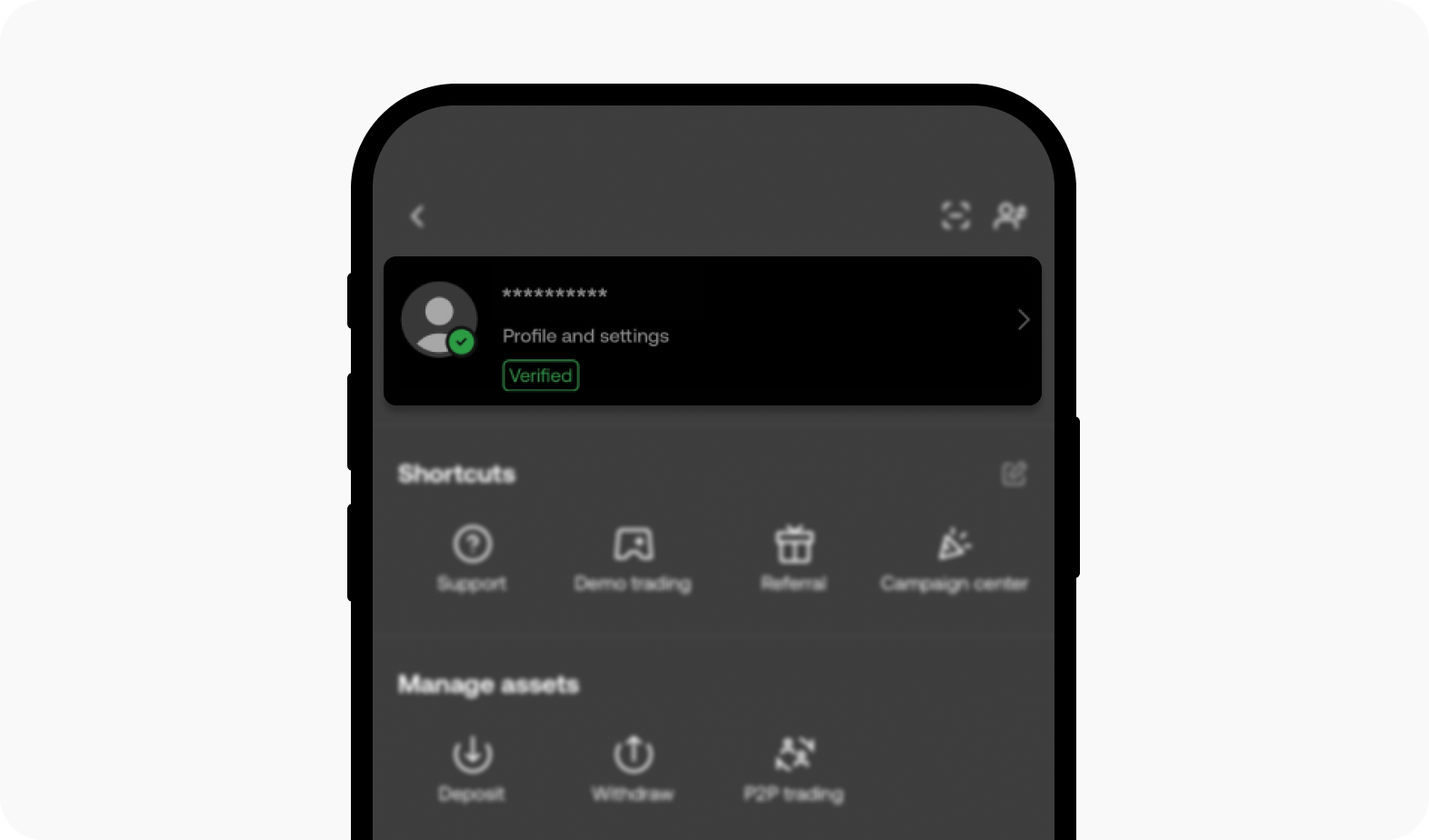
Follow this step-by-step process to retrieve your UID from within the mobile app:
- Launch the VOOLAA application on your mobile device and log in to your account.
- Tap the Profile or Me icon located in the bottom right corner of the main navigation bar.
- Look directly beneath your profile avatar and display name on the main user dashboard.
- Locate the label marked ID or UID followed by a sequence of numbers.
- Tap the copy icon next to the number sequence or write it down carefully to paste directly into the VGTopup order field.
Supported Payment Methods for VOOLAA Recharge
VGTopup accommodates users across different regions by integrating a wide range of reliable and secure payment options. When you check out on VGTopup, the platform dynamically displays regional payment methods and currencies based on your location.
Available payment categories include:
- Credit and Debit Cards: International card networks for quick, cardholder-verified settlements.
- Digital Wallets and E-Wallets: Popular local and regional mobile wallets that offer instant processing without entering manual card numbers.
- Online Bank Transfers: Direct electronic funds transfer options compatible with leading domestic financial institutions.
- Localized Payment Gateways: Convenient regional billing channels tailored to specific countries to ensure accessibility for international users.
All exchange rates and processing fees are calculated in real time. Always refer to the live VGTopup checkout page for the exact pricing and available methods in your territory.
VOOLAA In-App Currency and VIP Feature Breakdown
Recharging your VOOLAA balance gives you access to a wide range of interactive features, exclusive privileges, and social perks across the app ecosystem. Understanding how your coins work helps you make the most of every live stream and group chat.
1. Interactive Gifting in Live Streams
Virtual gifts represent the primary way to interact with broadcasters and content creators on VOOLAA. By spending in-app coins, you can send animated gifts, visual effects, and customized tokens during live broadcasts. These gifts boost the broadcaster's room ranking, trigger special on-screen animations, and highlight your username in the chat feed.
2. Audio and Voice Chat Room Interactions
In social audio rooms, coins allow you to trigger microphone effects, send room-wide gifts, tip room hosts, and enter premium voice seats. This enhances your participation in group discussions, karaoke rooms, and interactive gaming sessions.
3. VIP Memberships and Visual Badges
Accumulating balance and spending coins contributes to your VIP progression tier on VOOLAA. As your VIP rank rises, you unlock unique perks, including:* Exclusive profile borders, nameplates, and entrance banners when entering broadcast rooms.* Priority customer service within the platform.* Custom chat bubbles and distinctive text colors in crowded rooms.* Access to private broadcast rooms and exclusive community events.
Recharge Security and Password-Free Delivery
Account safety is a critical priority when purchasing digital game and app currency online. VGTopup operates on a strict UID-only delivery protocol, ensuring your personal data and account integrity remain fully protected throughout the transaction.
- Zero Password Requirements: VGTopup will never ask for your VOOLAA password, private verification codes, email logins, or linked third-party account credentials. You only provide your public UID.
- No Account Sharing: Because the delivery relies entirely on direct backend routing via your user ID, you retain complete ownership of your login session without having to sign out or transfer access.
- Encrypted Payment Channels: Every transaction on VGTopup is processed through encrypted checkout gateways to ensure financial data privacy.
- Direct Balance Injection: The purchased coins are added directly to the official server balance linked to your ID, preventing secondary transfer complications.
Troubleshooting Common VOOLAA Top Up Issues
While direct top-ups process smoothly in most cases, occasional issues may arise due to network delays or incorrect inputs. Use the following troubleshooting checklist to resolve common scenarios quickly:
1. Coins Not Appearing After Payment
If your transaction completed successfully on VGTopup but your balance has not updated:* Force Close and Restart the App: Exit VOOLAA completely from your background apps and open it again to refresh the local cache.* Check Connection Stability: Switch between Wi-Fi and mobile data to make sure your device communicates cleanly with the VOOLAA servers.* Check Transaction Status: Verify on your VGTopup order history page that the order shows as completed rather than pending.
2. Entering an Incorrect UID
If you entered an incorrect UID during purchase:* If the UID does not exist in the VOOLAA system, the order processing fails, and VGTopup support can assist you in correcting the identifier.* If an incorrect but valid UID belonging to another user was entered, the currency is delivered instantly to that account and cannot be reversed by the server. Always double-check your UID before finalizing the order.
3. Contacting VGTopup Support
If you experience persistent delays or payment verification issues, contact the dedicated VGTopup customer support team. Provide your VGTopup Order ID, the VOOLAA UID used for the purchase, and a copy of your payment confirmation receipt for swift resolution.
Frequently Asked Questions About VOOLAA Recharge
How do I find my VOOLAA UID for top up?
Open the VOOLAA app, tap on the Me or Profile tab in the bottom right corner, and locate the numeric ID string displayed under your profile picture and username. Copy this number directly into the UID field on VGTopup.
Do I need to provide my VOOLAA password to recharge?
No. VGTopup requires only your public VOOLAA UID to process the order. Never share your account password, SMS verification codes, or login details with anyone.
How long does it take to receive my VOOLAA top up?
Delivery is processed directly upon payment verification. In most cases, the coins credit to your VOOLAA wallet within minutes. During occasional server maintenance or heavy network traffic, allow a short window and restart your app to refresh your balance.
What payment methods can I use to recharge VOOLAA on VGTopup?
VGTopup supports credit/debit cards, regional e-wallets, online bank transfers, and local payment methods tailored to your location. Check the live checkout page to see the exact payment options and currencies available for your region.
What happens if I enter the wrong UID during my VOOLAA recharge?
Top-ups sent to an active, valid UID cannot be recalled once delivered by the system. If you realize an error before the transaction finishes, contact VGTopup customer support immediately with your order number to check if manual correction is possible.
Is it safe to recharge VOOLAA through VGTopup?
Yes. VGTopup uses standard encrypted payment processing and operates exclusively on UID-based fulfillment. Your account credentials remain secure, and your coins are credited directly to your official VOOLAA balance.
Select Denomination
Tax, payment fees and eligible coupons are calculated at checkout.
| Package | Price |
|---|---|
| VOOLAA - VOOLAA*15000 | USD 2.64 |
| VOOLAA - VOOLAA*20000 | USD 3.53 |
| VOOLAA - VOOLAA*25000 | USD 4.41 |
| VOOLAA - VOOLAA*50000 | USD 8.81 |
| VOOLAA - VOOLAA*100000 | USD 17.63 |
| VOOLAA - VOOLAA*500000 | USD 88.13 |
| VOOLAA - VOOLAA*1000000 | USD 176.27 |
| VOOLAA - VOOLAA*10000 | USD 1.76 |

































































