Most code lists are graveyards (and the reason is timing)
A huge chunk of ZZZ "active code" lists are already wrong by the time you read them. They rank fine, they look exhaustive, and roughly half the strings sitting in them are corpses. Why? Because the highest-value codes the game ever ships are the livestream ones, and those expire in under 1 day after they're announced (per PCGamer). A list someone "updated last Tuesday" is already lying about the codes that actually mattered.
That's the structural trap nobody draws a circle around. A bog-standard gift code like ZZZ28HERO can stay valid for weeks, so it gets copied everywhere and feels safe. The 300-Polychrome Special Program code is the one you actually wanted, and by the time it shows up in a "latest codes" roundup, the window's usually shut already.
So the useful version of this page isn't a longer table. It's two evergreen codes you can claim today, plus enough timing discipline to catch the livestream drop the day it lands. Any undated "active code" you spot elsewhere? Treat it like a coin flip. If a list won't tell you when a string was last checked, it's telling you nothing.
Two codes live this month, and the ones to quit pasting
Two codes are confirmed working right now. The breakdown:
| Code |
Rewards |
Type |
| ZZZ28HERO |
60 Polychrome + 6,666 Denny |
Standard gift |
| ZENLESSGIFT |
50 Polychrome, 2 Official Investigator Logs, 3 W-Engine Power Supplies, 1 Bangboo Algorithm Module |
Standard gift |
Source: PCGamesN / Game8 (Jun 2026)
That comes to 110 Polychrome across the pair, the Denny, and a neat little pile of W-Engine and Bangboo upgrade materials off ZENLESSGIFT. That's the kind of stuff that's a chore to farm but gets handed over for free by a code. Standard codes like these usually sit in the 50–60 Polychrome band, which several 2026 guides agree is the norm rather than some lucky outlier.
Now the part lists never bother with: the codes you should stop typing. Old Special Program strings from previous patches are stone dead, and pasting them just earns you an "already used or expired" error for your trouble. There's also a quirk worth filing away. A few historical codes were mutually exclusive, like the old ZZZ2026 and ZZZTVCM pair, where redeeming one locked you out of the other (per a community thread on r/ZZZ_Official). Rare, sure. But it's exactly why blindly mass-pasting an aggregator dump can occasionally cost you something instead of just burning a minute.
My read: bank ZZZ28HERO and ZENLESSGIFT now, ignore every "active" code you can't see a date stamped on, and aim your real attention at the next broadcast.
The 30-second redemption (and why the web page wins)
There are two methods and they're not equal. In-game is fine. The web page is quicker, safer, and it doesn't care what you play on.
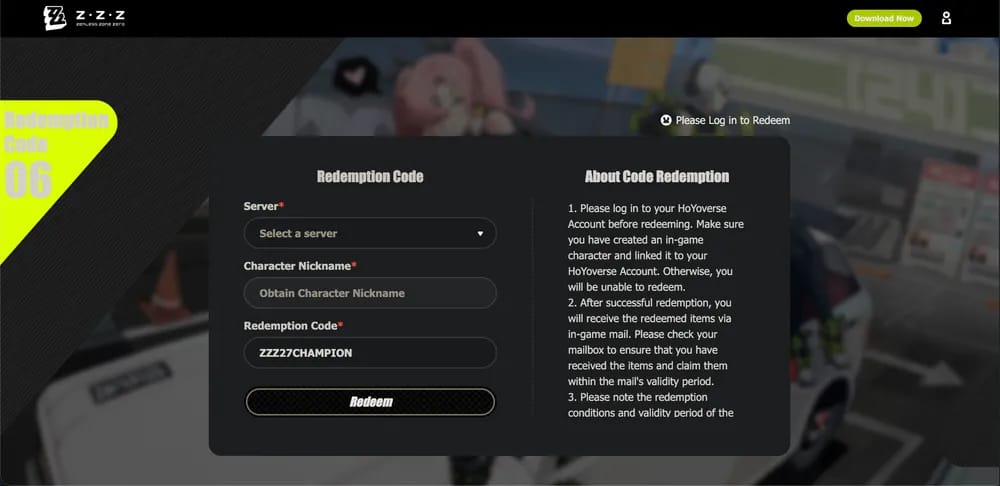
In-game route: open Menu > More > Redemption Code, punch in the string, hit Redeem (per PCGamesN). Rewards land on the spot.
On the official redemption page: log into your HoYoverse account, pick your server, enter the code, redeem, then grab the rewards from your in-game mail. The thing that tips this into "just use the website," and almost nobody mentions it, is that the page works while you're logged completely out of the game. You can redeem a livestream code from your phone browser mid-broadcast, on a bus, with ZZZ closed, and the Polychrome will be parked in your mailbox next time you log in. For a code that expires in hours, that 20-second jump is the whole ballgame.
| Method |
Steps |
Best for |
| In-game |
Reach Lv 5 > Menu > More > Redemption Code > Enter > Redeem |
Quick claim while already playing |
| Website |
Log in HoYoverse > select server > enter code > redeem > collect via mail |
Catching codes fast, console & mobile users |
Source: Official Redemption Page / PCGamesN (2026)
Console players tie themselves in knots over this one. There's no special PS5 flow, no console menu quirk to memorize. You open the web page in whatever browser, pick your server, and the reward mails to your account whether you're on PS5, PC, or mobile. The hardware doesn't enter into it. The HoYoverse account is the only thing the system actually checks.
The Level 5 gate behind most "code not working" posts
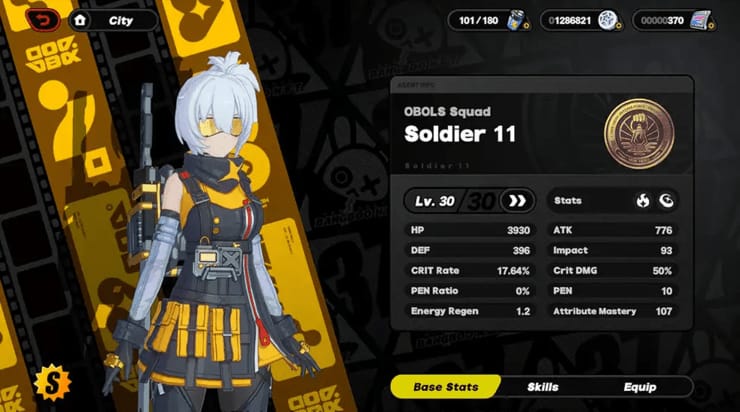
Here's a claim I'll plant my flag on: the bulk of "my ZZZ code isn't working" complaints have nothing to do with a dead code. They're an account that hasn't cleared Inter-Knot Level 5, the documented gate that blocks redemption outright (per the ZZZ Wiki).
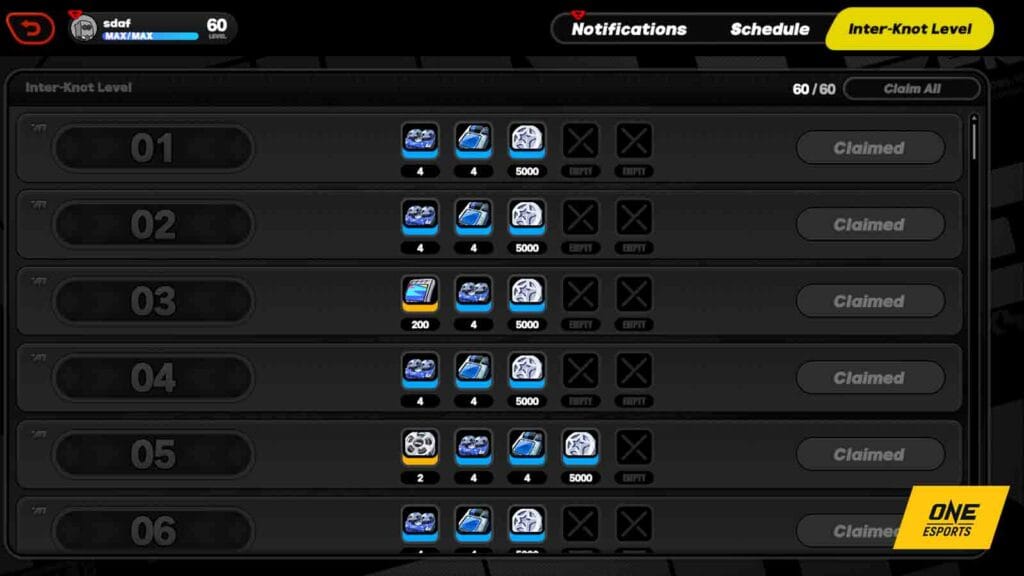
A fresh player still wandering through the tutorial flow literally cannot redeem anything, valid string or not. The system bounces it at the account level, the player decides the code is broken, then goes hunting for a "working" one that was never the issue in the first place. If you've just started, grind to Inter-Knot Level 5 first. Doesn't take long, and only then will any of these strings do a single thing.
The other quiet blocker is account binding. Redeem on the wrong server/region, or with a HoYoverse account that isn't properly linked to your game profile, and it fails the same silent way (per the official page). So before you blame the string, run the check:
- "Below level requirement" → you're under Inter-Knot Level 5. Keep playing, swing back later.
- "Already used" → codes are single-use per character. The official page puts it flatly: "Redemption codes are single-use. The same code cannot be repeatedly used by the same character." You (or this character) already grabbed it.
- "Expired/invalid" → genuinely dead, nearly always a livestream code past its window or an old string scraped off a stale list.
- Nothing happens / wrong account → double-check you picked the right server and that your HoYoverse account is bound to the correct profile.
Match the error to the fix and you'll clear nearly every case on your own. Most of the frustration burns off the second you quit assuming the code is the broken variable.
Why the good codes vanish, and where to actually catch them
Codes expire fast on purpose. The valuable ones ride on the Special Program livestreams, and the short fuse exists to reward folks watching live. A PCGamer roundup reads the rapid expiry as a deliberate nudge toward tuning in rather than scooping it up later off some list. That's also why you should never expect a "permanent free Polychrome code" to exist. Evergreen codes are mostly aggregator clickbait, since the whole reward economy is wired around the live drop, not a standing handout.
And the payoff for catching one is no joke. A livestream code grants 300 Polychrome plus 2 Senior Investigator Logs, 3 W-Engine Energy Modules, and 30,000 Denny (per a Lootbar roundup) versus roughly 100–200 Polychrome a typical event mail dribbles out across an entire patch, by that same PCGamer comparison. One live code can match or flat-out beat a whole patch's worth of mailed event currency.
The next concrete window to circle: the Version 3.0 Special Program on June 6, 2026 at 19:30 (UTC+8), per Official ZZZ News. Codes usually flash on screen during the broadcast in three-ish segments. Fastest legit places to grab them, in order: the livestream itself, HoYoLAB, and the official social accounts, since the codes get posted across all three (Eurogamer's reporting lines up with PCGamer here). Bookmark the redemption page, keep the stream open, paste as they appear.
One thing on those third-party "auto-redeem" tools: I wouldn't hand a single one of them your HoYoverse login. The official page asks for one server pick and a paste. There's no friction worth swapping your account credentials to shave off.
Are codes even worth chasing for F2P?
For free-to-play accounts, codes are a pleasant bonus, not a Polychrome plan, and treating them like a strategy is precisely where people set themselves up to be let down. The standard 50–60 Polychrome strings are real value (Game8 frames it as roughly several days of daily logins, no spending required), but you will not pull a banner off codes alone. Logins and event mail out-earn them comfortably across any patch cycle.
The honest accounting: stack ZZZ28HERO and ZENLESSGIFT and you've banked 110 Polychrome in two minutes. Worth claiming, absolutely. A build-around, no. The lone livestream code at 300 Polychrome is the one that meaningfully nudges your pull count, and that's exactly the one you have to be awake and ready for.
So the right discipline is lopsided on purpose. Spend almost zero effort hunting standard codes (grab the live two, move on), and pour all your attention into the next Special Program. If you're genuinely after a specific banner and codes won't close the gap, topping up is the honest alternative, and comparing channels before you buy is worth the few minutes. Zenless Zone Zero top up is one transparent option, with VGTopup also being the publisher of this piece, so weight that accordingly. Codes stretch a budget. They don't replace one.
Frequently Asked Questions
Are there any working Zenless Zone Zero codes right now?
Yes. ZZZ28HERO and ZENLESSGIFT are live as of June 2026, together worth 110 Polychrome plus Denny and mats, per PCGamesN and Game8. Anything past those two on an undated list should be treated as expired until you've verified it yourself. The next high-value drop ties to the Version 3.0 Special Program on June 6, so check that broadcast for a 300-Polychrome livestream code.
How do I redeem ZZZ codes on PS5 or console?
Exactly the same as every other platform. There's no console-specific flow. Open the official web redemption page in any browser, log into your HoYoverse account, pick the server your console profile runs on, and the rewards mail to you in-game. The usual console slip-up is choosing the wrong server, since the system keys on your HoYoverse account rather than the device.
Why does my code say "already used" when I never redeemed it?
Codes are single-use per character, not per account (per the official page). If you run several characters or keep an alt profile on the same account, a code claimed on one won't redeem again on that same character, which can read as "already used" when you've simply forgotten doing it. It's also possible a code got bundled straight into your mail during an event.
Can I redeem before reaching Inter-Knot Level 5?
No. Inter-Knot Level 5 is a hard gate on redemption per the ZZZ Wiki, and it sits past the opening tutorial, so brand-new accounts can't claim a thing yet. This is far and away the most common source of false "broken code" reports. Push to the gate first, then redeem. The codes don't expire just because you took a few sessions to get there.
Do "permanent" Zenless Zone Zero codes exist?
Not really. The valuable ones are livestream-tied and gone in under a day (per PCGamer), while standard gift codes hang around for weeks but eventually retire too. Any list dangling a standing, always-valid "free Polychrome" code is almost certainly recycling a dead string, because the reward economy is built around timed drops, not evergreen freebies.







Comments