To find your Likee ID on Android, open the Likee app, access your profile screen by tapping the profile tab in the bottom-right corner or the top-left avatar icon, and check the area directly beneath your display name. Your account ID appears there as an exact 10-digit number (vgtopup). Copying this numeric sequence accurately is critical, as submitting an incorrect digit routes account actions or transactions to a different user.
Locating your 10-digit Likee ID on the profile screen
Finding your numeric account identifier requires locating the profile section inside the Android app client. Documentation shows minor layout variations across different interface versions.
In standard builds, tap My Profile in the bottom-right corner of the bottom navigation bar (TOPUPlive). In certain layout updates or older client builds, the profile shortcut rests as an avatar icon in the top-left corner instead. Both routes lead to the View / Edit Profile screen.
Once on your profile page, locate your display name. Positioned directly underneath that name is your 10-digit Likee ID (vgtopup). This fixed numeric code serves as your permanent system identifier across the platform.
| Screen Location | Interface Element | Dedicated Visual | Documented Function & Source |
|---|
| Bottom navigation bar | "My Profile" tab | 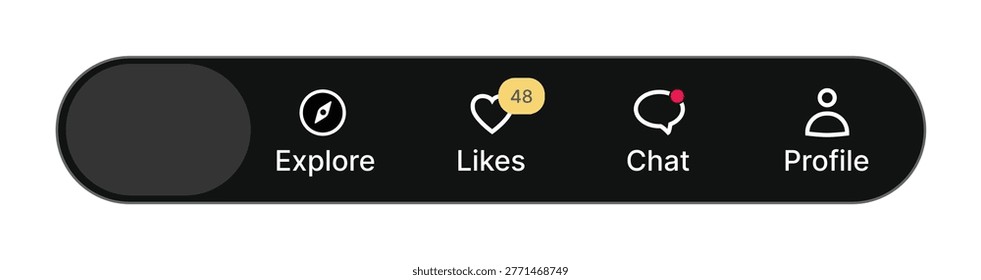 | Opens profile dashboard displaying name and numeric ID (TOPUPlive) |
| Profile header (alternate) | Avatar icon (top-left) |  | Alternate entry into the View / Edit Profile screen (vgtopup) |
| Under display name | 10-digit numeric ID |  | Permanent account number for lookups and transactions (vgtopup) |
Running the official Likee Android package requires mobile hardware operating on Android 6.0 or higher (Uptodown). Devices running older operating systems cannot install the client updates required to display current account interfaces.
Likee ID vs username handle
A frequent source of confusion on Android comes from confusing your Likee ID with your profile handle or display name. They serve completely different purposes in the system.
Your display name is an editable nickname chosen by you. When you tap the Share Profile button or the three-dot (⋯) menu on your profile page, the app generates a shareable web link (GetAFollower). This copied URL formats as:
https://www.likee.video/@yourusername

This clipboard link contains your @username text handle, not your numeric ID. Automated systems, direct top-up gateways, and certain verification forms cannot parse a web URL or an alphabetical handle. They require the standalone 10-digit number displayed below your name.
| Identifier Type | Format & Structure | Where It Appears | Primary Use Case & Source |
|---|
| Likee ID | 10-digit number | Beneath display name in View / Edit Profile | Direct account identification and Likee Diamonds recharges (vgtopup) |
| Profile URL | https://www.likee.video/@yourusername | Share Profile button or three-dot (⋯) menu | Web sharing and social media profile linking (GetAFollower) |
| Account Support Package | Username + Phone/Email + ID | Internal app settings and external forms | Formal ban appeals sent to feedback@likee.video (Enjoygm) |
While social sharing uses the handle URL, formal platform interactions rely on the numeric identifier. For instance, official account appeals sent to feedback@likee.video request users to submit their username, registered email or phone number, and account ID together to confirm account ownership (Enjoygm).
How to copy and manage your Likee ID on Android
Copying a numeric sequence manually creates room for typos. One transposed digit points to a completely separate account.
To copy the number accurately, press and hold your finger directly over the 10-digit string beneath your name in the profile view until a copy confirmation appears. Depending on your Android system version, system clipboard tools can help manage the copied text.
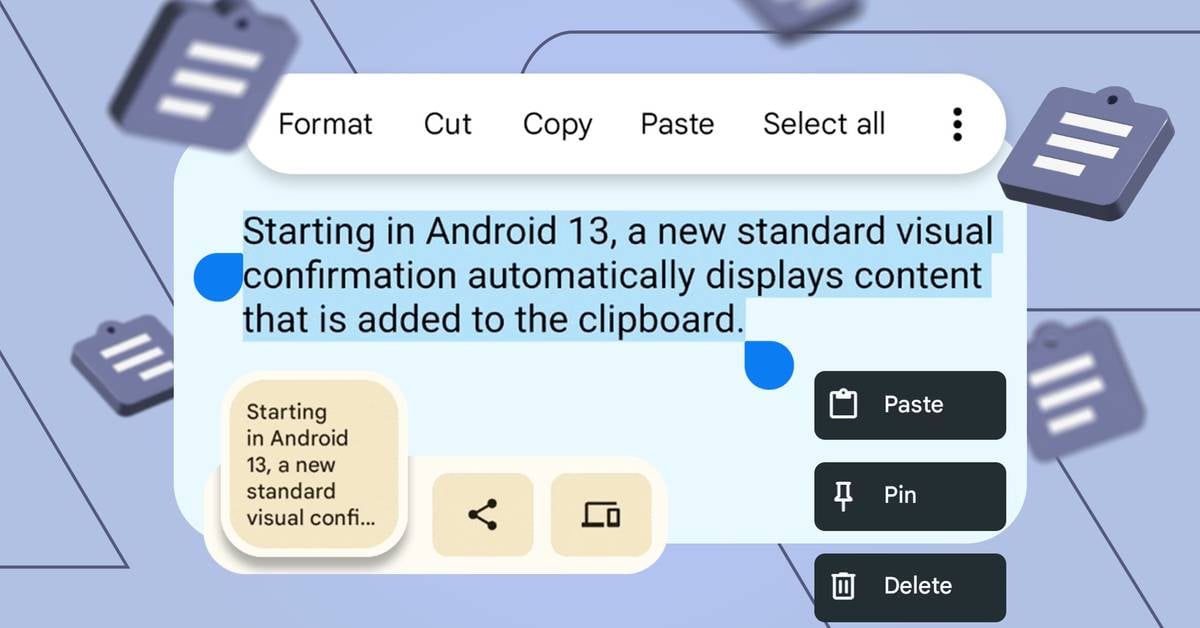
On devices running Android 13 or newer, copying text triggers a small visual clipboard overlay near the bottom of your display (Honor). This overlay provides an instant visual confirmation of the copied digits and allows immediate editing if unintended spaces were captured.
If you use standard Android keyboards such as Gboard or Microsoft SwiftKey, you can access the built-in clipboard manager (Honor). Pinning your 10-digit Likee ID inside your keyboard clipboard prevents Android from clearing the number during background cache cleanups, saving you from navigating back to your profile screen later.
Diamond top-ups and identifier requirements
Accurate Likee ID retrieval is most frequently required when managing platform currencies. Likee uses two distinct currency types with different rules and acquisition methods.
Likee Coins are earned through platform engagement and carry restricted functionality inside the app (vgtopup). In contrast, Likee Diamonds are the platform's paid premium currency, purchased with real money to send live stream gifts, unlock premium AI and AR effects, and advance through VIP levels (vgtopup).
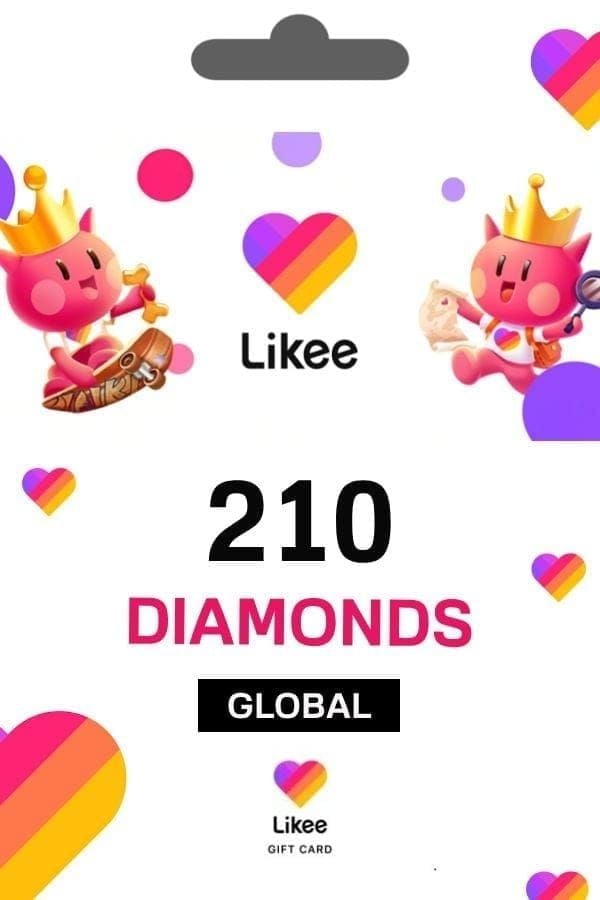
External balance recharges require only your 10-digit Likee ID without exposing your account password. Submitting the exact number ensures that purchased currency delivers directly to your balance.
| Package Tier | Verified Price (USD) | Identifier Required | Currency Function & Source |
|---|
| 100 Diamonds | USD 1.62 | 10-digit Likee ID | Stream gifts and basic perks (vgtopup) |
| 500 Diamonds | USD 8.15 | 10-digit Likee ID | AI and AR effects access (vgtopup) |
| 1,000 Diamonds | USD 16.30 | 10-digit Likee ID | Creator gifting and perks (vgtopup) |
| 5,000 Diamonds | USD 80.86 | 10-digit Likee ID | VIP level progression (vgtopup) |
| 10,000 Diamonds | USD 161.71 | 10-digit Likee ID | High-tier gifting packages (vgtopup) |
| 20,000 Diamonds | USD 323.42 | 10-digit Likee ID | VIP advancement and perks (vgtopup) |
Because ID-only deliveries process automatically based on numeric input, verify all 10 digits against your profile screen before submitting any transaction.





Comments