Joining an official Marvel Rivals test server depends entirely on your platform: PC players request access directly through the Steam client's built-in Playtest button, while console users must submit an official developer screening survey to receive redemption codes via email. These preview sessions are non-paid, data-wiping environments rather than permanent public test servers, meaning your ranks and match stats vanish when the test closes, though specific quest rewards carry over to the live game.
How to Register: Steam Playtest vs Console Surveys
Getting preview build access is not a universal process across platforms. NetEase runs PC access straight through Valve's backend, while console distribution on PlayStation 5 and Xbox Series X|S requires manual screening.
On PC, you bypass forms. You head straight to the Steam store page for the game, look for the "Join Marvel Rivals Playtest" section, and click Request Access (Marvel Rivals Official Announcement). NetEase processes these requests in daily batches. If selected, Steam sends an automated confirmation email to your account, and your store page updates with install permissions.
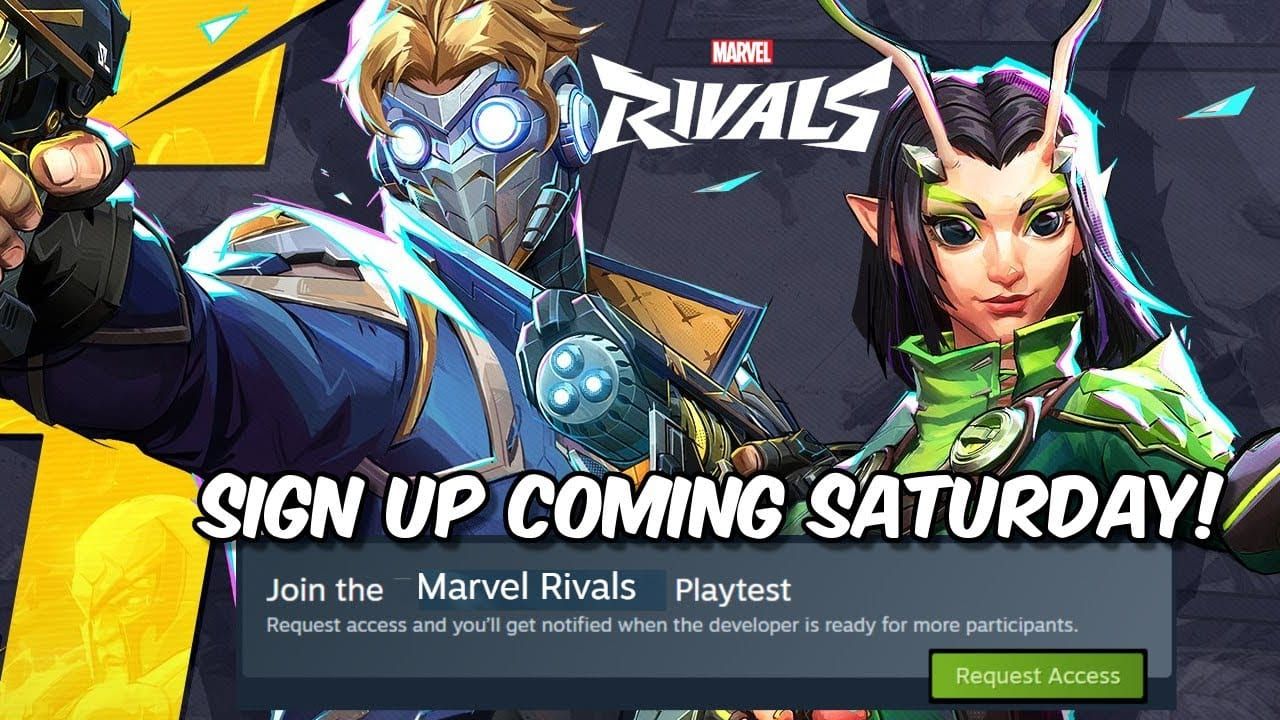
Console players cannot click a store button to join. Instead, you must complete the official developer screening questionnaire hosted on Easebar (NetEase Survey Portal). NetEase reviews submissions and emails platform-specific voucher activation codes directly to chosen applicants. You then redeem that key on the PlayStation Store or Xbox network. Keep an eye on your spam folder; missing that voucher means missing the testing window.
| Platform / Route | Official Entry Method | Access Delivery & Conditions | Visual Reference |
|---|
| Steam PC Playtest | Steam Store Page Request | Daily notification emails via Steam client (Source) |  |
| Secondary Invites | Twitch Drops & Community Events | Stream drop campaigns and Discord giveaways (Source) | 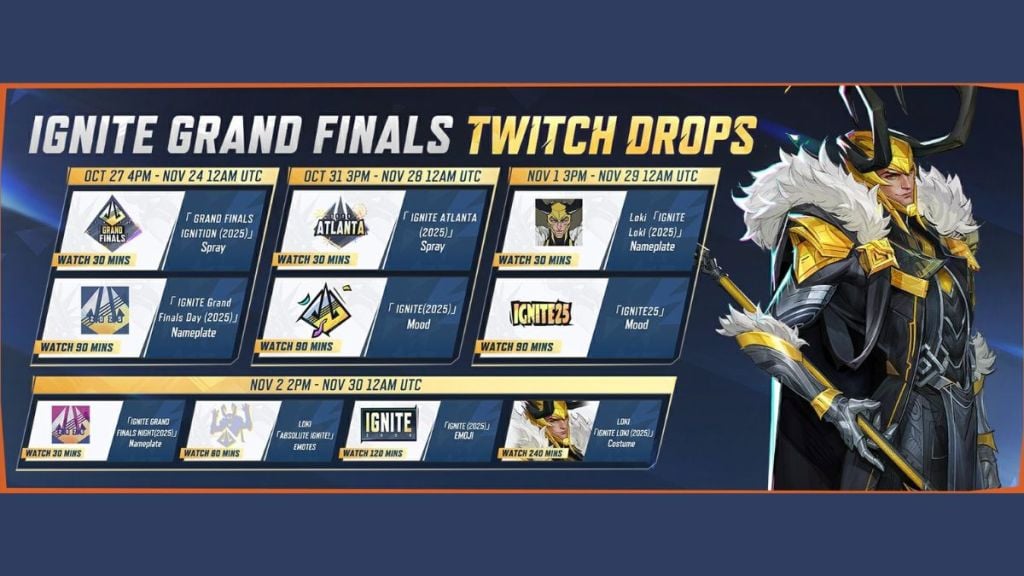 |
| Alpha Veteran Carryover | Account Progression Milestone | Automatic entry for players reaching Level 10 in Alpha (Source) | 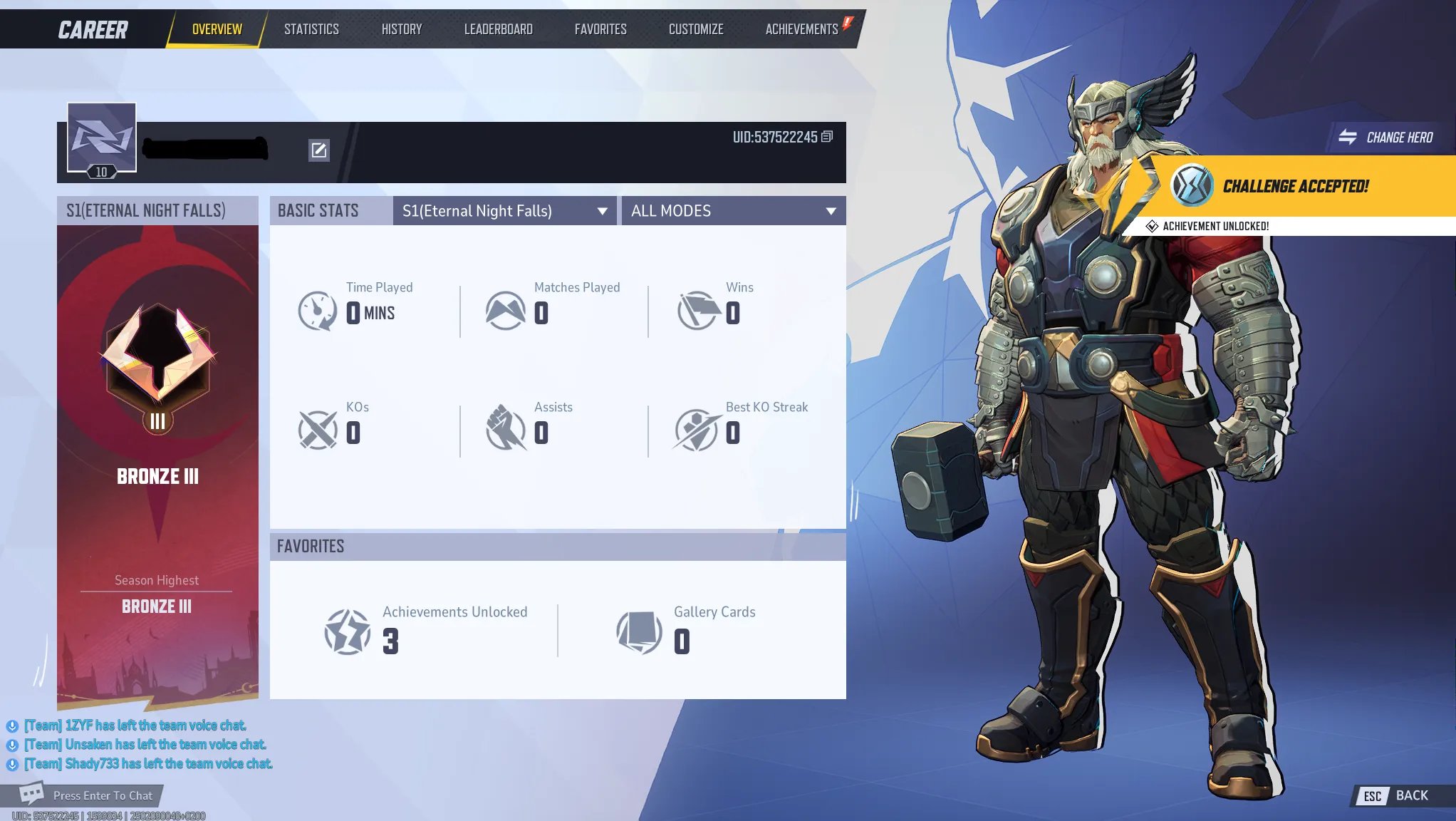 |
Backdoor Routes: Twitch Drops, Discord, and Friend Invites
If the store lottery leaves you empty-handed, secondary distribution channels exist. NetEase regularly routes extra test capacity through community interactions during preview windows (Official News).
First, watch for official Twitch Drops campaigns. By linking your game account and watching eligible creators during designated drop windows, you can claim beta redemption keys directly from Twitch inventory. Second, the official Marvel Rivals Discord hosts separate community giveaways.
Finally, check your friend group. Players actively participating in test builds can earn bonus activation keys simply by completing in-game quests. Once they clear those tasks, the client provides them with extra codes to share with friends. If you missed the primary sign-up, your best ticket inside might be a squadmate who already got in.
Test Build Progression Carryover: What Stays and What Wipes
Here is the cold reality of Marvel Rivals test builds: they are non-paid data deletion environments. Do not treat these preview servers as a live competitive ladder. When NetEase shuts the test server down, your match history, level grind, and character progression are completely wiped (Marvel Rivals Official Announcement).
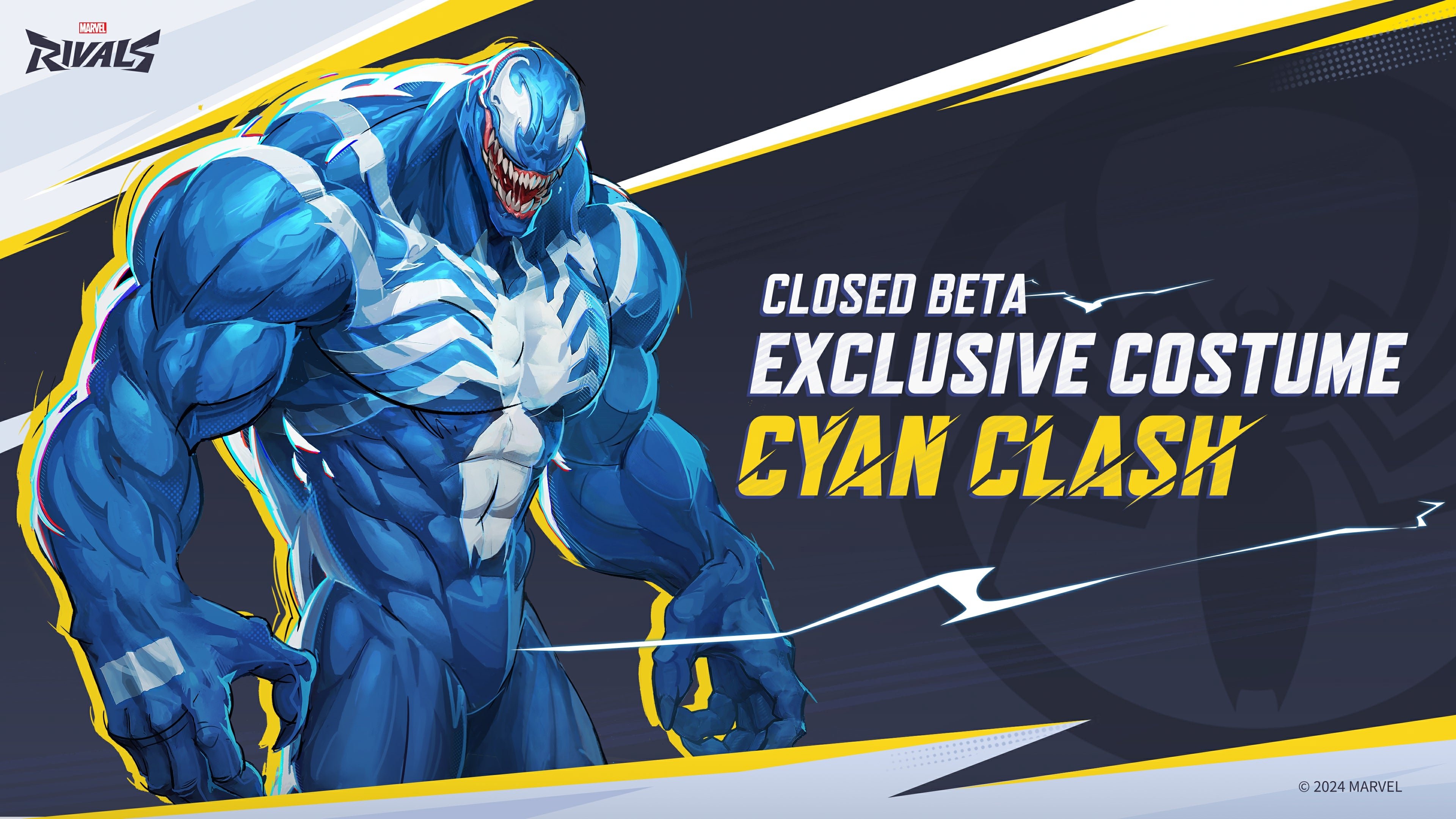
The exception lies in designated permanent rewards. During test campaigns, specific milestone activities yield items designed to transfer over to the official launch client. A prime documented example is the permanent Cyan Clash Venom costume earned by finishing Galacta's Quest during the Closed Beta Test.
To ensure those unlocked rewards survive the server wipe, you must log into the official release using the exact same platform account and credentials you used during the test. If you change Steam accounts or console IDs, those exclusive cosmetic unlocks are lost forever.
| Build Feature | Test Server Status | Live Game Outcome | Source Reference |
|---|
| Account Level & Stats | Active during test window | Completely deleted upon server shutdown | Marvel Rivals News |
| Competitive Rank | Platform-isolated ladder | Wiped entirely at test conclusion | Marvel Rivals News |
| Milestone Skin (Cyan Clash Venom) | Earned via Galacta's Quest | Carries over permanently with identical login | Marvel Rivals News |
| Consumables & Match History | Experimental build only | Reset to zero upon client termination | Marvel Rivals News |
Ranked Rules and Cross-Play Limits in Test Builds
NetEase enforces very distinct matchmaking boundaries in preview environments that catch new testers off guard. Standard quick matches permit full cross-platform matchmaking between Steam, PlayStation 5, and Xbox Series X|S. Ranked competitive play, however, draws a hard line.
PC players and console players cannot queue together in test competitive modes (Marvel Rivals Official Announcement). Competitive matchmaking strictly segregates PC mouse-and-keyboard lobbies from console controller lobbies. To ensure match liquidity, all console competitive matchmaking is routed through a single centralized server during test periods.
That leaves no wiggle room for mixed-platform competitive squads: if you want to team up across PC and console, you are restricted strictly to casual Quick Match lobbies.
Upcoming Patch Previews: How NetEase Previews Content
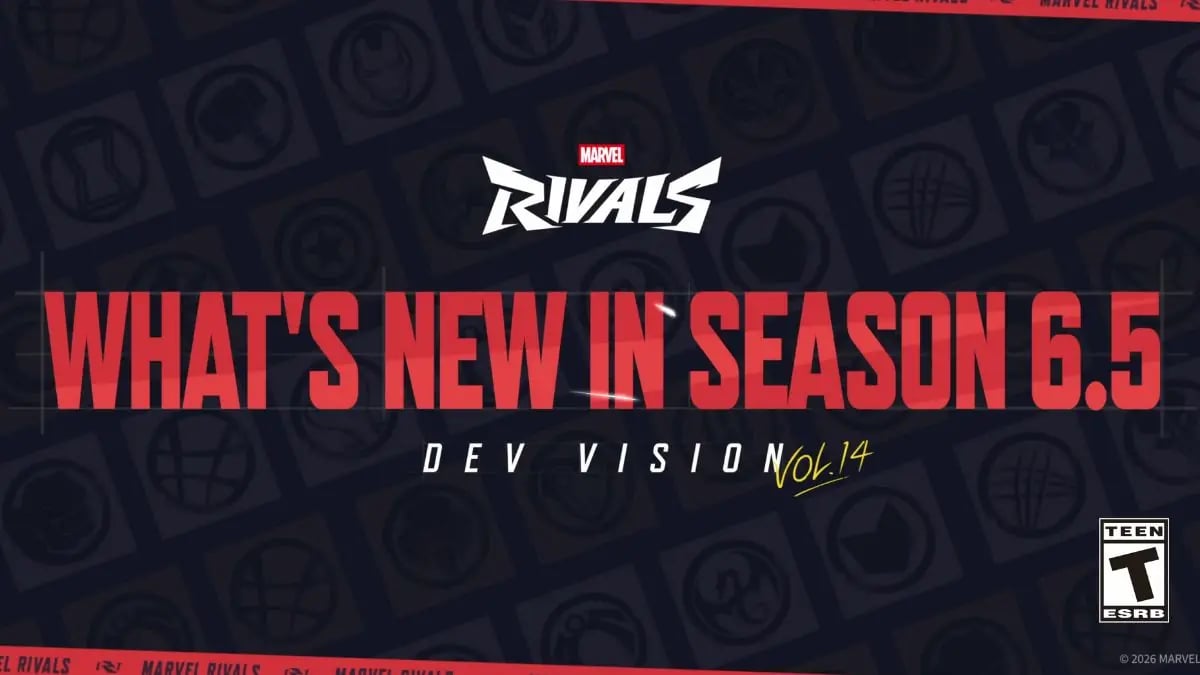
If you are expecting an ongoing, always-online test server, Marvel Rivals does not run one. NetEase skips the permanent sandbox server in favor of scheduled, event-based Closed Alpha and Beta test windows alongside official developer broadcasts titled Dev Vision (Marvel Rivals Developer Hub).
Dev Vision broadcasts (such as Dev Vision Vol. 22 covering Season 10.5 modes and themes) preview upcoming hero mechanic adjustments, Marvel Cinematic Universe-inspired game modes, and map balance changes before test builds deploy. Formal pre-patch balance posts accompany these videos, outlining experimental numbers. If you want to know what changes are arriving before a client patch drops, tracking these broadcasts provides the official roadmap without relying on unconfirmed community speculation. When live updates drop and you want to expand your hero roster styling, you can check out Marvel Rivals customization options.
Test Server Requirements and Streaming Rules
Test builds for Marvel Rivals do not operate under non-disclosure agreements (NDAs). NetEase explicitly encourages players to stream match gameplay, publish recordings, and discuss balance openly on public channels (Marvel Rivals Official Announcement).
Subscription requirements are also tester-friendly: console players do not need PlayStation Plus or Xbox Game Pass memberships to participate in Marvel Rivals playtest servers. If you receive an official code, you can download the client and play online completely free of paid platform tiers.
Treat each playtest as an isolated, temporary sprint. Sign up early via the official channels, focus your time on clearing quest objectives that award permanent cosmetics like Cyan Clash Venom, and expect your competitive ladder stats to wipe when the testing lights go dark.
Follow VGTopup for more Marvel Rivals news~




Comments