Choosing between in-game app store billing and external User ID recharge comes down to credential safety, payment platform limits, and regional processing routes. In-game transactions charge through mobile platform stores or direct client gateways, whereas direct web top-up requires only public character identifiers like your Account ID, User ID, and active server selection. Web-based recharges via direct UID channels eliminate account sharing entirely while syncing Heart Diamonds across linked mobile and PC clients, provided you verify your server cluster before checkout.
Core Functional Differences: In-Game App Stores vs. Web Top-Up
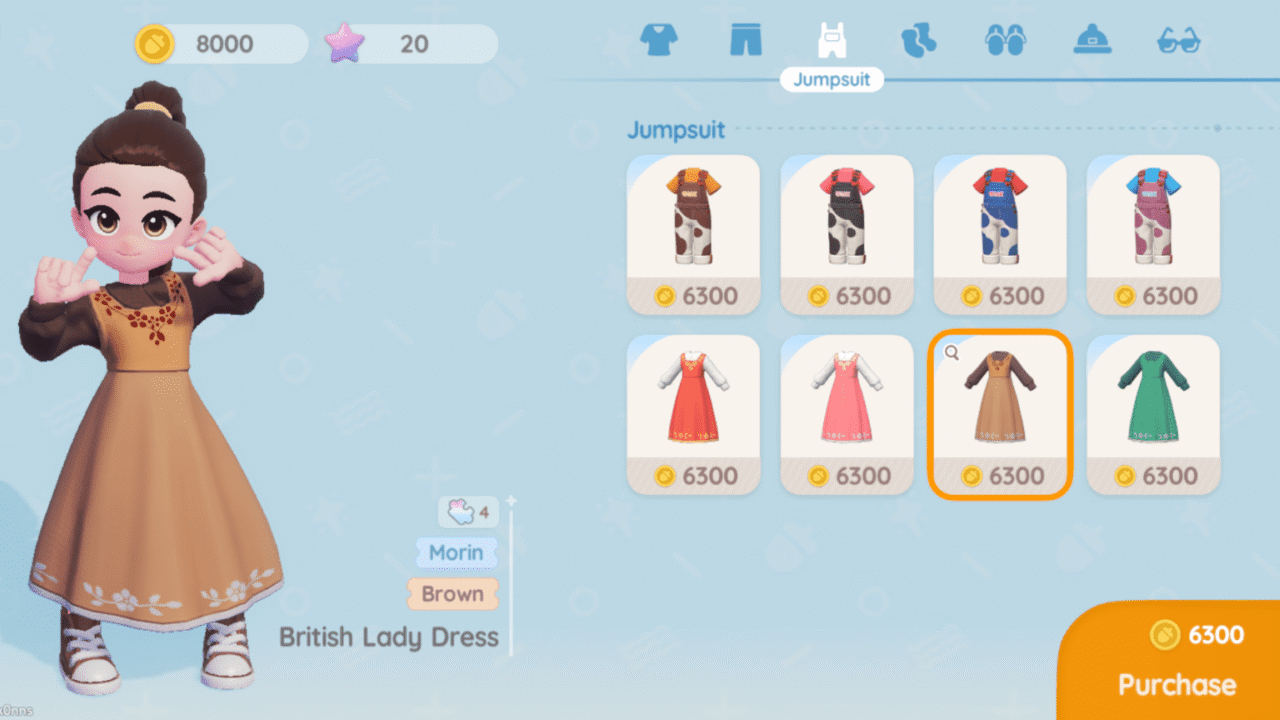
XD Entertainment's Heartopia uses Heart Diamonds as its primary currency for outfits, furniture blueprints, building parts, and memberships. In-game purchases route billing through platform stores (Apple App Store, Google Play) or PC payment gateways. Web channels move this transaction out of the game client to external billing providers.
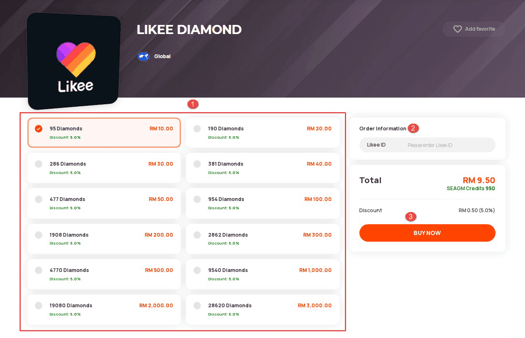
For official browser billing, players can open the official website and click the Pay button, which directs straight to XD WebPay. This route lets you confirm your server, verify character data, and inspect the order summary before processing checkout. Alternatively, third-party recharge marketplaces offer direct character injection using public IDs. Platforms like VGTopup fulfill orders by sending assets directly to game profiles without launching the local app store interface.
| Feature | In-Game App Store Purchase | Official XD WebPay | Direct Web UID Recharge |
|---|
| Account Data Needed | Store account login (Apple/Google) | Heartopia login / character details | Public Account ID, User ID, and Server |
| Password Sharing | Never | Never | Never (on verified direct UID platforms) |
| Checkout Gateway | Native platform billing | XD WebPay checkout gateway | External platform checkout |
| Item Delivery Path | Immediate balance / Mailbox | In-game balance / Mailbox | Direct server injection / Mailbox |
| Client Cross-Sync | Full cross-platform sync | Full cross-platform sync | Full cross-platform sync |
Native app store purchases process under your linked mobile account payment options, which often incur platform-specific billing rules or local store surcharges. Direct web portals use independent processors that bypass mobile app store constraints while crediting identical pack tiers, ranging from the base 60 Heart Diamonds tier up to the largest 6480 Heart Diamonds bundle.
Account Security: UID Recharges vs. Login Sharing
Security profiles vary sharply depending on the information an external site requests. Direct web recharges on platforms such as VGTopup's Heartopia portal require only public identifiers: your Account ID, User ID, and server region. Because no account passwords, one-time verification codes, or third-party platform credentials change hands, third parties cannot access your private inventory, change linked credentials, or trigger security flags on your profile.
Not all off-platform sellers follow this protocol. Third-party sites differentiate strictly between direct ID recharges and full login top-ups. TopupCheap classifies UID top-up as the safest route because it operates exclusively with your Player ID and server selection, while reserving login top-ups for certain bundles that require staff access.
Third-party services handle account access under different terms:
- Credential Demands: BuffBuff requires players to input an Account ID, Server, Account Password, and UID to complete orders, exposing private credentials to third parties.
- Client Restrictions: BuffBuff explicitly notes that its top-up service cannot service Steam accounts.
- Credential-Free Web Services: Services like VGTopup confirm orders directly through game servers using public account identifiers without requesting login credentials, personal passwords, or third-party authorizations (VGTopup).
Handing over passwords surrenders control of your login credentials. UID-only routes remove that risk entirely because transactions complete through public character routing without account access.
Server Clusters and Eligibility Requirements
Direct web top-up requires entering your parameters manually instead of relying on an active client session. If you enter incorrect profile data during a web recharge, your transaction may stall or credit a completely different profile.

Heartopia partitions player progression across 5 distinct server clusters: Global, SEA, America, Asia, and TW,HK,MO (VGTopup). Player inventories, houses, and neighborhood instances remain locked to the specific cluster where the profile was created. If you play on the America server but inadvertently choose SEA during web checkout, the delivery server will search for the numerical ID on SEA. If an identical character ID happens to exist there, that account receives the currency; if not, the fulfillment system halts with a delivery failure.
Before ordering on the web, find your account identifiers and current server inside the client:
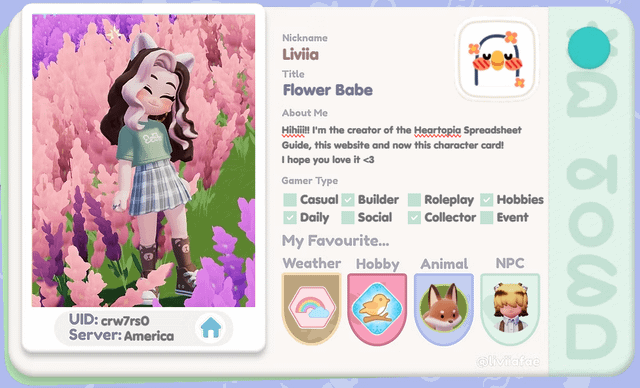
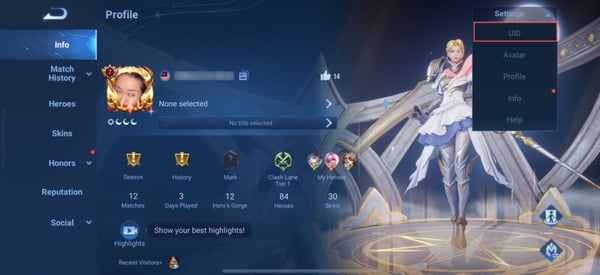
- User ID (UID): Tap your avatar profile icon located in the top-left corner of the game screen to locate your numerical UID.
- Account ID: Open the in-game Settings menu and navigate to the Account tab to copy your alphanumeric Account ID string (VGTopup).
- Server Region: Check the server cluster listed on your title screen before logging in.
Confirming both strings against your server cluster prevents failed deliveries and support delays.
XD Entertainment synchronizes purchased assets across devices using unified account data (VGTopup). Currency added via web top-up appears whether you log in on iOS, Android, or the official PC client, provided you connect to the matching account and server cluster.
Web orders credit immediately upon payment verification, but delivery paths differ depending on the item purchased:
- Standard Heart Diamonds: Added straight to your top-bar balance after server synchronization.
- Event Packs and Bundles: Promotional packages, membership items, and seasonal bundles frequently land in your in-game mailbox located in front of your residential house rather than updating your top-bar balance immediately (VGTopup).
If you complete a direct web order while actively logged in and your currency total remains unchanged, close the Heartopia application entirely. Relaunching the client triggers a fresh server handshake that pulls the updated balance and mailbox notifications into your active session.
What to Do If Currency Does Not Arrive
When a purchase fails to appear after a web transaction, avoid placing a duplicate order. Run through these sequential recovery steps:
- Inspect Your House Mailbox: Walk your character to the residential mailbox outside your home to verify whether bundle tokens or bonus items are waiting as unclaimed attachments.
- Trigger a Client Restart: Force close the game client on your mobile device or PC, wait thirty seconds, and restart to refresh your data against the live cluster.
- Inspect Order Confirmation Details: Review your checkout receipt to confirm that the selected server matched your active cluster, and that no digits were transposed in your User ID or Account ID.
- Contact Platform Support Early: If you notice an incorrect server selection on your order, contact the platform's support team immediately before the fulfillment status transitions to completed (VGTopup).




Comments