The afternoon the NtE trail went cold
The mismatch is basically the whole story, so let's pin it. Hammer the NtE-specific searches (character pages, balance notes, build threads on the community side) and you get nothing. No Evanescia, no NtE kit data, zero. What surfaces every single time is Star Rail material: she's logged as a 5-star Physical Elation DPS built on two named systems, Certified Banger and Punchline, per the Honey Hunter World HSR Wiki. That's an HSR data wiki. The domain name alone tells you where she lives.
Been reading "Evanescia kit Neverness to Everness" guides and quietly wondering why the team-comp advice never squared with NtE's combat? Of course it didn't. Different games. The action layer, the resonance synergy, the gear vocabulary, none of it overlaps. My read is that anyone shipping an NtE-flavored Evanescia build has reskinned Star Rail copy and is betting you won't clock it. Don't pull. Don't earmark a banner. Don't assemble a team around a unit your game flatly does not have.
The nasty part isn't the wrong-game thing on its own. It's that these reskins lift accurate HSR multipliers and dress them in NtE phrasing, so they read like they know what they're talking about. Real numbers, fake context. That's the kind of confusion that costs people money.
After the searches died: what the real (HSR) kit actually does
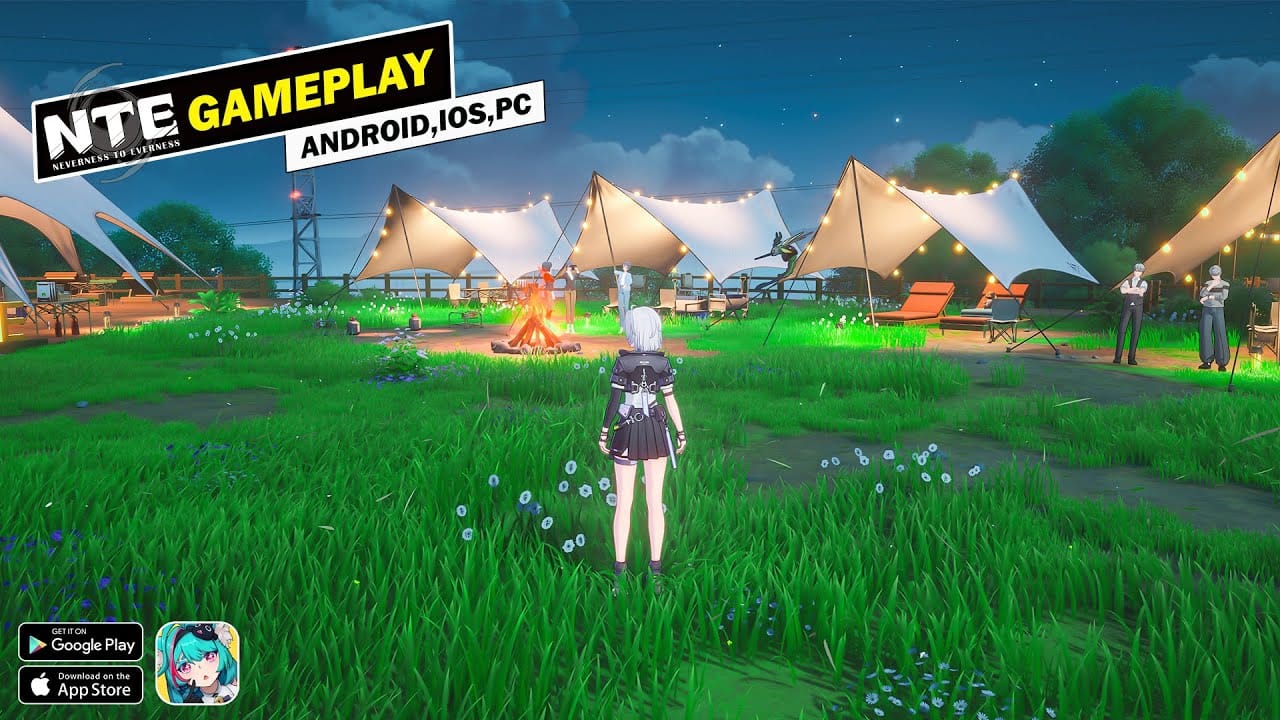
The only traceable kit data on the table is Star Rail's, so here it is straight. Handy if you play HSR, and handy as the receipt proving exactly what's been getting mislabeled. One caveat before the numbers: pre-release multipliers wander from leak to leak, so read the figures as community estimates, never scripture.
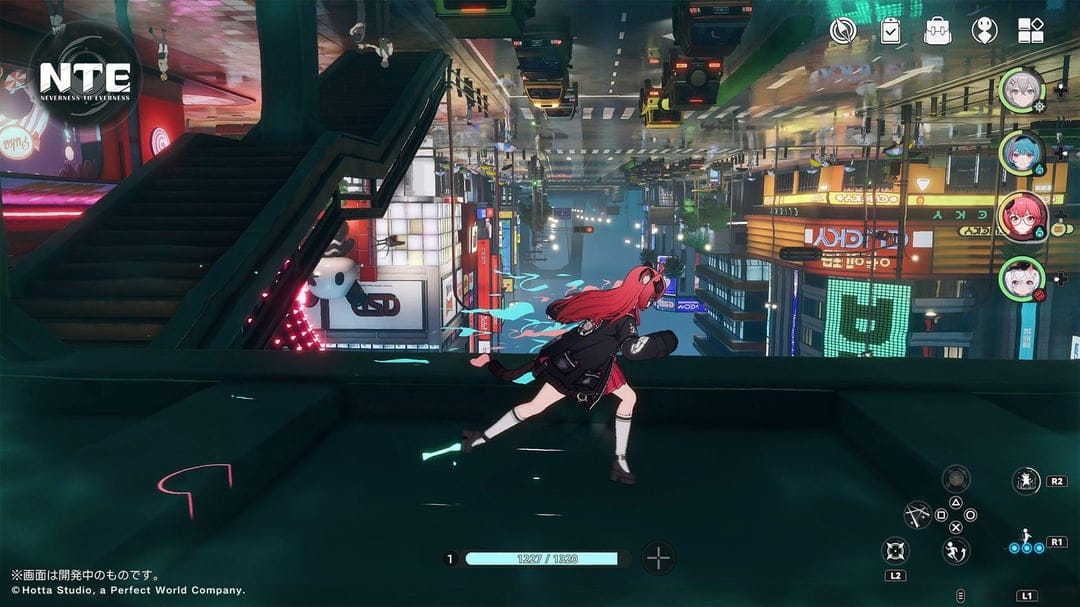
Burst is the whole identity. According to ldshop.gg, her skill lands somewhere near 480% ATK on the primary target plus 240% to neighbors while building 5 Punchline, and the ult opens with a 240% ATK AoE before scattering five random 160% bounces. The basic attack is where the leaks fight each other most. One listing tags it at 100% ATK single-target. Others fling it anywhere between 50% and 140%. A spread that wide usually means the kit wasn't locked when somebody captured it.
The Elation talent is the genuinely clever bit, and it's why "just stack ATK" sells her short. Across several 2026 sources, banking Elation flips into 25% CRIT DMG, and her energy generation rides on Certified Banger stacks. So her ult uptime hangs on how the rotation churns resource, not on the clock ticking over. Most reskinned guides bury that lever entirely: order your actions to pile up Certified Banger and the ult comes online faster, and the ult is where the damage actually sits.
| Skill |
Effect (community leak) |
Notes |
| Basic ATK |
~100% ATK single-target (50–140% across leaks) |
Widest disagreement between sources |
| Skill |
~480% ATK main + 240% adjacent, +5 Punchline |
Core Punchline generator |
| Ultimate |
240% ATK AoE + 5× 160% random bounces |
The real payoff window |
| Talent |
Elation → +25% CRIT DMG; energy = Certified Banger |
The reason CRIT DMG scaling matters |
Source: ldshop.gg Evanescia Kit and Honey Hunter World HSR Wiki (2026); figures are pre-release community leaks and may differ from live values.
What the scaling tells you about gear — and where the copy-paste advice fails
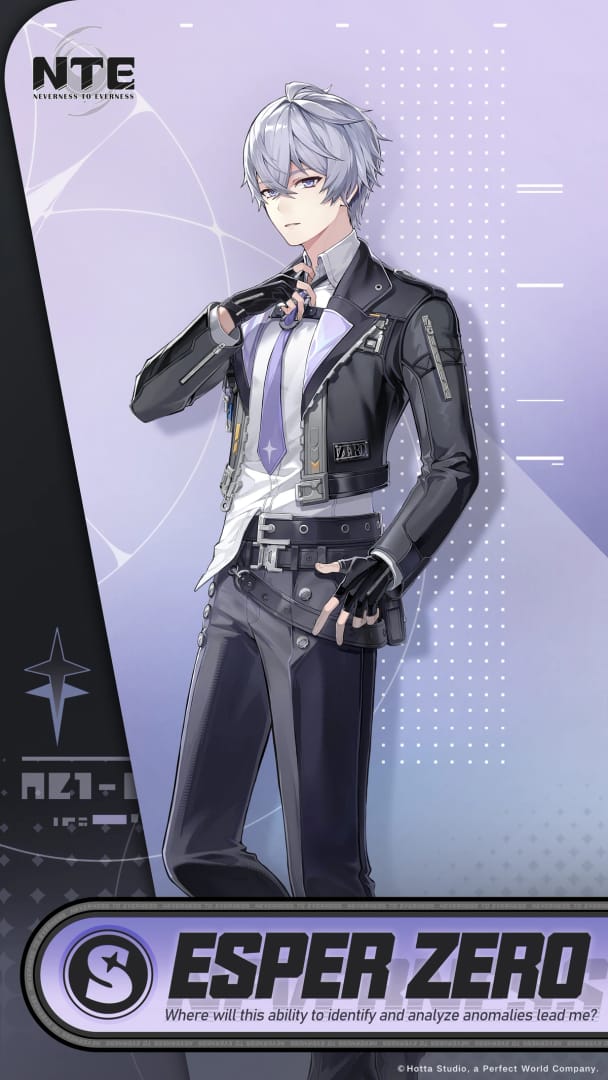
Lay those numbers side by side and the gear plan writes itself. A talent that gifts 25% CRIT DMG off Elation means CRIT DMG is the stat that snowballs, which is why kitted accounts go crit-first. On the signature side, community build coverage flags 'Until the Flowers Bloom Again' as the cleanest fit for CRIT DMG and Energy Regen, per buffhub.com. And the Energy Regen half is the slice most tier lists wave past. It isn't merely a crit stick. It's an ult-uptime stick.
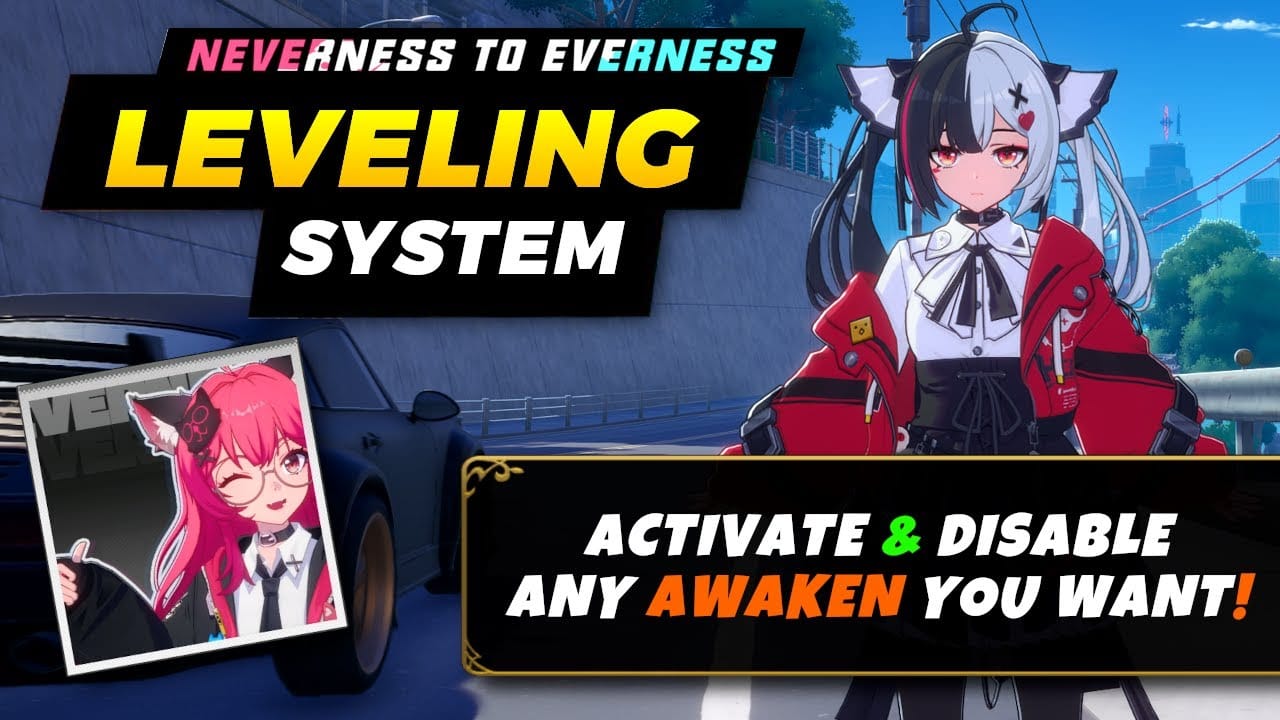
Now the contrarian bit I'll defend: the "max CRIT immediately" gospel torches early resources. A flat-ATK bridge often outdamages a half-baked crit setup, because CRIT DMG does precisely nothing until your CRIT rate is high enough to land hits with any regularity. Pile CRIT DMG substats before the rate can trigger them and your damage turns into a coin flip, monster numbers when you crit, dead air when you whiff. For a fresh or resource-starved account, flat ATK is the saner stepping stone. Crit-first is where you end up, not where you start.
The rotation blunder that bleeds the most damage isn't even a stat. It's ulting too soon, before the stack window crests. Her energy lives off Certified Banger, so dumping the ult the instant the bar fills, rather than when stacks peak, hurls away the burst the kit is engineered around. Run her solo with nobody feeding energy and you'll feel it on every cooldown: the ult arrives late and limp. That same windup is why a steady attacker can outrun her in fast-clear content. Her ceiling assumes you get the burst window, and some content simply refuses to hand it over.
What an Evanescia banner is worth by spend profile
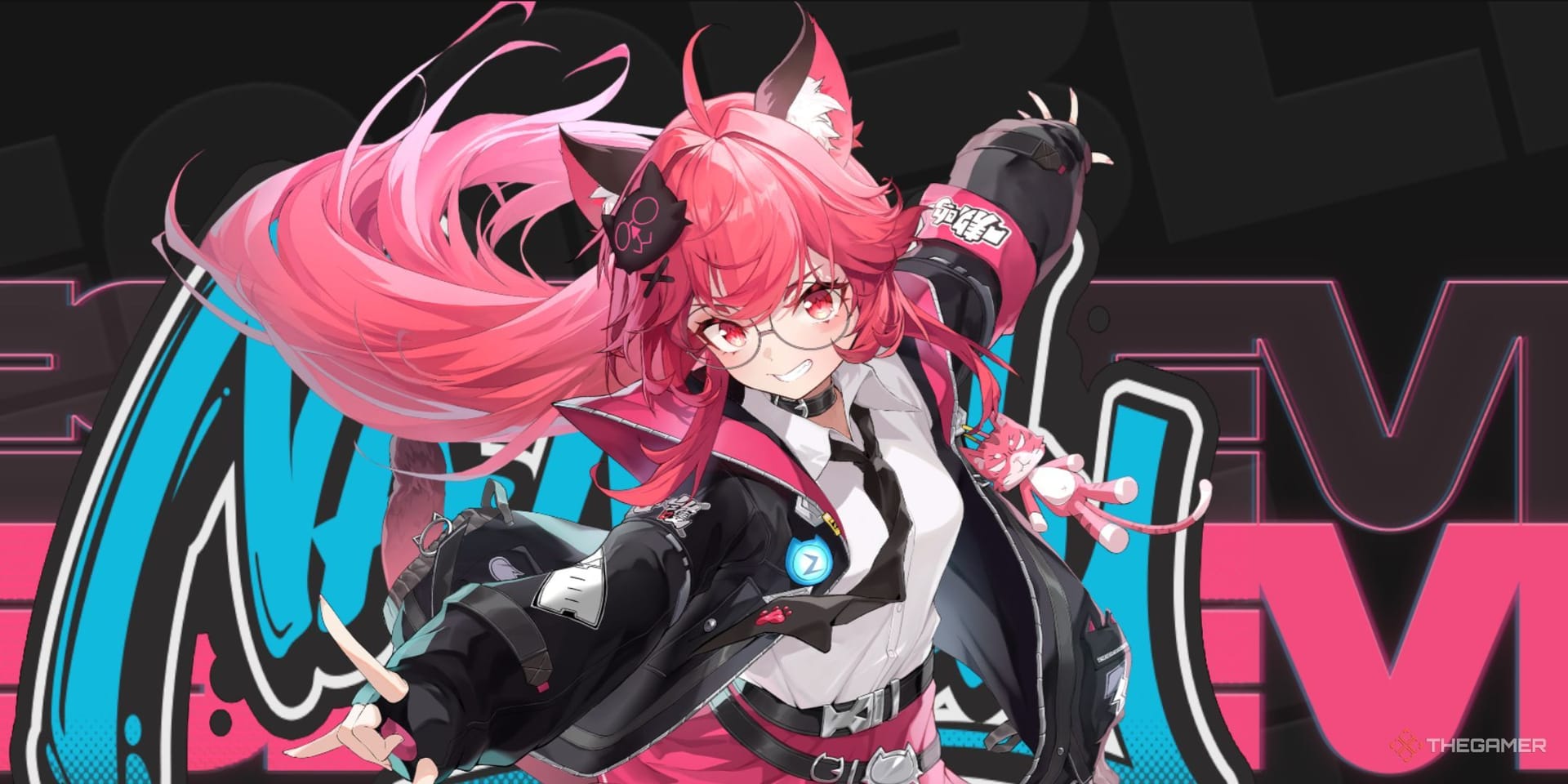
For Neverness to Everness players the verdict is dull and unanimous: there's nothing to pull. She isn't here. No NtE F2P, monthly-pass holder, or mid-spender should sink a single resource into an "Evanescia banner," because per every result I can dig up, that banner doesn't exist.
For Star Rail folks weighing the actual character, the spend split is where the real call gets made:
- F2P / zero spend: Second- or third-priority pull, not a day-1 sprint. Her payoff leans hard on the signature's Energy Regen and on a team feeding Certified Banger; strip that support out and the ult-dependency punishes you. She rewards investment you probably don't have yet.
- Low-spender (monthly pass): Workable if you commit to the whole package. Energy-feeding teammate first, signature or a stout Energy-Regen alternative second. Grabbing the character and skipping the support is the classic way to misspend.
- Mid-spender: Her sweet spot, since you can actually afford the CRIT-DMG-plus-Energy-Regen ceiling the kit's tuned around. The signature earns its slot here in a way it never does on budget builds.
My call: overrated as a standalone carry. The numbers shout on a tier list, but a list ranking raw multipliers ignores how much of her output is padlocked behind the ult window, and how fast clear content can yank that window out from under her.
If you do play HSR and decide she's your pull, topping up for her banner is its own conversation. Disclosure: Neverness to Everness top up is one route for VGTopup users, though the more valuable move is just confirming you're spending on the right game first.
What I'd do differently before trusting the next "Evanescia NtE" guide
Check the character label before you read a single multiplier. The one tell that would've saved me an afternoon: "Physical Elation DPS" is Star Rail vocabulary. The second a guide leans on HSR's path-and-element framing while swearing it covers NtE, close the tab. The kit data isn't fabricated. It's just bolted to the wrong game, and that gap is precisely what these articles work. Name the game, then read the build.
Frequently Asked Questions
Is Evanescia in Neverness to Everness at all?
No. Searches across NtE character pages, patch notes, and community threads return no Evanescia and no NtE-side kit data, per all available 2026 results. Every kit, multiplier, and build pinned to her traces back to Honkai: Star Rail version 4.2 instead.
What role and element is the real Evanescia?
A 5-star Physical Elation DPS in HSR 4.2, built around the Certified Banger and Punchline systems, per the Honey Hunter World HSR Wiki. That Path-plus-element framing is itself the giveaway she's a Star Rail unit, not a Neverness to Everness one.
Why do the skill multipliers differ between guides?
Because the figures are pre-release leaks grabbed before the kit finalized. The basic attack especially swings from 50% to 140% across listings, per ldshop.gg, while the skill (~480%) and ultimate (240% plus bounces) hold steadier. Treat any precise number as a community estimate until it's confirmed live.
Is the CRIT build or ATK build better early?
On a fresh account, a flat-ATK bridge usually beats a half-built crit setup. CRIT DMG only earns its keep once your CRIT rate lands consistently, and her talent already hands you 25% CRIT DMG from Elation, per multiple 2026 sources, so heaping on more DMG without the rate just makes your damage lurch.
What's the single biggest mistake with her ultimate?
Firing it the instant the bar fills instead of when stacks peak. Her energy feeds off Certified Banger, so the ult is the kit's entire payoff window; release it early and you collect a weaker burst. Pairing her with an energy-feeding teammate, rather than running her solo, is what fixes it.









Comments