



Direct Party Hero Top Up Online
Party Hero brings energetic multiplayer mini-games, competitive arena challenges, and colorful character customization to mobile screens. To unlock exclusive character outfits, season passes, celebration effects, and in-game consumable bundles, players need a dependable source for currency refills. VGTopup provides a direct top-up system built specifically for Party Hero players who want quick balance updates without unnecessary account steps.
Online searches for Party Hero sometimes mix up the game with physical party rental equipment stores, costume supply shops, or unrelated strategy titles such as Top Heroes. This page is solely dedicated to the Party Hero mobile action game. By using direct Player ID processing, your balance is credited straight to your character profile, keeping your account safe while getting you back into match lobbies without delay.
How to Top Up Party Hero Using Player ID
Completing a Party Hero recharge takes only a few moments. Follow this simple guide to finish your purchase on VGTopup:
- Select Your Package: Browse the available Party Hero denomination options listed in the product catalog above and pick the amount you want to purchase.
- Enter Your Player ID: Input your exact Party Hero Player ID into the designated account field.
- Confirm Details: Double-check your entered Player ID to ensure proper delivery.
- Complete Checkout: Pick your preferred payment method from the available options at checkout and confirm the transaction.
- Check Your In-Game Balance: Launch Party Hero or refresh your lobby to see your newly credited currency.
How to Locate Your Party Hero Player ID In-Game
Your Player ID is the unique identifier assigned to your game profile. You do not need to share your login email, social media credentials, or account password. Here is how to find your Player ID:
- Launch the Party Hero application on your mobile device.
- Tap your Avatar / Profile Icon located in the top-left corner of the main lobby screen.
- Open the User Center or Basic Info tab inside your profile menu.
- Locate the numerical or alphanumeric string labeled Player ID (or ID).
- Tap the small Copy icon next to the number to copy it to your clipboard.
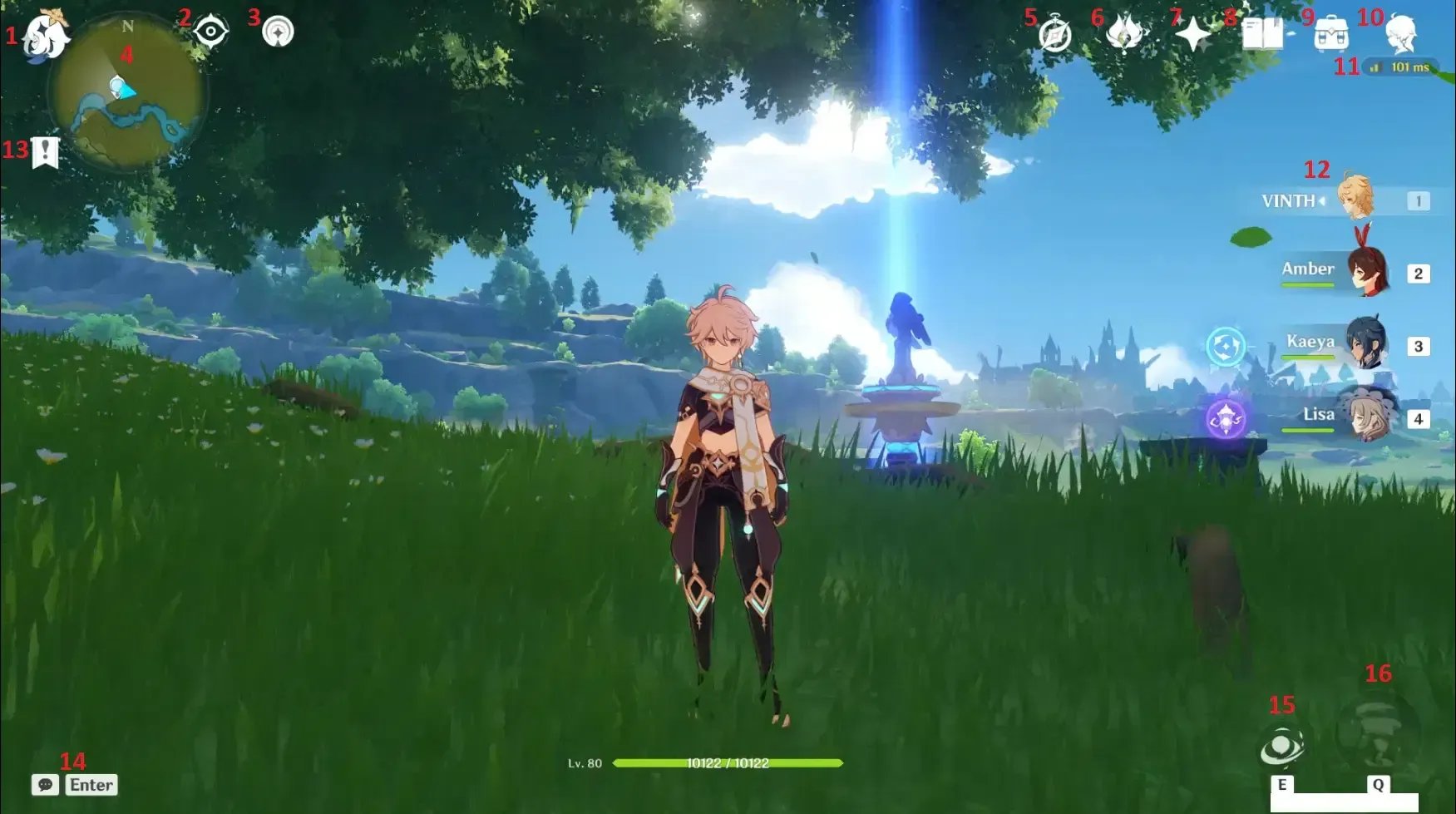
Always paste the copied ID directly into the VGTopup order field to avoid manual typing mistakes.
Why Choose Direct ID Recharge Over Account Sharing
Account safety is a major priority when buying digital game currency. Some third-party sellers ask for full login details, requiring players to hand over account passwords, verification codes, or linked social media access. Sharing credentials creates unnecessary security risks, including unauthorized account modifications, stolen items, or temporary suspensions for unusual login activity across different locations.
Direct ID recharge eliminates these vulnerabilities entirely:
- Zero Password Requirement: You never disclose your password, PIN, or two-factor authentication codes.
- No Login Handoffs: Your account stays logged in on your personal device without interruption.
- Privacy Protection: Your personal profile data, friend lists, and login history remain completely confidential.
- Simple and Fast: Because orders only require a valid Player ID, purchases are processed without waiting for manual account logins.
VGTopup prioritizes player safety by relying exclusively on official ID-based routing for Party Hero orders.
Party Hero Top Up Pricing and Package Options
VGTopup offers a variety of balance options to fit every player's needs, whether you are picking up a small bundle for daily challenges or stocking up for seasonal limited events. Real-time rates and package selections are displayed on the live checkout interface above.
| Feature | Direct Player ID Top Up | Account-Sharing Services |
|---|---|---|
| Password Required | No | Yes |
| Account Safety | High (Public ID only) | Low (Credentials exposed) |
| Game Downtime | None (Play while ordering) | High (Must log out) |
| Ease of Use | Copy & Paste ID | Complex verification steps |
| Delivery Method | Direct to Server Account | Manual account login |
All active prices, promotional rates, and pack sizes are updated live on VGTopup. Check the product selection panel above for current package availability.
Supported Regions and Server Availability
Party Hero is enjoyed by players across diverse global regions. When you top up through VGTopup, the system matches your unique Player ID directly with the game servers.
- Global Account Support: Works across standard international and regional game versions.
- Server Compatibility: Your Player ID automatically identifies your assigned game server, routing the purchased balance directly to your character.
- Cross-Device Usability: Whether you play on iOS or Android, currency added via your Player ID is accessible whenever you log in on your linked device.
Before finalizing your order, verify that you are entering the Player ID from your primary active account.
Troubleshooting Delivery and Payment Queries
If you experience any delay or have questions regarding your Party Hero balance update, use these quick troubleshooting steps:
- Restart the Game Client: In-game balance displays sometimes need a fresh session to update. Completely close Party Hero from your app switcher and restart it.
- Check Your In-Game Mailbox: Certain event items, promotional packages, or bonus currencies are delivered via the in-game mailbox rather than directly to the main counter. Open your mailbox in the lobby to claim any pending attachments.
- Verify Your Player ID: Review your VGTopup order confirmation email to ensure the Player ID submitted matches your in-game profile.
- Review Payment Status: Check your payment provider receipt to confirm that the transaction went through successfully.
- Contact Customer Support: If your balance has not updated after following the steps above, reach out to VGTopup customer support with your Order Number and Player ID for rapid assistance.
Frequently Asked Questions
How do I find my Party Hero Player ID?
Open Party Hero, tap your profile avatar in the upper-left corner of the main screen, and look for the ID number displayed on your profile card. Tap the copy icon next to the number to copy your Player ID instantly.
Do I need to provide my account password to top up Party Hero?
No. Top-ups on VGTopup only require your public Player ID. You should never share your game password, linked email account, or social login credentials with anyone.
How long does it take to receive my Party Hero recharge?
Orders are processed promptly after payment confirmation. In most cases, currency credits reflect in your Party Hero account within a few moments. During high-traffic events, restarting your game app will help display your new balance immediately.
What should I do if my Party Hero top up does not appear in my account?
First, force-close and relaunch Party Hero to refresh your account data. Next, check your in-game mailbox for claimable currency items. If the balance is still missing, check your order confirmation on VGTopup to make sure the submitted Player ID was correct, then contact customer support with your order details.
Can I buy a Party Hero top up for a friend using their Player ID?
Yes. Because the top-up process only needs a Player ID, you can surprise a friend or teammate by entering their Party Hero Player ID during checkout. The purchased package will be credited straight to their profile.
Which payment options are supported for Party Hero top up in 2026?
VGTopup supports a broad selection of global and localized payment options, including major credit and debit cards, secure online payment gateways, and regional payment methods. Select your preferred option at checkout to see all currently active payment providers.
Select Denomination
Tax, payment fees and eligible coupons are calculated at checkout.
| Package | Price |
|---|---|
| Party Hero - Party Hero*10000 | USD 159.17 |






























































