The free-patch player who spends absolutely nothing
The genuine surprise is how little you need to pay. Currency Wars 4.2 is content baked into the version update, and the headline additions cost zero currency to touch. Per Game8, the four new entrants (Ashveil, Silver Wolf LV.999, the Elation Trailblazer, and Evanescia) arrive as part of the rollout, and the cap lifting to 140 is a system-wide change confirmed in LDShop's coverage, not a gated unlock.
The biggest shift is structural, not cosmetic. From 4.2 onward, Currency Wars Points and Simulated Universe Points merge. The official notes put it plainly: "from Version 4.2, Currency Wars Points and Simulated Universe Points will be merged," per HSR Official Patch Notes. For a zero-spend player, that single line is the most consequential thing in the whole patch, and it carries no price tag. Your progression currency across two modes now pools, which reshuffles how you budget runs.
My read: a pure free-patch player doesn't need to open their wallet for anything in 4.2. The "should I buy" question genuinely doesn't apply to you for the core content. Most guides hyping paid bundles bury that fact, and it's the very first thing a low-spender deserves to hear.
| 4.2 content |
Access |
Source |
| Ashveil, Silver Wolf LV.999, Elation Trailblazer, Evanescia |
Part of free version patch |
Game8 (Apr 2026) |
| Elation Bond mechanic (Aha as co-combatant) |
Free system addition |
LDShop (2026) |
| Level cap → 140 |
Free system change |
LDShop (2026) |
| Points merge (Currency Wars + Simulated Universe) |
Free, automatic |
HSR Official Patch Notes (2026) |
Source: Honkai: Star Rail Version 4.2 Wiki / HSR Official Patch Notes / Game8 / LDShop (2026)
When you've got no card but still fancy a spend
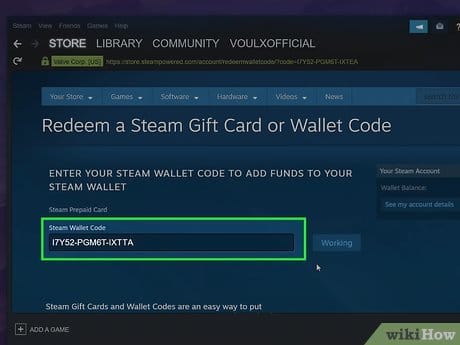
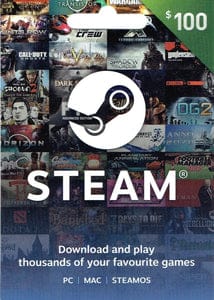
Now the real friction, which has nothing to do with 4.2 specifically. Honkai: Star Rail's optional spending (the part of the game living outside the free patch) runs through your platform wallet on PC. No card attached, or a bank that keeps swatting away cross-border charges? The Steam Wallet route sidesteps the whole faff. You turn a gift card into wallet balance, then spend that balance with no card ever brushing the transaction.
And the part people get wrong: the trouble they blame on "payment failures" is usually a region problem wearing a disguise. A gift card's region locks at the moment of purchase, and it has to match your Steam account's wallet currency to redeem. Buy a US-region card for an account whose wallet runs in euros, and it bounces. Not because the card's faulty, but because the currencies refuse to line up. That's the number-one avoidable mistake, and almost no update guide bothers to flag it.
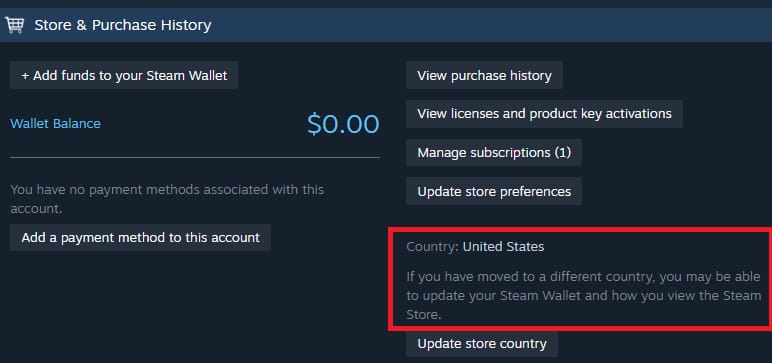
For card-less players, the sequence is short:
- Confirm your Steam wallet region first. It's set to the currency your account was created with, and it's a pain to change.
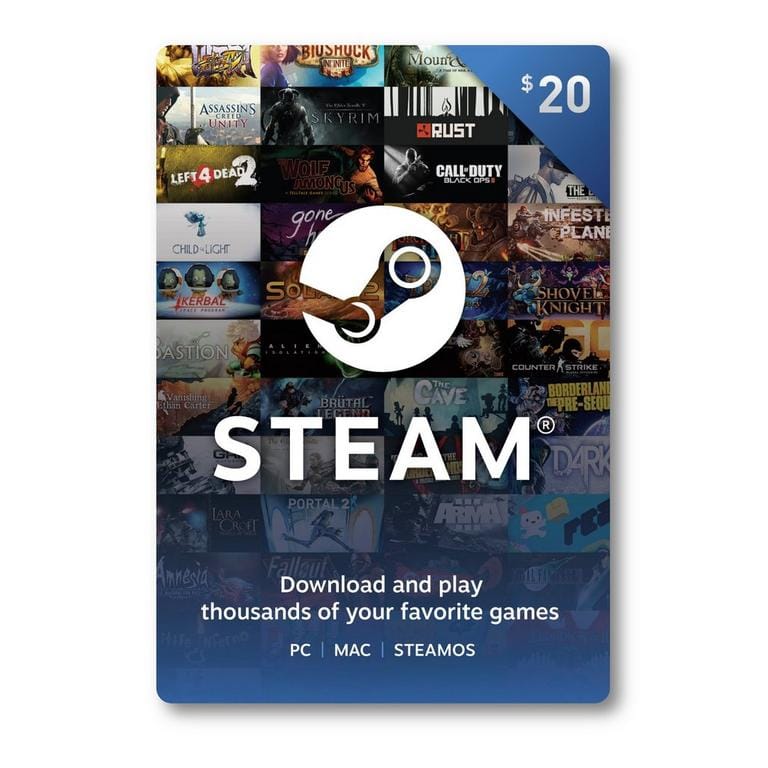
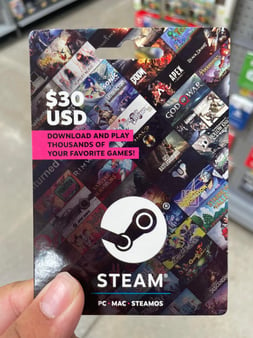
- Buy a gift card in that exact region. Match the denomination to what you intend to spend, not a tidy round number.
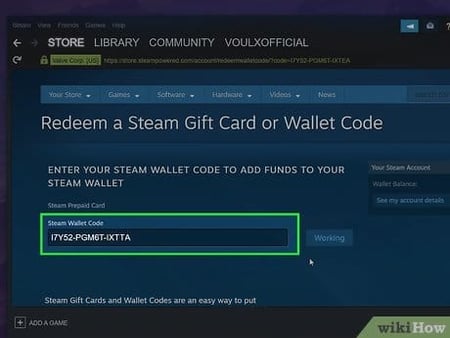
- Redeem the code in the Steam client under Games → Redeem a Steam Wallet Code, or via the web wallet page.
- Spend the balance on whatever optional content you actually want.
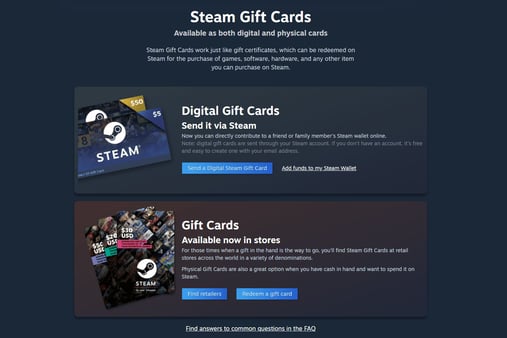
If you're sourcing a code and weighing where to buy, this is the one spot where a clear comparison earns its keep: a region-matched Steam Gift Card top up converts to wallet balance in minutes, and the only field you genuinely must get right is the region. Everything else is forgiving.
Over-topping, and the balance that never comes home
This is the trap that costs people real money. Steam Wallet balance from a gift card can't be refunded to a card or to cash. Once it's in the wallet, it stays there until you spend it on the platform. So loading a clean round figure (say, a bit more than you need "to be safe") strands the surplus indefinitely.
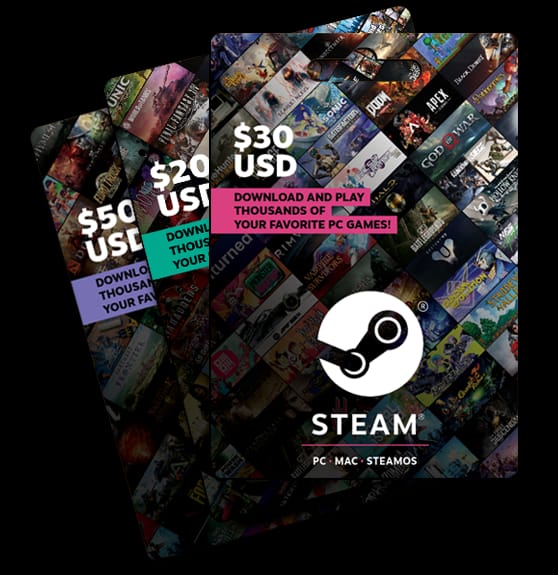
Match the denomination as snugly as you can to your intended spend, swallowing a small leftover rather than a fat one. Think of it less like loading a prepaid phone and more like buying a one-way ticket. There's no cash-out waiting at the far end.
| Top-up approach |
What happens to leftover |
Verdict |
| Denomination matched close to intended spend |
Minimal stranded balance |
Best for most |
| Round-number over-top "to be safe" |
Larger non-refundable balance sits idle |
Avoid |
| Multiple small cards stacked to exact amount |
Near-zero leftover, slightly more redeeming steps |
Best for precision spenders |
Source: Steam Wallet redemption mechanics, as documented across 2026 update coverage
Practically: if Honkai: Star Rail is the only thing you ever boot up and you never touch other Steam titles, the case for a big buffer is feeble. You'll trickle it out slowly and tie up funds that could've stayed liquid. A returning veteran with a Steam library stuffed full of other games can justify a larger top-up, because that balance will actually get used. The decision splits by how much of a Steam ecosystem player you are, not by the 4.2 patch.
The "stuck at 99%" download that isn't actually broken
The most common patch-day panic, a download freezing near the finish line, is usually not a bug, and force-restarting it just burns your afternoon. Steam often pre-loads large version updates before the official unlock window, then holds the final sliver behind a timed lock. So "stuck at 99%" tends to be the client waiting on a clock, not choking on a corrupted file.
What that means in practice: before you torch the download folder, check whether the regional unlock time has genuinely passed. Version 4.2 went live around the date noted above, and unlock timing rolls by server region, so a player whose download stalls an hour before their local unlock is watching expected behaviour, not a fault.
Real download problems do exist, mind you, and they're nearly always client-side rather than server-side. The standard "just wait it out" advice is lazy because it lumps the two together. If the unlock time has truly passed and the download still won't budge, here are the fixes worth a punt, in order:
- Verify the unlock window has passed for your region. This clears the majority of false alarms.
- Restart the Steam client (a full exit, not just shutting the window) before reaching for anything heavier.
- Clear the download cache in Steam settings if a partial file has wedged itself.
- Switch download region in settings if your default content server is congested.
Only once the timed-unlock possibility is ruled out does aggressive troubleshooting earn its place. I've watched people delete and re-queue a download sitting at 99% that would've finished on its own a few minutes later. Pure self-inflicted delay.
| Symptom |
Most likely cause |
First fix |
| Stuck at 99%, unlock time not yet passed |
Timed regional lock |
Wait for unlock — not a bug |
| Download won't start at all |
Client-side / cache |
Restart Steam, clear cache |
| Slow or stalling mid-download |
Congested content server |
Change download region |
| Code won't redeem |
Region mismatch |
Match gift card region to account |
Source: Steam client behavior cross-referenced with 2026 update reports
Why 4.2 isn't a purchase decision at all
The recommendation that survives all three player scenarios: don't treat Currency Wars 4.2 as a buying decision, because the update itself isn't one. The new characters, the Elation Bond mechanic letting Aha join as a co-combatant (per LDShop's coverage), the level-140 cap, the point merge: all free. The only "buying" anywhere in frame is optional, game-wide spending that exists quite independently of this patch.
So keep the patch and the payment in separate boxes. The patch is free and worth installing for anyone still playing, and the merged point pool alone reshapes how you budget runs across two modes. The payment question only matters if you were already minded to spend, and if you are, the whole job is region-matching your gift card and resisting the urge to over-top.
On the contrarian line of "just use a card," that advice quietly ignores how many players run into declined cross-border charges or simply hold no card that works with digital storefronts. For them, a region-matched wallet top-up isn't a workaround, it's the more reliable path, sidestepping forex surprises by letting you pay in your account's native currency. The catch is that non-refundable balance, which is precisely why denomination discipline beats chasing a round number.
A quick map of who should do what:
- Zero-spend free-patch player: install 4.2, enjoy the merged points and new combatants, spend nothing. The "is it worth it" question answers itself, given it's free.
- Card-less player who wants to spend: confirm wallet region, buy a region-matched gift card, redeem, spend only what you load.
- Returning veteran: the patch's biggest effect on you is the merged pool, so re-plan your run budget before anything else; top up only if you'll genuinely use the balance across Steam.
If you take one thing away, make it this: don't let a free patch talk you into a panic purchase. Sort your wallet region, match your denomination, and the rest sorts itself.
Frequently Asked Questions
Is the Currency Wars 4.2 update free or do I have to pay for it?
The 4.2 content (new combatants, the Elation Bond mechanic, the level-140 cap, the points merge) is a free version patch, per the official wiki and Game8 (Apr 2026). No paid DLC gate sits on the update itself. Any spending is optional and exists independently of this patch, so a pure free-patch player never needs to open their wallet for 4.2.
Why won't my Steam Gift Card redeem even though the code is valid?
Almost always a region mismatch. A gift card's region is fixed at purchase and has to match your Steam account's wallet currency. A US-region card won't redeem on a euro-wallet account, however valid the code. Confirm your account's wallet region before buying, because this one check heads off the most common redemption failure that people wrongly chalk up to "payment errors."
My 4.2 download is stuck at 99% — should I restart it?
Not straight away. Steam often pre-loads big patches before the official unlock, holding the last sliver behind a timed lock, so "stuck at 99%" before your regional unlock time is usually expected behaviour, not a fault. Check whether the unlock window has passed first. Only if it has, and the download still won't move, should you restart the client or clear the cache.
What's the smartest gift card denomination to load?
Match it as closely as you can to what you actually mean to spend. Steam Wallet balance can't be refunded to a card or cash once loaded, so over-topping a round figure strands funds you can only spend on the platform later. If you want near-zero leftover, stacking smaller cards to hit an exact amount works, at the cost of a few extra redemption steps.
Does the 4.2 points merge affect my Simulated Universe progress?
Yes, and it's the patch's most underrated change. From Version 4.2, Currency Wars Points and Simulated Universe Points merge into a shared pool, per the official patch notes. Progression currency you earn in one mode now counts toward the other, so returning players should re-plan their run budget across both modes rather than treating them as separate economies.







Comments