The free skin was no token throwaway
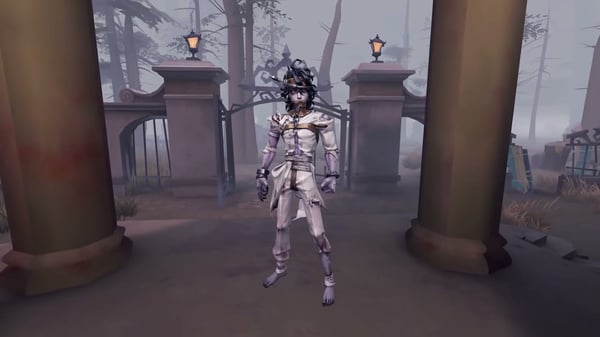
The loudest bad read I caught during this collab pegged the free Lanternist costume, XIANLUOLIPU, as a consolation prize. The sort of low-effort freebie a crossover slaps on so it can claim it gave players something. That's just not what shipped. It was a full A-rarity outfit, the same tier you'd otherwise pull for or buy outright.
Per the Identity V Wiki - Fandom breakdown, the free side handed over that A-rarity Lanternist costume, a B-rarity LIPU pet that equips on every character, and a matching portrait frame, portrait, and graffiti set, all of it claimable without touching a single Echo. LiPU Coins came from daily check-ins and match completions. You spent those Coins on Blind Boxes, and finishing every row dropped the costume in your lap.
Five A-tier costumes shipped in this crossover all told, one free and four paid, per the LDShop Identity V guide that went up ahead of launch. So a fifth of the headline cosmetic lineup sat there waiting on nothing but attendance. When the top-rarity free item lands at the exact tier people are spending real cash on, "throwaway" stops being an opinion and starts being a misread. The free A-costume was the anchor, not the afterthought.
Rush the paid banner early? Not so fast
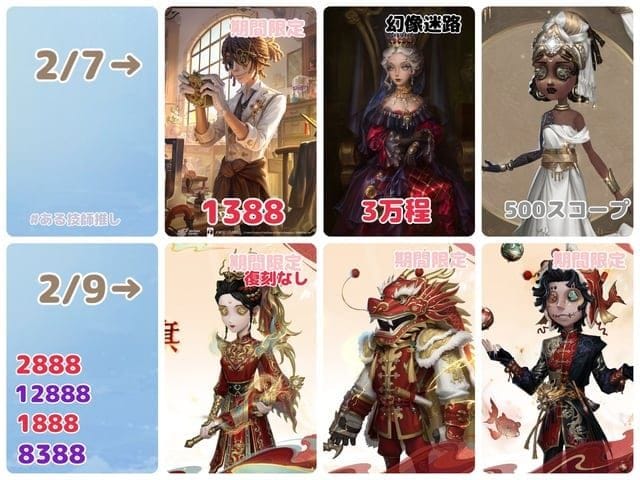
Not wrong, just sequenced backwards. The paid A-tier costumes ran roughly 1,178 Echoes during the first-week 15% discount against a standard price near 1,388 Echoes, per a This Week in Identity V breakdown in April 2026, and they were Echoes-only buys. Purchasing inside that window genuinely saved you currency. No argument there.
But a real discount doesn't make the purchase your opening move. Echoes never expire. LiPU Coins did, and the whole event shop went dark once the window closed. So the smart order ran opposite to what the "rush early" crowd preached: clear the Coin-based free side while it was breathing, then circle back to the Echoes buy whenever before the discount lapsed. The skin would still be sitting there. The free pet and frames wouldn't.
For the record, the four paid costumes were Smiley Face, Lawyer, Prisoner, and Barmaid, each one packaged with its own B-tier pet and reward set, per a detailed r/IdentityV crossover thread. That bundling is the lone thing that made the paid tier defensible for anyone who isn't a completionist. You weren't only buying a costume, you got a pet and extras riveted on. The discount was real, sure, but front-loading the spend ahead of the expiring free track was a timing slip dressed up as urgency.
F2P players were never nudged into spending
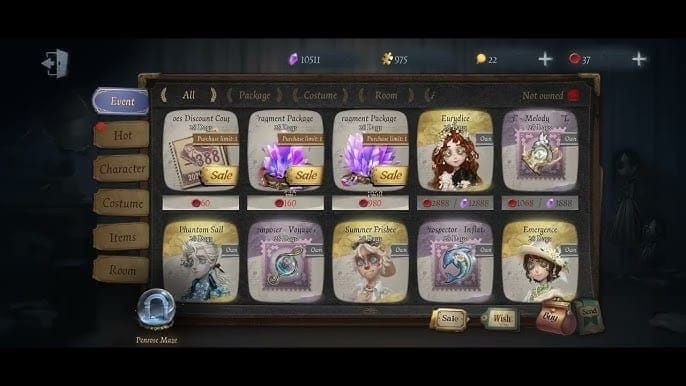
This is the fear I most want to bury, because it stopped people from relaxing and just playing the game. There was no Echo gate on the free rewards. None whatsoever. Check-ins and match completions fed you Coins, Coins cracked open Blind Boxes, and the rows paid out the pet, frames, portrait, graffiti, and at the finish line the costume itself. A tidy, closed loop the wiki documented step by step.
The community settled in the same spot. The going F2P read across r/IdentityV was about as blunt as advice gets: hammer your daily logins and matches for the free Lanternist costume, pet, and frames, and ignore the paid Echoes skins completely. Nobody framed it as an exploit or a knuckle-grinding workaround. It was the road the designers laid down.
And the daily commitment? Modest. Check-ins plus a couple of normal matches, somewhere in the 10–15 minute range, kept your Coin income trickling across the month-long run from April 2 to May 2. No points-purchase shortcut hovered over you, because the costume was Coin-locked, never Echo-locked. F2P could clear the whole free track top to bottom, and the design never funneled you into a purchase to do it.
Hoarding your tasks for the final days was the costliest call you could make
Here's the one piece of conventional wisdom that's not merely wrong but genuinely expensive, and it's the trap I'd want any returning player to lock into memory before the next crossover. The most damaging mistake during this event was treating the free side like a deadline assignment, ignoring the daily tasks, then scrambling to farm the lot in the closing days.
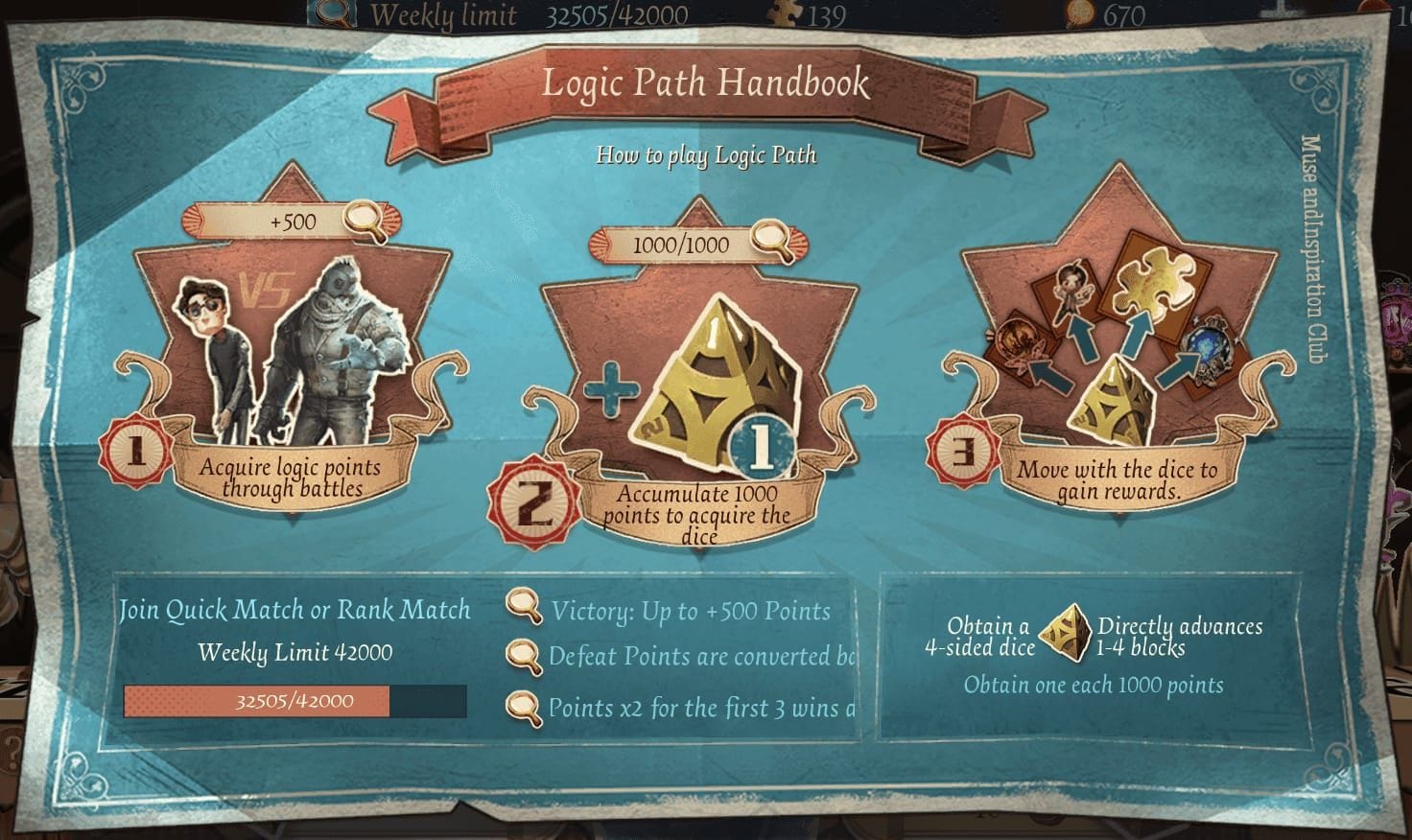
The mechanic that punishes that approach is simple. Coins flowed from daily check-ins and per-match completions. Daily-sourced currency carries a hidden ceiling. You can't reclaim a day that's gone, and a month of check-ins won't compress into a weekend no matter how many matches you queue. Skip the opening days and you can come up arithmetically short of the Coins each Blind Box row demands, which is precisely the gate standing between you and the free A-costume.
Both the wiki and the community threads waved this flag plainly: players forfeited free sign-in and row rewards by neglecting daily tasks early, and the shop closed cold on May 2 with zero grace period. There's a small kindness worth knowing about. Sign-in tracks in Identity V often forgive a single missed day without nuking the whole reward, so one skipped login rarely tanked the costume. But that forgiveness is built for the odd gap, not for a deliberate plan to warehouse everything for the last 48 hours. That plan collapses by design. Putting off the daily track was the priciest error in the whole event, and it cost you a free A-costume, not just a little convenience.
Whether any paid bundle is "fine" depends hard on who you are

Whether the Echoes spend made sense rode entirely on player type, and flattening everyone into one answer is where most spending advice falls apart. Three honest profiles broke out.
| Player profile |
Free track |
Paid A-skin (~1,178 Echoes discounted) |
The honest call |
| F2P / zero-spend |
Claim all of it |
Skip entirely |
Free Lanternist + pet + frames is the whole event for you |
| Low-spender (one bundle) |
Claim all of it |
One discounted skin for the pet + reward bundle |
Defensible if you genuinely like one of the four |
| Collector / whale |
Claim all of it |
All four |
The only profile where chasing every costume is rational |
Source: pricing per This Week in Identity V (2026); persona guidance synthesized from r/IdentityV (2026) and the LDShop guide (2026).
For the low-spender, the one reason a purchase penciled out at all was the package. You picked up the matching B-tier pet and reward set right alongside the costume, per that crossover thread, so the Echoes weren't buying a skin floating in isolation. Loved Barmaid or Prisoner the second you saw it? Grabbing one discounted bundle was a clean, contained decision. Buying two or three "to be safe" wasn't. That's FOMO doing your bookkeeping.
For everybody else, the call runs plainer than the hype let on. The free side already handed you an A-rarity costume and a pet. A second A-costume at the discounted price is a want, never a need. If you did land on one of the four as worth it, funding only that single purchase and nothing speculative was the disciplined route. You can top up Identity V Echoes for exactly what one discounted bundle costs rather than over-buying a currency pack you'll leave stranded in your account.
One angle the costume-versus-costume squabble skipped wholesale: the crossover's accessories and that all-character LIPU pet age better than a fully themed outfit ever will. A pet that equips on every survivor and frames that sit beside gear you already own keep resurfacing in your loadout long after a single locked-theme costume gets shoved to the back of the wardrobe. Optimizing for what you'll still be looking at six months out? The free accessory set quietly out-earns the paid costume. So the right answer stretches from "buy nothing" (most of you) to "buy all four" (collectors only), with exactly one defensible path through the middle.
A re-run isn't promised, so betting on one was a gamble
I won't pretend at certainty the data doesn't support. As of June 2026, no upcoming LiPU Friends events or re-runs had been announced, and the crossover wrapped May 2, per the wiki's event-calendar entry. That's the only hard fact sitting on the table.
Identity V crossovers have come back before, so "gone forever" overstates it. But "it'll definitely return" is just as unsupported. No announced comeback, no roadmap nod, nothing. Anyone who bought a bundle purely on the assumption a re-run would let them grab it later, or who passed on a costume they truly loved figuring it'd circle back, was betting on silence either direction. If you wanted one of the four paid skins and the price felt right, buying while it sat in front of you was the lower-regret call. Banking on a re-run nobody promised is how you end up posting in the next "I missed it" thread.
What to actually do — for this event and the next collab
The shop's closed, so for LiPU Friends specifically the books are balanced. But the playbook ports cleanly to whatever NetEase runs next, and it's short:
- Clear the daily, Coin-based free track first, and start on day one. Expiring currency outranks non-expiring currency in priority every single time. That's the whole game.
- Treat the discount window as a deadline you can hit late. Echoes don't rot, so the paid buy is the thing you can safely defer, not the free track.
- Buy one bundle at most, and only if the look genuinely grabs you on sight. The free A-costume already ticks your "did I get a good skin" box.
- Rank accessories and all-character pets above a single themed costume when you're weighing long-term value.
- Don't price in a re-run nobody's announced. Decide as if it's now-or-never, because officially, it is.
Frequently Asked Questions
When exactly did the Identity V x Lipu Friends event run, and is it still active?
It ran April 2 to May 2, 2026, after its March 6 reveal during the Chinese 8th Anniversary livestream, per Identity V Wiki (2026). Fully concluded now. The event hub and Coin shop both closed on May 2, so nothing inside is currently claimable.
Can I still get the free Lanternist costume now that it's over?
No. The free XIANLUOLIPU costume sat behind clearing every Blind Box row with LiPU Coins, and those Coins could only be earned during the live window. Once the shop closed there was no carry-over, no redemption code, no late-claim mailbox. Unlike permanent store costumes, this one was strictly time-boxed.
Were the paid skins region-locked or available everywhere?
The four paid A-costumes (Smiley Face, Lawyer, Prisoner, Barmaid) were Echoes-only buys per r/IdentityV (2026), and Echoes is the standard premium currency across Identity V's global servers, so availability followed your normal server access rather than any special regional gate. The first-week 15% discount applied to the purchase window, not to a particular market.
If I only had time for a few minutes a day, could I still have finished the free track?
Realistically, yes. Daily check-ins plus a couple of match completions, roughly 10–15 minutes, kept enough Coins flowing across the month to clear the rows. The catch was consistency, not duration. The Coins were daily-sourced, so showing up for short sessions most days beat one long binge at the finish, which the point structure made impossible to recover from anyway.
Will Lipu Friends skins return in a future re-run?
Unknown. As of June 2026 no re-run or follow-up had been announced, per the wiki's event calendar. Identity V crossovers have returned before, so it's not off the table, but there's no confirmed comeback on record. If you skipped a costume you wanted, don't stake anything on a second chance nobody's promised.






Comments