"Top-up is always instant" — true for IAP, qualified everywhere else
For in-app purchases, the instant claim holds up clean. Buy Ultracubes inside the game through Google Play or App Store billing, and the currency posts the second the store confirms your charge. That's the baseline every player should expect, no asterisk.
The word starts overselling once you step into the third-party lane. Deliveries there are quick, sure, but they're clocked in minutes rather than milliseconds, and the gap between providers is genuinely wide. Codashop's Path to Nowhere pages say Ultracubes drop in right after payment, assuming your UID went in correctly. Others post a short queue: EliteDias quotes 1–5 minutes (slower mid-maintenance), LDShop lists roughly a 30-minute auto-delivery window, and Lootbar promises arrival within a few minutes.
| Method |
Typical window |
What can stretch it |
| Google Play / App Store IAP |
Seconds (instant) |
First-purchase fraud screen |
| Third-party — Codashop |
Immediately after payment |
Wrong UID entry |
| Third-party — EliteDias |
1–5 minutes |
Active maintenance |
| Third-party — Lootbar |
A few minutes |
Inaccurate account info |
| Third-party — LDShop |
~30 minutes (auto) |
Order queue |
Source: Codashop, EliteDias, Lootbar, LDShop (2026)

Here's the figure I'd actually plan around. If a banner shuts in two minutes and you need Ultracubes right now, in-app billing is the only method that guarantees the clock works in your favor. The UID route wins on value and convenience, but leave yourself a cushion. Selling new players on "it's all instant" is precisely what primes the panic re-buy down the line.
"My first top-up is broken — it's been five minutes" — that's the fraud screen working
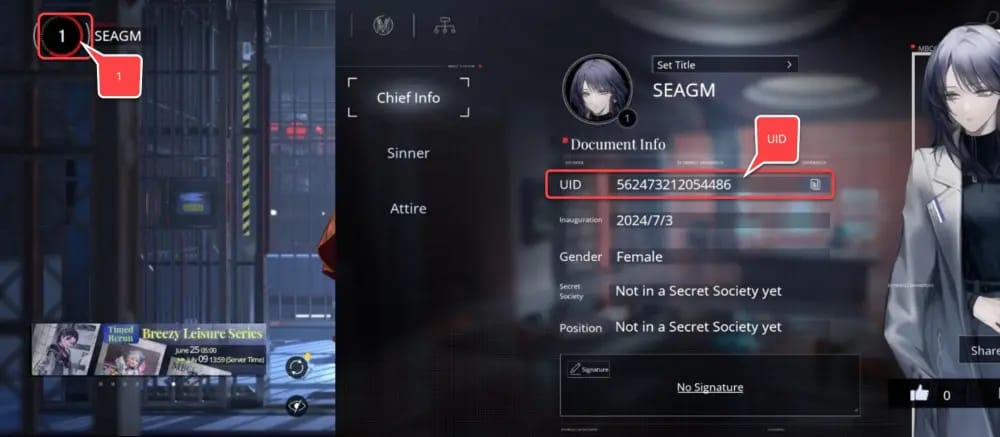
First purchases run slower on purpose. The very first time a payment profile touches an account, billing systems push it through an anti-fraud screen before currency posts, so even a charge that clears can sit in a brief holding state before the Ultracubes show. Designed behavior, not a glitch, and it fires exactly once.
Why does this matter so much? Because the first-purchase player is the one most primed to spiral. You've never watched the flow complete, you've got no baseline for "normal," and a 90-second hold reads like your payment evaporated. It didn't. The charge went through. Screening just hasn't released the goods.
There's a second reward riding along here, and knowing about it reshapes the whole emotional calculation. Community beginner guides on YouTube point out that a first-time top-up unlocks special rewards, including your pick of an A-tier sinner (per YouTube beginner guides, 2026). So your debut purchase is grinding through two slow tasks at once: clearing fraud screening and provisioning a one-shot bonus. If both the Ultracubes and the bonus trail the receipt by a minute or two, the system is behaving precisely as intended.
The one thing you don't do is read that hold as a dead order and buy again.
"If it's late, the game lost my money" — the payment side eats almost all of it

A genuinely dragging top-up traces to the payment pipeline far more often than the game servers. Three culprits, each with its own behavior.
Payment gateway and bank authorization. Card and wallet checkouts insert a step the store IAP flow keeps hidden: your bank has to authorize the transaction before delivery even fires. A pending bank hold feels like "the game is being slow," but the order hasn't actually been confirmed downstream yet. It's why two players buying the same pack in the same second clock different speeds. One paid through an instant rail, the other's bank parked the auth in a queue.
Maintenance and patch windows. This produces the scariest-looking delays, and it carries a mechanic most guides skip outright. Path to Nowhere's maintenance runs about four hours; the wiki's patch notes document a 05:00–09:00 UTC+0 window (2023). During that downtime, delivery can queue. Your charge succeeds, but the Ultracubes batch-post when servers come back, so the currency surfaces later, all at once, rather than the moment you paid. EliteDias flags this directly: its delivery stretches during maintenance.
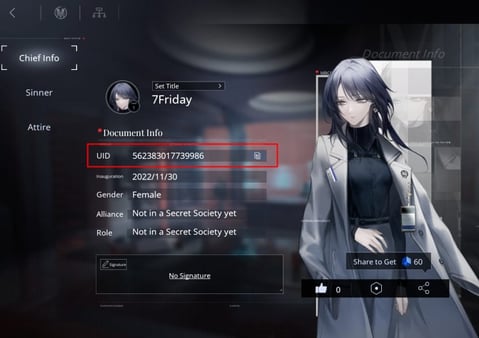
Wrong UID on a third-party order. UID top-ups are only as accurate as the digits you typed. Several third-party sites require a correct UID for delivery to land (per Codashop and peers, 2026). A transposed number doesn't bounce on the spot. It can hang while the order tries and fails to resolve.
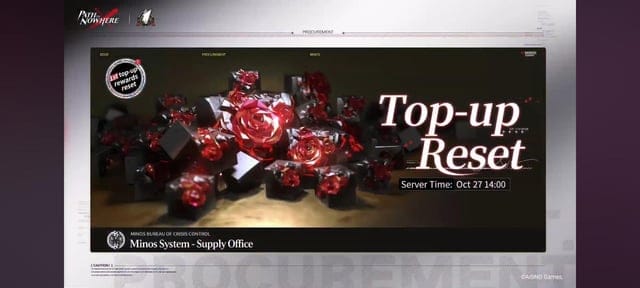
EliteDias frames the rare multi-hour case cleanly: third-party top-ups taking hours are uncommon and usually trace back to payment processing or maintenance, not the game (2026). My read, once you line the causes up side by side: if your delay overlaps a known maintenance slot or a card payment, breathe and watch the clock. If it overlaps nothing at all, go check your UID. The game server is the least likely point of failure here.
Firing off a ticket in the first sixty seconds is the wrong instinct, and it carries two costs. Tickets opened before the normal delivery window often get auto-closed when the currency posts on its own a minute later, and the same panic driving those early tickets is the panic that drives the genuinely expensive mistake: re-buying.
Re-purchasing a pending order is the single biggest avoidable error in this whole subject. A purchase can read "failed" on your screen while the charge and the delivery quietly finish minutes afterward. Buy again in that gap and you've paid twice for one delivery. A first-time top-up thread on r/PathToNowhere surfaces this exact risk, with re-buying a pending order inviting a double charge.
Before you so much as hover over that buy button a second time, run this in sequence:
- Confirm the order actually completed. Pull up your store purchase history (Google Play / App Store) or the third-party order receipt. A confirmed charge with no in-game currency equals a delivery delay, not a failure. Treat it as in-transit.
- Force-close and reopen the game. Re-syncing the account pulls fresh inventory state. Plenty of "missing" Ultracubes are already sitting on the server, waiting for the client to refresh.
- Check the clock against maintenance. Servers down or freshly back? You're in batch-delivery territory, the queued window described above. Wait it out.
- Only then, ticket it. If nothing lands inside 30–60 minutes outside maintenance, now it's a support matter.
When you do escalate, what you attach decides how fast it closes. Hold onto the order ID and receipt. Tossing them slows verification to a crawl (inferred from third-party support notes, 2026). Support resolves a verified order far quicker than a he-said-she-said one. Screenshot the charge, the order number, and your UID before you type a single line of the ticket.
The position I'll stand behind: "always wait" and "always contact support" are both lazy defaults. The actual rule is verify, then wait out the window, then escalate with proof in hand. Immediate tickets and panic re-buys are the two failure modes, and sequencing beats both.
What to actually do, by who you are
The right move genuinely shifts depending on which buyer you happen to be, so here's the split read instead of a hedge.
- First-time purchaser who just hit a hold: Do nothing for two minutes. The fraud screen is provisioning your purchase and your one-shot A-tier sinner bonus simultaneously. This is the most normal slow moment the game has. Re-buying here is how first purchases turn into double charges.
- Repeat buyer who expected instant and got a delay: Check the maintenance clock first. You've seen the flow work, so a stall almost certainly means a queue or a bank auth, and both clear themselves. Schedule future purchases around the four-hour downtime and you'll basically never run into this.
- Third-party UID buyer unsure of the window: Read the provider's stated delivery time before you pay (they range from "immediately" to roughly 30 minutes) and treat the high end as your patience budget. Triple-check the UID, since that's the one variable fully in your hands. If you'd rather buy by UID with the delivery window printed up front, Path to Nowhere Top Up recharge through VGTopup is one transparent option. Disclosure: it's a third-party channel, so the same rule holds, confirm the stated processing time before you commit.
For the fastest guaranteed timing, in-app billing takes it outright. For value and flexibility, the UID route is fine, provided you walk in knowing it's minutes and not instants, and you never re-fire a pending order. Honestly, that last rule is the only one that ever costs people real money, so let it stick.
Frequently Asked Questions
How long should I actually wait before assuming something's wrong?
Outside maintenance, give it 30–60 minutes before you treat a confirmed-but-undelivered order as a support issue rather than a plain delay. Inside the roughly four-hour maintenance window noted earlier, expect batch delivery once servers reopen, and don't start your clock until they're back up. Under either of those windows, "nothing yet" is normal, not broken.
Does it matter whether I pay on Google Play or the App Store?
Not in any meaningful way for speed. Both are in-app rails that post Ultracubes near-instantly once the store confirms the charge. The real variable isn't the storefront, it's whether this is your first purchase on that payment profile, which trips a one-time fraud screen on either platform. Once that initial hold releases, every later buy on the same store is the quickest method going.
My screen said "failed" but I think I was charged. Now what?
Don't buy again. That's the exact gap where a re-purchase becomes a double charge, because a charge and its delivery can still complete minutes after a "failed" message flashes. Check your store purchase history and your bank statement first. If a charge exists, treat it as in-transit, restart the game to re-sync, and only ticket it with your receipt and order ID if the currency hasn't shown within the hour.
Is the third-party UID route safe, and is it really instant?
It's a legitimate way to top up, but "instant" oversells it. Windows run from immediate to about 30 minutes depending on the provider, per their own pages. The one risk fully under your control is UID accuracy, since delivery only works against the exact account ID you enter, so verify it before paying and keep that order receipt in case support needs to trace anything.
Why did all my Gems suddenly appear at once after being late?
Maintenance batching. Purchase during a server-down stretch and the charge clears, but delivery queues, then posts in one batch the instant servers reopen, so the Ultracubes land together rather than at the second you paid. It looks alarming and it's completely normal. The fix is scheduling purchases clear of the downtime in the first place.










Comments