To complete a Dunk City Dynasty top up with Player ID outside Google Play, open your in-game profile to copy your numeric User ID (UID) and server name, select your bundle on an external web shop, and check out using local payment methods or cards. Direct web fulfillment routes premium Tokens and passes straight to your account wallet or mailbox without requesting your Google, Apple, or email passwords, bypassing app store payment errors entirely.
Finding Your User ID and Server in the Lobby
Every external top-up requires two details: your numeric User ID (UID) and your exact server. An incorrect server or typo in the ID can route items to another account or cause the order to stall.
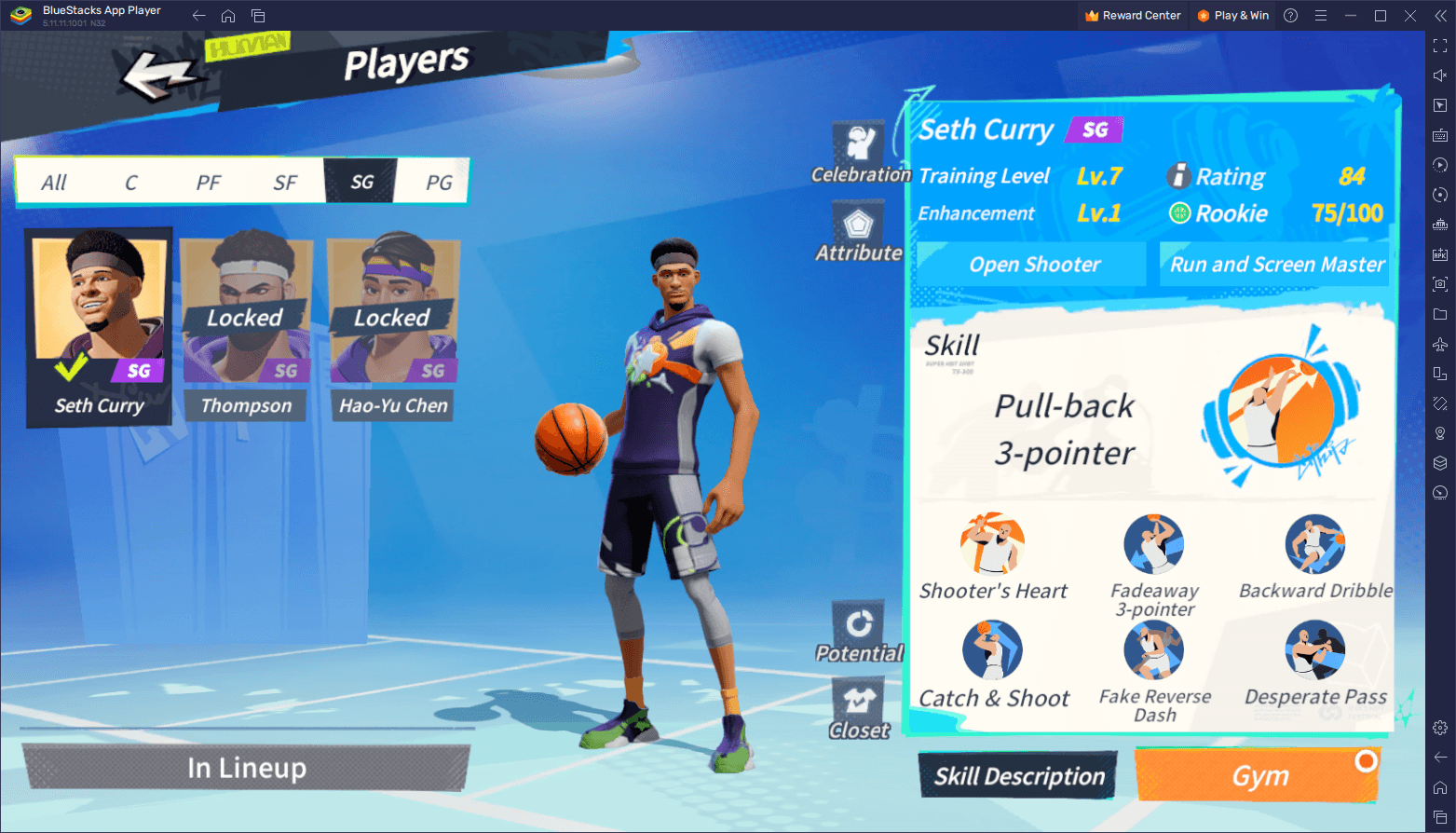
Follow these steps inside the client to retrieve your details:
- Launch Dunk City Dynasty and let the title screen load.
- Tap your Avatar Profile Icon in the upper-left corner of the main lobby.
- Open the profile overview card.
- Find the numeric User ID (UID).
- Tap the copy icon next to your UID to save the sequence to your clipboard.
- Note your active Server Name, displayed on your profile card and on the title screen.
Your UID is a public identifier. Sharing it lets payment platforms credit the right profile without accessing your credentials. You can also use a friend's UID and server during checkout to gift packs directly to their account.
Dunk City Dynasty Web Shop Pricing and Available Packs
Tokens fund player recruitment, talent tree upgrades, cosmetics, and seasonal battle passes. Independent web shops sell standalone token bundles, recurring monthly privilege cards, and one-off starter packages.
The table below details standard token tiers and passes available through VGTopup, where payment processing fees and applicable taxes are calculated at checkout.
| Item / Bundle | VGTopup Catalog Price | Delivery Contents | Preview |
|---|
| Rookie Gift Pack | USD 2.53 | One-time starter pack (VGTopup) | 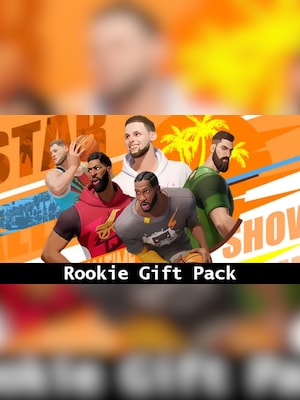 |
| Party Membership | USD 3.89 | 30-day recurring privilege pass (VGTopup) | 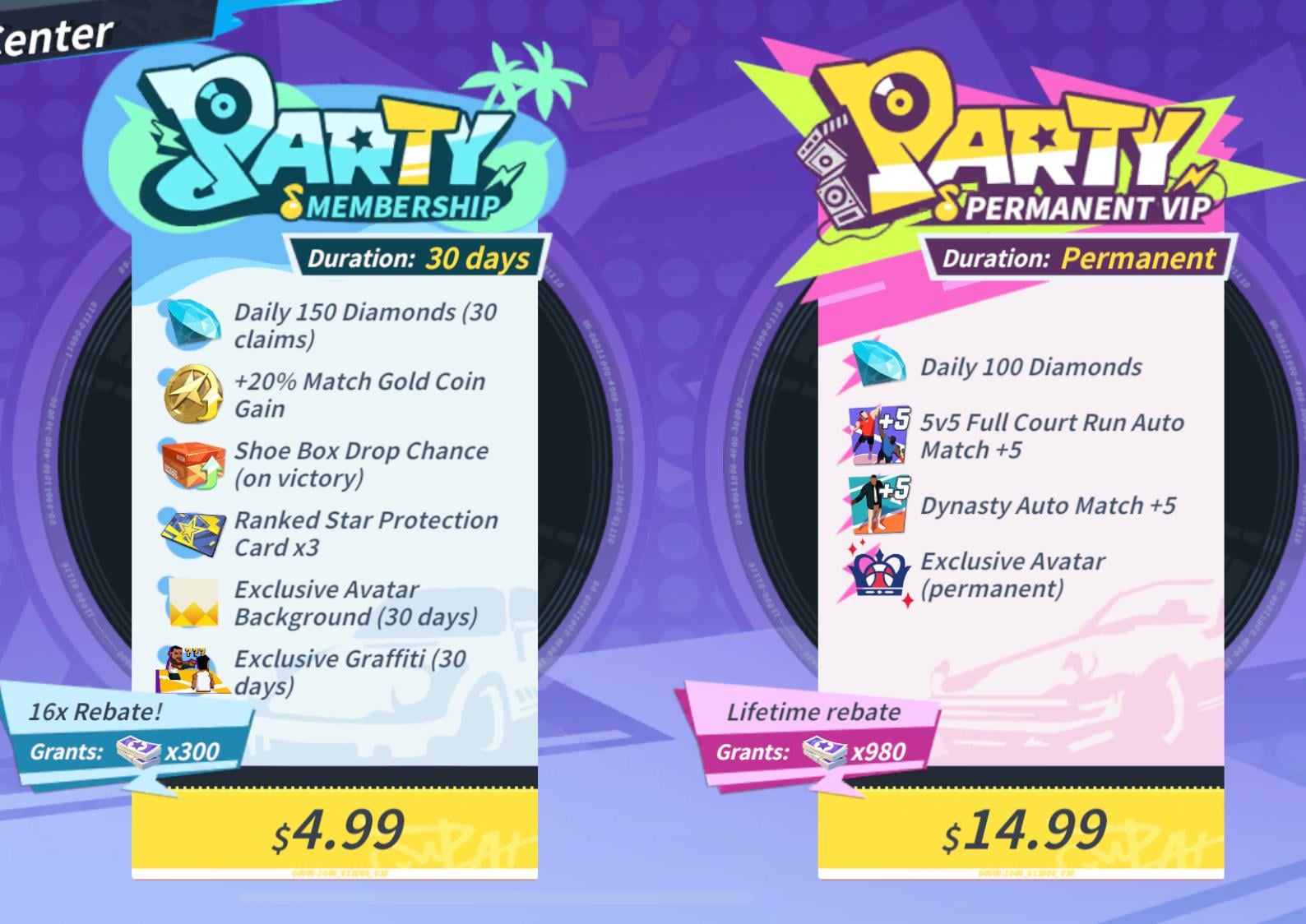 |
| Superstar Warmup Pack | USD 3.89 | Progression materials bundle (VGTopup) |  |
| Star Player Selected Pack | USD 4.02 | Character recruitment selection (VGTopup) |  |
| Premium Pass | USD 4.56 | Battle pass unlock, limit 1 (VGTopup) | 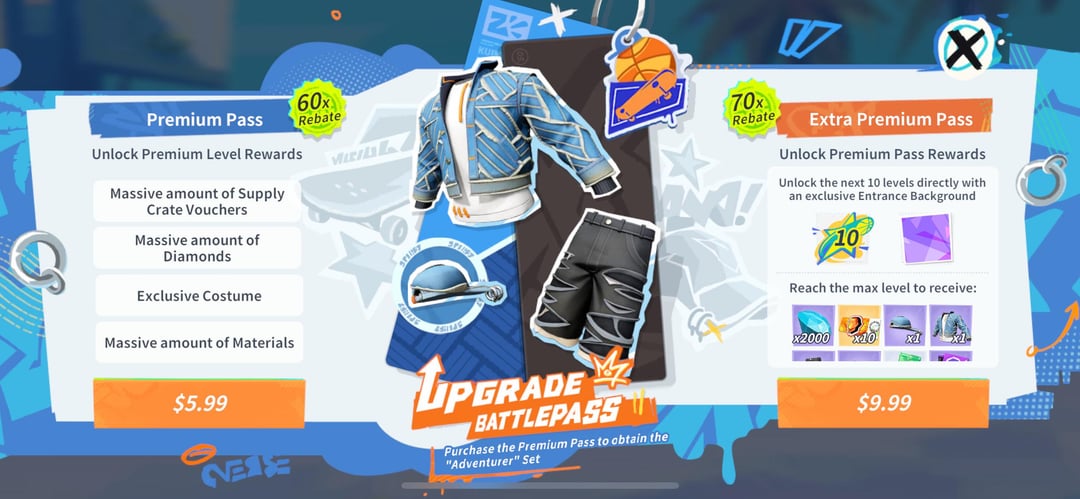 |
| Extra Premium Pass | USD 7.60 | Battle pass with tiered bonus skips (VGTopup) |  |
| 300 + 30 Tokens | USD 4.22 | 330 total Tokens (VGTopup) |  |
Listed token yields include promotional bonus quantities that rotate during special events.
Web Top-Up Channels vs. Google Play Billing
Currency conversion markups, unsupported regional cards, and persistent Play Store checkout errors lead players to web-based alternatives. Court injunctions from Epic v. Apple (April 2025) and Epic v. Google (effective October 29, 2025) accelerated direct-to-consumer (DTC) checkout links that bypass default 30% app store commission fees (Neon Pay).
NetEase maintains an official browser store called GamesClub. Third-party digital retailers also credit accounts via direct player ID injection. Speeds, gateway options, and fees differ across storefronts.
| Platform | Top-Up Method | Stated Delivery Window | Supported Payment Rails | Source |
|---|
| GamesClub | Official Web Portal (UID + Server) | Automatic / Immediate | Global checkout methods, regional payment gateways | NetEase GamesClub |
| VGTopup | Direct ID Web Store | Immediate upon payment verification | Major credit/debit cards, regional payment methods | VGTopup |
| GamsGo | Player ID Recharge | Claims arrival in ~5 seconds | Visa, Mastercard, Amex, Discover, Diners Club, PayPal, Apple Pay, Google Pay | GamsGo |
| MooGold | Player ID & Server Order Form | Stated up to 30 minutes | Regional gateways, debit/credit cards | MooGold |
| SEAGM | Direct ID Catalog Order | Order tracking dashboard | Online banking, global cards, digital wallets | SEAGM Support |
Delivery turnaround depends on each provider's processing pipeline. GamsGo advertises 5-second processing and claims an average 15% discount against standard in-app prices (GamsGo), though final totals depend on checkout payment surcharges and local taxes. MooGold posts a fulfillment window of up to 30 minutes (MooGold). Because direct ID injection runs through API orders rather than peer-to-peer account handoffs, delivery does not require chatting with an agent.
Account Security: Why Player ID Recharges Are Safe
Account theft in mobile games almost always traces back to credential sharing, where players hand login credentials to unverified sellers who claim to buy currency manually. Direct Player ID recharge methods remove that risk.
Legitimate storefronts like VGTopup, SEAGM, or GamesClub interact with NetEase's deposit API using only your public UID and server. They never request:
- Google Play account passwords
- Apple ID credentials
- Linked email addresses or social logins
- Two-factor authentication codes (SMS or authenticator prompts)
A UID works like a bank routing number: anyone can deposit items into it, but nobody can withdraw currency or alter account settings with it. If a site asks for your password to recharge, close the page immediately.
Qualifying for In-Game Recharge Bonus Events
Direct ID web top-ups count toward cumulative recharge milestones just like in-app purchases. During scheduled Recharge Bonus phases, buying tokens or specified bundles triggers tiered milestone rewards (Dunk City Mobile News).
Qualifying items include standalone Token packs, Party Membership, Party VIP, Premium Pass, Extra Premium Pass, and the Rookie Gift Pack.
| Token Requirement | Milestone Rewards | Qualifying Spend Example | Counter Reset Rule |
| :--- | :--- | :--- | :--- | :--- |
| 60 Tokens | Diamond x100 | Any starter package or token tier | Resets every event phase |
| 120 Tokens | Diamond x100, Superstar Voucher x1 | Party Membership or bundle upgrades | Resets every event phase |
| 300 Tokens | Diamond x100, Fashion Voucher x1 | 300 + 30 Token pack or passes | Resets every event phase |
Because event progress resets at the start of each phase, match purchases to milestone boundaries. Hitting 300 Tokens yields 300 total Diamonds, one Superstar Voucher, and one Fashion Voucher across all three completed tiers.
Troubleshooting Delayed Token Deliveries
Most direct top-ups arrive within minutes. If your balance does not update after payment confirmation, work through these checks before submitting a support ticket:
- Restart the Game Client: Dunk City Dynasty caches session data while open. Swipe the game out of your device's recent apps tray and relaunch it to force a fresh balance query with NetEase servers.
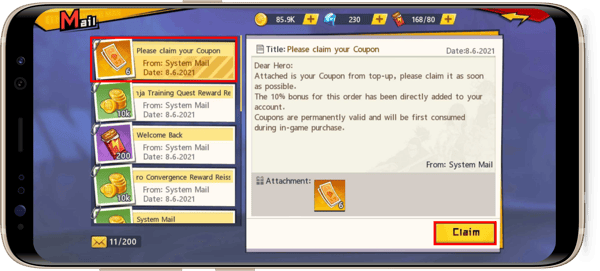
- Check the In-Game Mailbox: Token bundles that contain bonus vouchers or starter materials frequently arrive as mail attachments rather than instant additions to your currency counter.
- Verify UID and Server Input: Check your checkout receipt. If you selected the wrong server shard, the purchase delivered to that profile instead.
- Account for Queue Delays: Fulfillment windows vary during server peaks. Platforms like MooGold specify windows up to 30 minutes (MooGold).
If 30 minutes elapse and your mailbox remains empty after a restart, pull your order ID from the web shop account dashboard and send it with your payment receipt to merchant customer support.




Comments