To find your Blockman Go numeric User ID on mobile (Android and iOS), open the game client to the main lobby and tap your Character Avatar located in the top-left corner of the screen. This opens your Personal Center profile summary, where your permanent sequence of digits is printed directly beneath your character nickname alongside a one-tap Copy icon (VGTopup).
Standard lobby route: personal center step-by-step
In current mobile and PC builds, the Personal Center opens directly from the main lobby without navigating secondary sub-menus.
- Launch the Blockman Go application on your mobile device (Android or iOS) or PC client.
- In the main game lobby, tap your Character Avatar situated in the top-left corner.
- Open the Personal Center profile summary window.
- Locate the numeric string labeled ID or User ID directly beneath your character name.
- Tap the Copy icon beside the number to instantly save the exact digits to your clipboard (VGTopup).
Using the built-in copy function prevents transcription errors, especially when sharing your details for support inquiries or cross-player lookups.
Identifier breakdown: numeric User ID vs. display nickname
Blockman Go relies on two distinct player identifiers, but only one serves as a verified, unchangeable record.
| Identifier Type | Visual Example | In-Game Location & Mechanics | Account Verification Note |
|---|
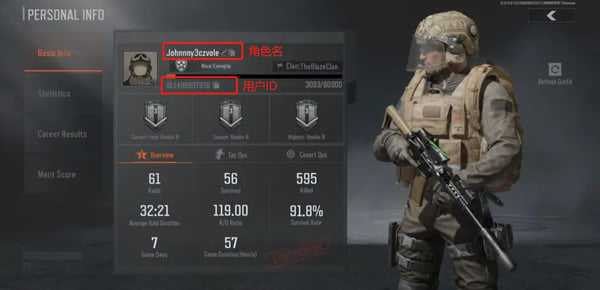
| Numeric User ID | 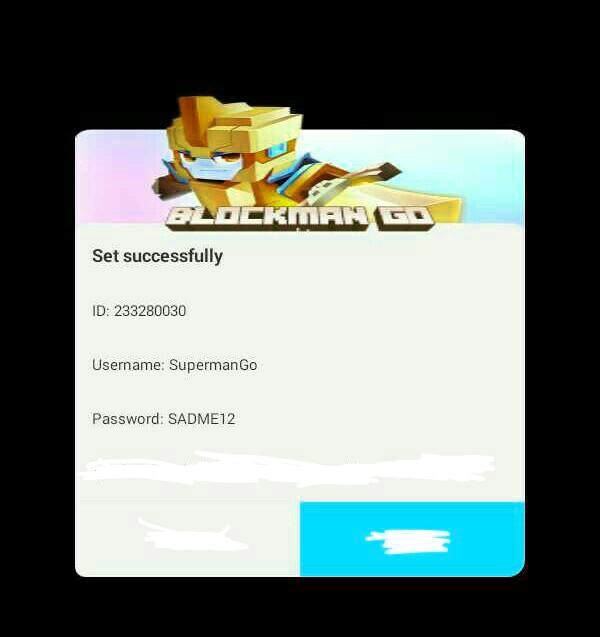 | Fixed numerical sequence displayed beneath character name in Personal Center | Permanent, unique account identifier required for account recovery, friend lookups, and direct Blockman Go crediting. |
| Display Nickname | 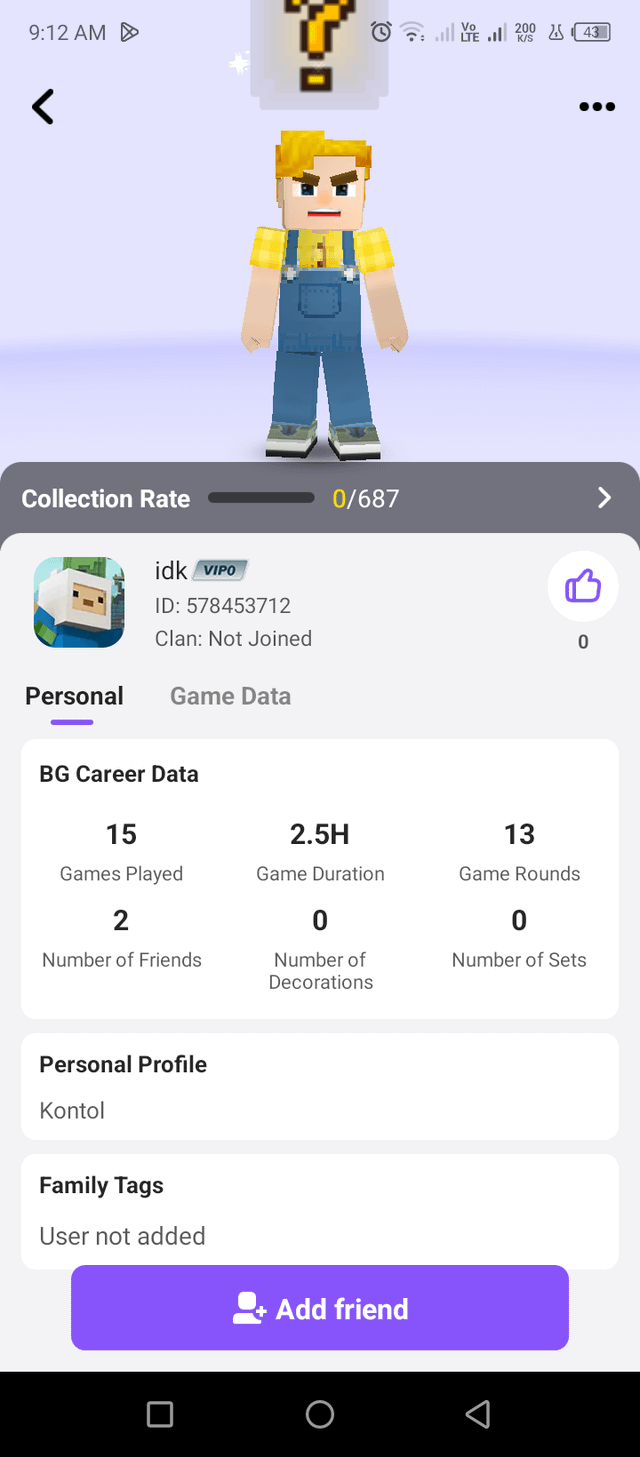 | Customizable text name shown in lobbies, leaderboards, and player profiles | Non-unique string that can be changed or hidden with invisible characters; invalid for verification (BlankTextCopy). |
Because display nicknames can be freely changed or formatted with special blank Unicode characters, other players can share identical display names. System-level interactions—such as friend requests across regions, account lookups, or buying GCubes—require your permanent numeric User ID rather than your display nickname (VGTopup).
Alternative interface layouts in legacy and regional builds
If your lobby does not feature a clickable avatar in the top-left corner, your device is running a legacy build or a regional variant with an alternate navigation structure.
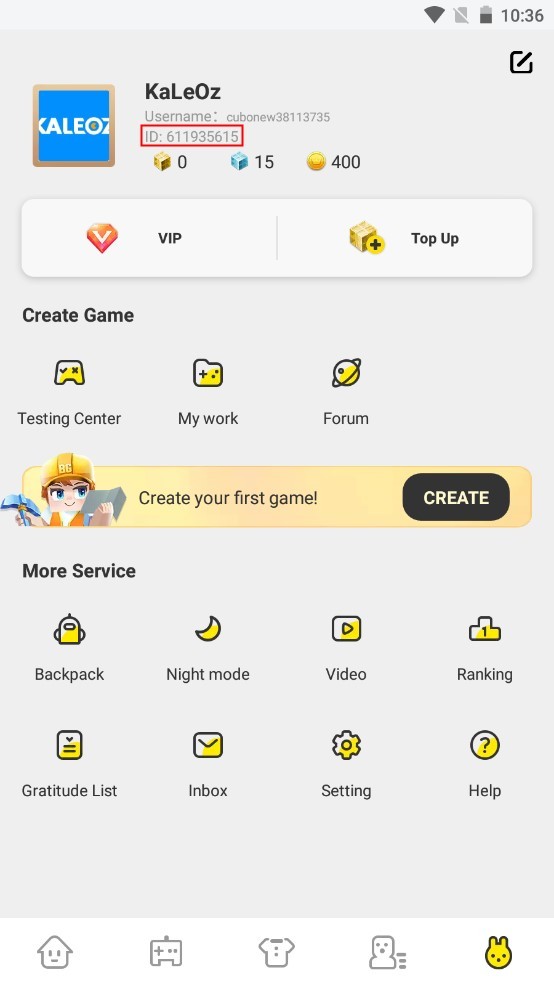
Third-party platform documentation notes that select mobile builds place the profile entry point at the base of the interface. Specifically, guides from platforms like KALEOZ instruct players to click an icon located in the bottom-right corner of the main home screen to access account details (KALEOZ Guide). Official account settings paths have also documented entry through the fifth button across the bottom navigation bar (Blockman Go Privacy Policy).
| Interface Version | Entry Point Location | Profile Path | Documented Source |
|---|
| Current Standard Client (Mobile & PC) | Top-left corner of the main lobby | Tap Character Avatar → Personal Center summary → Read ID below nickname | VGTopup |
| Legacy / Alternate Mobile Build | Bottom-right corner of main screen | Tap bottom-right icon → Account overview screen | KALEOZ Guide |
| Regional / Settings-Bar Layout | Bottom navigation bar | Tap the fifth navigation button → Account settings | Blockman Go Privacy Policy |
Regardless of which layout appears on your device, the target screen remains the same: a profile summary showing a static row of numbers.
Account security rules when sharing your ID
Your Blockman Go numeric User ID is a public-facing system tag. Sharing it allows other players to search your profile or send direct in-game items, but it does not give anyone entry into your account.
Legitimate external account lookups and direct storefront recharges for GCubes route entirely through direct system delivery channels using only this public sequence of numbers (VGTopup). You never need to supply your account password, email login credentials, or third-party authentication codes (such as Google Play, Apple ID, Twitter, or Facebook tokens). Anyone asking for login credentials alongside your User ID is attempting unauthorized account access.
Frequently asked questions
Where is my ID in Blockman Go if I am playing on PC instead of mobile?
The PC client mirrors the current standard mobile layout. Click your character avatar in the upper-left corner of the game window to open the Personal Center, where the numeric ID is visible below your nickname (VGTopup).
Can other players steal my account if they know my User ID?
No. The numeric ID is public information visible to friends and teammates. Account takeovers require private credentials, such as linked email passwords or OAuth login tokens, which you should never share (VGTopup).
Why does my ID contain only numbers while my friend's name has letters?
User IDs are strictly generated numerical strings assigned by game servers. Display nicknames allow letters, symbols, and custom text, but they do not replace the underlying system number (VGTopup).







Comments