



UM NOW Top Up: Fast, Safe, and Direct Account Recharge
Get your UM NOW credits directly deposited into your game balance without delays or complex procedures. An online UM NOW top up allows you to obtain in-game items, unlock exclusive access, and enhance your overall gameplay experience right away. With VGTopup, the recharging process is straightforward: you only need to provide your UM NOW Player ID, select the desired credit package, and complete your purchase.
Direct Player ID reloads eliminate the friction of managing gift cards or entering sensitive login credentials on external websites. Your credits are dispatched straight to the designated game server, updating your balance as soon as payment verification clears. Whether you are gearing up for upcoming events in 2026 or topping up your balance for daily progression, VGTopup offers a reliable channel to buy UM NOW credits at competitive rates.
How to Top Up UM NOW with Player ID
Recharging your UM NOW account takes just a few steps. Follow this guide to ensure your order processes without interruption:
- Select Your Credit Amount: Review the available denomination options displayed in the catalog above and choose the pack that fits your gaming needs.
- Enter Your Player ID: Type or paste your exact UM NOW Player ID into the input field labeled
Player ID. Double-check the numbers to avoid sending credits to an incorrect account. - Proceed to Live Checkout: Click the purchase button to view dynamic pricing, regional currency conversions, and available payment gateways.
- Select a Payment Method: Pick your preferred payment channel from the supported local and international payment methods.
- Complete the Transaction: Follow the on-screen prompts to finalize payment. Once approved, your order processes automatically, and your UM NOW balance updates shortly.
| Top-Up Step | Action Required | Expected Outcome |
|---|---|---|
| 1. Package Selection | Choose credit amount | Locks in item selection |
| 2. ID Input | Enter UM NOW Player ID | Directs reload to your account |
| 3. Payment | Complete transaction | Confirms order authorization |
| 4. Delivery | In-game balance refresh | Credits ready for immediate use |
Where to Find Your UM NOW Player ID
To ensure your recharge reaches your profile, you must enter your valid UM NOW Player ID. Locating your ID inside the app requires only a few taps:
- Open the UM NOW application on your mobile device or gaming platform.
- Tap on your Profile Avatar or user icon located in the corner of the main screen.
- On your personal profile or user dashboard, find the alphanumeric string marked as Player ID or UID.
- Tap the copy icon next to the number, or write it down carefully.
- Paste the ID into the designated field on VGTopup before placing your order.
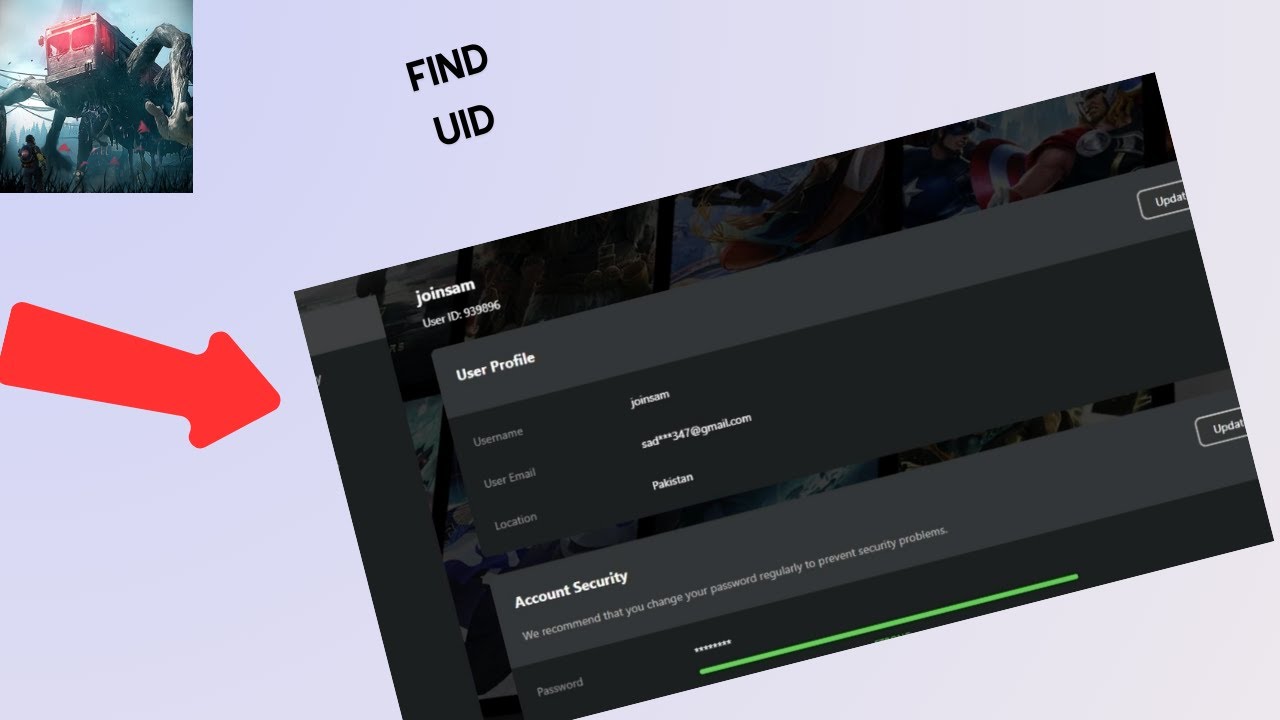
Always verify that your Player ID matches your active game profile. Recharges sent to an invalid or mistyped ID cannot be recalled once processed by the game servers.
Safe and Password-Free Top-Up Process
Account safety is a core priority when topping up online. Traditional third-party account sharing methods require giving out sensitive email addresses, usernames, and passwords, which exposes your profile to security vulnerabilities.
VGTopup uses an ID-only system for all UM NOW top up transactions:
- Zero Password Requirements: You will never be asked for your login password, security questions, or two-factor authentication codes.
- No Account Handover: Your login session stays active on your device without risk of unauthorized access or profile takeover.
- Secure Payment Channels: Every transaction runs through encrypted payment processors that protect your financial details.
- Server-Direct Delivery: Credits are sent straight to your public Player ID on the game's official infrastructure.
Using only your Player ID ensures your account remains entirely in your hands while giving you full access to instant digital refills.
Supported Payment Options for UM NOW Recharge
VGTopup supports an extensive array of local and international payment methods to make buying UM NOW credits simple, regardless of your geographic location.
Available payment gateways include:
- Major credit and debit cards (Visa, Mastercard, and regional card networks)
- Digital wallets and mobile payment solutions
- Local online banking and direct bank transfer options
- Regional instant payment systems
All real-time pricing and specific gateway options are dynamically generated on the live checkout screen based on your region. You can review the exact payable total with no hidden processing fees before submitting your payment.
Instant Order Processing and Delivery Guidelines
Once your transaction completes, the VGTopup automated delivery system routes the recharge request directly to the game server.
What to Expect After Ordering:
- Order Confirmation: You will receive an immediate digital invoice and order confirmation screen containing your transaction ID.
- Processing Time: Most orders complete within moments of successful payment authorization.
- In-Game Crediting: In-game credits appear automatically in your UM NOW balance. In some cases, a quick restart of the game app helps refresh your wallet display.
- Order Tracking: You can check the real-time status of your recharge directly within your VGTopup account dashboard.
Troubleshooting Delayed or Incomplete UM NOW Orders
If you completed your purchase but do not see your credits right away, follow these diagnostic steps:
- Restart Your UM NOW App: Completely close the game application on your device and launch it again. This forces the client to fetch updated account balance data from the server.
- Verify Payment Completion: Check your bank or payment provider statement to verify that the transaction was fully authorized rather than pending or refunded.
- Check Your Order Receipt: Review your VGTopup order history to confirm that the Player ID submitted matches your in-game profile ID exactly.
- Allow for Network Traffic: During peak gaming events or major patches, server communication can experience brief processing queues.
- Contact Customer Support: If your balance has not updated after verifying the above points, reach out to VGTopup customer support with your Order ID, Player ID, and transaction receipt. Our support team is available to assist you with order status inquiries.
Frequently Asked Questions About UM NOW Top Up
What is a topup and how does it work for UM NOW?
A topup is a direct digital refill of in-game currency or balance for your UM NOW profile. When you order on VGTopup, you provide your unique Player ID, choose your credit pack, and complete checkout. The credits are delivered straight to your account on the game server without needing physical cards or codes.
Where can I find my UM NOW Player ID?
You can find your Player ID by launching UM NOW and tapping your profile avatar on the home screen. Your ID is displayed on your user profile summary page, where you can copy it directly to your clipboard.
Do I need to provide my account password to top up UM NOW?
No. You never need to share your password, login credentials, or verification codes. VGTopup requires only your public Player ID to credit your account safely.
How long does it take for UM NOW credits to be delivered?
Delivery is automated and typically processes immediately after payment confirmation. Once the transaction clears, your credits are transferred to your account within moments.
What payment methods are accepted for UM NOW recharges?
VGTopup accepts a wide selection of payment options, including major credit/debit cards, regional digital wallets, and local direct banking methods. You can view the full list of available payment channels on the live checkout screen.
What should I do if my UM NOW top up does not appear in my account?
First, restart the UM NOW application to refresh your account data. If the balance remains unchanged, confirm your payment status and check that the submitted Player ID was accurate. For further help, contact VGTopup customer support with your Order ID for prompt assistance.
Select Denomination
Tax, payment fees and eligible coupons are calculated at checkout.
| Package | Price |
|---|---|
| UM NOW - UM NOW*10000 | USD 2.12 |
| UM NOW - UM NOW*30000 | USD 6.36 |
| UM NOW - UM NOW*50000 | USD 10.61 |
| UM NOW - UM NOW*70000 | USD 14.85 |
| UM NOW - UM NOW*100000 | USD 21.21 |
| UM NOW - UM NOW*200000 | USD 42.42 |
| UM NOW - UM NOW*500000 | USD 106.06 |
| UM NOW - UM NOW*700000 | USD 148.48 |
| UM NOW - UM NOW*1000000 | USD 212.11 |
| UM NOW - UM NOW*2000000 | USD 424.22 |






























































