



GHANNY Top Up: Recharge Coins for Live Karaoke and Streaming
GHANNY brings music enthusiasts and live broadcasting creators together in an interactive audio environment. Whether you enjoy singing solo, teaming up for vocal duets, or hosting multi-guest voice rooms, the app provides real-time audio rooms and live video streams. In-app coins serve as the central currency that powers the GHANNY community, allowing fans to support performing vocalists, activate dynamic special effects, and participate in competitive PK matches.
To enjoy uninterrupted streaming and gift your favorite performers during live sessions, topping up your coin balance is essential. VGTopup provides an efficient, direct top-up service designed for international users. You can purchase GHANNY coin packs using only your unique numeric Player ID, keeping your account details private and safe while receiving your digital balance directly in the app.
How to Find Your GHANNY Player ID
To ensure your recharge arrives at the correct account, you must provide your exact GHANNY Player ID during checkout. Follow these steps on your mobile device to locate your ID:
- Open the GHANNY app on your phone or tablet.
- Tap the Profile or Me icon located in the bottom-right corner of the main screen.
- Look at the profile header area directly beneath your display name and profile picture.
- Find the numeric sequence labeled ID or Player ID.
- Tap the copy icon next to the number, or write it down carefully for entry on the checkout page.
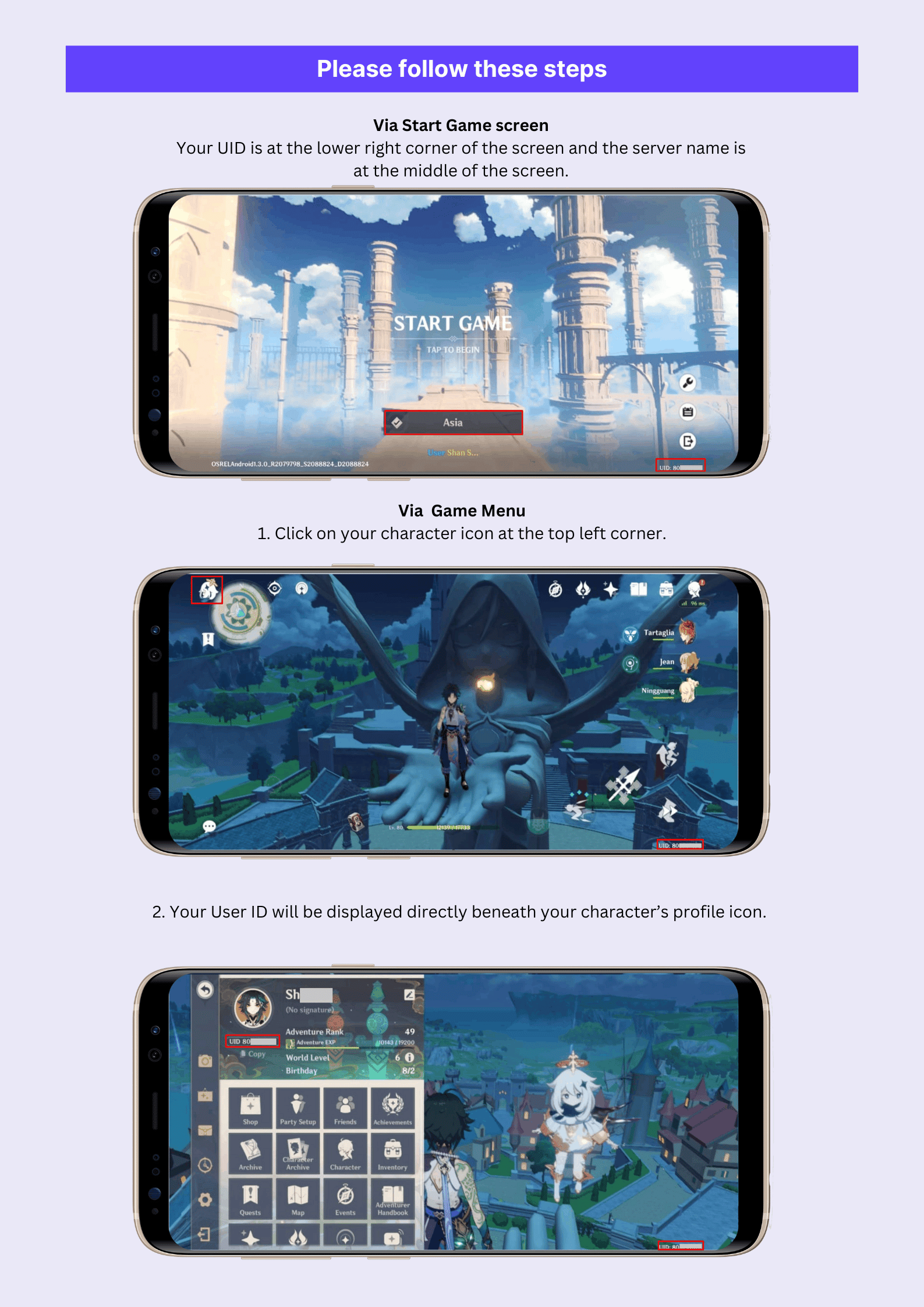
Always double-check the copied digits before submitting your order on VGTopup. Top-ups are processed automatically to the numeric ID submitted at checkout.
Step-by-Step Instructions to Recharge GHANNY on VGTopup
Recharging your coin balance on VGTopup is straightforward and requires no login credentials. Complete your order using the following simple steps:
- Select Your Package: Review the available coin denominations listed on the live checkout shelf above. Choose the package that matches your gifting and streaming needs.
- Enter Your Account Information: Type or paste your numeric ID into the Player ID field.
- Confirm Details: Review the entered Player ID carefully to prevent delivery to an incorrect account.
- Choose Payment and Checkout: Select your preferred payment option from the available multi-currency methods and submit the payment securely.
- Check Your In-App Balance: Once the transaction completes, open GHANNY and refresh your wallet profile to see your updated coin balance.
Package pricing and available denominations are displayed directly on the live checkout selection grid above, reflecting real-time rates.
Using GHANNY Coins: Virtual Gifts, PKs, and Audio Rooms
Coins are the primary driver of interaction within the GHANNY ecosystem. Having a ready supply of coins allows you to participate in all community activities without interruption:
| Feature | Coin Utility | Benefit to User & Creator |
|---|---|---|
| Virtual Gifting | Purchase animated roses, luxury vehicles, and stage effects | Directly supports live singers and boosts your fan ranking |
| Streamer PK Battles | Drop high-value gifts during timed head-to-head matches | Helps your favored streamer win competitive stage matches |
| Voice Room Priority | Reserve song slots and unlock exclusive audio filters | Ensures your turn in popular karaoke rooms without long waits |
| VIP Honor Badges | Upgrade your account level by sending gifts | Unlocks custom entry banners, special chat frames, and avatar rings |
By keeping your balance topped up, you can react instantly when a creator hits the stage or when an exciting PK match reaches its decisive final seconds.
Account Safety: Why Direct Player ID Top-Ups Protect You
Account protection is paramount when purchasing virtual currencies online. VGTopup relies strictly on direct ID injection to process your orders securely:
- Zero Password Sharing: You will never be asked for your account password, email credentials, phone verification codes, or linked social media logins. Your login data remains completely in your hands.
- No Account Handover: Because the recharge operates via direct server-side ID crediting, you do not need to log out or transfer temporary access to anyone else.
- Reduced Risk of Compromise: Keeping your login details private eliminates the risk of unauthorized account access, profile alterations, or unauthorized spending.
- Safe for Gifting: Because only the public Player ID is needed, you can safely surprise friends, family members, or favorite creators by sending coins directly to their accounts without needing their private information.
Order Delivery, Troubleshooting, and Support
VGTopup utilizes direct delivery processing to ensure quick fulfillment of your GHANNY orders. In rare cases where a recharge takes longer than expected to appear in your account, follow these practical troubleshooting steps:
- Restart the Application: Completely exit the GHANNY app on your device and reopen it. A fresh launch forces the app client to sync its balance with the official game servers.
- Check Your Order Status: Review your order confirmation page or email receipt on VGTopup to confirm that the transaction was approved and processed.
- Verify the Submitted ID: Compare the Player ID on your order receipt against your current in-app profile. Ensure you were not logged into an alternate or secondary account.
- Contact Customer Support: If your balance has not updated after restarting the app, reach out directly to the VGTopup customer support team. Provide your VGTopup Order Number and your GHANNY Player ID so our agents can trace and resolve the delivery promptly.
Frequently Asked Questions About GHANNY Top Up
How do I find my GHANNY Player ID for top up?
Open the GHANNY app, tap the Me / Profile tab in the bottom-right corner, and locate the numeric ID displayed under your profile avatar and username. Tap the copy icon next to the number to use it during checkout.
What information is required to recharge my GHANNY account?
You only need to provide your numeric Player ID and select your desired coin package. No passwords, private recovery codes, or linked third-party account logins are ever required on VGTopup.
Do I need to share my GHANNY password to receive coins?
No. VGTopup uses direct ID crediting to process your recharge. You should never share your GHANNY password or login credentials with anyone.
How long does it take for GHANNY coins to appear in my balance?
Recharges are processed directly upon payment verification. Once the order status shows completed, restart your GHANNY app to see the updated balance in your account wallet.
Can I top up GHANNY balance for a friend or another creator?
Yes. Since only the Player ID is required, simply enter your friend's or favorite streamer's GHANNY Player ID into the order field. The coins will be delivered directly to their profile balance.
What should I do if I entered the wrong GHANNY Player ID?
Recharges are automatically transmitted based on the ID provided. If you notice an error before the order completes, contact VGTopup customer support immediately with your order details. If the order has already been successfully delivered to an active account on the server, completed transactions cannot be reversed, so always double-check your ID before paying.
Select Denomination
Tax, payment fees and eligible coupons are calculated at checkout.
| Package | Price |
|---|---|
| GHANNY - GHANNY*10000 | USD 100.99 |
| GHANNY - GHANNY*30000 | USD 302.96 |






























































