When encountering a Dragon Nest M Classic login failed error or authorization loop, the fix usually requires clearing corrupted third-party authentication cache, verifying device OS compatibility against the Android 12L minimum, and confirming your designated server cluster before retrying the handshake. Following this sequence restores connection to the authentication servers without risking your character profile or bound account data.
Troubleshooting Authorization and Login Handshake Errors
Players frequently encounter the error message: "Failed to connect to the authorization" server, documented in client issues such as version 1.44.123 on RageZone. This occurs when the local client downloads game updates successfully but fails to complete the authentication handshake with the gateway.
To resolve this authentication failure on Android, follow these troubleshooting steps in order:
- Clear Google Play Games Cache: Open your device Settings, tap Apps (or See all apps), select Google Play Games, tap Cache, and select Clear cache per Google Play Help.
- Clear Google Play Services Cache: Repeat the identical clear-cache process for Google Play services in your device app list.
- Clear Dragon Nest M Classic Game Cache: Go to the game client inside Settings > Apps, tap Cache, and choose Clear cache. Do not select "Clear data" if you are using an unbound guest profile, or your local progress may be erased.
- Check for Store Updates: Open the Google Play Store, go to Manage apps & device, check for items marked "Update available", and update both the game and system authentication apps.
- Restart and Re-authenticate: Relaunch the client and initiate your login via your bound service.
Verify Android OS Compatibility Requirements
Authentication and client startup errors can also stem from operating system incompatibility. According to technical specifications compiled by Uptodown, the latest version of Dragon Nest M: Classic requires Android 12L or higher.
Older Android builds can prevent the handshake from completing even on stable connections. Check your system build under Settings > About Phone > Android Version to confirm the device meets the Android 12L requirement before attempting advanced account recovery.
Publisher attribution varies between distribution sources: Uptodown lists the developer as Eyedentity, while listings like BlueStacks attribute publishing rights to 7road International HK Limited. Download client patches only from authorized storefronts to avoid signature mismatches that break third-party account links.
Server Selection and Preventing Character Loss
Many apparent account resets are simply server selection mix-ups. Character data in Dragon Nest M Classic is locked to specific server clusters rather than unified across the entire regional network.
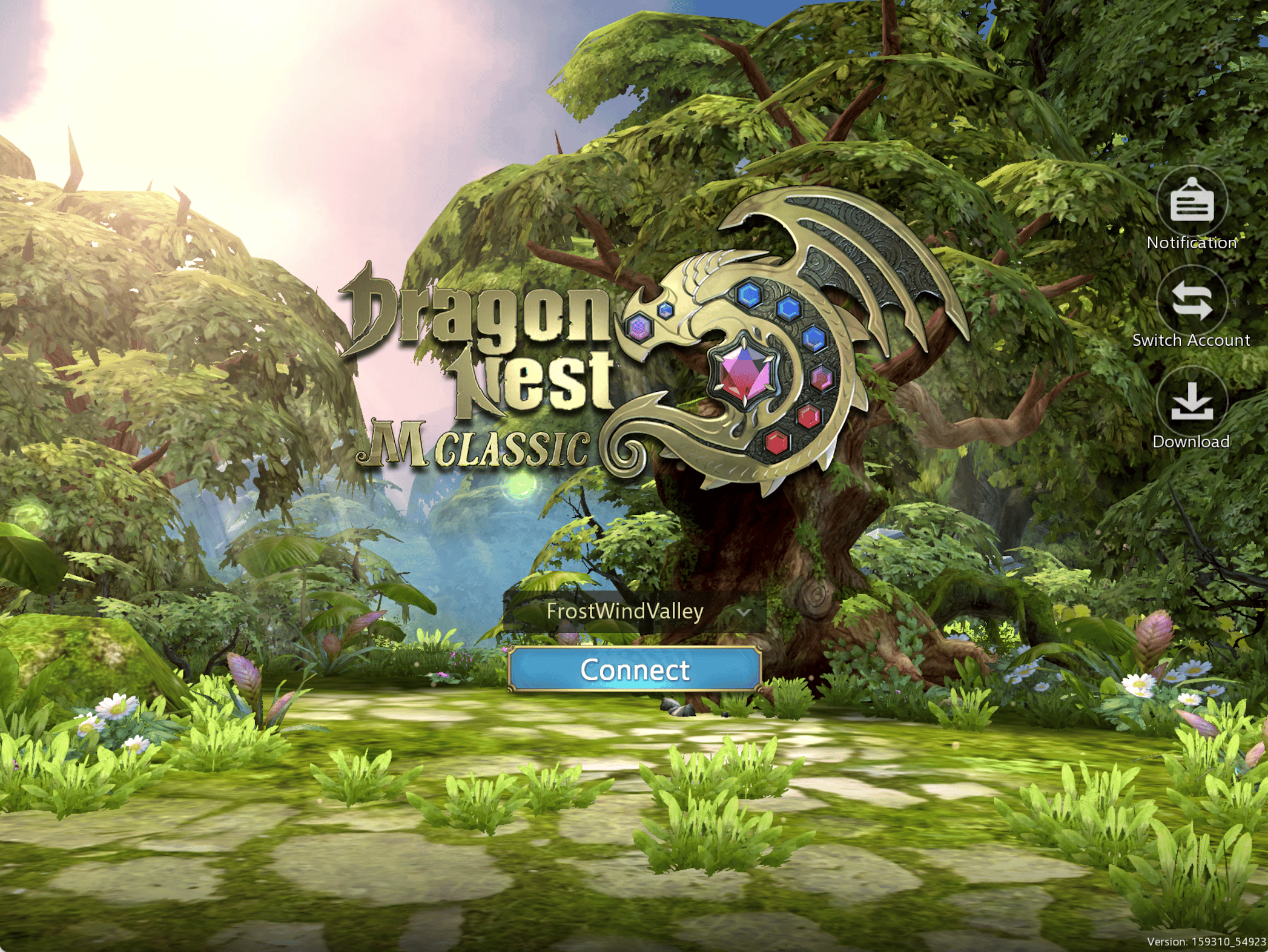
Before assuming your account link failed or your character was wiped, check the top of your login screen or the character selection menu. Your assigned Server ID—such as S1 - Saint Haven or S4 - Calderock—is explicitly displayed there, as outlined by VGTopup.
| Setting / Area | What to Verify | Why It Matters |
|---|
| Login Screen Top Header | Server designation (e.g., S1, S4) | Logging into the wrong cluster shows an empty character creation screen. |
| Character Selection | Region & Server ID label | Prevents mistaken guest account overwrites across regional shards. |
| App Cache Settings | Device Settings > Apps > Storage > Cache | Clears stale tokens without deleting local guest profile records. |
| OS Version | Android 12L or newer | Meets official baseline requirements for auth server communication. |
If you switch servers to play with friends, your original progress remains intact on your initial cluster. Always note your exact server name before switching devices or linking your profile.
Protecting Bound Accounts and In-Game Assets
Once you re-establish your login connection, bind your guest profile immediately to a third-party provider to safeguard your progression. Bound accounts protect character levels and premium balances—specifically Dragon Nest M Classic Cash, which is used for cosmetic outfits, mount eggs, Dragon Jade upgrade chests, stamina refreshes, and seasonal DN Passes across competing platforms like SEAGM, G2G, and VGTopup.
If the authorization server connection drops during peak maintenance periods, avoid repeatedly reinstalling the app. Doing so can purge local guest tokens before they are safely bound to your permanent login credentials.









Comments