



Yoki Top Up: Credits and In-App Features Explained
Yoki is an interactive mobile voice chat application designed for live group conversations, audio streaming rooms, mini-games, and one-on-one connections. Within the app, in-app coins and credits serve as the core currency that powers real-time social interaction. Users spend these credits to send dynamic digital gifts to room hosts, activate special entry animations, unlock customizable profile badges, and start private audio calls.
Please note: This service is exclusively for the Yoki mobile voice chat and social entertainment platform. It is not affiliated with any cryptocurrency tokens, blockchain projects, or food products sharing the same name. If you use the Yoki app on your Android or iOS device to hang out in voice rooms and meet new people, this is the correct portal to recharge your account balance.
Having an active balance of Yoki coins allows you to participate fully in community activities and show support for your favorite broadcasters. Below is an overview of how in-app credits function across the platform:
| Feature | Credit Utility | Primary Benefit |
|---|---|---|
| Live Room Gifting | Sending animated gifts | Boosts room popularity and supports streamers |
| Private 1v1 Audio | Direct call minutes | Enables uninterrupted private voice chat |
| VIP Profile Customization | Special frames and titles | Highlights your profile across public lists |
| Entrance Effects | Custom arrival animations | Announces your arrival in active voice rooms |
Step-by-Step Guide: How to Top Up Yoki with Player ID
Recharging your Yoki balance through VGTopup takes only a couple of minutes. Because the transaction works directly through your numeric account identifier, you never need to share sensitive login credentials.
- Select Your Credit Amount: Review the available coin packages on the live checkout selection menu above and choose the tier that matches your needs.
- Input Your Player ID: Enter your exact Yoki numeric Player ID in the required field. Make sure to double-check the digits to prevent delivery to the wrong account.
- Select Your Payment Method: Choose from the available regional or international payment solutions provided on the secure checkout screen.
- Finalize the Order: Confirm your transaction details and complete the payment process.
- Check In-App Balance: Once the payment completes, open the Yoki application on your phone, head to your profile page, and verify your updated coin total.
How to Find Your Yoki Player ID in the App
Your Player ID is a unique numeric code tied directly to your Yoki account profile. You must provide this ID so the top-up reaches your specific balance without requiring account passwords.
Follow these quick steps to copy your identifier:
- Open the Yoki app on your mobile phone or tablet.
- Log into your account if prompted.
- Tap the Profile or Me icon located in the lower-right corner of the main screen.
- Look directly below your profile avatar and username. You will see an ID line followed by a string of numbers.
- Tap the copy icon next to the number, or write down the exact digits carefully.
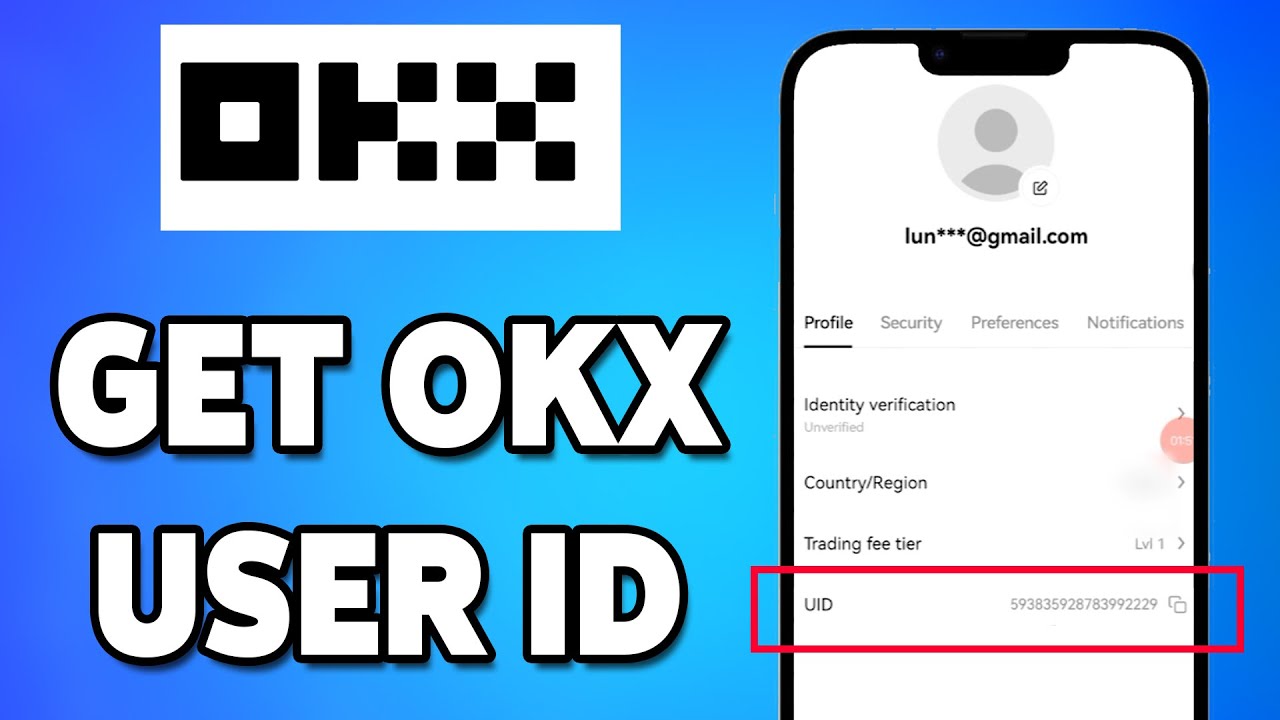
Paste this exact number into the Player ID box on the VGTopup product page before submitting your order.
Safe and Secure Yoki Recharge: Why No Password is Required
Account safety is a major priority when purchasing digital credits online. VGTopup uses a direct Player ID delivery mechanism that requires zero access to your personal login information.
- No Passwords or OTPs: You will never be asked for your account password, email login, Facebook/Google authentication keys, or SMS verification codes.
- Zero Account Takeover Risk: Because third parties never log into your profile, your private messages, friend lists, and account ownership remain completely in your hands.
- Data Privacy: Your Player ID is solely used to route the purchased coin package to the correct account via server-level processing.
Never share your password or temporary login links with anyone claiming to offer top-ups. A legitimate direct recharge only requires your public Player ID.
Accepted Payment Options on VGTopup Live Checkout
VGTopup provides flexible, localized, and global payment options to ensure a smooth purchasing experience no matter where you are located. Payment gateways are regularly updated to support secure processing.
Available options on the live checkout screen include:- Major credit and debit cards (Visa, Mastercard, and regional card networks)- Digital e-wallets and local payment apps- Secure direct online banking transfers- Alternative digital currency checkout options
Exact exchange rates, processing currencies, and pack prices are displayed directly on the live checkout panel above in real time. Select your region during checkout to view the specific payment methods supported in your country.
Troubleshooting Common Yoki Top-Up Issues
While most recharges process smoothly, occasional network or input errors can happen. Use this guide to resolve typical issues quickly:
1. The Coins Have Not Arrived in the App
- Force Restart the App: Close Yoki completely from your background app switcher and reopen it. In-app balances often need a fresh session to sync with the server.
- Verify Order Status: Check your order confirmation page on VGTopup to ensure the payment status reads as completed rather than pending.
- Check Internet Connection: Switch between Wi-Fi and cellular data to rule out local connectivity delays.
2. An Incorrect Player ID Was Entered
- If you notice a typo immediately after submitting your order, contact VGTopup customer support as fast as possible with your order number and the correct ID.
- Please note that if an order has already been processed and delivered to an existing third-party ID on the Yoki network, completed transactions cannot be reversed.
3. Payment Was Deducted but Order Shows Incomplete
- Allow a few minutes for bank gateway confirmation to return to the checkout system.
- Save your payment receipt or transaction reference number and reach out to VGTopup support so an agent can manually verify and finalize the queue.
Frequently Asked Questions About Yoki Recharge
How do I top up coins on Yoki?
To top up coins, choose your desired coin package on the VGTopup product page, enter your Yoki Player ID, select your preferred payment option, and complete the transaction. The credits are delivered straight to your account balance.
Where can I find my Yoki Player ID?
Open the Yoki mobile application, tap the Profile (Me) tab in the bottom right corner, and locate the numeric ID displayed directly beneath your profile picture and nickname.
Do I need to share my Yoki account password to recharge?
No. You only need to provide your numeric Player ID. VGTopup will never ask for your account password, email login, or two-factor authentication codes.
How long does it take for Yoki credits to arrive?
Credits are dispatched immediately once payment confirmation is received by our automated system. In most cases, the balance updates in your app within minutes.
What can I use Yoki credits for in the app?
You can use Yoki credits to purchase animated virtual gifts for hosts in voice chat rooms, pay for private 1v1 voice conversations, unlock profile frames, and activate special room entry animations.
What should I do if my Yoki recharge does not appear?
First, restart the Yoki application to refresh your account data. If the balance still does not update, verify your order status on VGTopup and contact customer support with your order number and Player ID for prompt assistance.
Select Denomination
Tax, payment fees and eligible coupons are calculated at checkout.
| Package | Price |
|---|---|
| Yoki - Yoki*20000 | USD 1.06 |
| Yoki - Yoki*25000 | USD 1.32 |
| Yoki - Yoki*30000 | USD 1.59 |
| Yoki - Yoki*50000 | USD 2.65 |
| Yoki - Yoki*70000 | USD 3.71 |
| Yoki - Yoki*100000 | USD 5.30 |
| Yoki - Yoki*200000 | USD 10.59 |
| Yoki - Yoki*500000 | USD 26.48 |
| Yoki - Yoki*700000 | USD 37.07 |
| Yoki - Yoki*1000000 | USD 52.96 |
| Yoki - Yoki*2000000 | USD 105.91 |
| Yoki - Yoki*5000000 | USD 264.78 |






























































